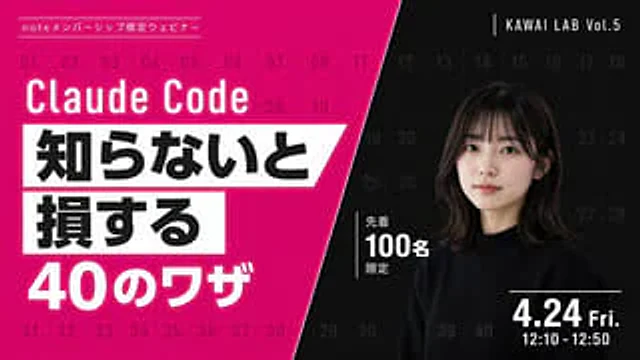
Modern Webinar Promotional Banner

Modern Webinar Promotional Banner

Documento original

GPT Image 2 · en

{
  "type": "Webinar promotional banner",
  "style": "Modern style, eye-catching layout, high contrast, diagonal division layout",
  "background": {
    "pattern": "A light grid consisting of 40 sequential numbers from 01 to 40 covering the entire canvas.",
    "left_color": "Bright magenta",
    "right_color": "black",
    "split_style": "A sharp diagonal line from the top center to the bottom left corner"
  },
  "left_section": {
    "top_label": "{argument name=\"top label\" default=\"Note: Member-only webinars\"}",
    "title": "{argument name=\"main title\" default=\"Claude Code\"}",
    "highlight_box_1": {
      "text": "{argument name=\"highlight text 1\" default=\"If you don't know, you will\"}",
      "style": "Black text on a white slanted rectangular background"
    },
    "highlight_box_2": {
      "text": "{argument name=\"highlight text 2\" default=\"suffer a loss\"}",
      "style": "Black text on a white slanted rectangular background"
    },
    "bottom_text": "40 Tips"
  },
  "right_section": {
    "top_right_label": "KAWAI LAB Vol.5",
    "subject": "A portrait of a young Japanese woman with shoulder-length dark hair and bangs, wearing a black crew-neck sweater, looking naturally at the camera.",
    "middle_badge": {
      "text": "Limited to the first 100 people",
      "style": "White text with vertical lines"
    },
    "bottom_right_date": "{argument name=\"date and time\" default=\"Friday, April 24th, 12:10 - 12:50\"}"
  }
}

Cómo usar

  1. Copia el prompt original completo, incluidos los parámetros.
  2. Adapta el tema, el texto y la composición a tus necesidades.
  3. Usa una herramienta externa compatible; comprueba el acceso y el resultado.

Antes de empezar

  • Comprueba si necesita una imagen de referencia. La compatibilidad no demuestra qué modelo generó el ejemplo.
  • Revisa nombres, cifras y textos; el resultado puede variar entre versiones del modelo.

Ejemplos similares

Web Design Course Promotional Banner
GPT Image 2en

{ "type": "Webpage banner ads", "style": "Simple, modern, and bright, with soft gradient accents and polka dot patterns in the corners.", "background_image": "{argument name=\"subject description\" default=\"A young Japanese woman smiled, looking at her laptop screen, her c

Japanese Beer Advertisement Banner
GPT Image 2en

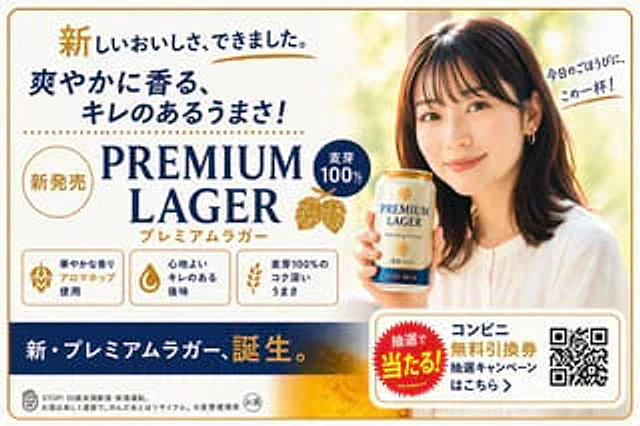
{ "type": "Japanese beverage advertising banner", "subject": { "description": "A young Japanese woman, with a warm smile, gazes at the audience, wearing a white shirt and holding a can of beer.", "speech_bubble": "{argument name=\"speech bubble text\" default=\"This i

4-Panel Japanese Banner Ad Grid
GPT Image 2en

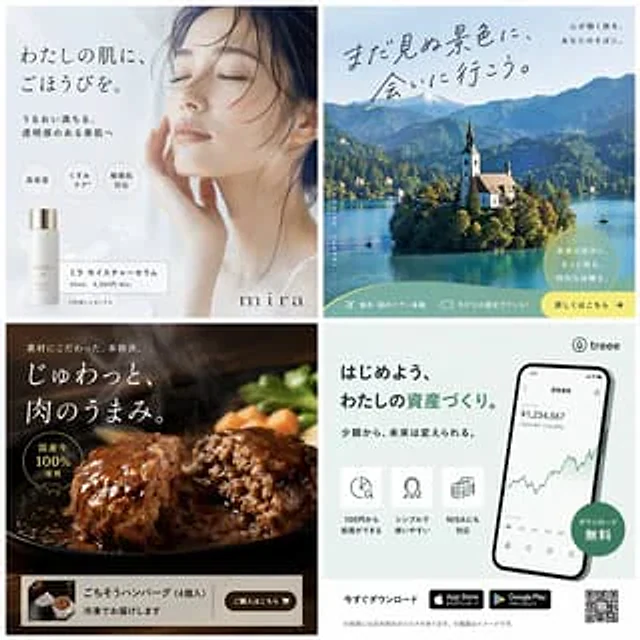
{ "type": "{argument name=\"grid layout\" default=\"2x2 Japanese-style banner advertising grid\"}", "panels": [ { "position": "Top left", "theme": "Skin care cosmetics", "subject": "A close-up portrait of a serene woman with her eyes closed, gently touch

Intense Japanese Promotional Poster
GPT Image 2en

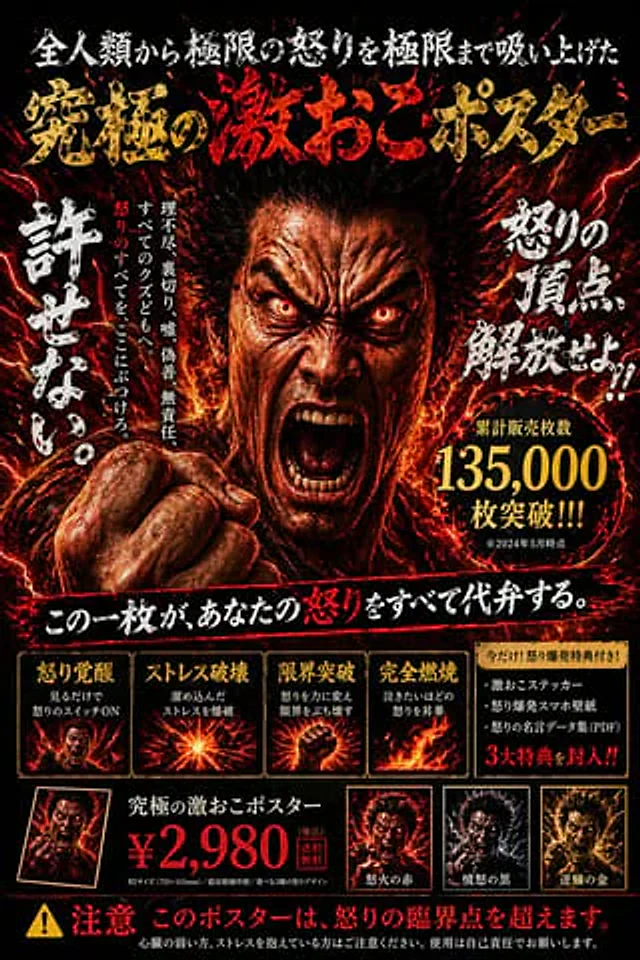
{ "type": "Japanese-style promotional poster", "style": "Extreme tension, fiery, dark realism, high contrast", "centerpiece": "Close-up: An angry Asian man roars, his eyes flashing red, veins bulging, fists clenched, surrounded by a halo of flames and flashes of red lightni

Cosmetics Promotional Web Banner
GPT Image 2en

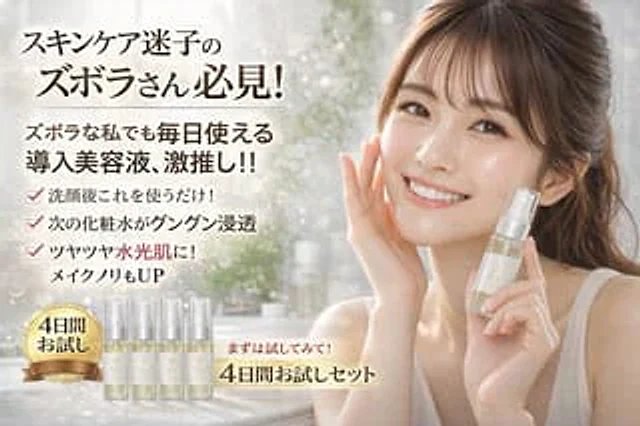
{ "type": "Cosmetics promotional webpage banner", "subject": { "description": "A smiling young East Asian woman, with radiant, glowing skin, wore a simple white tank top, her hair tied up with a few loose strands. She gently touched her right cheek with her right hand, an

Japanese AI Design Webinar Thumbnail
GPT Image 2en

Create a clean, modern 16:9 widescreen Japanese webinar thumbnail with a corporate tech design style. Use a very light gray background, paired with subtle diagonal translucent panels and striking electric blue geometric accents, including three angular blue and white ribbon shape