Documento original
GPT Image 2 · en
Scene:
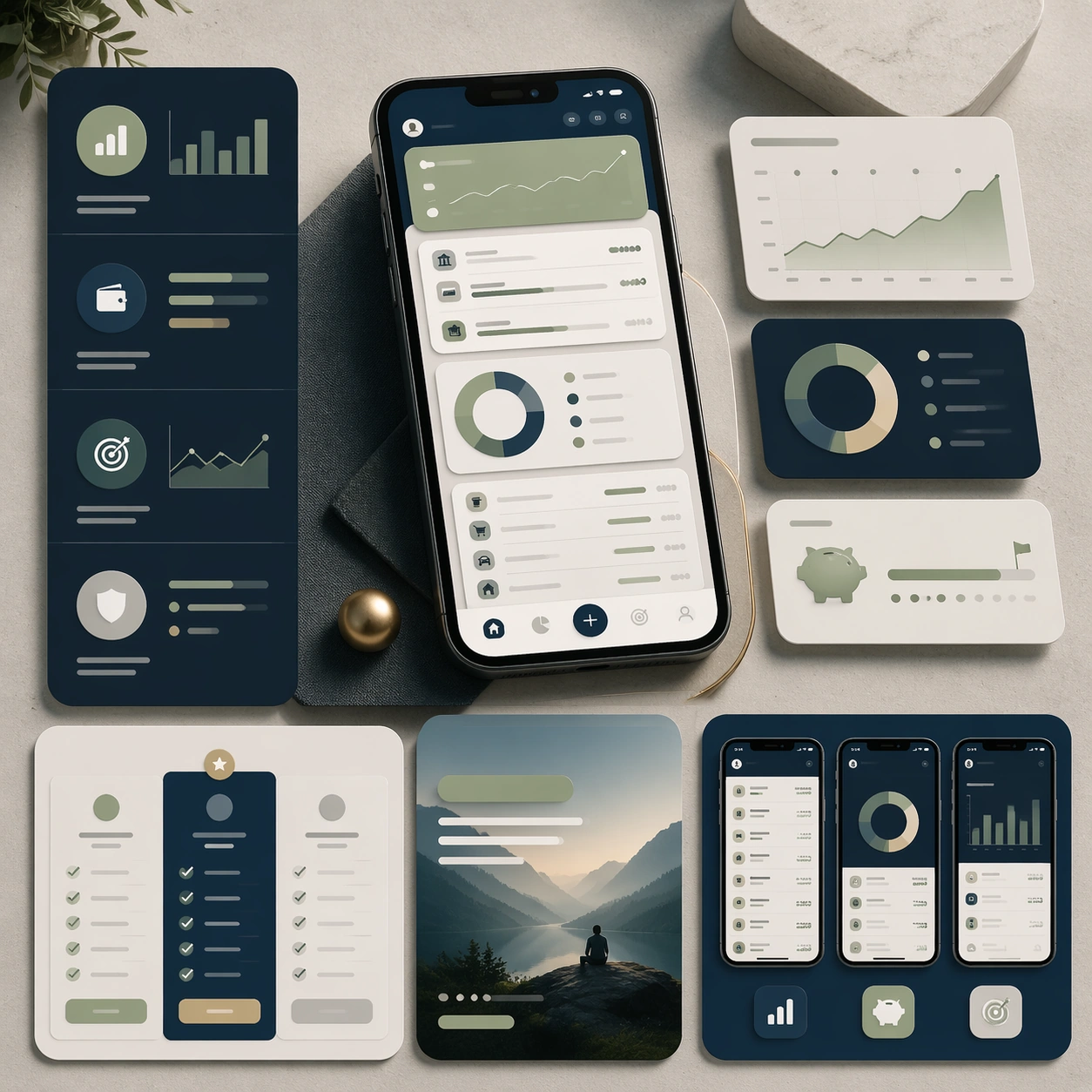
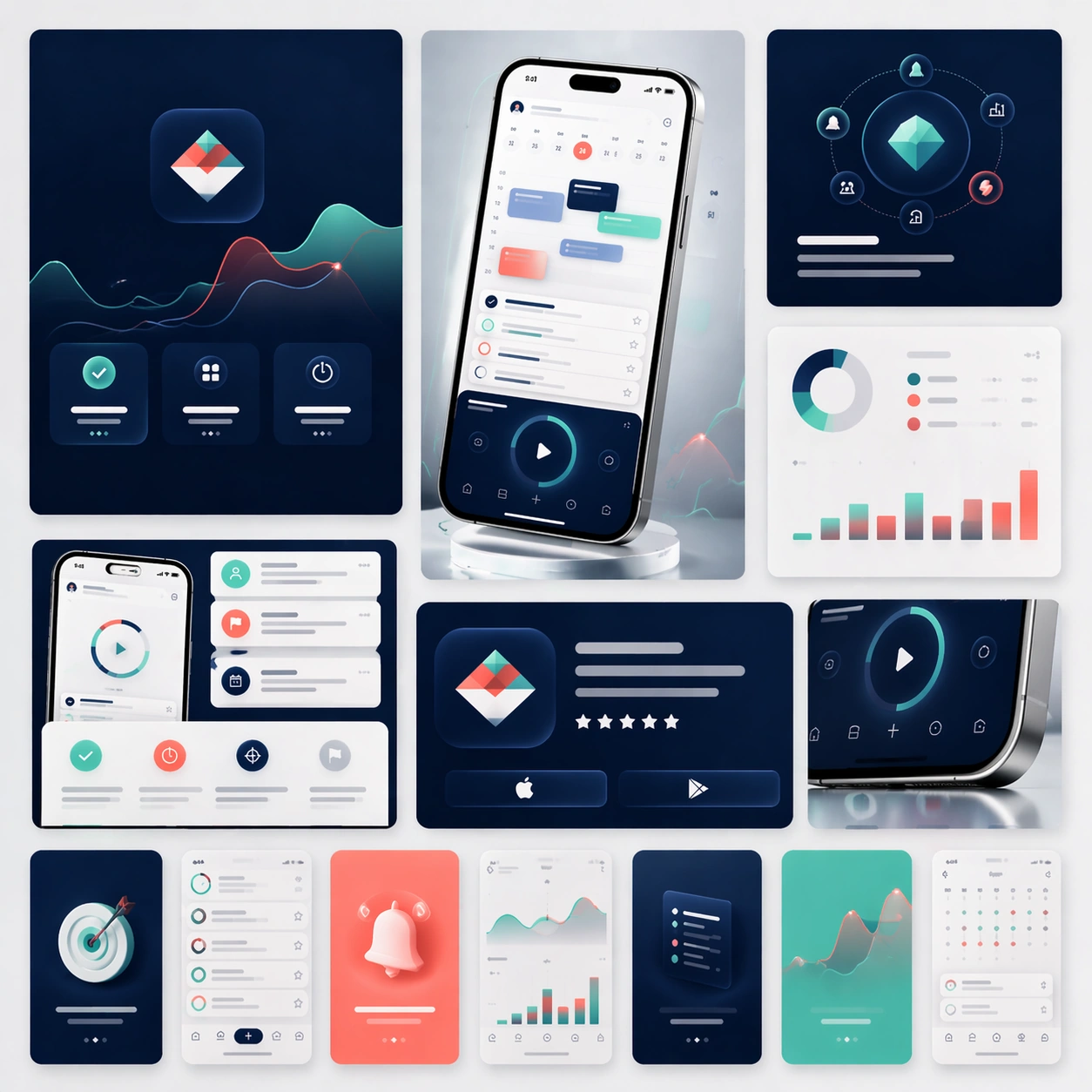
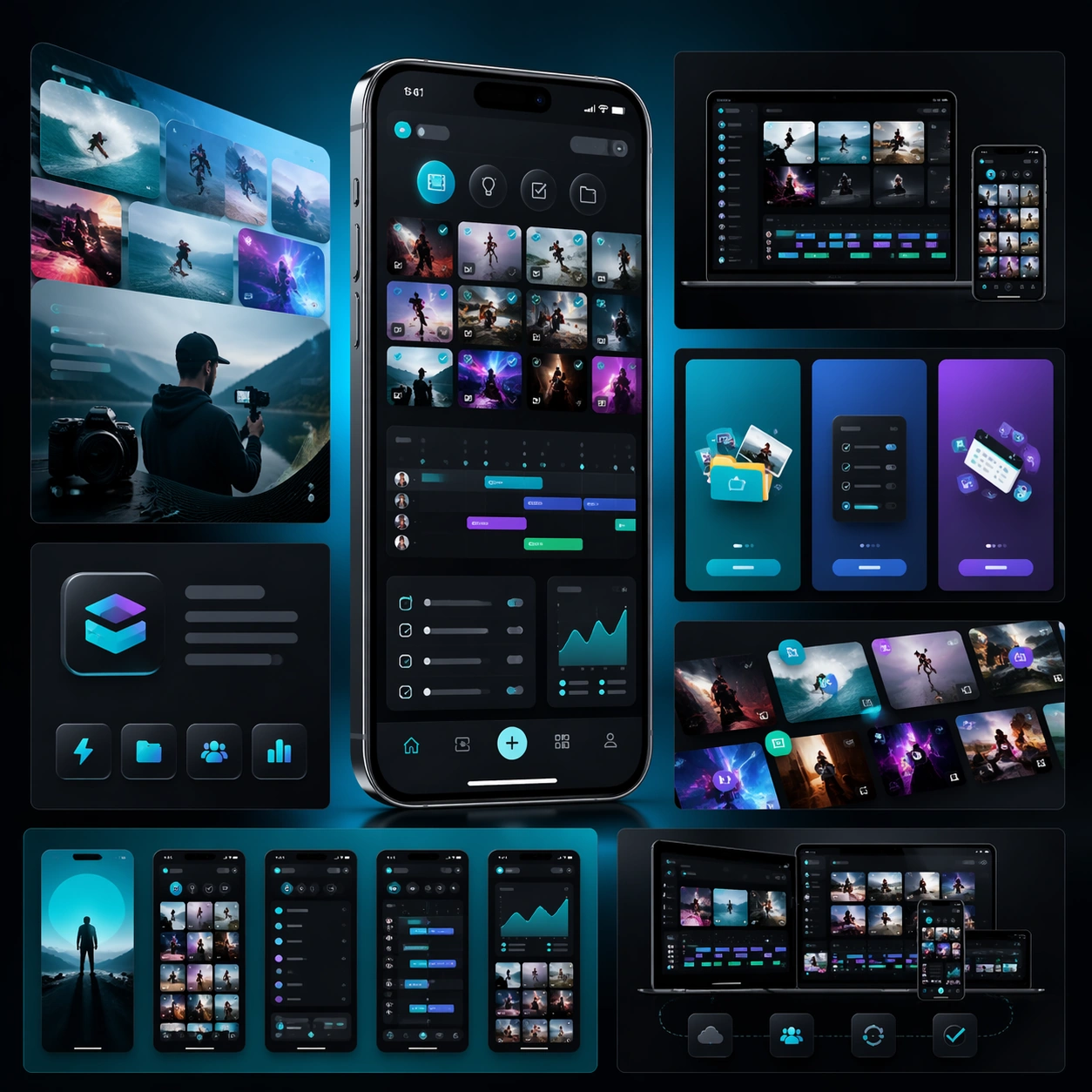
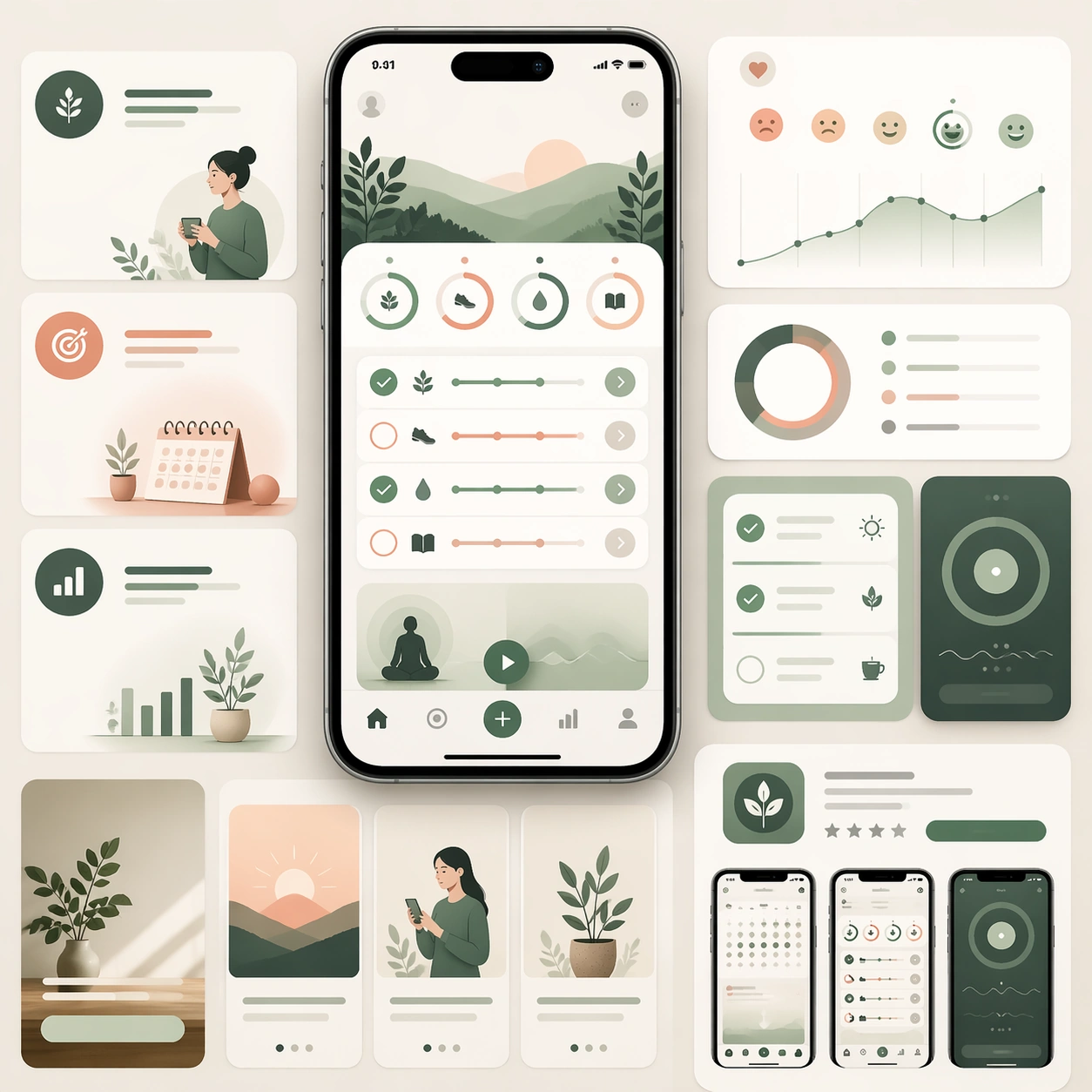
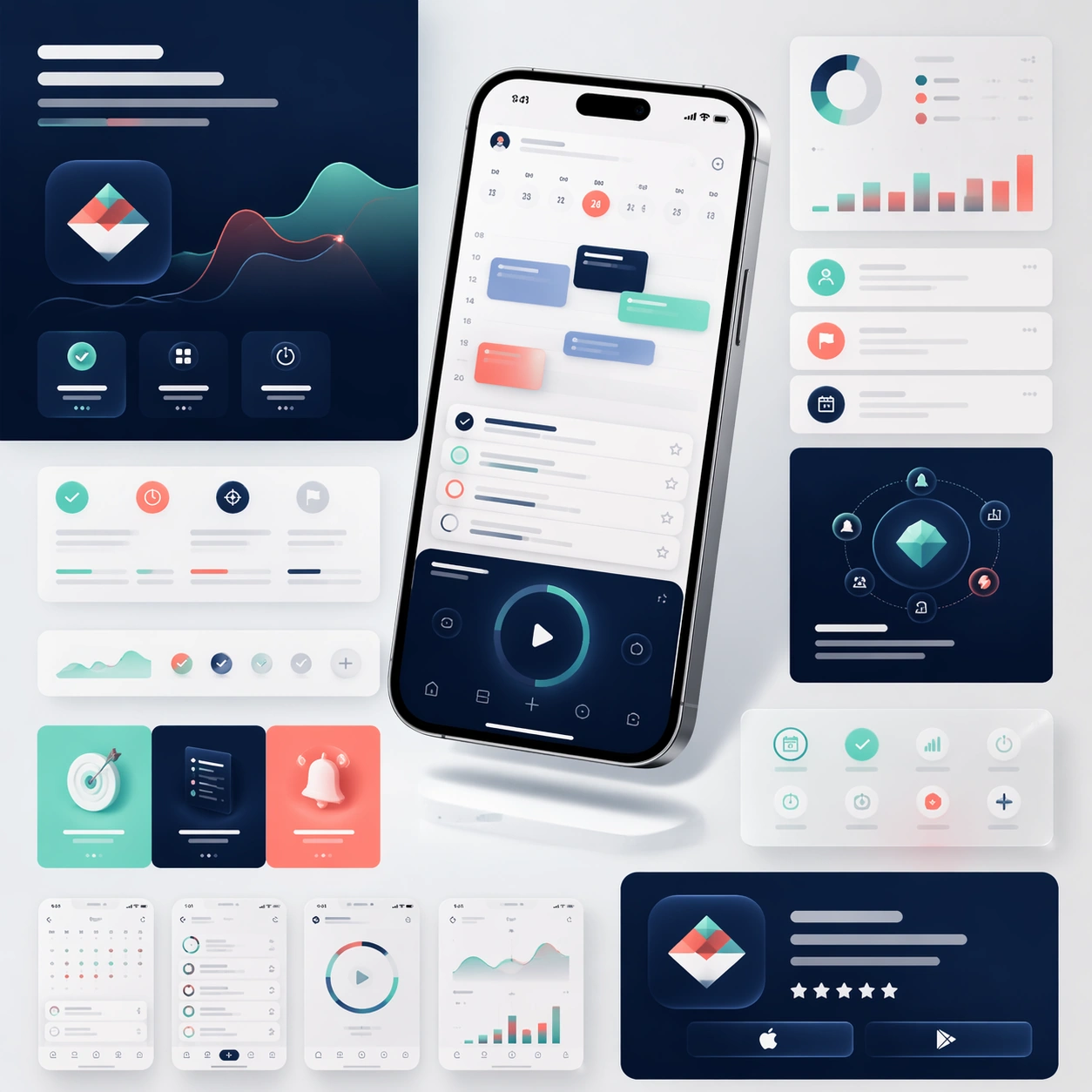
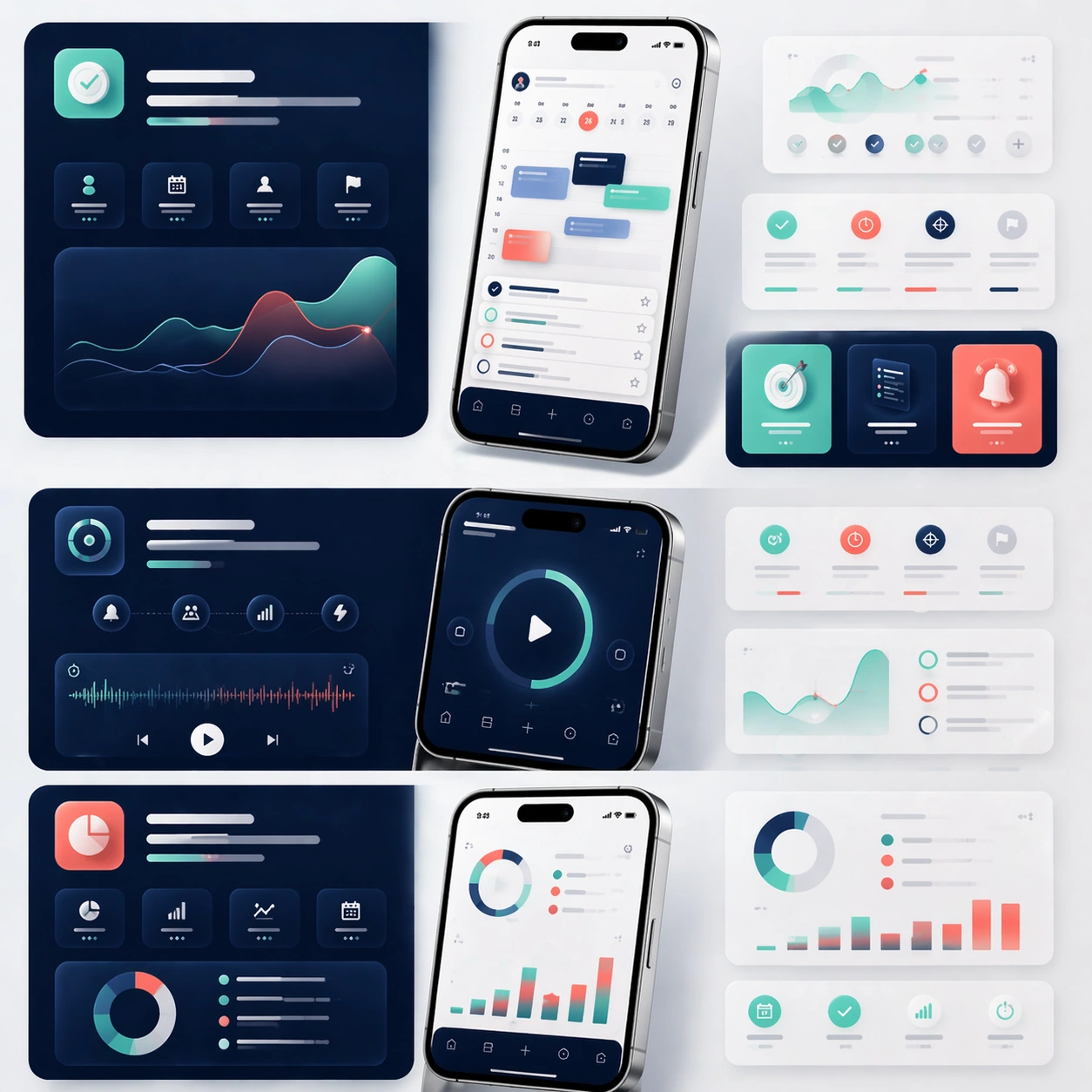
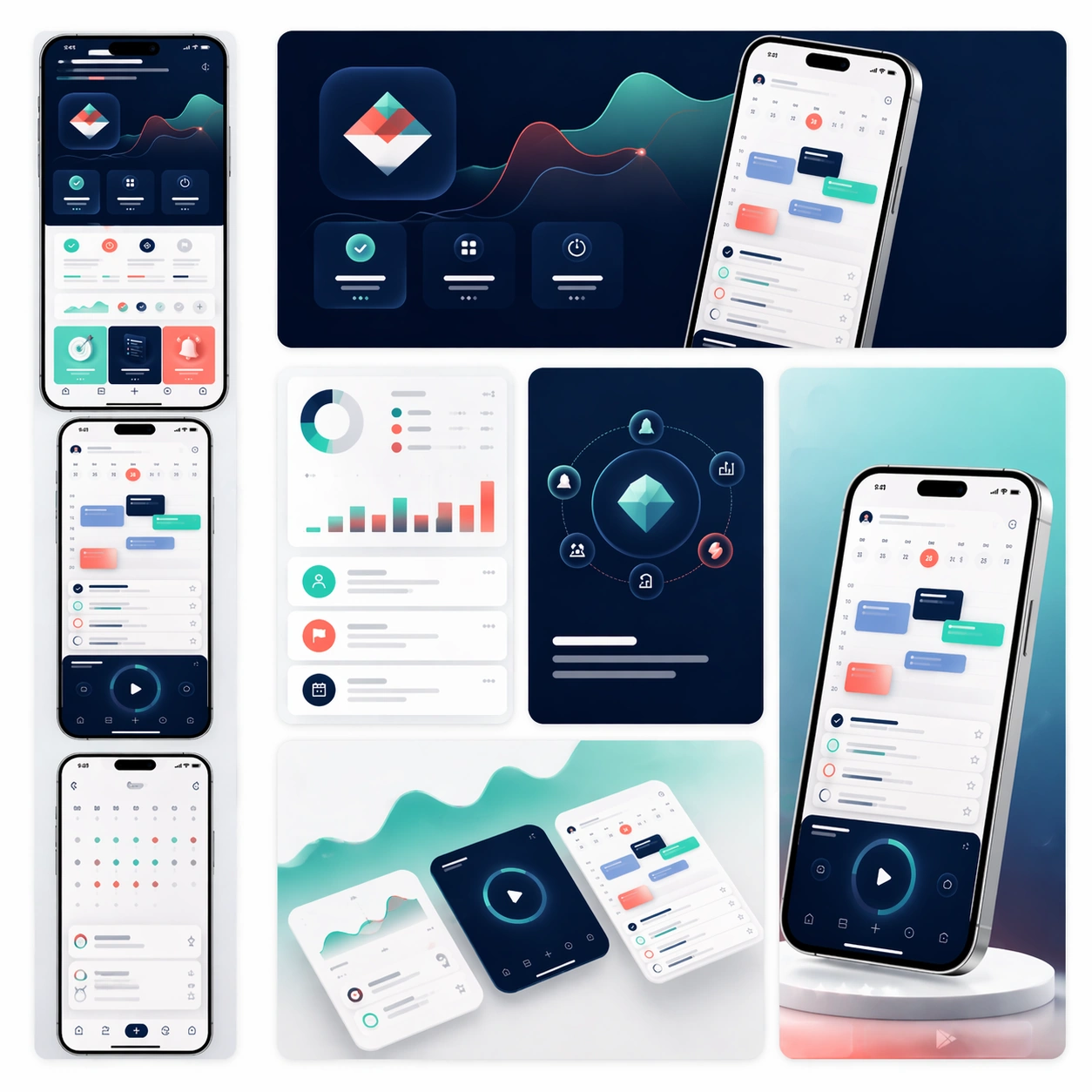
A square commerce-style presentation board that feels like an App Store asset family arranged on one clean tabletop. Compose the image as a grid of screenshot cards, promotional tiles, cropped hero devices, and a few soft background gradients that give the board a premium launch-day energy. Lighting should be bright and precise, like a studio product shoot mixed with a high-end design review board.

Subject:
Preserve exact face-value identity from the reference app system: the same interface hierarchy, dashboard widgets, navigation patterns, color tokens, hardware frame shape, and overall product temperament. Reformat that same app into store-ready deliverables: a vertical screenshot strip, a landscape promotional banner crop, a close-up card showing progress analytics, a card highlighting calm task planning, and one concise hero tile built around the same device render. Everything should feel like one official launch package prepared for marketplace submission and paid acquisition. The assets should suggest conversion-oriented clarity, not noisy experimentation.

Important details:
Maintain consistent spacing, reflective device realism, clean shadows, and disciplined module hierarchy. Let the visuals imply copy zones and selling points through shape and layout only, since no readable text is allowed. The board must look scalable across storefront and ad placements, with every component clearly related to the same app reference. Aim for professional platform polish, modularity, and real product-market credibility.

Use case:
App Launch Marketing Page Kit series study 3/4, adapting the core product identity into a store-ready promotional matrix.

Constraints:
No readable text, no watermark, no logos, preserve exact 1:1 aspect ratio, preserve the same app identity from the reference, no mismatched screenshot styles, no crowded coupon graphics, no fake app-store badges, no extra devices unrelated to the system.
Cómo usar
- Copia el prompt original completo, incluidos los parámetros.
- Adapta el tema, el texto y la composición a tus necesidades.
- Usa una herramienta externa compatible; comprueba el acceso y el resultado.
Antes de empezar
- Comprueba si necesita una imagen de referencia. La compatibilidad no demuestra qué modelo generó el ejemplo.
- Revisa nombres, cifras y textos; el resultado puede variar entre versiones del modelo.