원본 문서
GPT Image 2 · en
Scene:
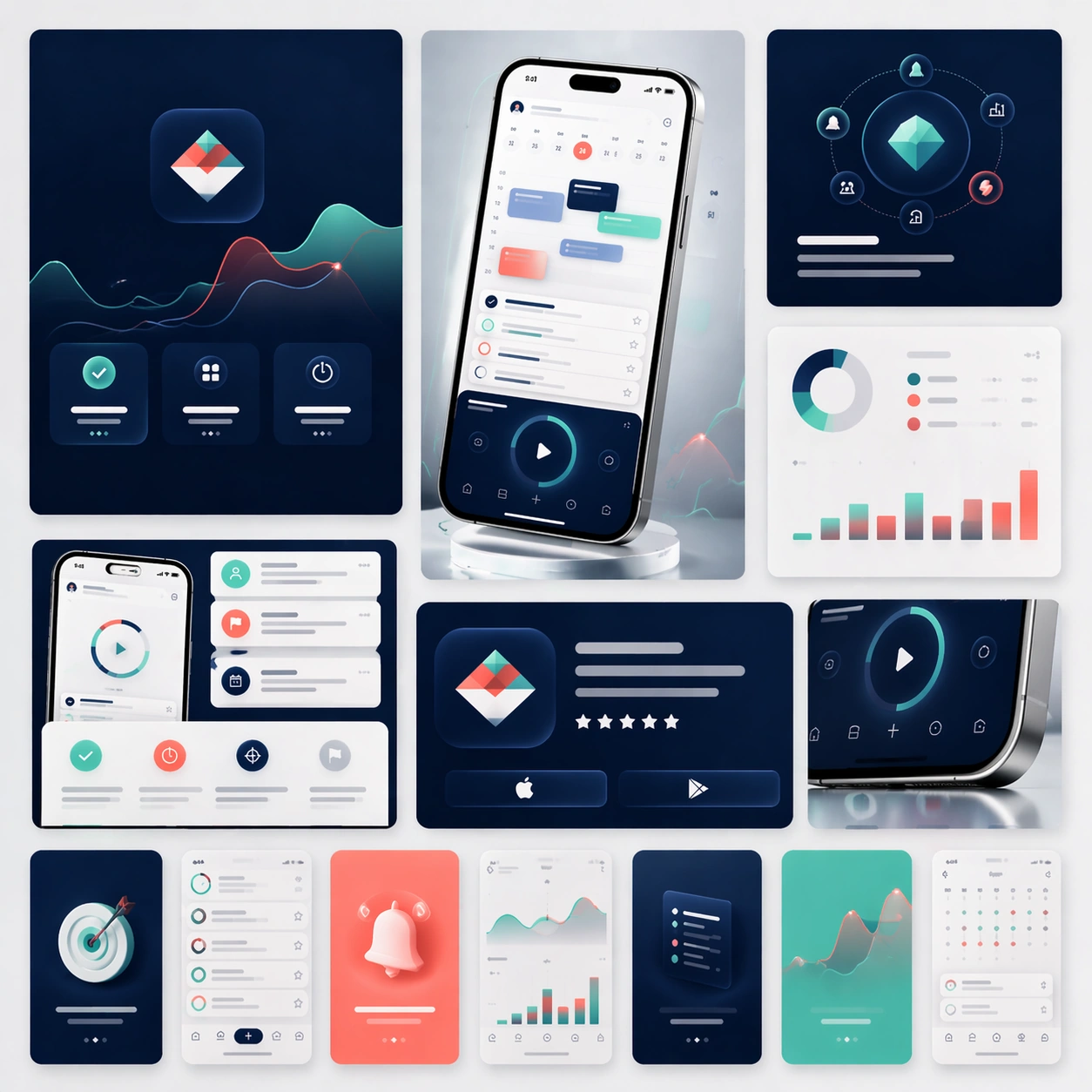
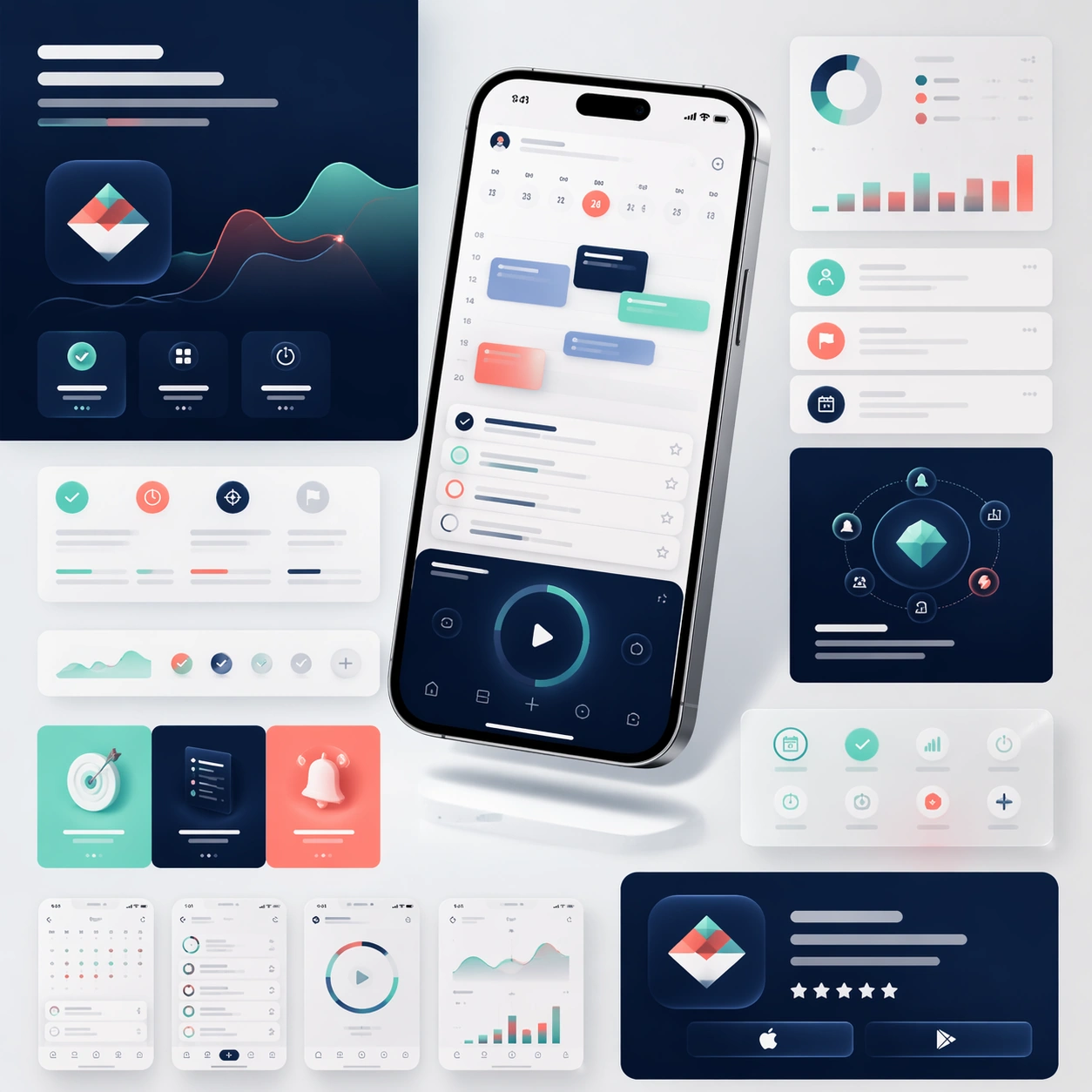
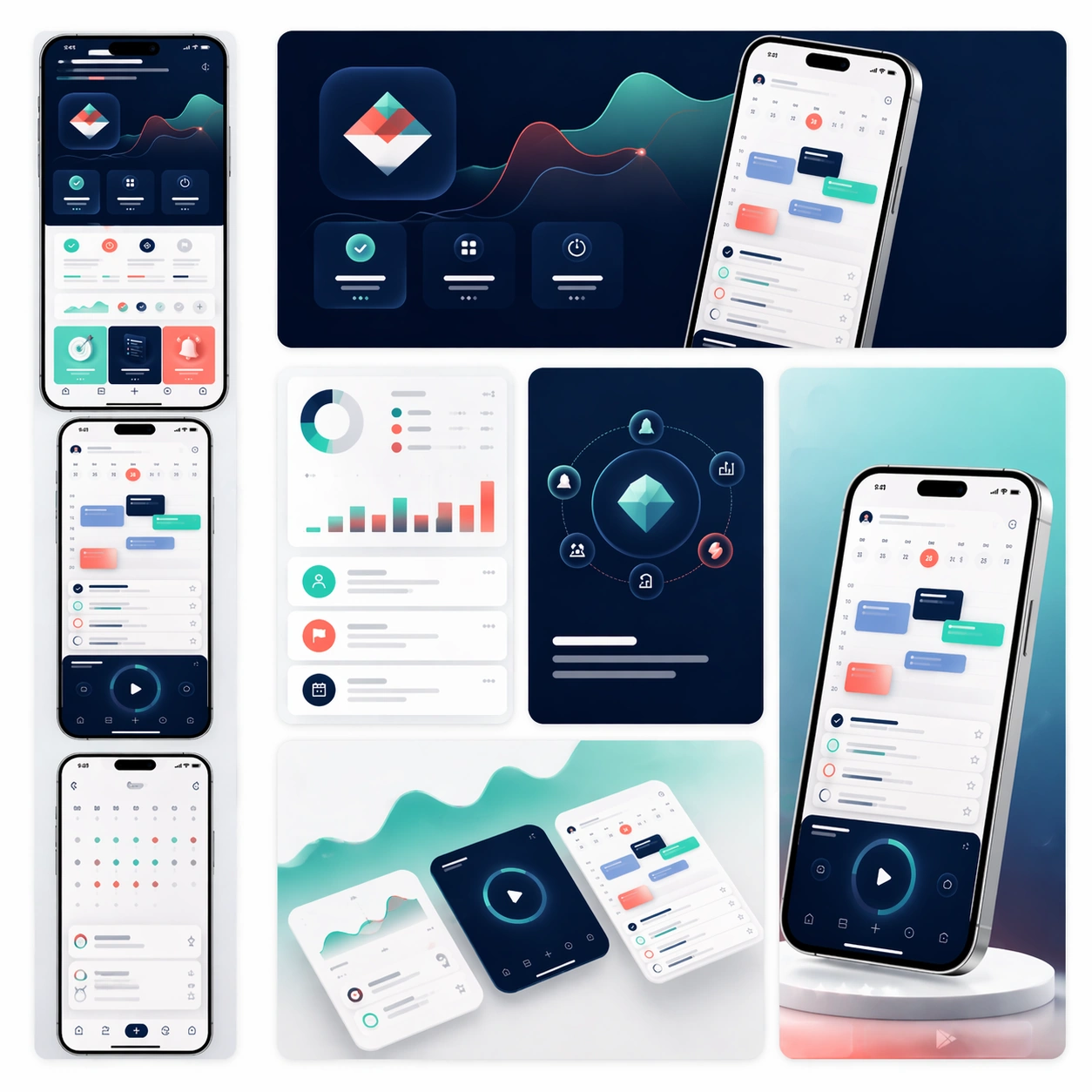
A square commerce-style presentation board that feels like an App Store asset family arranged on one clean tabletop. Compose the image as a grid of screenshot cards, promotional tiles, cropped hero devices, and a few soft background gradients that give the board a premium launch-day energy. Lighting should be bright and precise, like a studio product shoot mixed with a high-end design review board.

Subject:
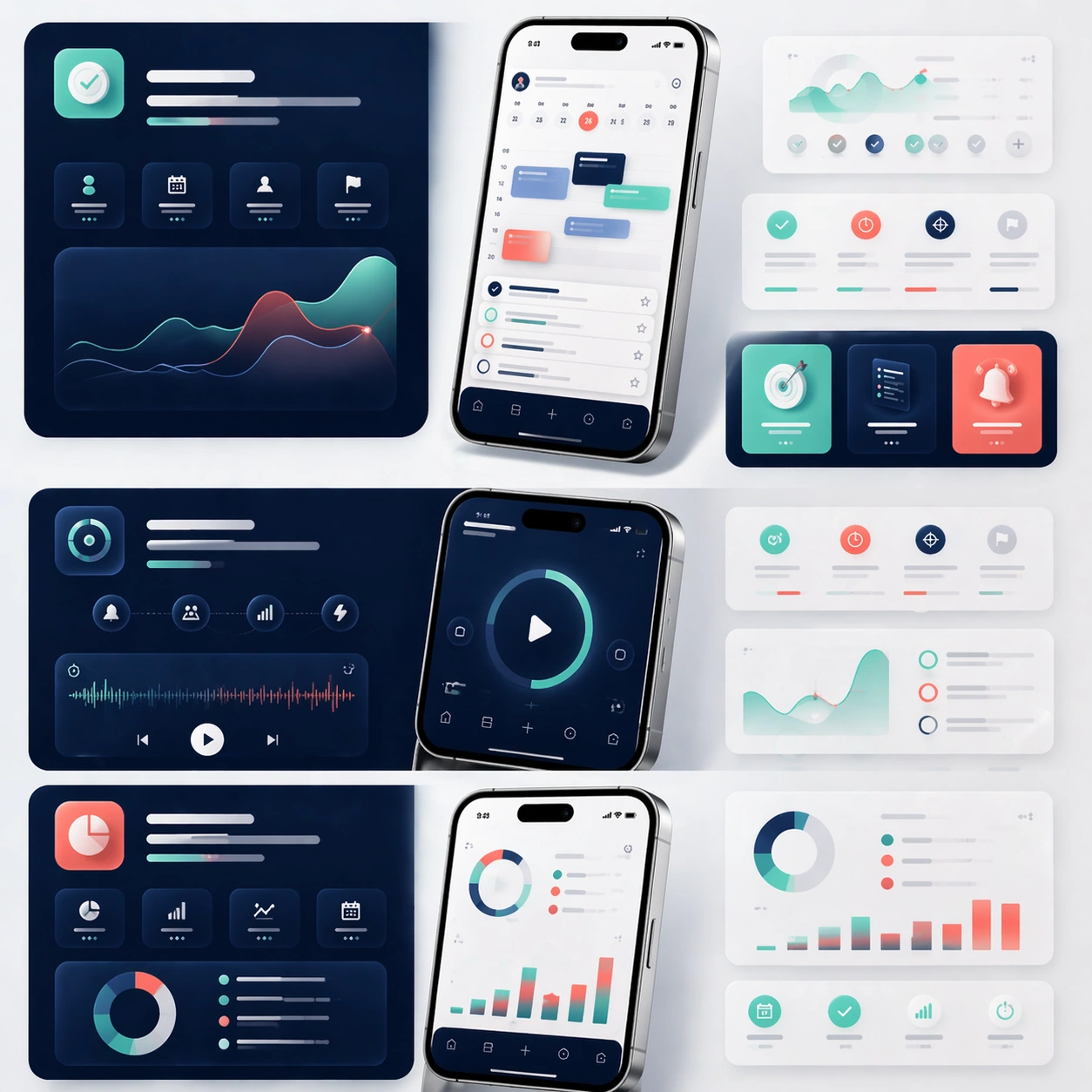
Preserve exact face-value identity from the reference app system: the same interface hierarchy, dashboard widgets, navigation patterns, color tokens, hardware frame shape, and overall product temperament. Reformat that same app into store-ready deliverables: a vertical screenshot strip, a landscape promotional banner crop, a close-up card showing progress analytics, a card highlighting calm task planning, and one concise hero tile built around the same device render. Everything should feel like one official launch package prepared for marketplace submission and paid acquisition. The assets should suggest conversion-oriented clarity, not noisy experimentation.

Important details:
Maintain consistent spacing, reflective device realism, clean shadows, and disciplined module hierarchy. Let the visuals imply copy zones and selling points through shape and layout only, since no readable text is allowed. The board must look scalable across storefront and ad placements, with every component clearly related to the same app reference. Aim for professional platform polish, modularity, and real product-market credibility.

Use case:
App Launch Marketing Page Kit series study 3/4, adapting the core product identity into a store-ready promotional matrix.

Constraints:
No readable text, no watermark, no logos, preserve exact 1:1 aspect ratio, preserve the same app identity from the reference, no mismatched screenshot styles, no crowded coupon graphics, no fake app-store badges, no extra devices unrelated to the system.
사용 방법
- 매개변수를 포함한 전체 원본 프롬프트를 복사하세요.
- 주제, 문구, 구도를 자신의 요구에 맞게 바꾸세요.
- 호환되는 외부 도구에서 사용하고 이용 조건과 결과를 확인하세요.
시작 전 확인
- 참조 이미지가 필요한지 확인하세요. 호환 표시는 해당 모델로 이 예시를 생성했다는 뜻이 아닙니다.
- 이름, 수치, 이미지 속 문구를 확인하세요. 모델 버전에 따라 결과가 다를 수 있습니다.