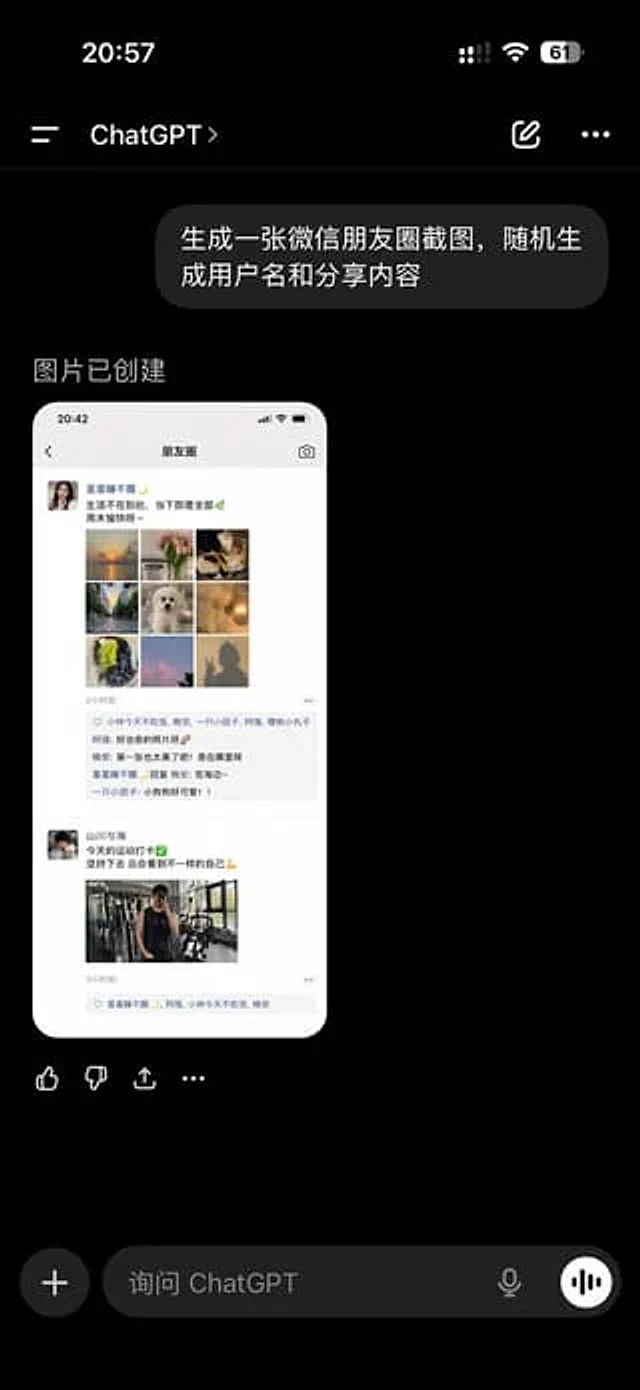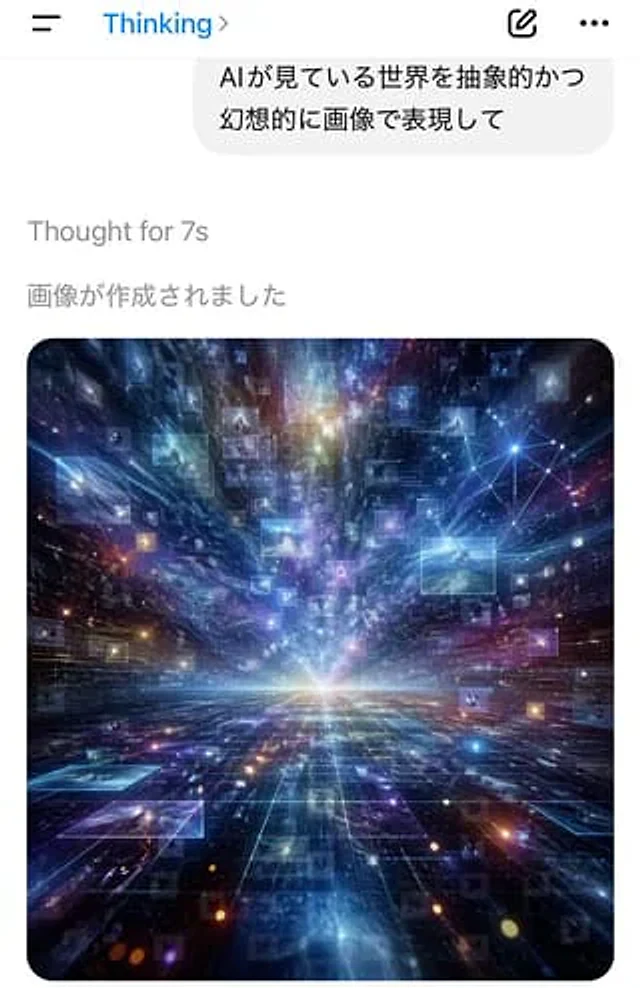
AI Thinking App Screenshot

AI Thinking App Screenshot

Documento original

GPT Image 2 · zh

A screenshot of a vertical mobile chat application, featuring a minimalist iOS-style interface with a white background. The top navigation bar has a hamburger menu icon on the left, a blue title "Thinking" on the left-center, and an arrow on the right. On the right are two icons: an edit icon and a horizontal three-dot menu icon. Below is a large, rounded, light gray chat bubble containing two lines of Japanese text: “AI ga 見ている世界を曝のかつ” and “幻想的に畫で表达して”. Below the bubble, left-aligned gray system text reads “Thought for 7s,” and below that is another line of gray Japanese text: “畫が作成されました”. The lower half of the screen displays a large, rounded generated image card. The image is a surreal, abstract cosmic data landscape: a luminous white horizon at the center, a dark, reflective grid extending into the depths, and beams of light, nebulae, stars, and particles erupting outwards from the vanishing point. Dozens of semi-transparent rectangular image panels or data windows of varying shades float in the space. In the upper right corner of the artwork is a bright network of nodes composed of connecting points and lines. The main colors are electric blue, indigo, violet, and cyan, accented with magenta and gold. The overall atmosphere is futuristic, expansive, dreamlike, and intelligent, as if viewing the world through the eyes of a visualized AI. The composition is simple, the UI realistic, the typography clear, and the embedded images possess a high-contrast, glowing digital art effect.

Cómo usar

  1. Copia el prompt original completo, incluidos los parámetros.
  2. Adapta el tema, el texto y la composición a tus necesidades.
  3. Usa una herramienta externa compatible; comprueba el acceso y el resultado.

Antes de empezar

  • Comprueba si necesita una imagen de referencia. La compatibilidad no demuestra qué modelo generó el ejemplo.
  • Revisa nombres, cifras y textos; el resultado puede variar entre versiones del modelo.
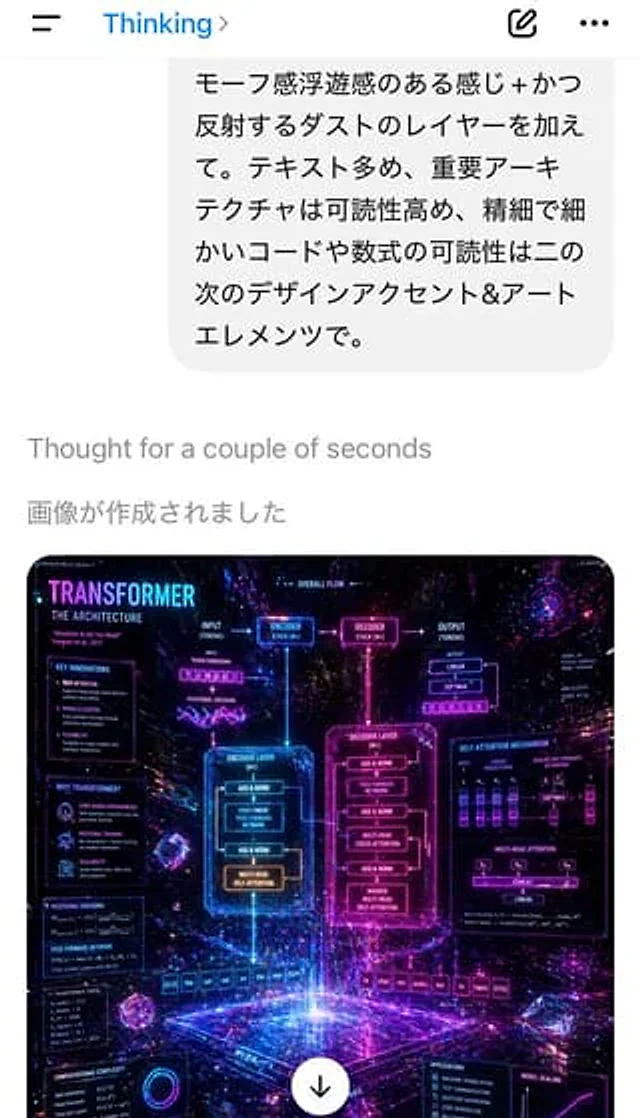
Ejemplos similares

Mobile AI Chat Screenshot with Transformer Poster
GPT Image 2zh

A screenshot of a portrait-oriented smartphone app showcases a Japanese AI chat interface, featuring a clean white background and an iOS-style top bar. At the top are a hamburger menu icon on the left, the blue text "Thinking," an arrow on the right, an edit/completion icon, and

AI Chat Screenshot with Ad Design Grids
GPT Image 2zh

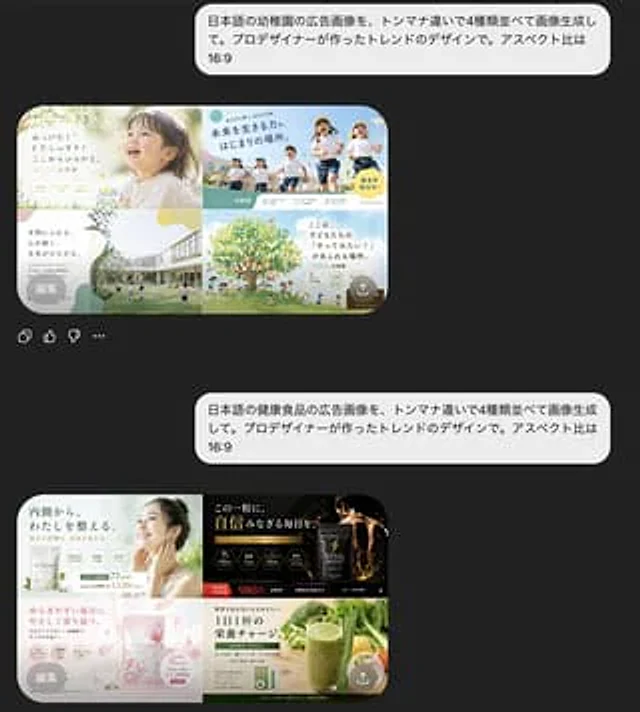
A screenshot of a mobile chat interface in dark mode shows the interaction results of two separate Japanese prompts and AI-generated ad designs. The background is almost black. Two large, rounded light gray chat bubbles are aligned on the right, each containing Japanese text. The

AI Chat Screenshot with Anatomy Poster
GPT Image 2zh

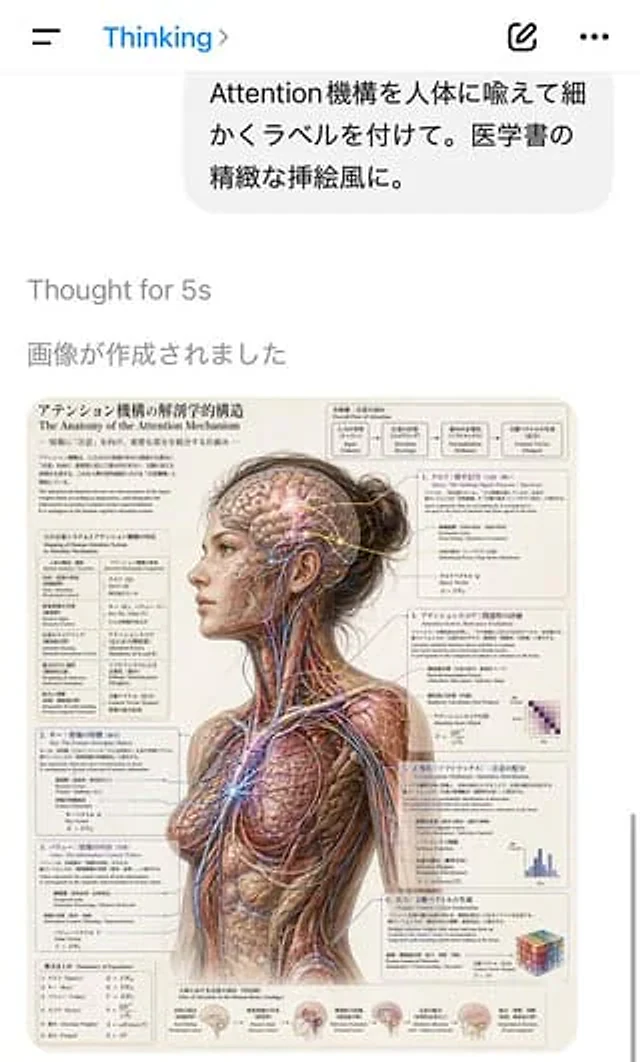
A screenshot of a portrait-oriented AI chat application interface shows a clean, iOS-style white screen. A hamburger menu is located on the top left, with a blue "Thinking" title and a small arrow in the center. Two icons on the right are for creating new content and adding more

AI Chat Screenshot with Cosmic Artwork
GPT Image 2zh

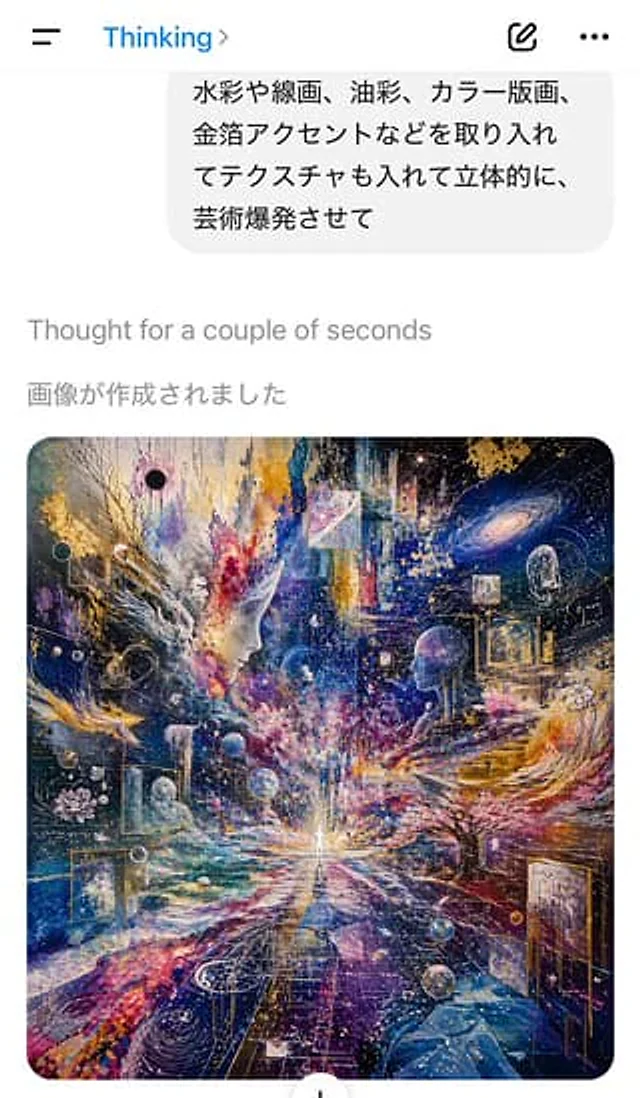
A screenshot of an AI chat application interface in light-colored mode, taken from a vertical mobile phone, shows the instant the image is generated. At the top is a simple mobile application title bar, with a hamburger menu icon on the left, the blue title "Thinking" in the cent

ChatGPT App Screenshot With Generated Portrait
GPT Image 2zh

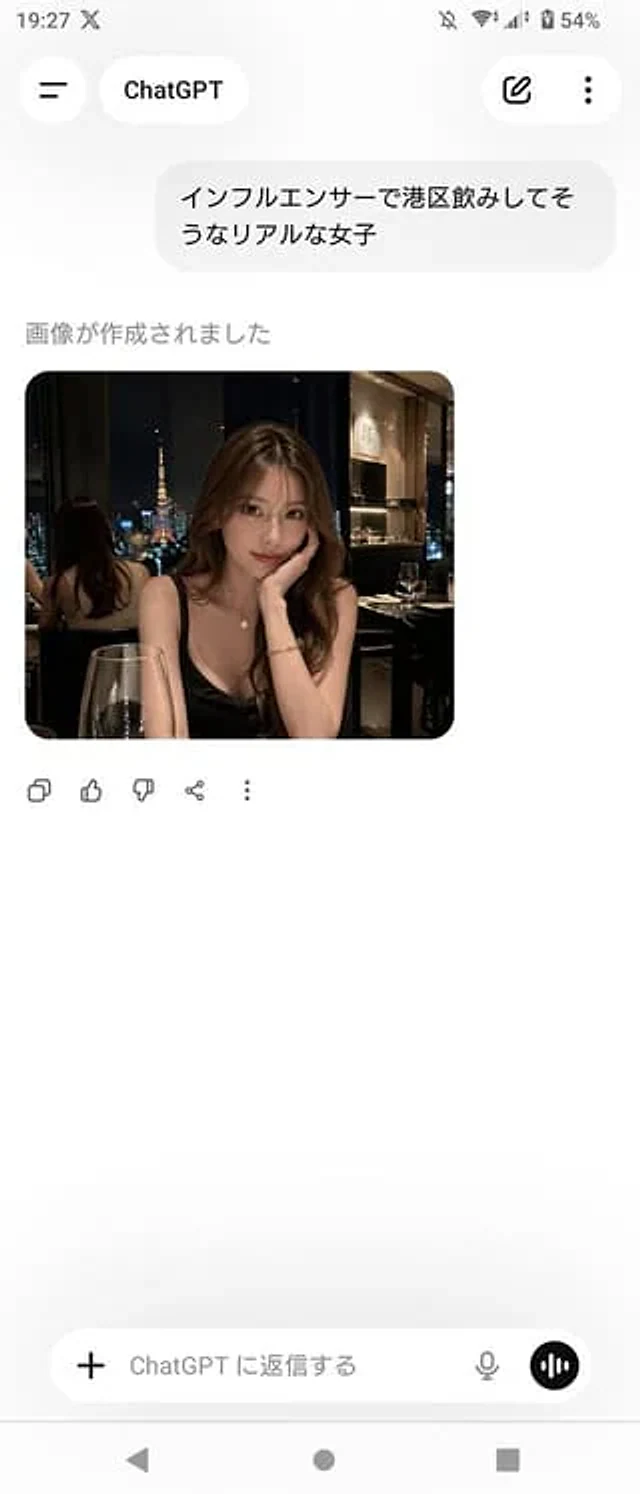
A realistic screenshot of the ChatGPT mobile app (Japanese version) on an Android device, displayed in portrait full-screen mode with a clean, light-colored theme. The top status bar shows the time 19:27, network and battery icons, and the battery level at 54%. The header has a b

ChatGPT App Showing WeChat Moments Screenshot
GPT Image 2en

A realistic screenshot of the ChatGPT mobile app in dark mode, displayed full-screen against a black background with an iPhone-style status bar. The top left side of the status bar shows the time 20:57, while the right side displays small cellular signal, Wi-Fi, and battery icons