Documento original
GPT Image 2 · zh
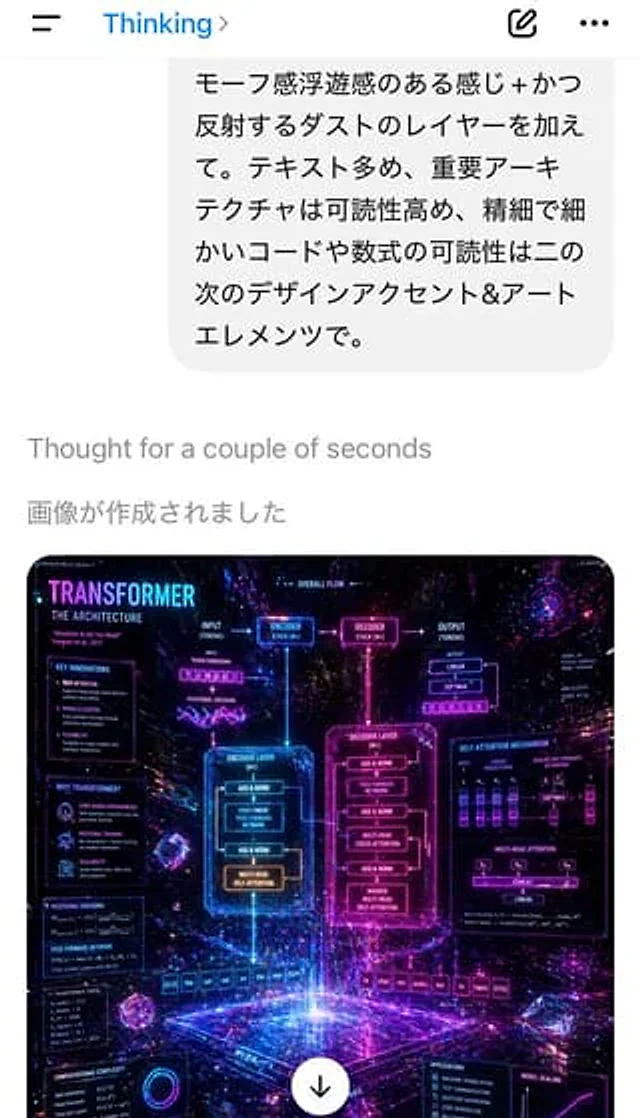
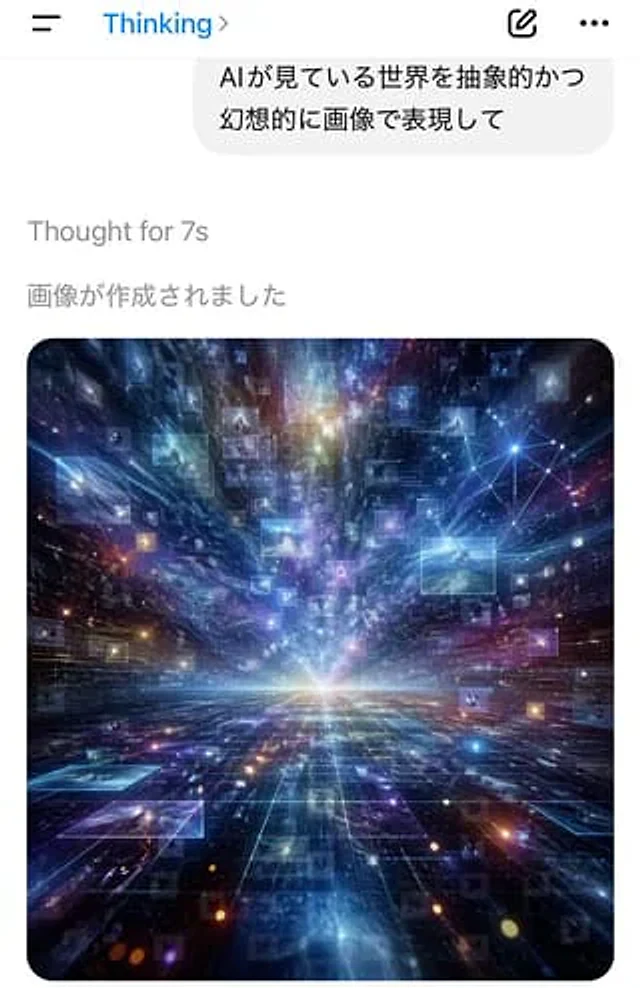
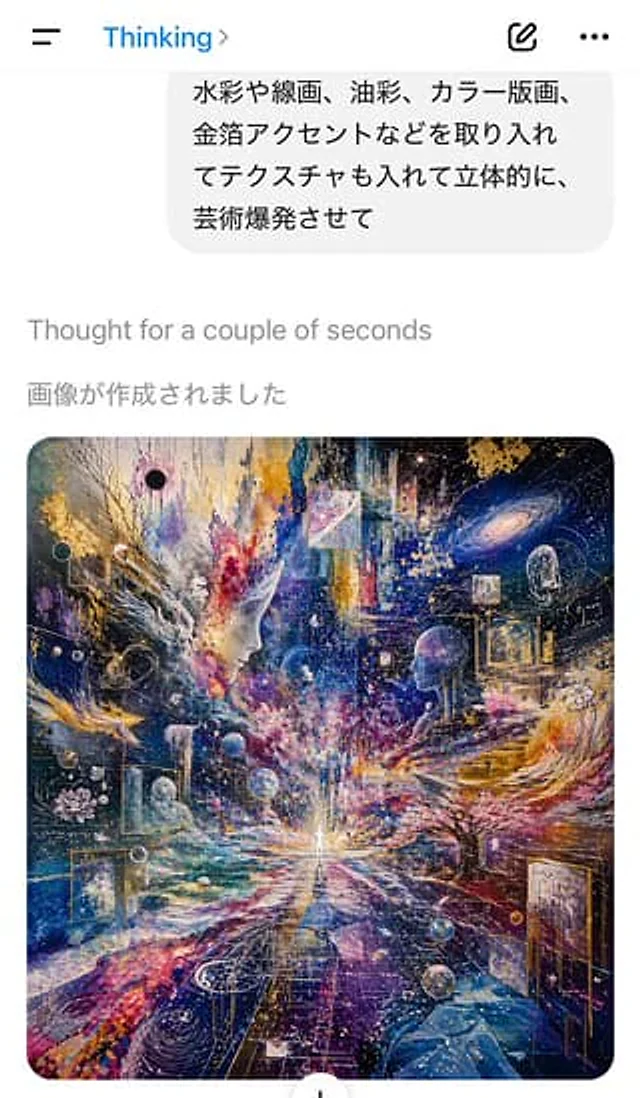
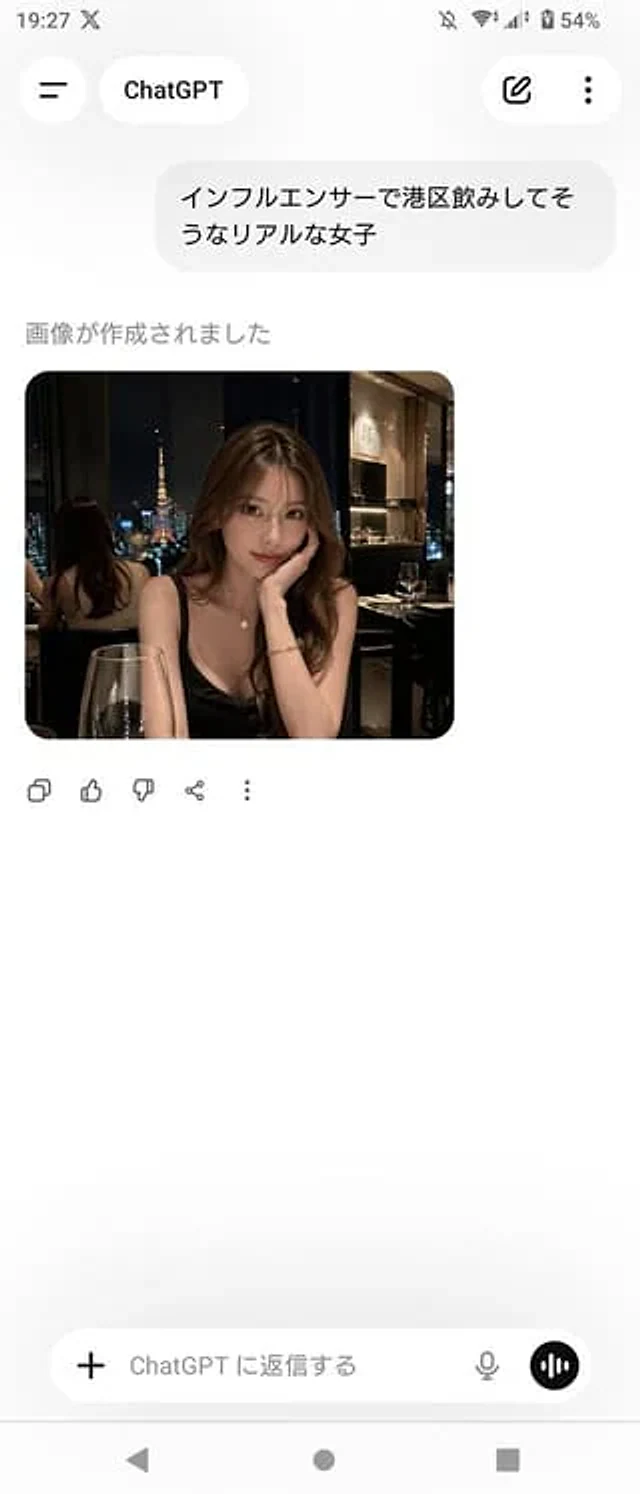
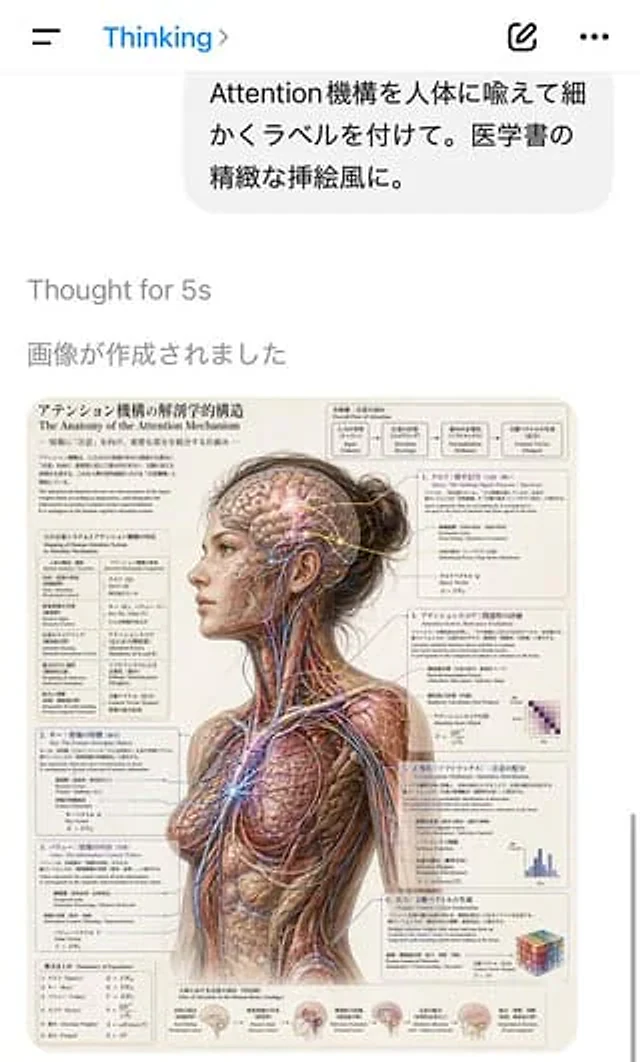
A screenshot of a portrait-oriented AI chat application interface shows a clean, iOS-style white screen. A hamburger menu is located on the top left, with a blue "Thinking" title and a small arrow in the center. Two icons on the right are for creating new content and adding more options. Near the top is a rounded, light gray user message bubble containing the Japanese phrase: “Attention机构を人类に喩えて细かくラベルを付けて。醫醫書の精致な插絵風に.” (Please compare the attention mechanism to the human body and provide detailed annotations. Use the style of exquisite illustrations in medical books.) Below this is the light gray system text “Thought for 5s” and “畫畫が作成されました”. The lower half of the screen displays the generated image: a detailed anatomical poster in the style of a medical textbook. The poster presents a realistic three-quarter view of an adult woman's back, from head to upper thigh. Her head is slightly turned to the left, and her dark brown hair is tied in a messy bun. Most of the skin and outer tissue of the body has been removed, exposing muscles, nerves, blood vessels, and fibrous structures, presented in an extremely delicate retro medical illustration style against a warm, beige paper background. A rectangular incision obscures the center of the face from the forehead to the jaw, creating a blank space in the facial area that is being scrutinized. Subtle, glowing network lines and nodes superimposed on the exposed brain and body visualize the attention mechanism as an anatomical system. Surrounding the figure are six numbered explanatory panels and two additional text blocks, all densely filled with Japanese and English bilingual labels, formulas, arrows, and diagrams. The main title in the upper left corner of the poster is "The Anatomy of the Attention Mechanism," and the subtitle is "The Anatomy of the Attention Mechanism." The top right corner features a flowchart labeled "Overall Flow of Attention," containing five interconnected boxes describing the process from input to output. To the left are three stacked explanatory sections containing equations and mapping tables. To the right are three more numbered sections, each with technical explanations and small diagrams or matrices; the visible small diagrams include a purple heatmap matrix, a blue bar chart, and a multicolored cube. At the bottom are five small brain illustrations with explanatory text, showcasing the various stages of the information flow. The overall aesthetic should be presented as a highly polished AI-generated screenshot, documenting a surreal scientific illustration request with a clean UI, numerous tiny, readable labels, and a perfect blend of Transformer attention diagrams and classical anatomical design.Cómo usar
- Copia el prompt original completo, incluidos los parámetros.
- Adapta el tema, el texto y la composición a tus necesidades.
- Usa una herramienta externa compatible; comprueba el acceso y el resultado.
Antes de empezar
- Comprueba si necesita una imagen de referencia. La compatibilidad no demuestra qué modelo generó el ejemplo.
- Revisa nombres, cifras y textos; el resultado puede variar entre versiones del modelo.