TechieSA #517

TechieSA #517

Documento original

Nano Banana · en

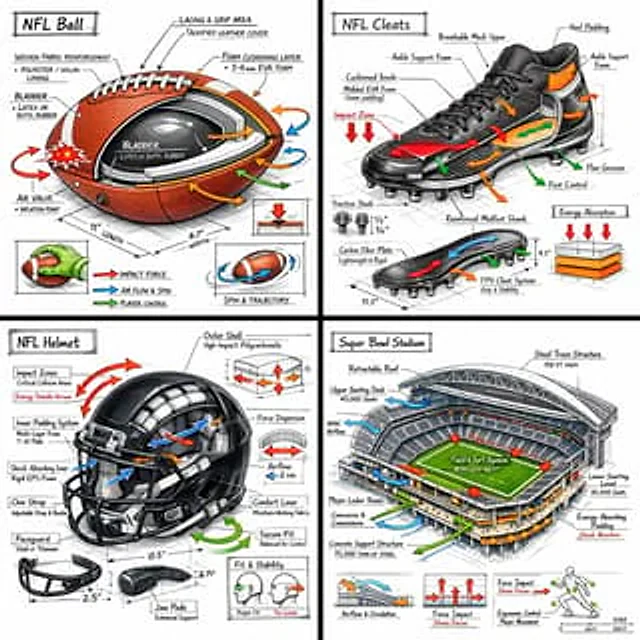
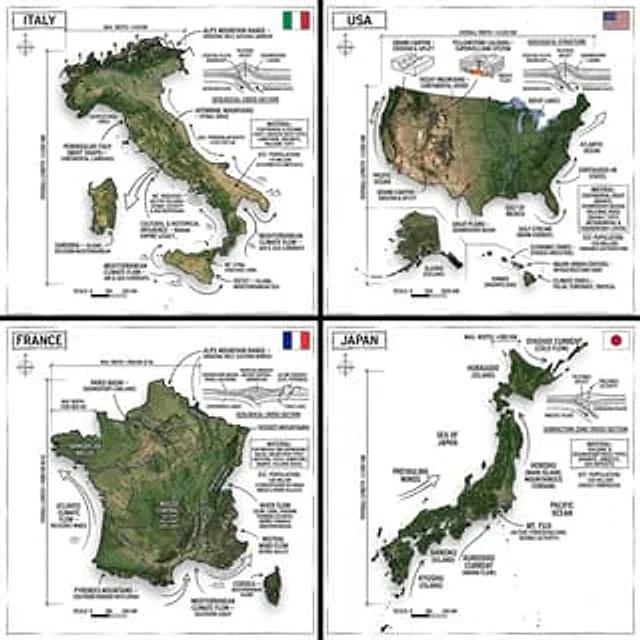
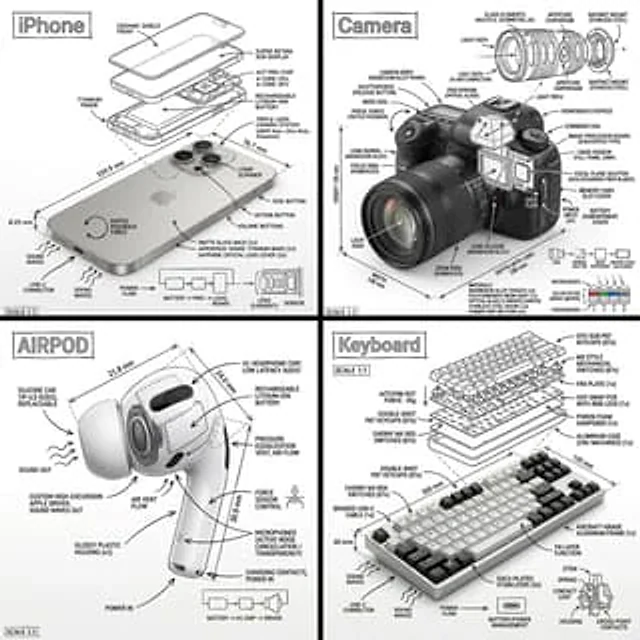
Create an infographic image of [COUNTRY], combining a realistic photograph or photoreal render of the object with technical annotation overlays placed directly on top.

Use black ink–style line drawings and text (technical pen / architectural sketch look) on a pure white studio background, including:
•Key component labels
•Internal cutaway or exploded-view outlines
•Measurements, dimensions, and scale markers
•Material callouts and quantities
•Arrows indicating function, force, or flow (air, sound, power, pressure)
•Simple schematic or sectional diagrams where relevant
Include a small flag of the country in the top right corner.

Place the title [COUNTRY] inside a hand-drawn technical annotation box in one corner.

Style & layout rules:
•The real object remains clearly visible beneath the annotations
•Annotations feel sketched, technical, and architectural
•Clean composition with balanced negative space
•Educational, museum-exhibit / engineering-manual vibe

Visual style:
Minimal technical illustration aesthetic, black linework over realistic imagery, precise but slightly hand-drawn feel.

Color palette:
White background, black annotation lines and text only. No colors.

Output:
1080×1080, ultra-crisp, social-feed optimized, no watermark.

Cómo usar

  1. Copia el prompt original completo, incluidos los parámetros.
  2. Adapta el tema, el texto y la composición a tus necesidades.
  3. Usa una herramienta externa compatible; comprueba el acceso y el resultado.

Antes de empezar

  • Comprueba si necesita una imagen de referencia. La compatibilidad no demuestra qué modelo generó el ejemplo.
  • Revisa nombres, cifras y textos; el resultado puede variar entre versiones del modelo.
Ejemplos similares

TechieSA #312
Nano Bananaen

Create an infographic image of [OBJECT], combining a realistic photograph or photoreal render of the object with technical annotation overlays placed directly on top. Use black ink–style line drawings and text (technical pen / architectural sketch look) on a pure white studio ba

TechieSA #91
GPT Image 2en

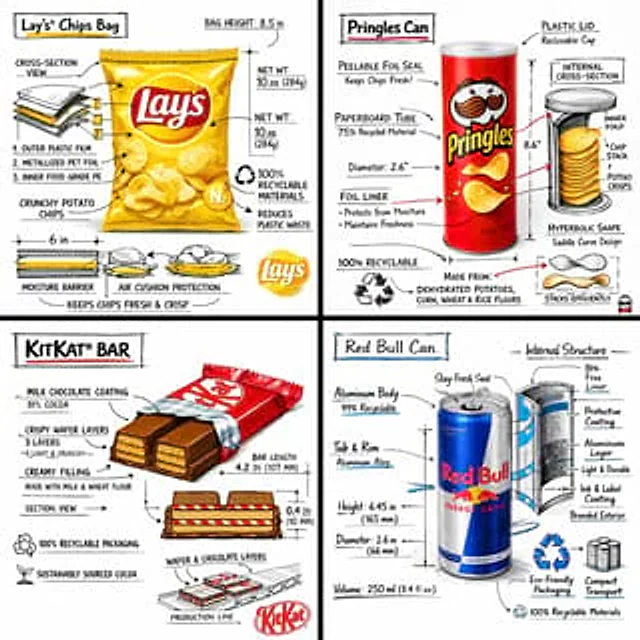
Create a branded technical infographic of a [SNACK], combining a realistic photograph or photoreal render of the product with technical annotation overlays placed directly on top. Use black ink–style line drawings with strategic [BRAND COLOR] accents (architectural sketch look) o

TechieSA #4
GPT Image 2en

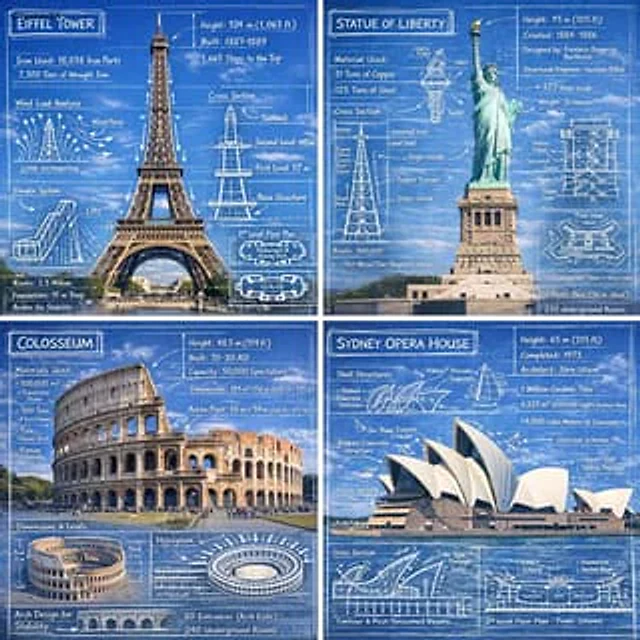
Create an infographic image of [LANDMARK], combining a real photograph of the landmark with blueprint-style technical annotations and diagrams overlaid on the image. Include the title “[LANDMARK]” in a hand-drawn box in the corner. Add white chalk-style sketches showing key struc

TechieSA #1
GPT Image 2en

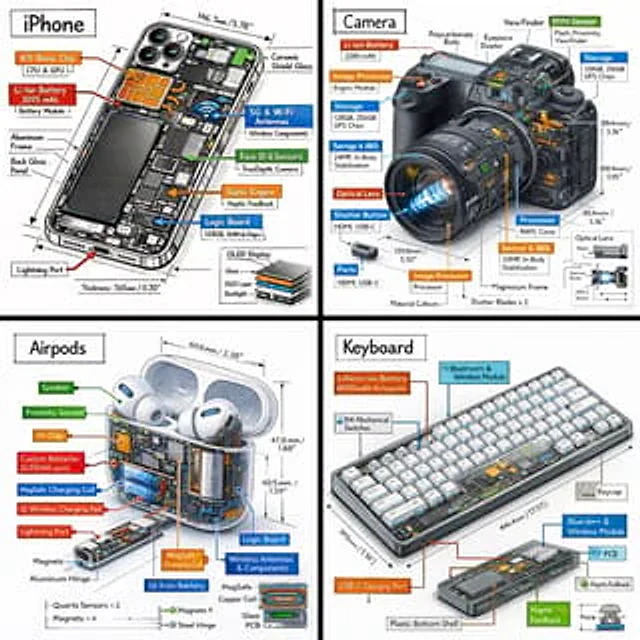
Create a technical infographic of [OBJECT] with a 45-degree isometric 3D perspective showing the device slightly tilted to reveal depth and dimension. Combine a realistic photoreal render with black ink technical annotations on pure white background. Include: Key component labels

TechieSA #101
GPT Image 2en

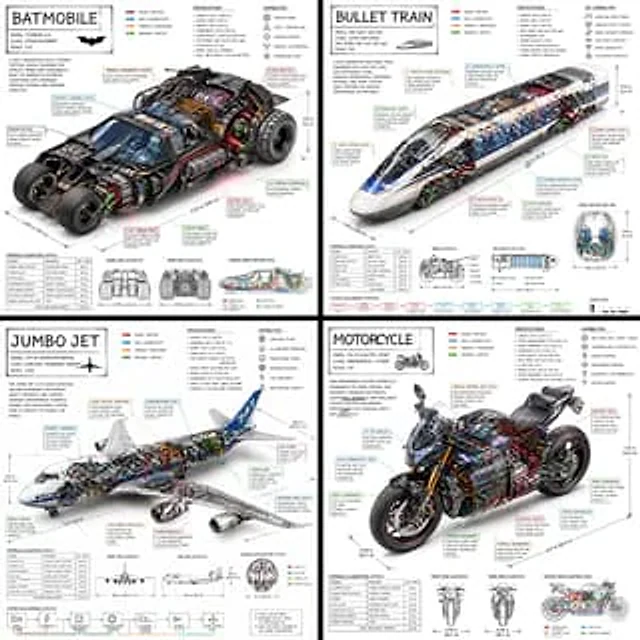
Create a technical infographic of [VEHICLE] with a 45-degree isometric 3D perspective showing the device slightly tilted to reveal depth and dimension. Combine a realistic photoreal render with black ink technical annotations on pure white background. Include: Key component label

TechieSA #111
GPT Image 2en

Create a technical infographic of [OBJECT] with a 45-degree isometric 3D perspective, slightly tilted to reveal depth, structure, and internal construction. Combine a realistic photoreal render with black ink technical annotations on a pure white background. Include: • Key compo