TechieSA #517

TechieSA #517

원본 문서

Nano Banana · en

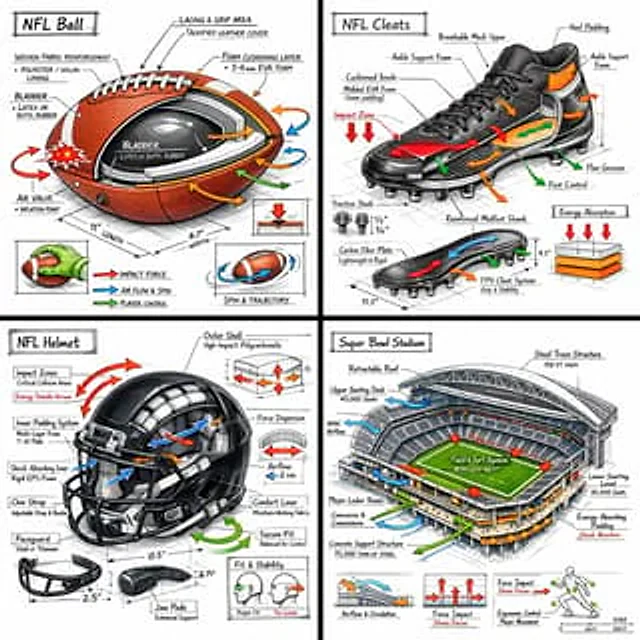
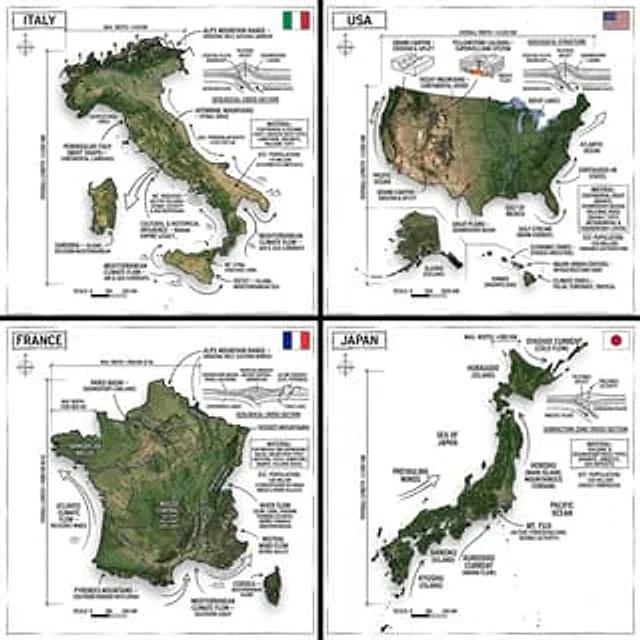
Create an infographic image of [COUNTRY], combining a realistic photograph or photoreal render of the object with technical annotation overlays placed directly on top.

Use black ink–style line drawings and text (technical pen / architectural sketch look) on a pure white studio background, including:
•Key component labels
•Internal cutaway or exploded-view outlines
•Measurements, dimensions, and scale markers
•Material callouts and quantities
•Arrows indicating function, force, or flow (air, sound, power, pressure)
•Simple schematic or sectional diagrams where relevant
Include a small flag of the country in the top right corner.

Place the title [COUNTRY] inside a hand-drawn technical annotation box in one corner.

Style & layout rules:
•The real object remains clearly visible beneath the annotations
•Annotations feel sketched, technical, and architectural
•Clean composition with balanced negative space
•Educational, museum-exhibit / engineering-manual vibe

Visual style:
Minimal technical illustration aesthetic, black linework over realistic imagery, precise but slightly hand-drawn feel.

Color palette:
White background, black annotation lines and text only. No colors.

Output:
1080×1080, ultra-crisp, social-feed optimized, no watermark.

사용 방법

  1. 매개변수를 포함한 전체 원본 프롬프트를 복사하세요.
  2. 주제, 문구, 구도를 자신의 요구에 맞게 바꾸세요.
  3. 호환되는 외부 도구에서 사용하고 이용 조건과 결과를 확인하세요.

시작 전 확인

  • 참조 이미지가 필요한지 확인하세요. 호환 표시는 해당 모델로 이 예시를 생성했다는 뜻이 아닙니다.
  • 이름, 수치, 이미지 속 문구를 확인하세요. 모델 버전에 따라 결과가 다를 수 있습니다.
비슷한 예시

TechieSA #312
Nano Bananaen

Create an infographic image of [OBJECT], combining a realistic photograph or photoreal render of the object with technical annotation overlays placed directly on top. Use black ink–style line drawings and text (technical pen / architectural sketch look) on a pure white studio ba

TechieSA #91
GPT Image 2en

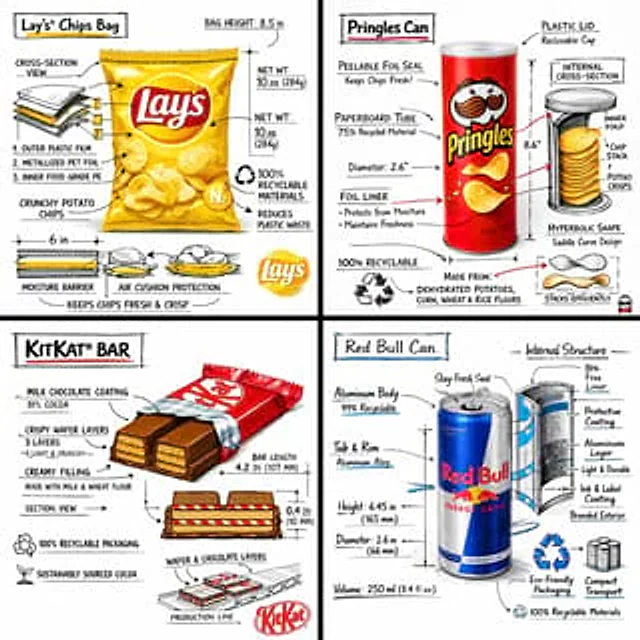
Create a branded technical infographic of a [SNACK], combining a realistic photograph or photoreal render of the product with technical annotation overlays placed directly on top. Use black ink–style line drawings with strategic [BRAND COLOR] accents (architectural sketch look) o

TechieSA #4
GPT Image 2en

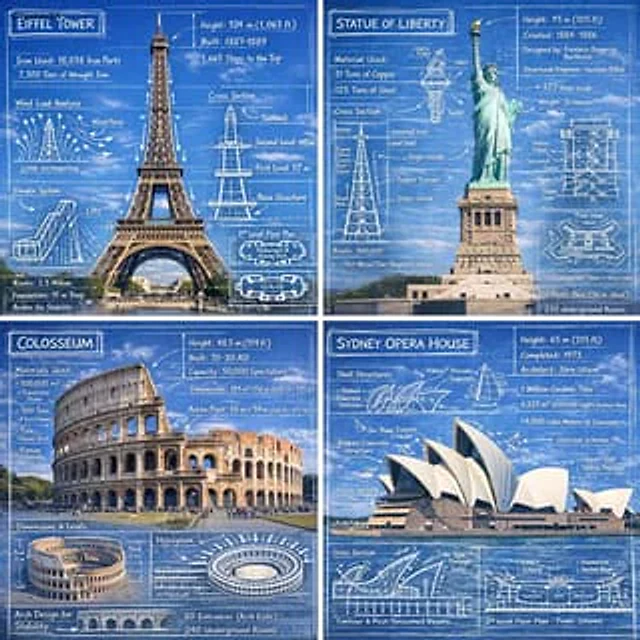
Create an infographic image of [LANDMARK], combining a real photograph of the landmark with blueprint-style technical annotations and diagrams overlaid on the image. Include the title “[LANDMARK]” in a hand-drawn box in the corner. Add white chalk-style sketches showing key struc

TechieSA #1
GPT Image 2en

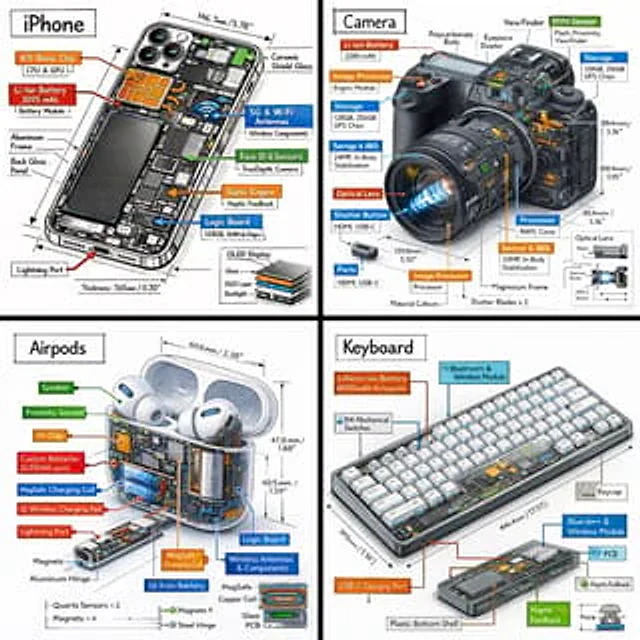
Create a technical infographic of [OBJECT] with a 45-degree isometric 3D perspective showing the device slightly tilted to reveal depth and dimension. Combine a realistic photoreal render with black ink technical annotations on pure white background. Include: Key component labels

TechieSA #101
GPT Image 2en

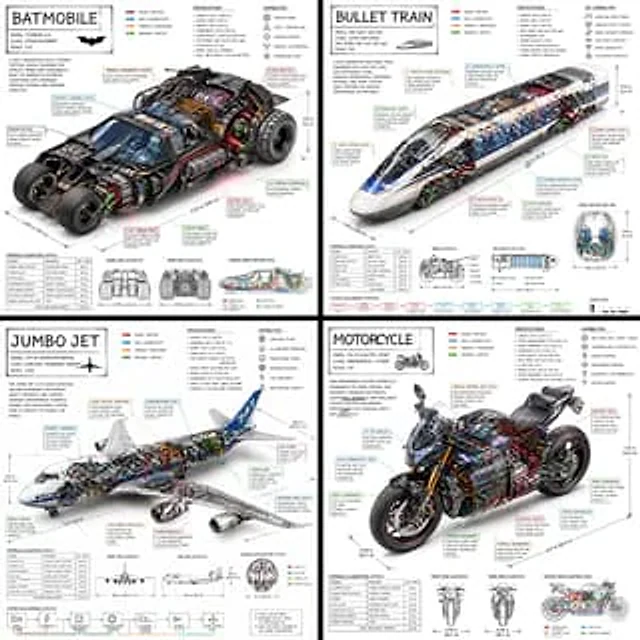
Create a technical infographic of [VEHICLE] with a 45-degree isometric 3D perspective showing the device slightly tilted to reveal depth and dimension. Combine a realistic photoreal render with black ink technical annotations on pure white background. Include: Key component label

TechieSA #111
GPT Image 2en

Create a technical infographic of [OBJECT] with a 45-degree isometric 3D perspective, slightly tilted to reveal depth, structure, and internal construction. Combine a realistic photoreal render with black ink technical annotations on a pure white background. Include: • Key compo