Documento original
GPT Image 2 · en
Scene:
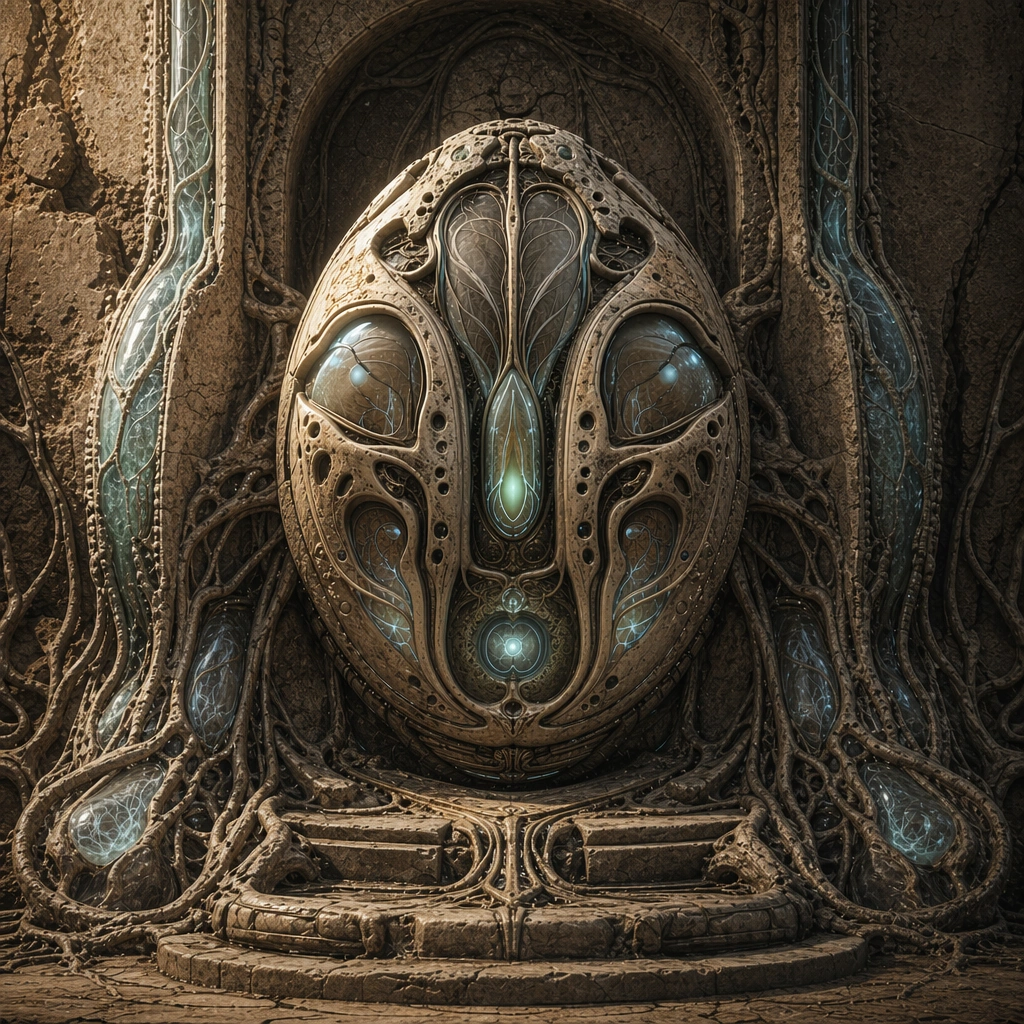
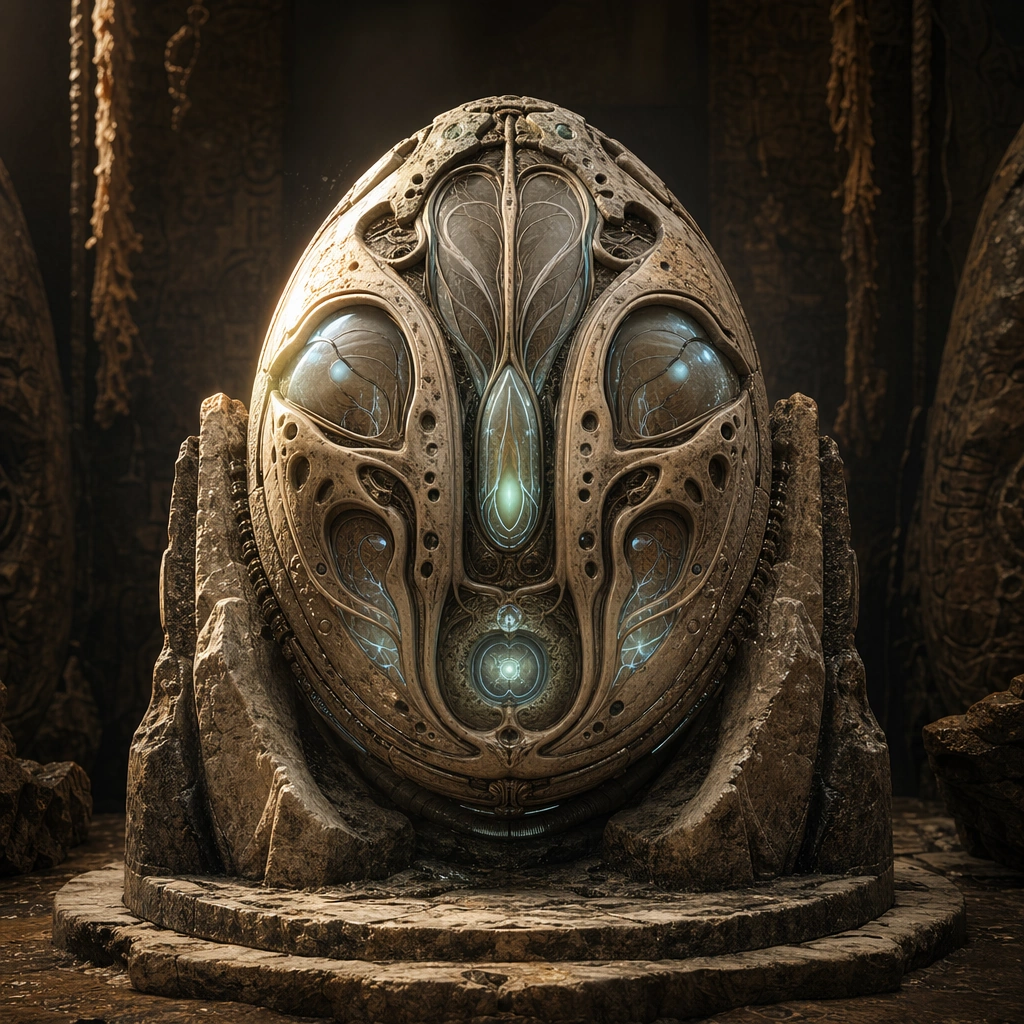
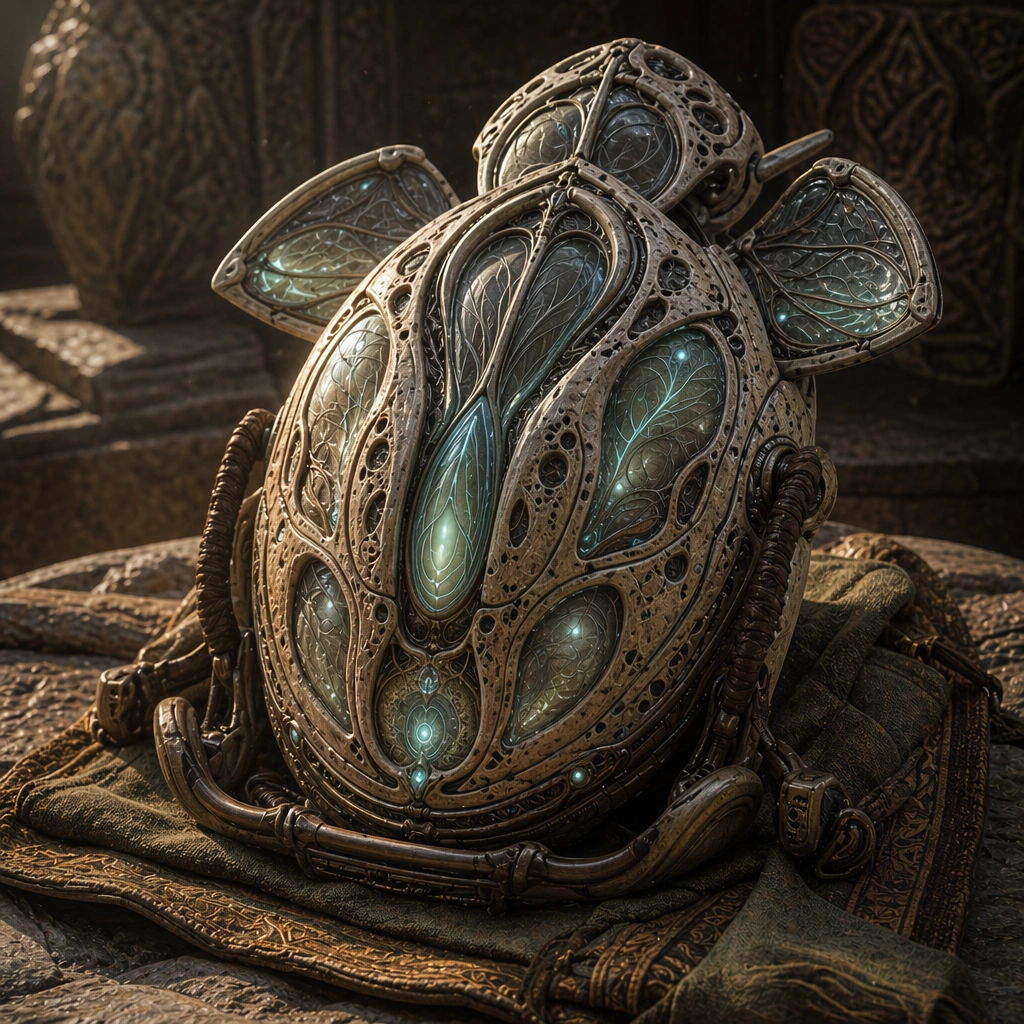
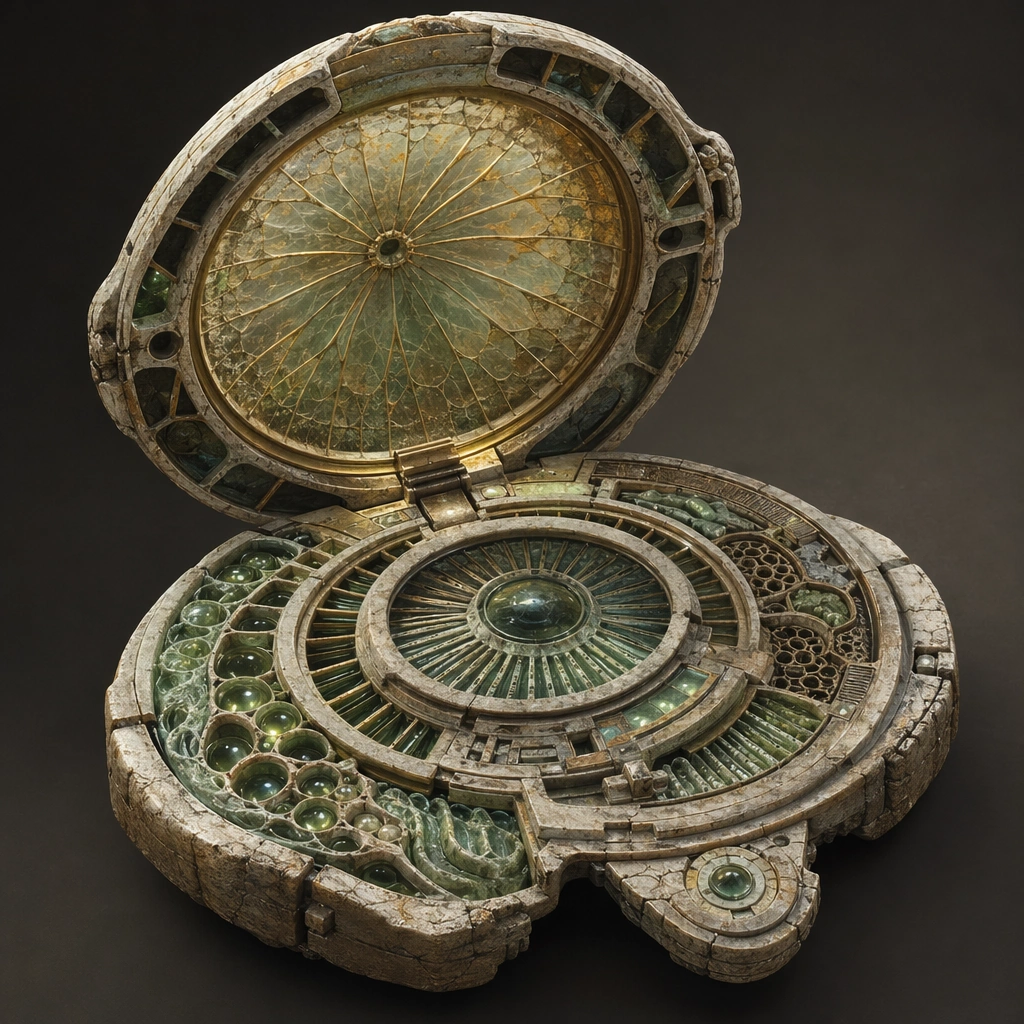
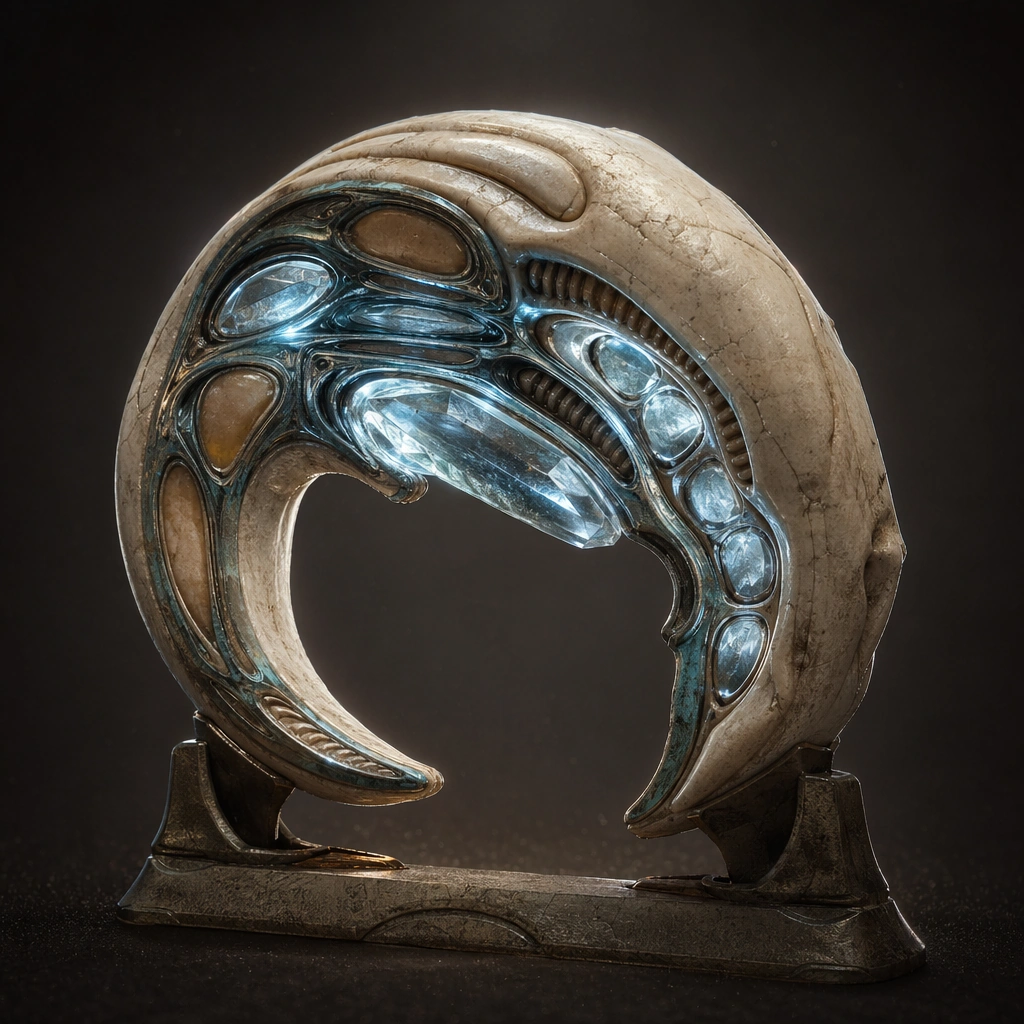
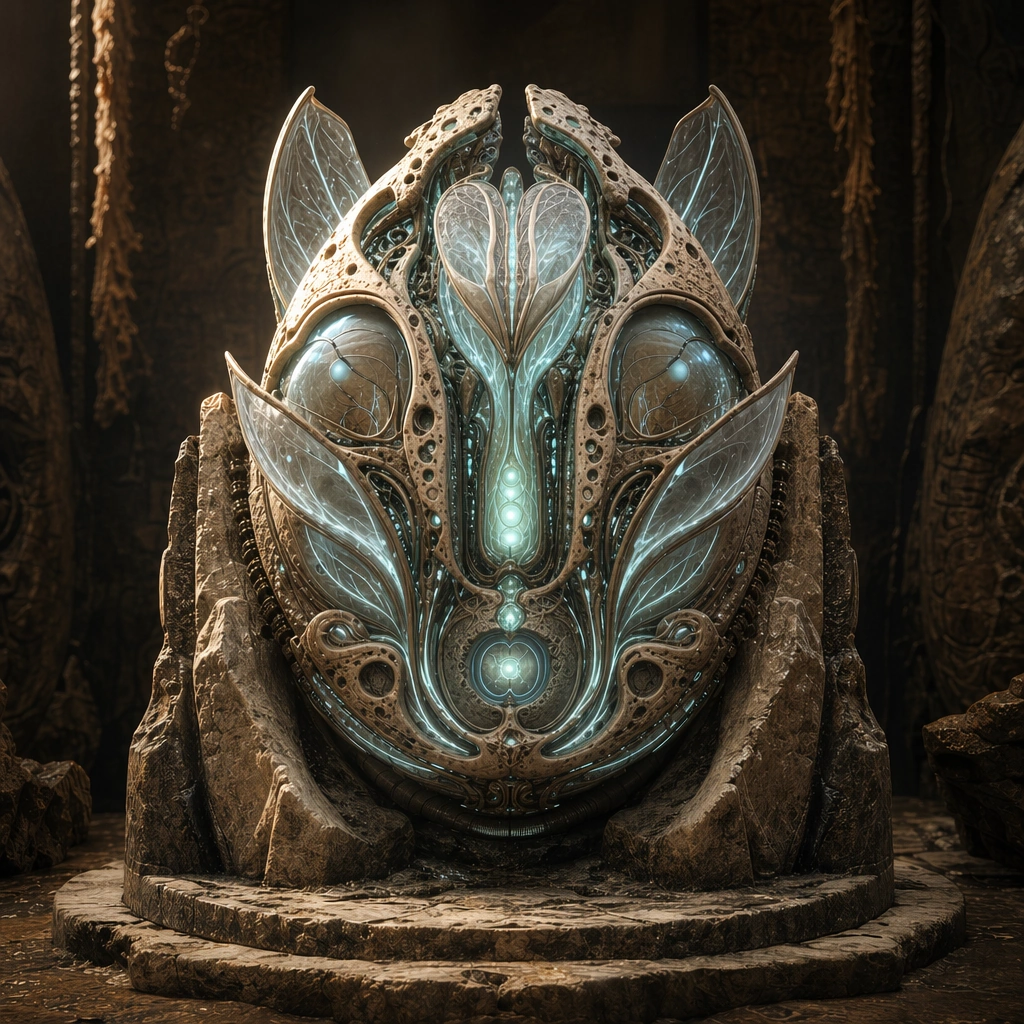
Create a square relic-device poster with enough atmosphere to imply archaeology, ritual, and lost interface logic while remaining visually precise. The scene can be staged on stone, resin, mineral, or ceremonial supports, but the framing should keep the device as the clear protagonist. Use directional light that reveals surface relief, embedded channels, and translucent organic layers without obscuring object structure. Keep the same core geometry but open membrane petals and exposed channel blooms around the reference object under brighter internal light.

Subject:
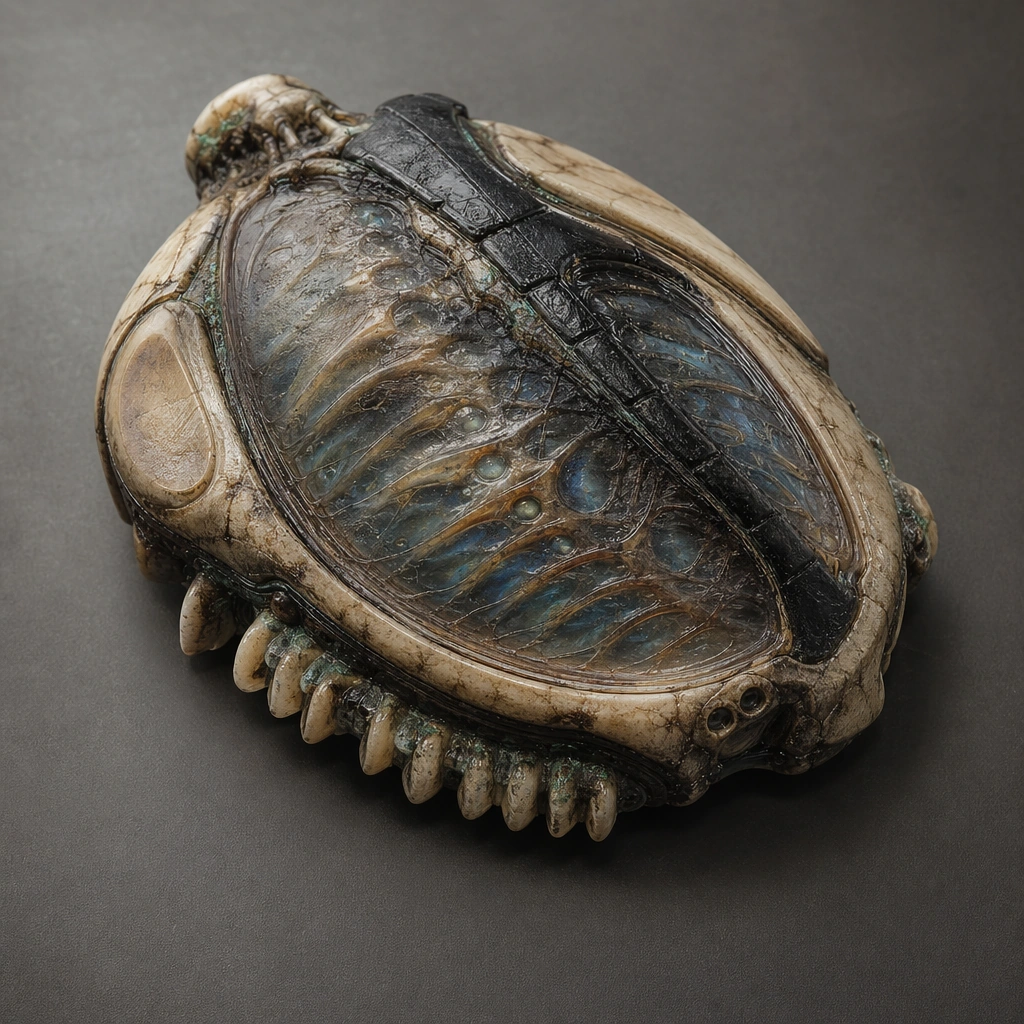
Center the composition on one biotech relic that fuses grown matter, carved mineral, membrane layers, luminous vessels, and interface surfaces into a coherent artifact. It should feel older than the viewer can fully understand, but still legible as a tool, console, or control core created by a sophisticated civilization. Preserve the anchor silhouette and materials while revealing how the relic extends its interface surfaces during active use.

Important details:
Prioritize object logic over mythology. Vein-like channels, tactile contact areas, hidden mechanisms, soft emissions, and material transitions should all suggest an organic user interface. The poster must feel commercially useful for prop design, worldbuilding boards, or key visual surfaces rather than as generic fantasy treasure. Activation should feel biological and engineered, not magical, with channel growth and light flow following believable paths. Preserve the exact structural language established by the reference image, especially the ovoid core silhouette, vein-like circuitry, mineral-bone materials, and sacred device hierarchy.

Use case:
Organic Tech series study 2/4, designed as a reusable core-system image for this topic.

Constraints:
No readable text, no watermark, no logos, preserve exact 1:1 aspect ratio, no fantasy spell circles, no steampunk brass clutter, no readable glyph text, no obvious modern screens, no magic aura fog.
Cómo usar
- Copia el prompt original completo, incluidos los parámetros.
- Adapta el tema, el texto y la composición a tus necesidades.
- Usa una herramienta externa compatible; comprueba el acceso y el resultado.
Antes de empezar
- Comprueba si necesita una imagen de referencia. La compatibilidad no demuestra qué modelo generó el ejemplo.
- Revisa nombres, cifras y textos; el resultado puede variar entre versiones del modelo.