原始文档
GPT Image 2 · en
Scene:
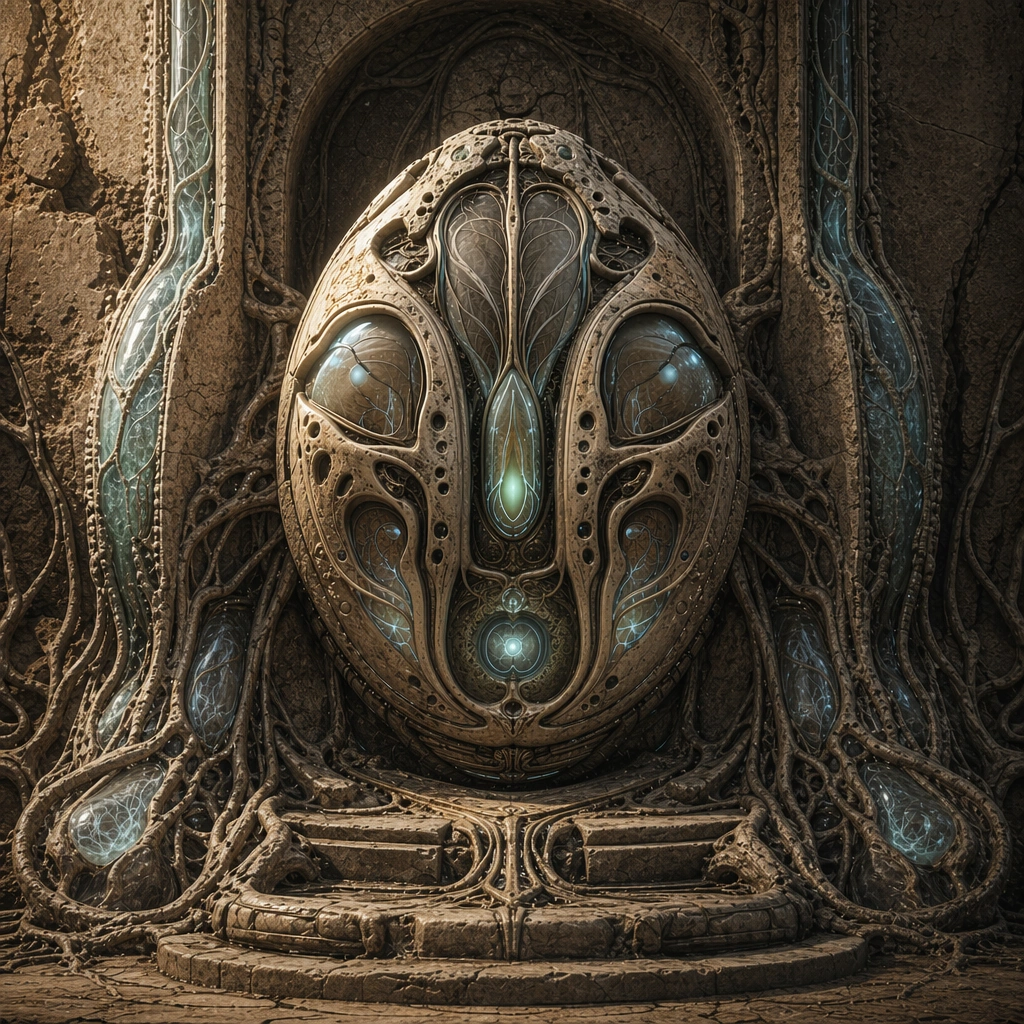
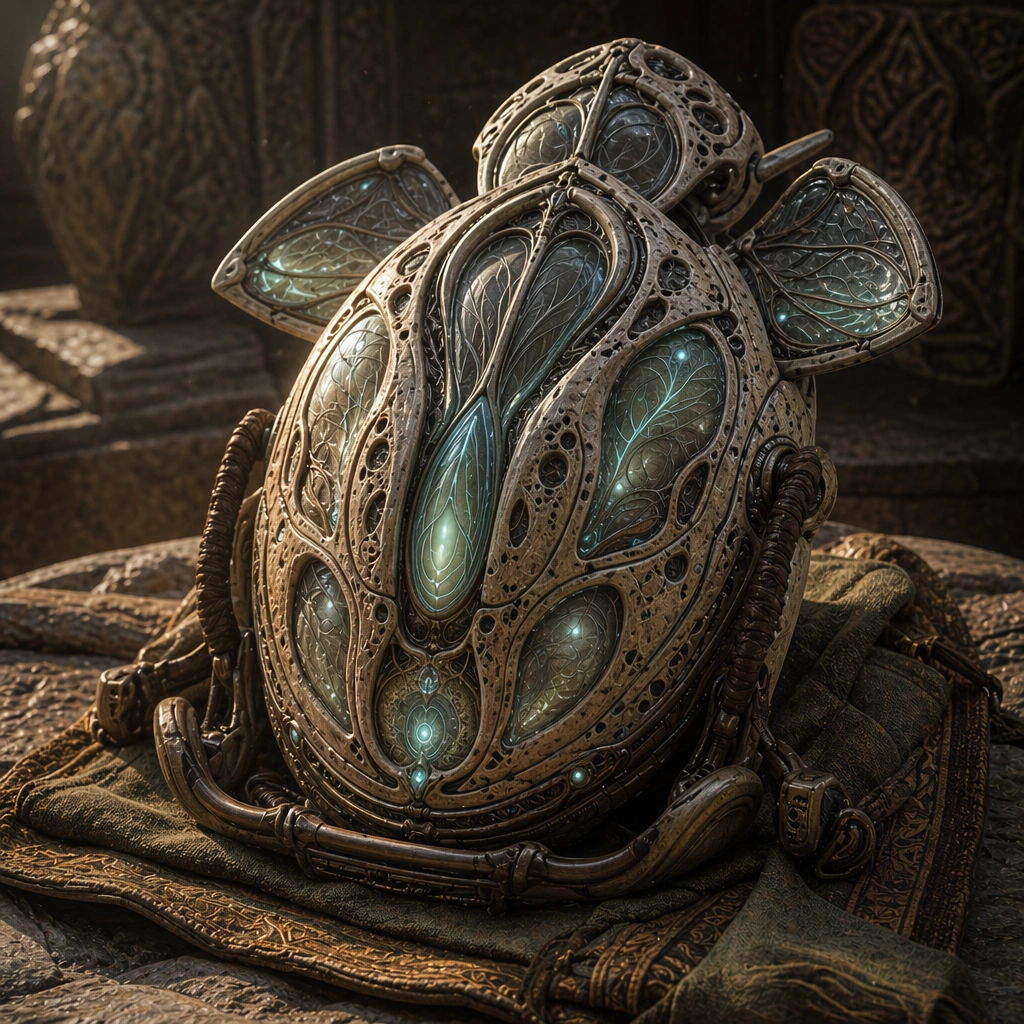
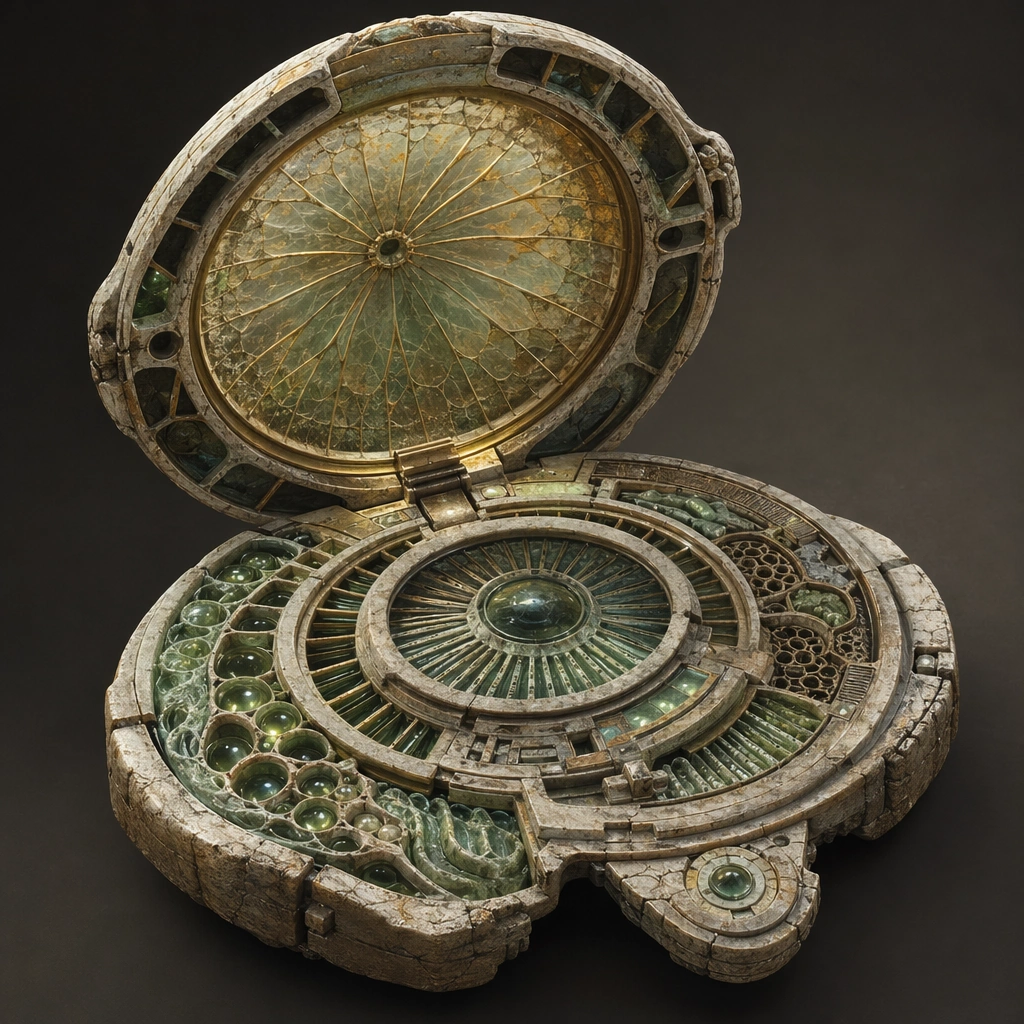
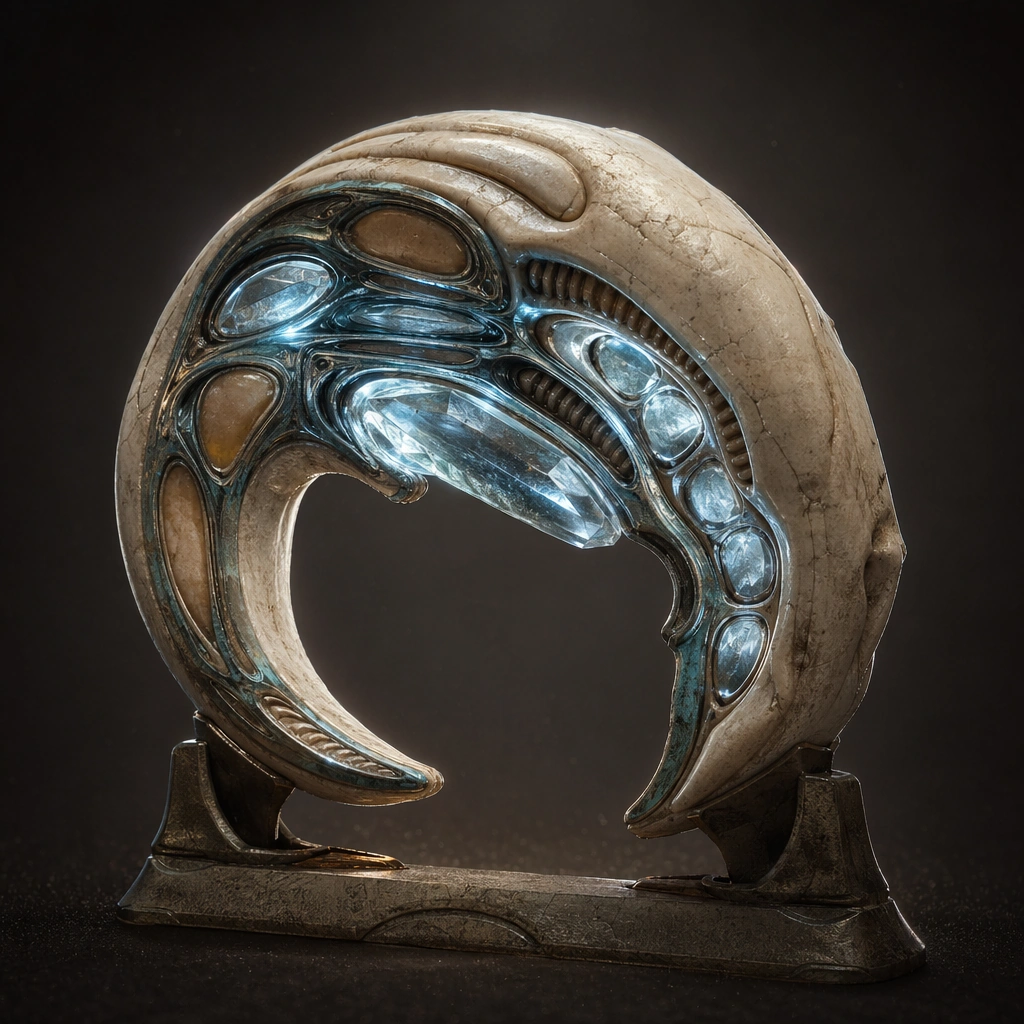
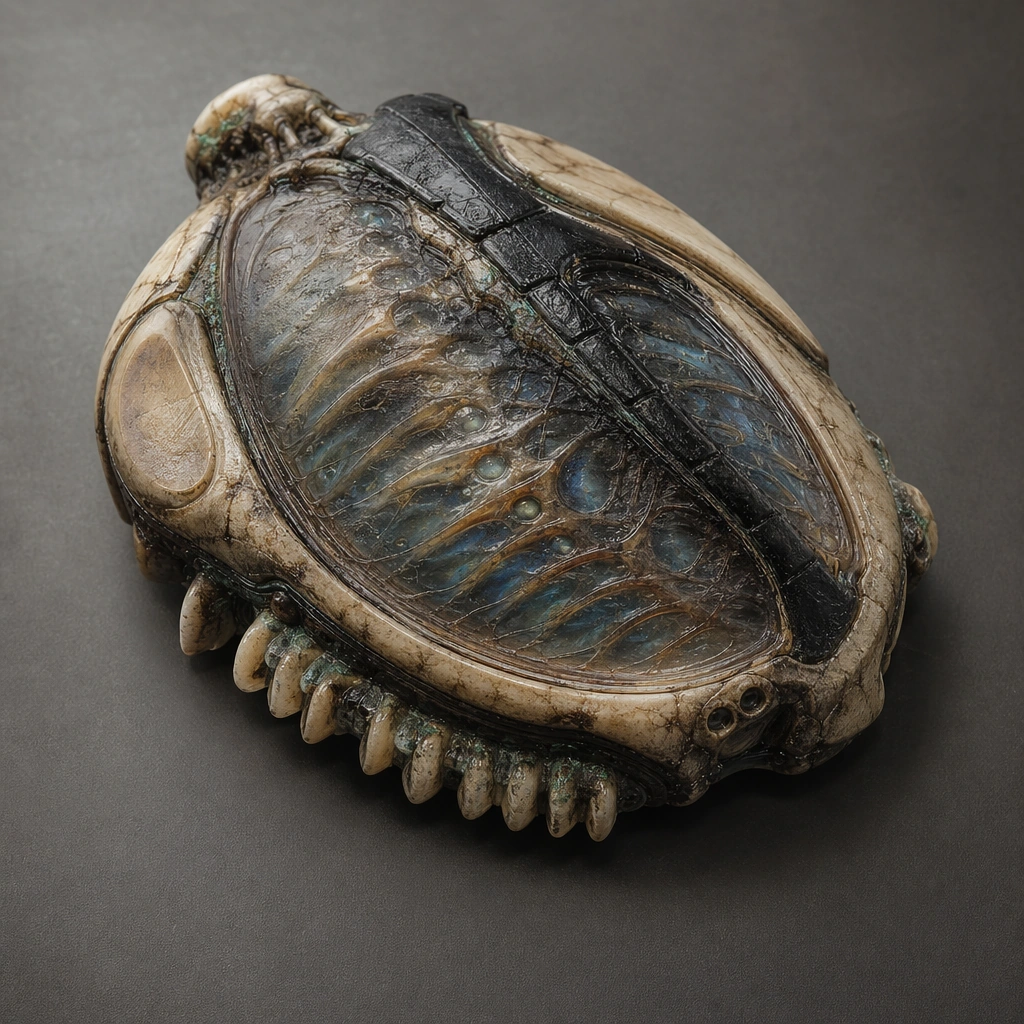
Create a square relic-device poster with enough atmosphere to imply archaeology, ritual, and lost interface logic while remaining visually precise. The scene can be staged on stone, resin, mineral, or ceremonial supports, but the framing should keep the device as the clear protagonist. Use directional light that reveals surface relief, embedded channels, and translucent organic layers without obscuring object structure. Keep the same core geometry but open membrane petals and exposed channel blooms around the reference object under brighter internal light.

Subject:
Center the composition on one biotech relic that fuses grown matter, carved mineral, membrane layers, luminous vessels, and interface surfaces into a coherent artifact. It should feel older than the viewer can fully understand, but still legible as a tool, console, or control core created by a sophisticated civilization. Preserve the anchor silhouette and materials while revealing how the relic extends its interface surfaces during active use.

Important details:
Prioritize object logic over mythology. Vein-like channels, tactile contact areas, hidden mechanisms, soft emissions, and material transitions should all suggest an organic user interface. The poster must feel commercially useful for prop design, worldbuilding boards, or key visual surfaces rather than as generic fantasy treasure. Activation should feel biological and engineered, not magical, with channel growth and light flow following believable paths. Preserve the exact structural language established by the reference image, especially the ovoid core silhouette, vein-like circuitry, mineral-bone materials, and sacred device hierarchy.

Use case:
Organic Tech series study 2/4, designed as a reusable core-system image for this topic.

Constraints:
No readable text, no watermark, no logos, preserve exact 1:1 aspect ratio, no fantasy spell circles, no steampunk brass clutter, no readable glyph text, no obvious modern screens, no magic aura fog.
使用方法
- 复制完整原始提示词,并保留其中的参数。
- 按需求替换主体、文字和构图要求。
- 在兼容的外部工具中使用,核对当前使用条件并检查结果。
开始前需了解
- 先确认是否需要参考图。标注兼容模型,不代表该示例由这个模型生成。
- 核对名称、数字与画面文字;不同模型版本的结果可能不同。