Document original
GPT Image 2 · en
Scene:
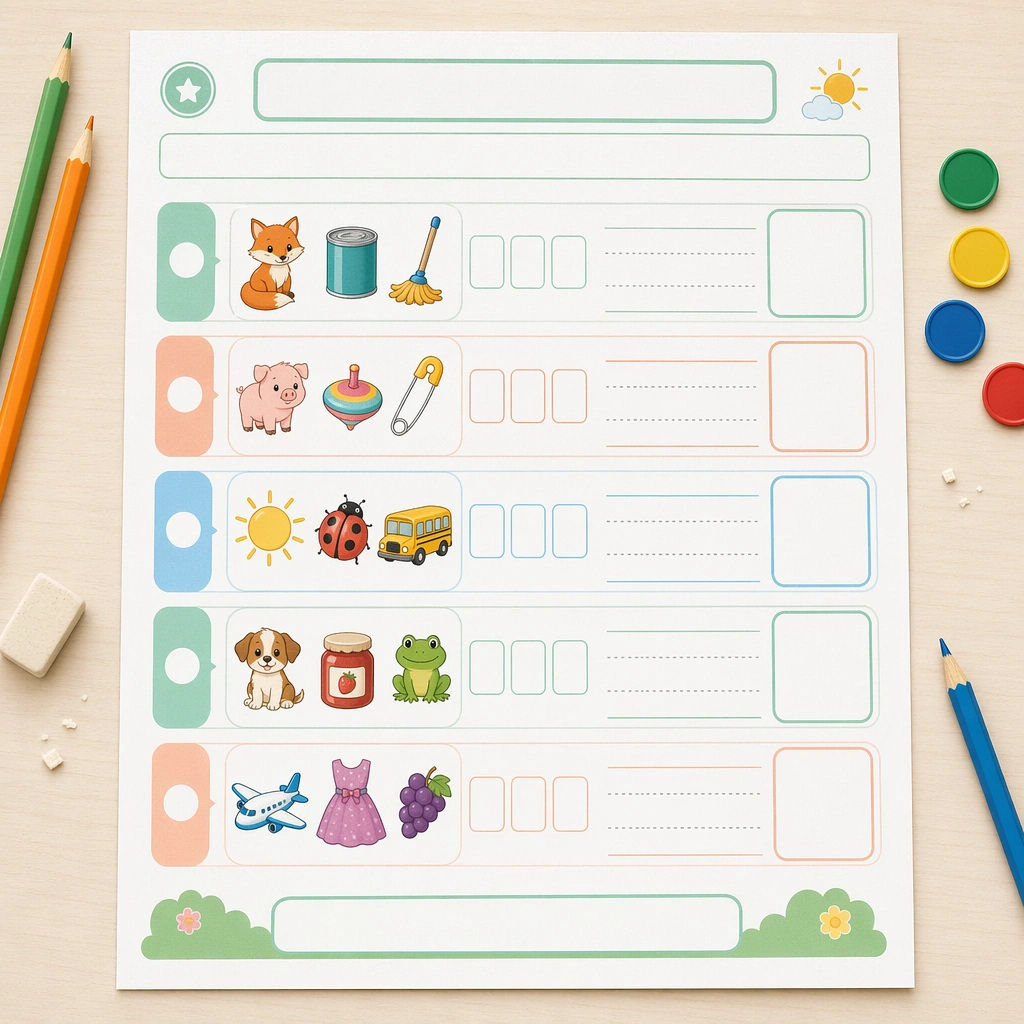
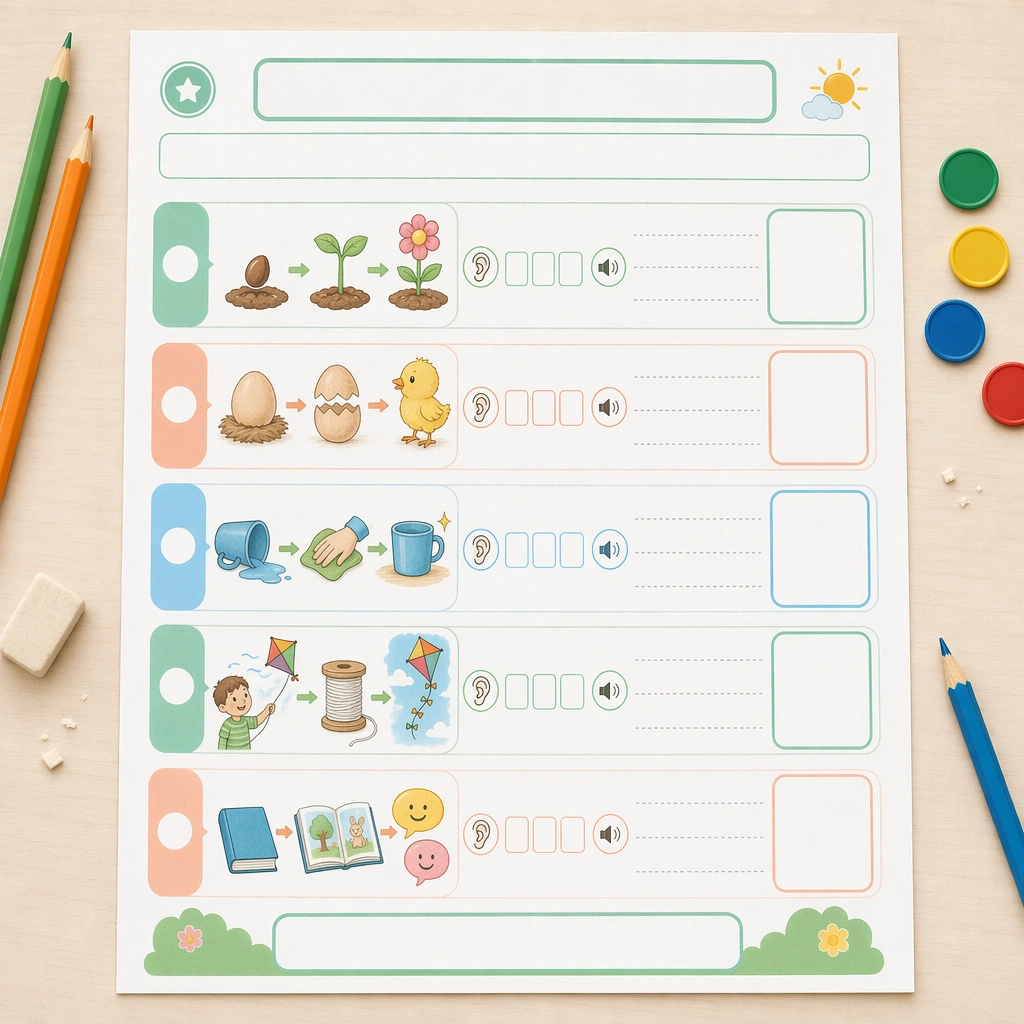
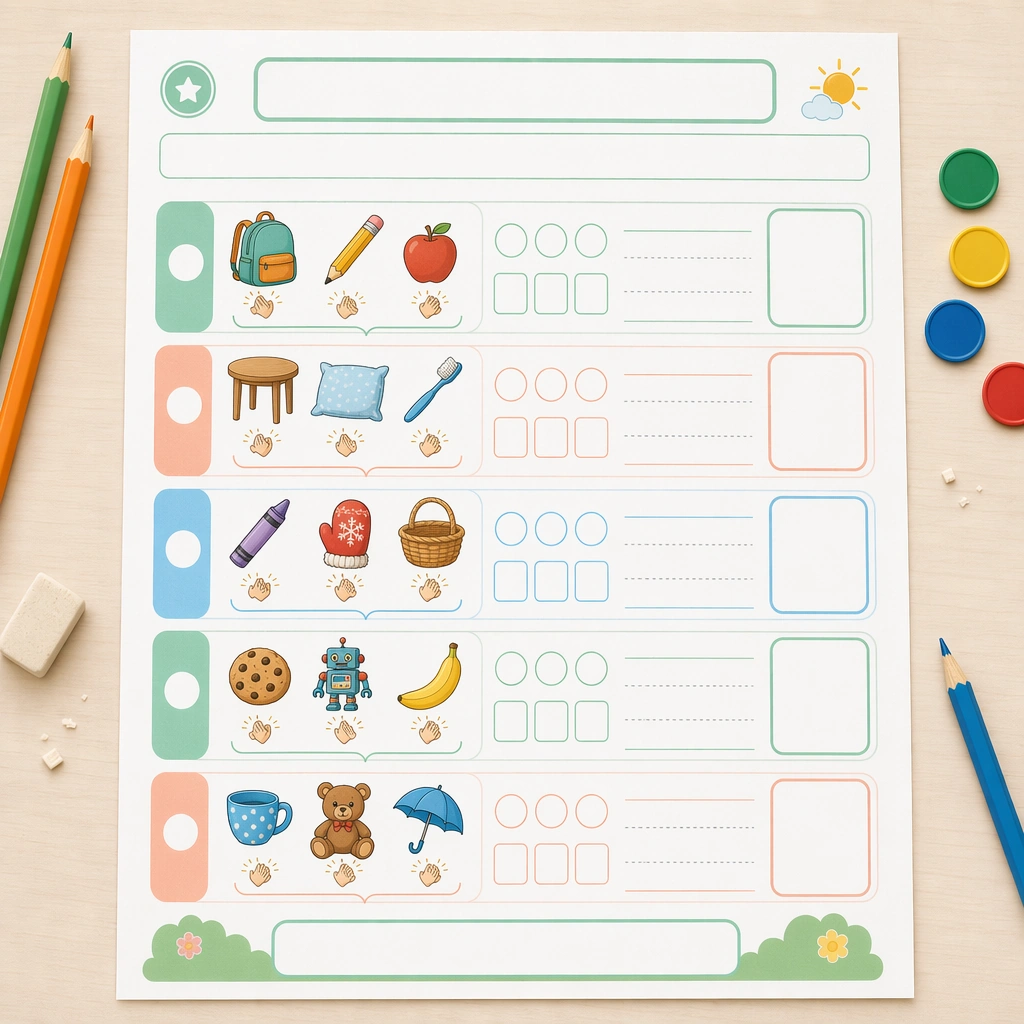
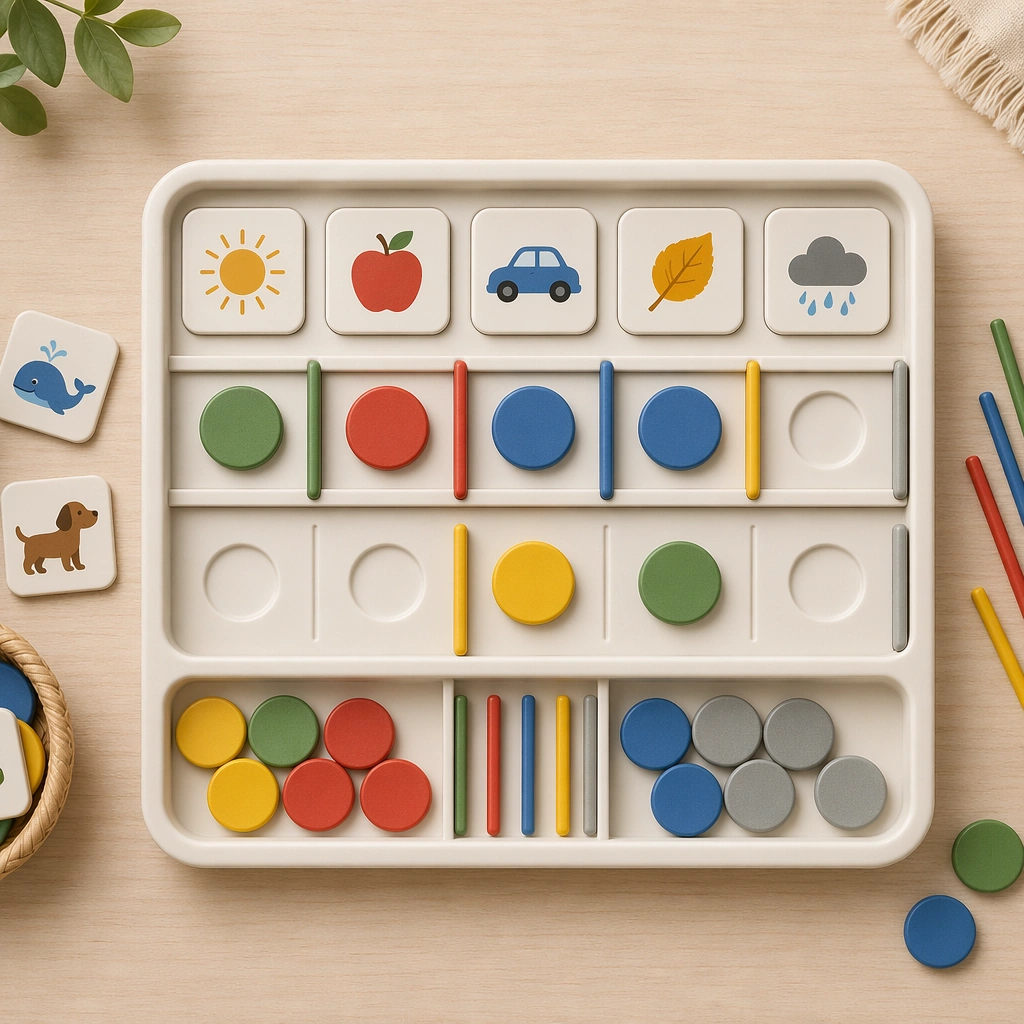
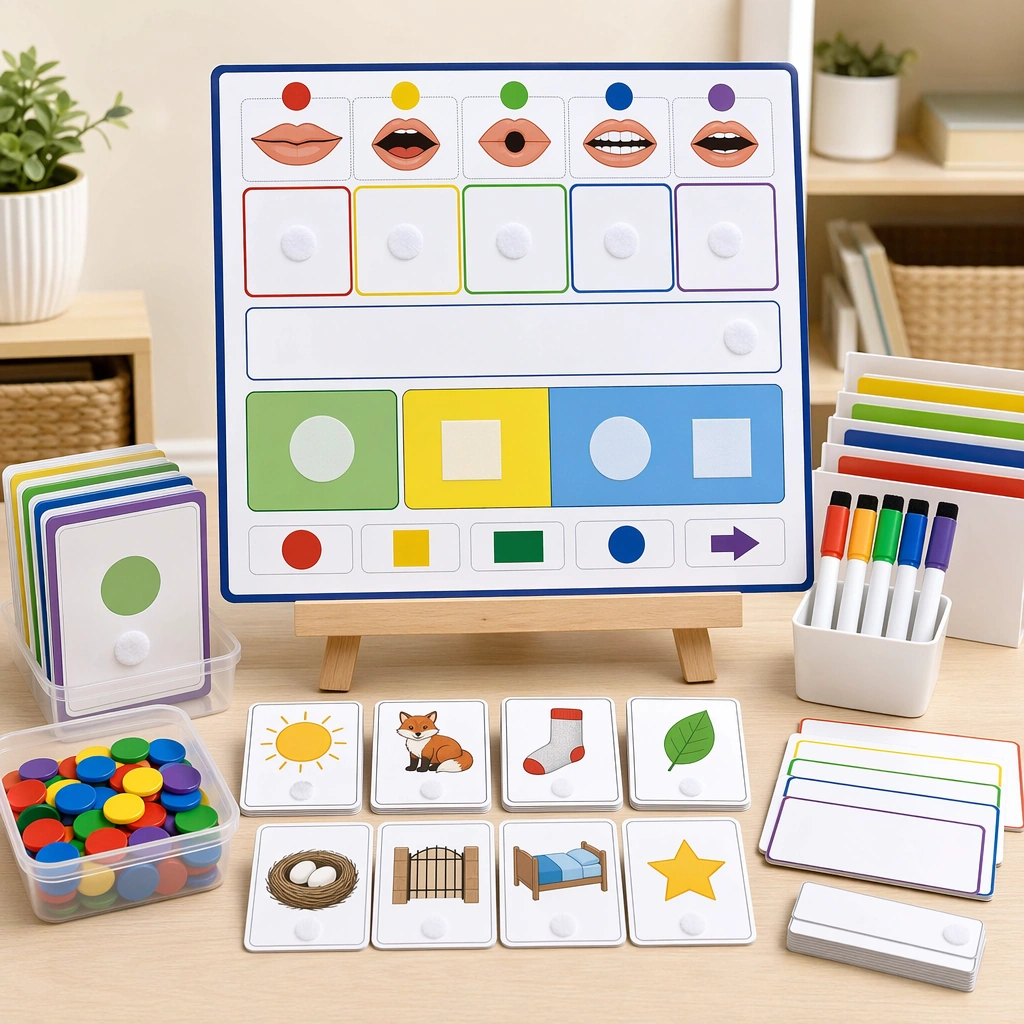
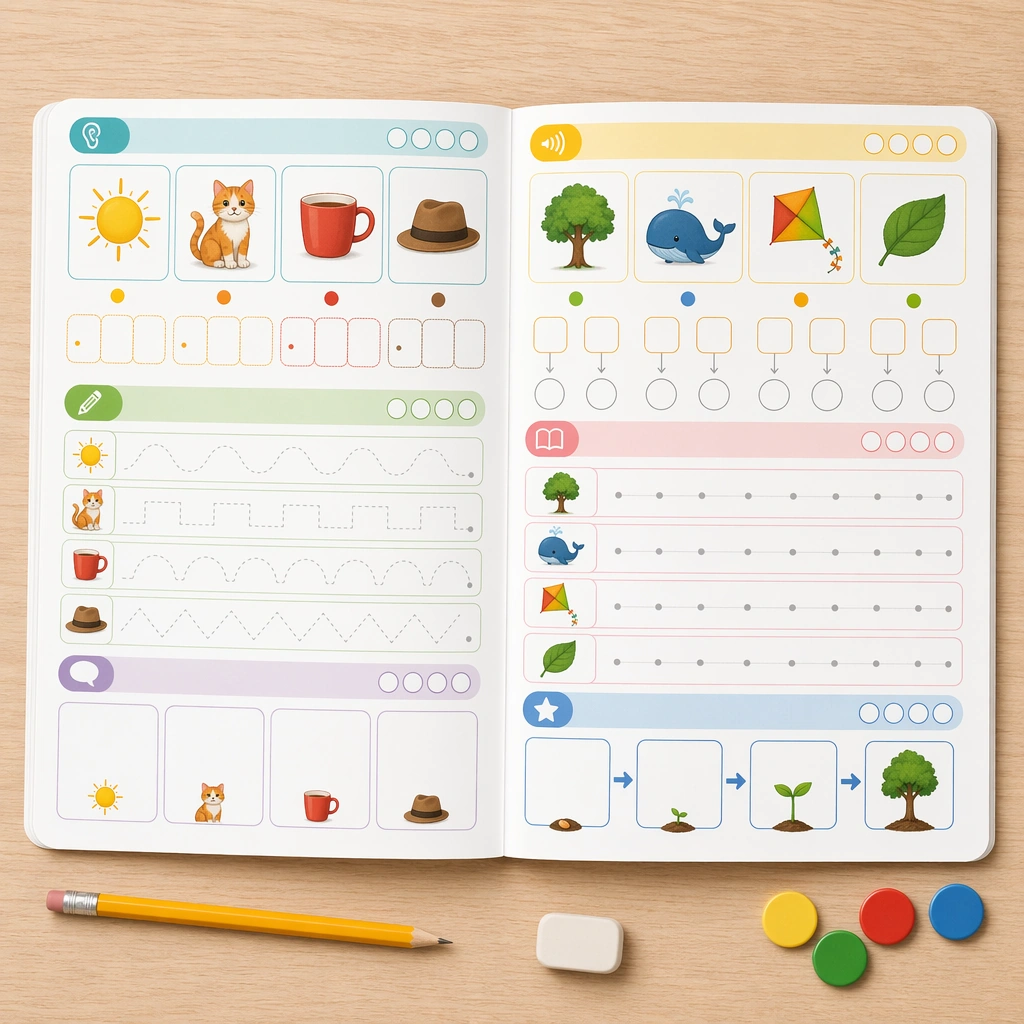
Keep the same square overhead proof-shot setup, identical paper stock, lighting softness, and desk styling from the reference worksheet. The image should look like the next page in a tightly art-directed literacy pack, maintaining precise margins, print realism, and the same calm elementary-classroom mood. Keep the square frame balanced, calm, and production-ready so the asset can serve gallery review, research comparison, and real educational delivery at the same time.

Subject:
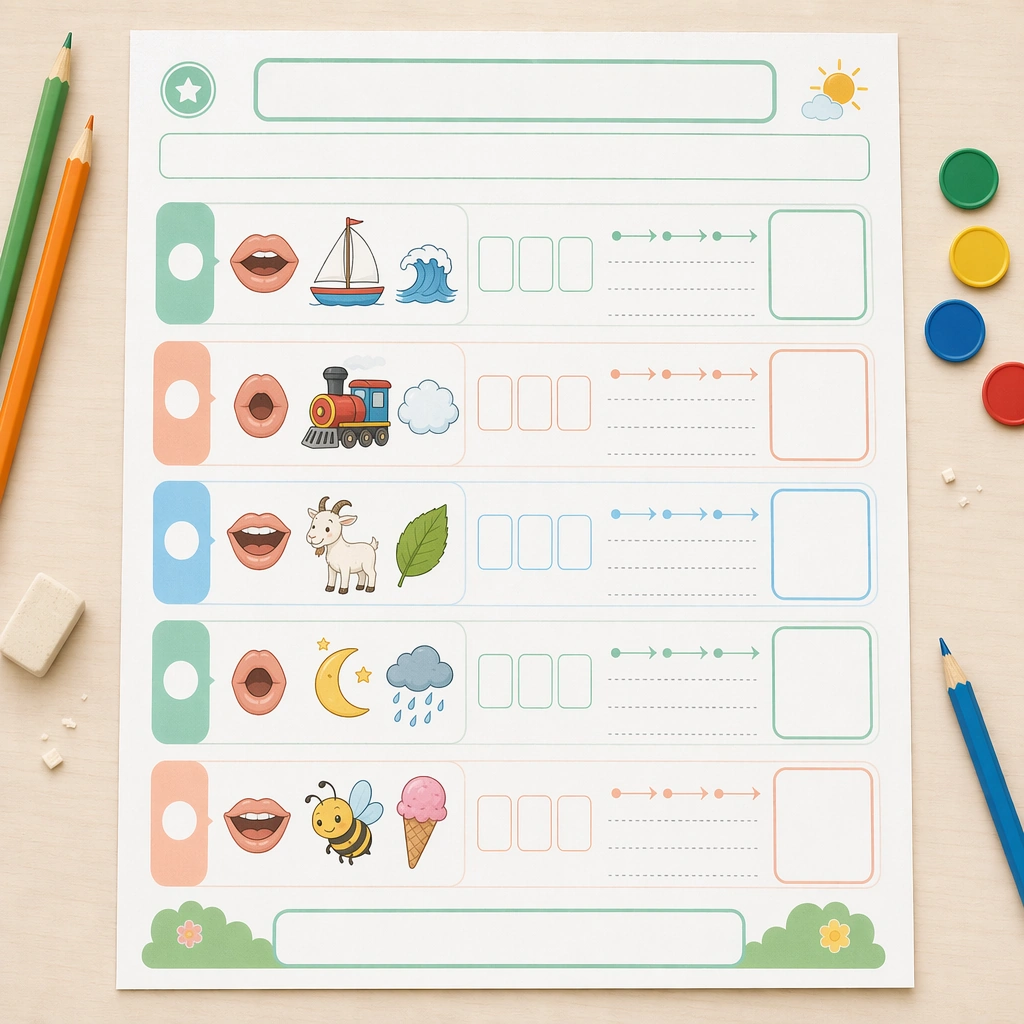
Swap the exercise logic to blending practice using illustrated mouth shapes, picture cues, segmented sound chips, blank blend strips, and simple guided arrows that imply left-to-right reading without any actual alphabet characters. The worksheet should feel active and teachable, not abstract. The subject matter should feel intentionally selected for a coherent curriculum family rather than like a random decorative assortment.

Important details:
Preserve the structural system from the reference page exactly: same header band, module spacing, answer-box size, icon style, and empty prompt panels. Variation should come from the sound-building visuals and sequencing cues, while the worksheet still feels like part of one commercially viable phonics line. Preserve the same worksheet margins, answer-box scale, icon cadence, divider rhythm, and blank title bars from the reference sheet. Use variation only in the teaching content, supporting props, and scene-specific mood while preserving the core visual system exactly.

Use case:
Phonics and Reading Practice Sheet series study 2/4, vowel blend sheet.

Constraints:
No readable text, no watermark, no logos, preserve exact 1:1 aspect ratio, no readable letters, no real words, no teacher handwriting, no messy desk clutter, no adult branding, no distorted paper edges.
Mode d’emploi
- Copiez le prompt original complet, paramètres compris.
- Adaptez le sujet, le texte et la composition à vos besoins.
- Utilisez un outil externe compatible ; vérifiez l’accès et le résultat.
Avant de commencer
- Vérifiez si une image de référence est nécessaire. La compatibilité ne prouve pas le modèle utilisé pour cet exemple.
- Vérifiez noms, chiffres et textes ; les versions du modèle peuvent produire des résultats différents.