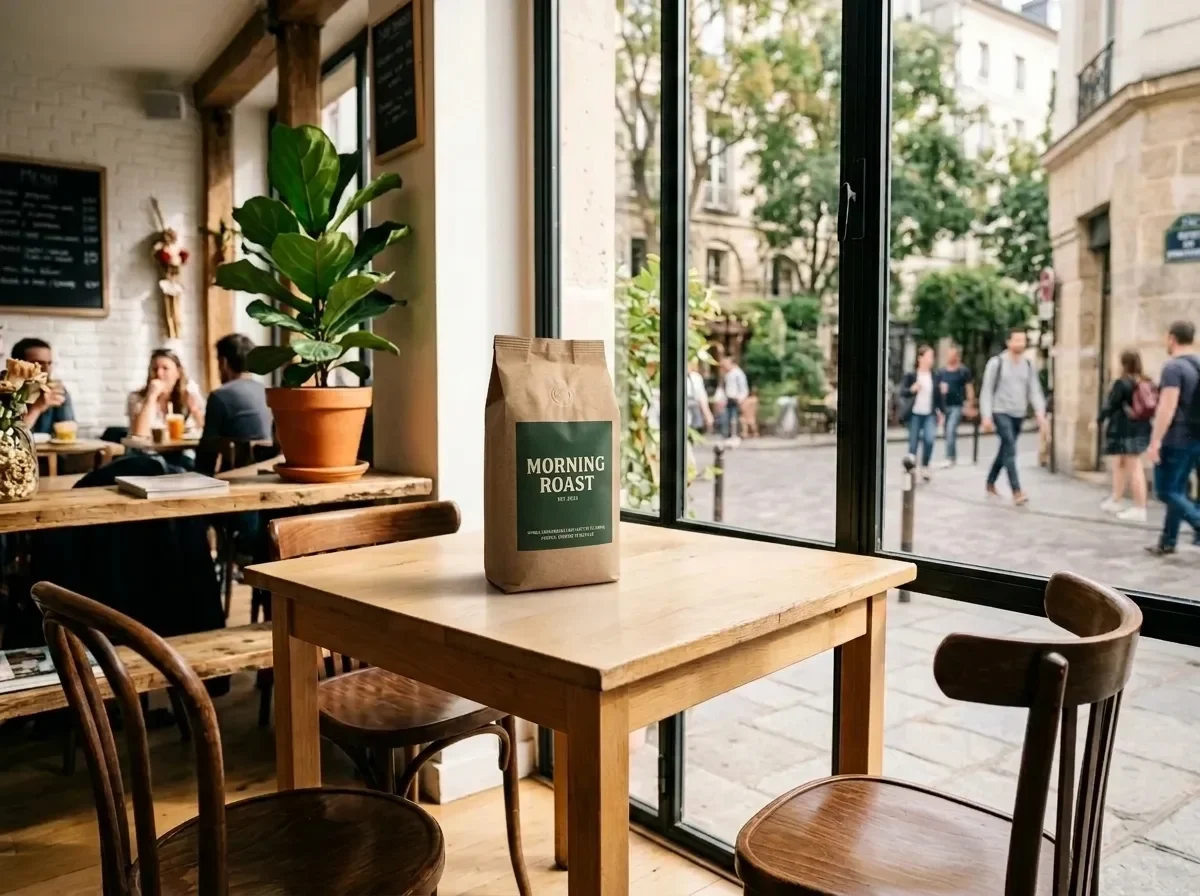
Place a Product into Your Scene (two reference images)

Place a Product into Your Scene (two reference images)

Document original

Nano Banana 2.1 · en

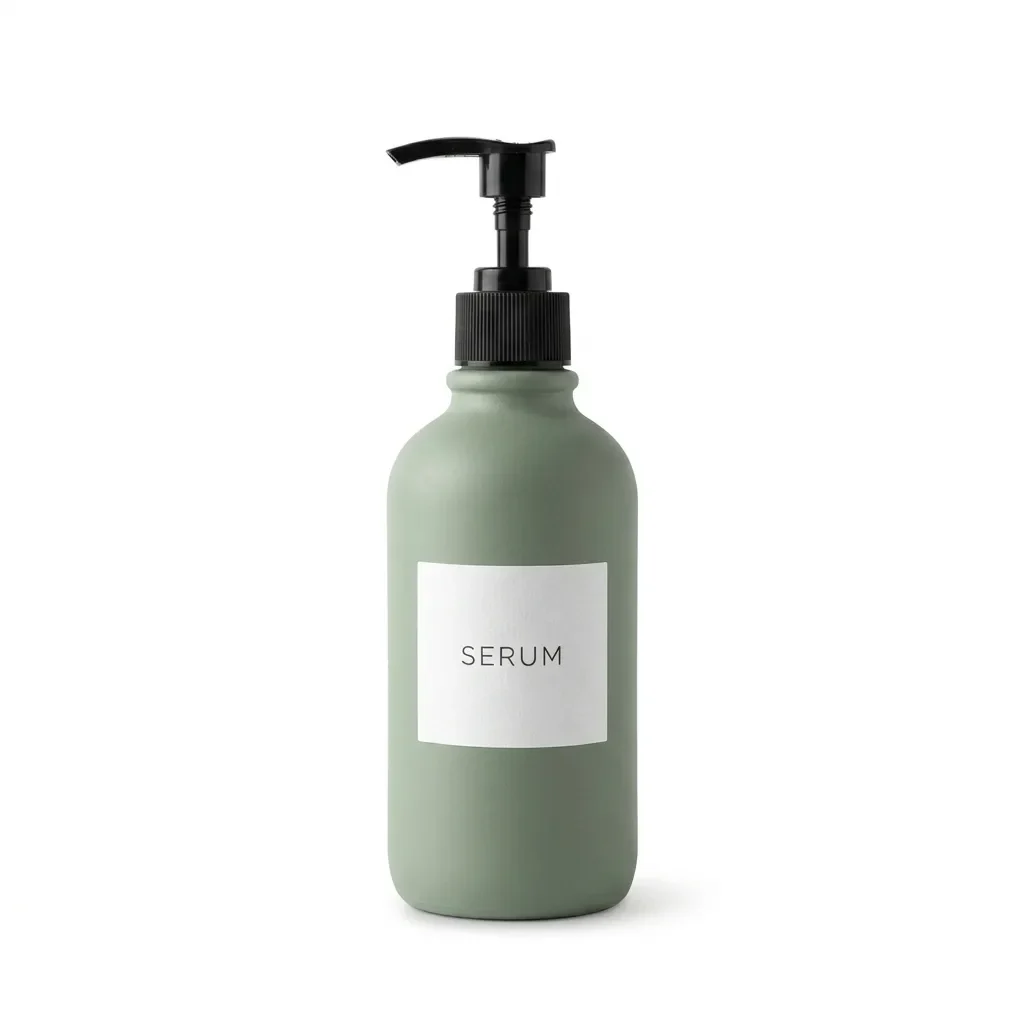
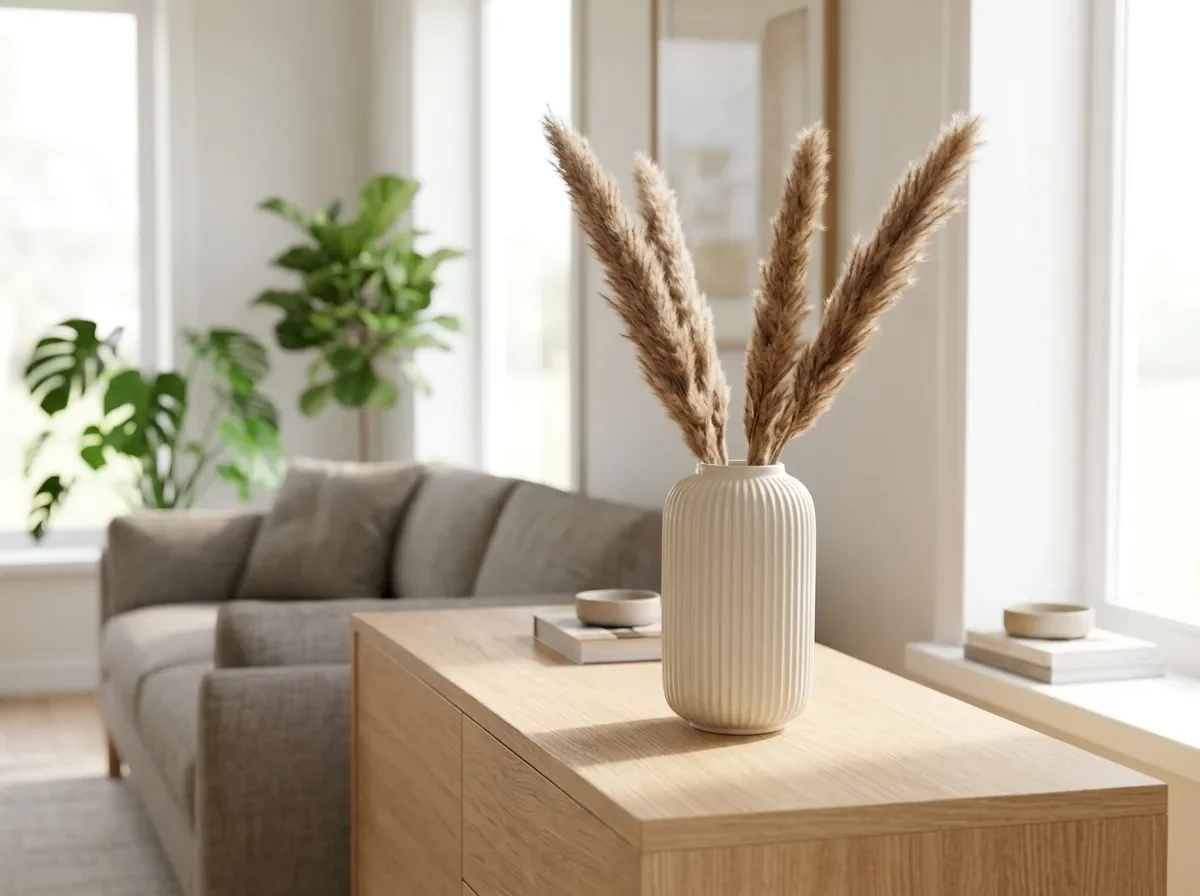
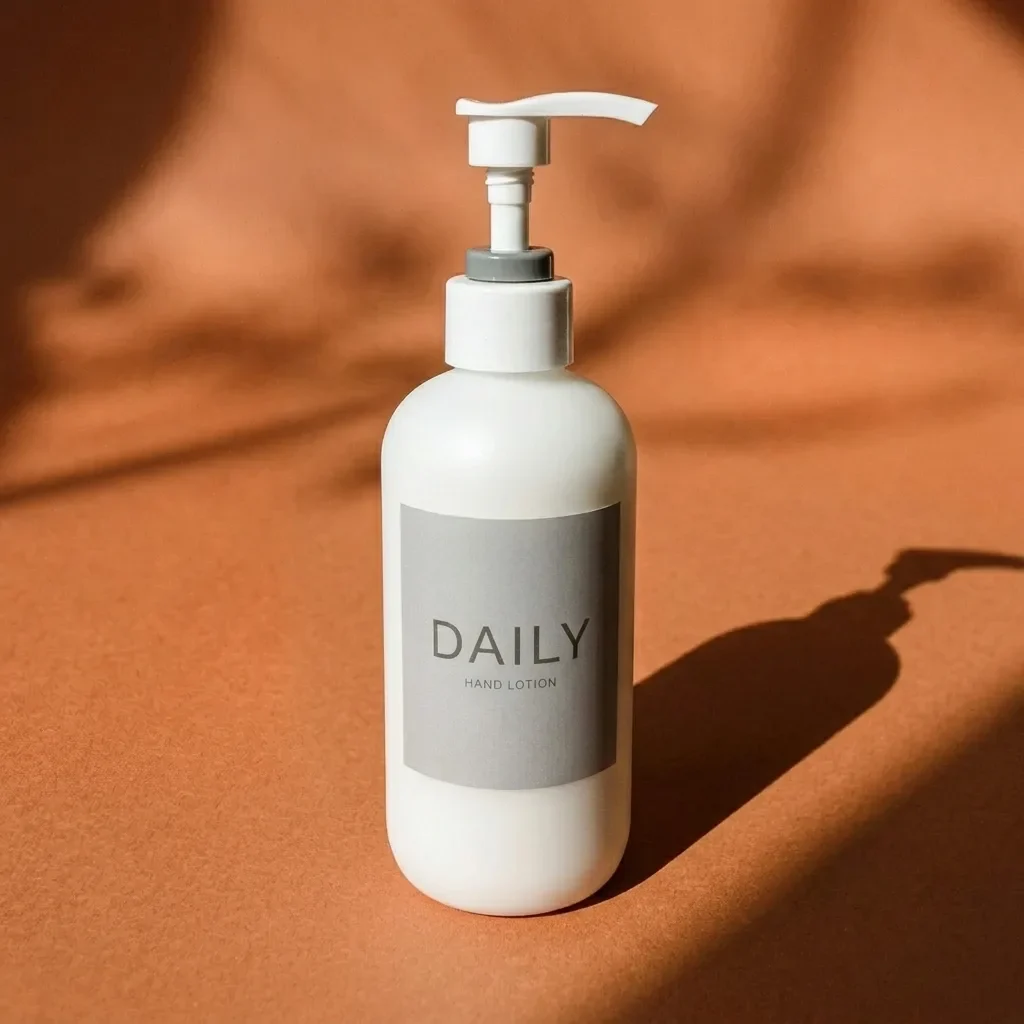
Place the product from IMG_2 on the table in IMG_1. Keep the product's shape, label and colors exactly as in IMG_2. Match IMG_1's perspective, lighting direction and color temperature, and add a natural contact shadow so the product looks photographed in place. Keep the rest of IMG_1 unchanged.

Mode d’emploi

  1. Copiez le prompt original complet, paramètres compris.
  2. Adaptez le sujet, le texte et la composition à vos besoins.
  3. Utilisez un outil externe compatible ; vérifiez l’accès et le résultat.

Avant de commencer

  • Vérifiez si une image de référence est nécessaire. La compatibilité ne prouve pas le modèle utilisé pour cet exemple.
  • Vérifiez noms, chiffres et textes ; les versions du modèle peuvent produire des résultats différents.
Exemples similaires

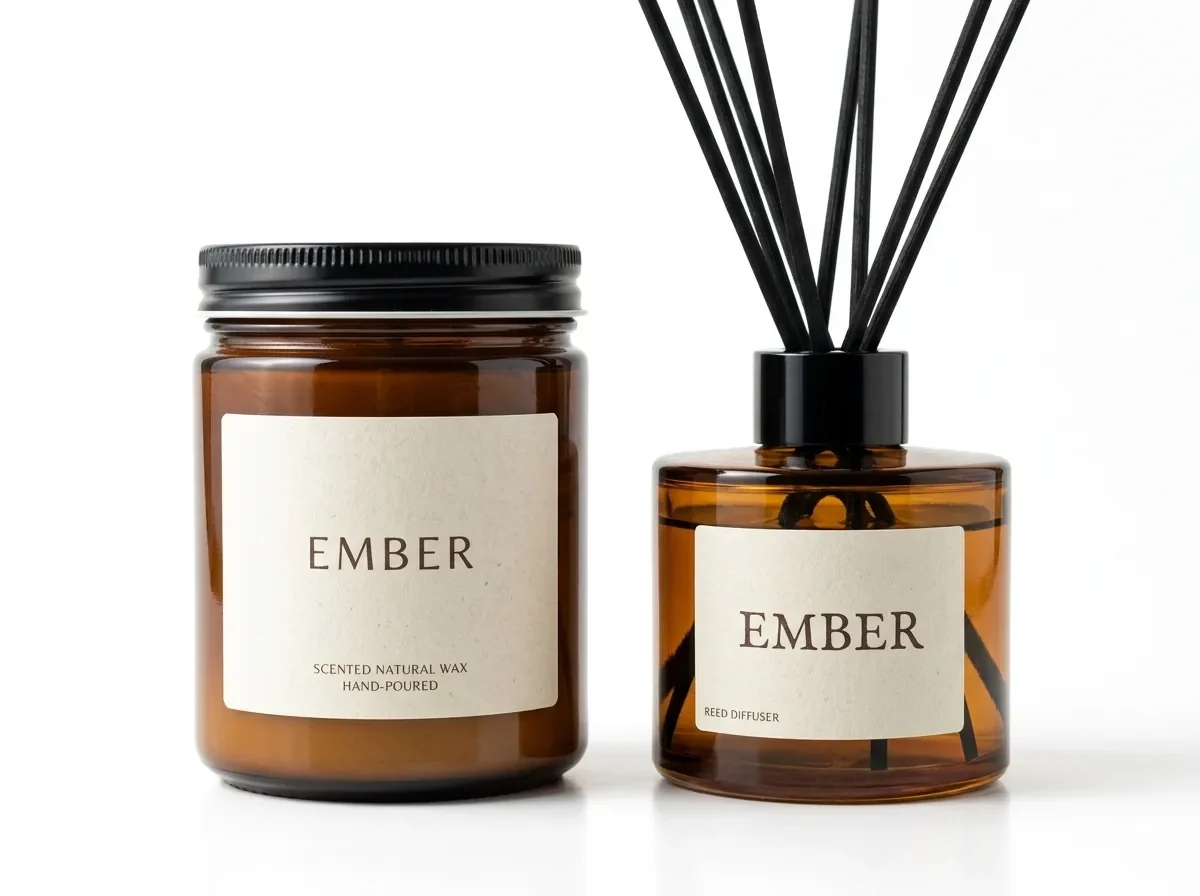
Bundle Two Products into One Shot (two reference images)
Nano Banana 2.1en

Combine the product in IMG_1 and the product in IMG_2 into one bundle photo. Keep both products exactly as they are, including their shapes, labels and colors. Arrange them side by side on a pure white background with the same soft studio light and natural contact shadows. Clean

Bright Modern Living Room (reference photo required)
Nano Banana 2.1en

Keep the product exactly as it is, including its shape, finish and colors. Place it on a light oak sideboard in a bright, modern living room, with a sofa and green plants softly blurred behind it. Natural daylight from a large window, shadows that match the light, photorealistic

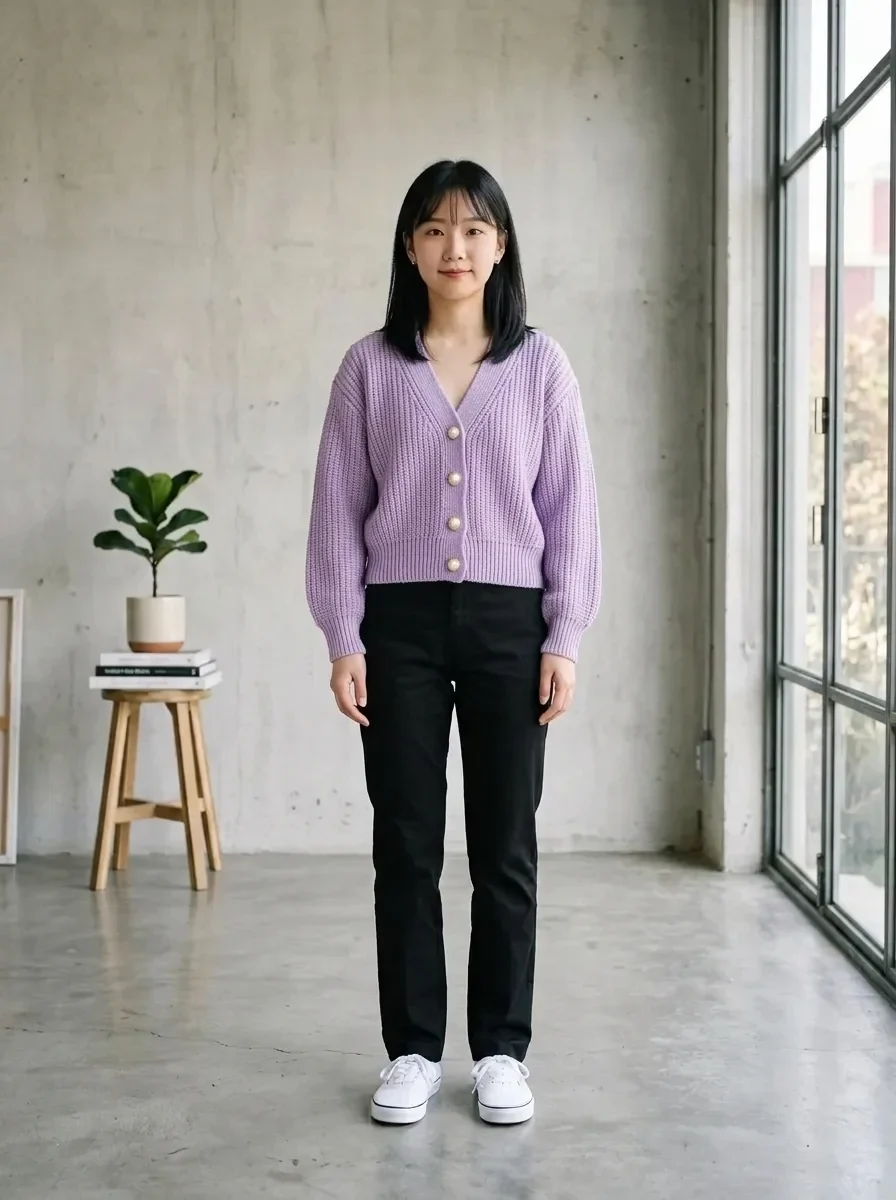
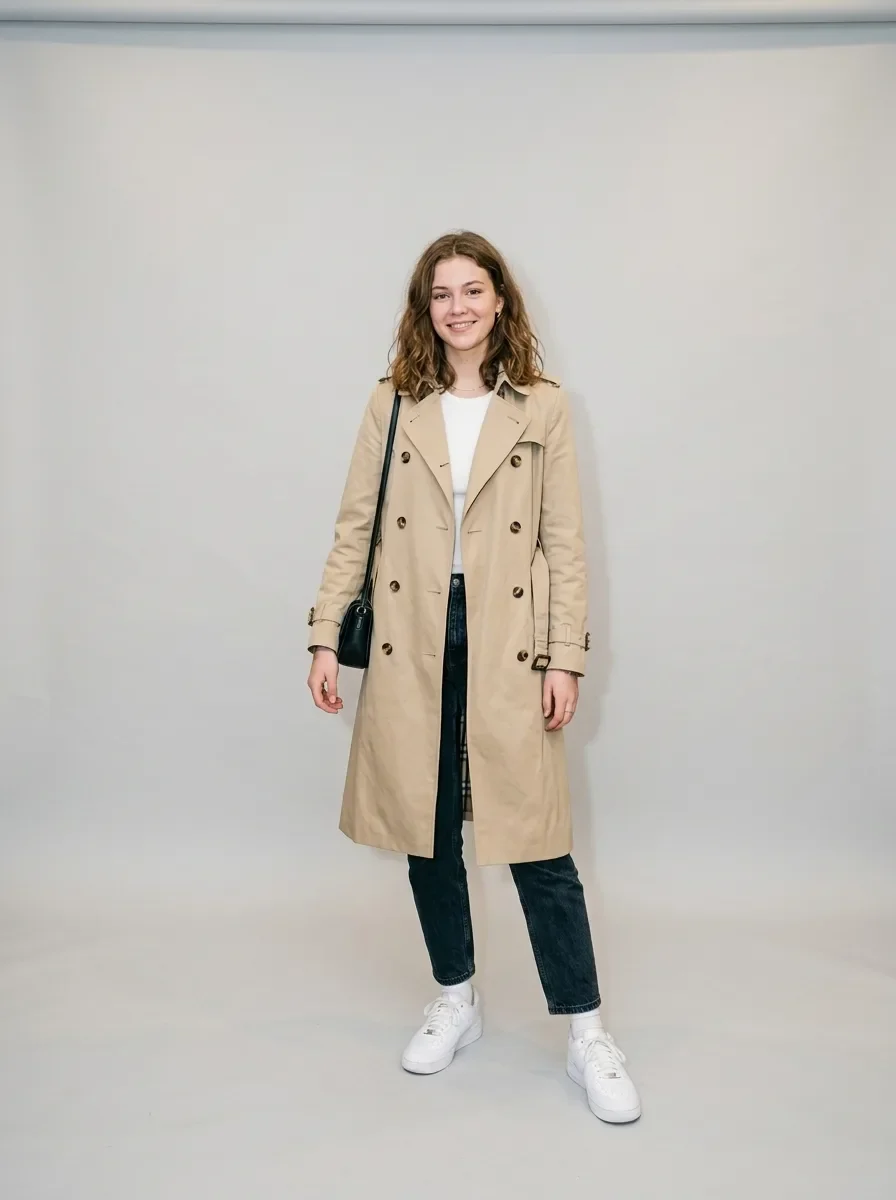
Virtual Try-On (two reference images)
Nano Banana 2.1en

Dress the person in IMG_1 in the garment from IMG_2. Keep the person's face, hairstyle, body shape and pose unchanged. Keep the garment's cut, color, fabric texture and seams exactly as in IMG_2, with natural folds that fit the pose. Keep IMG_1's background and lighting.