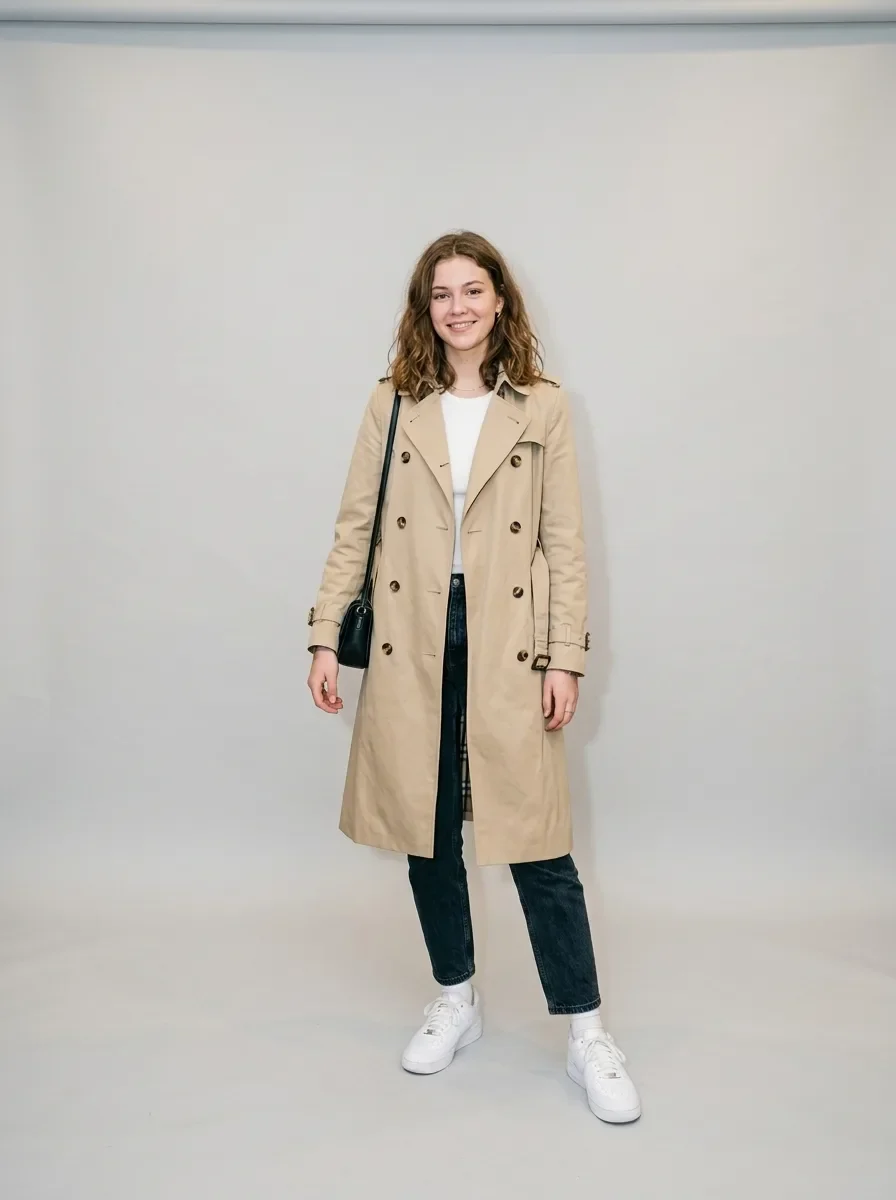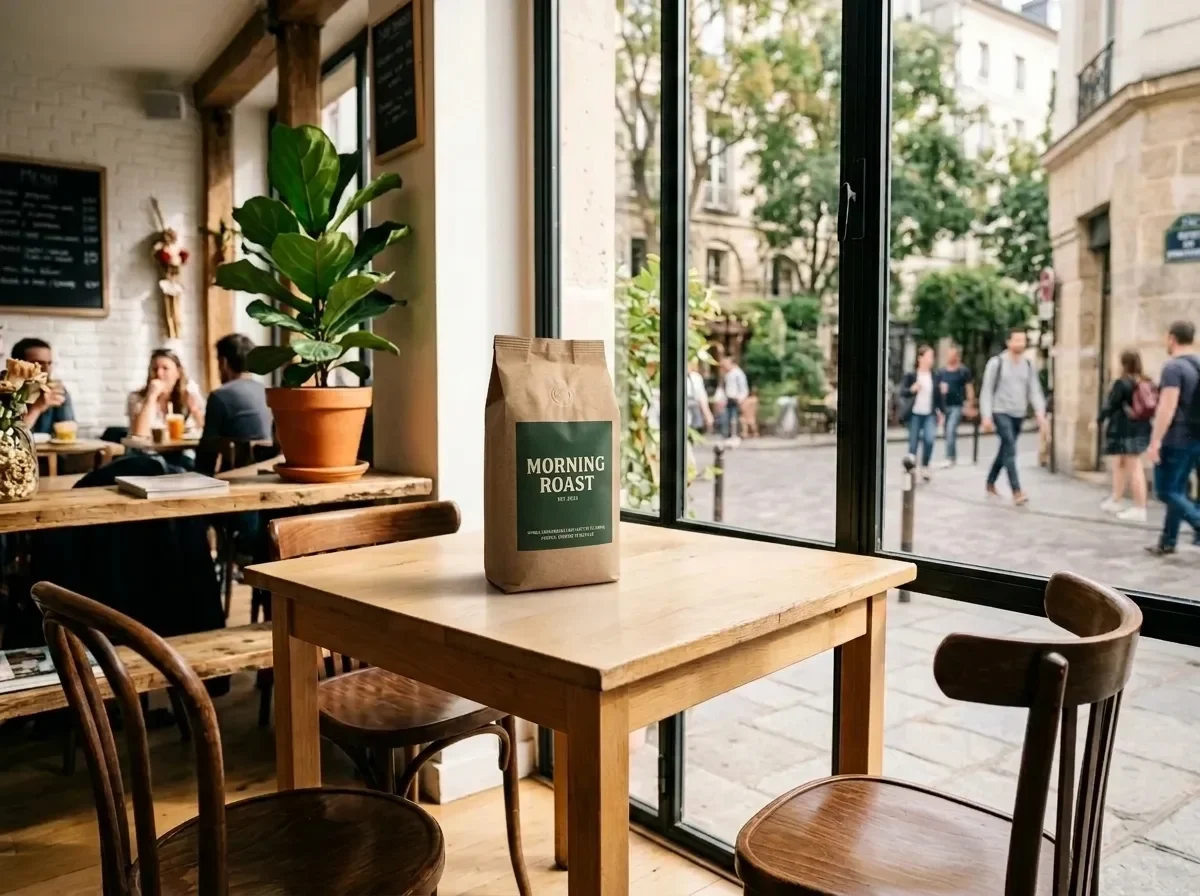
Place a Product into Your Scene (two reference images)

Place a Product into Your Scene (two reference images)

原文

Nano Banana 2.1 · en

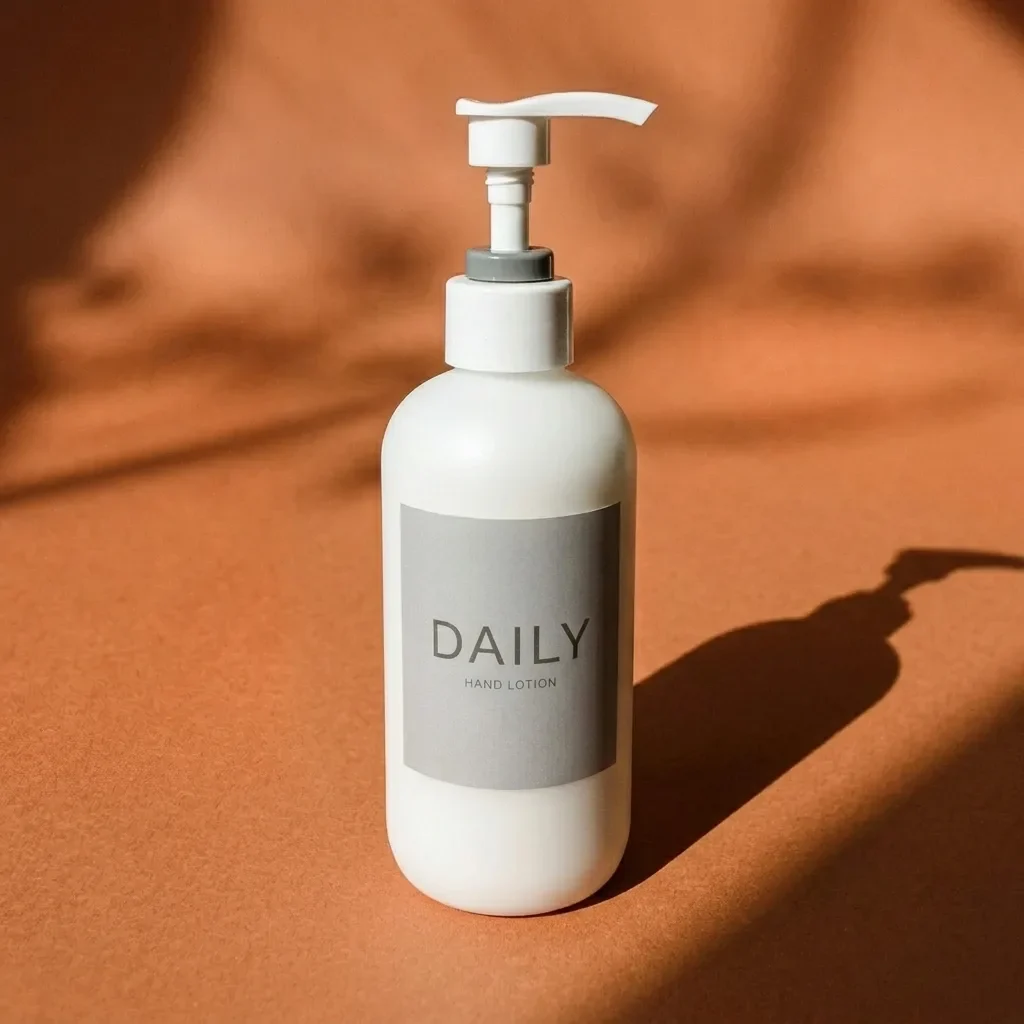
Place the product from IMG_2 on the table in IMG_1. Keep the product's shape, label and colors exactly as in IMG_2. Match IMG_1's perspective, lighting direction and color temperature, and add a natural contact shadow so the product looks photographed in place. Keep the rest of IMG_1 unchanged.

使い方

  1. パラメータを含む元のプロンプト全体をコピーします。
  2. 被写体、文字、構図を自分の要件に置き換えます。
  3. 対応する外部ツールで使用し、利用条件と結果を確認します。

開始前の確認

  • 参考画像の要否を確認してください。互換モデルの表示は、そのモデルでの生成実績を意味しません。
  • 名前、数値、画像内の文字を確認します。モデルの版で結果は変わります。
似た事例

Bundle Two Products into One Shot (two reference images)
Nano Banana 2.1en

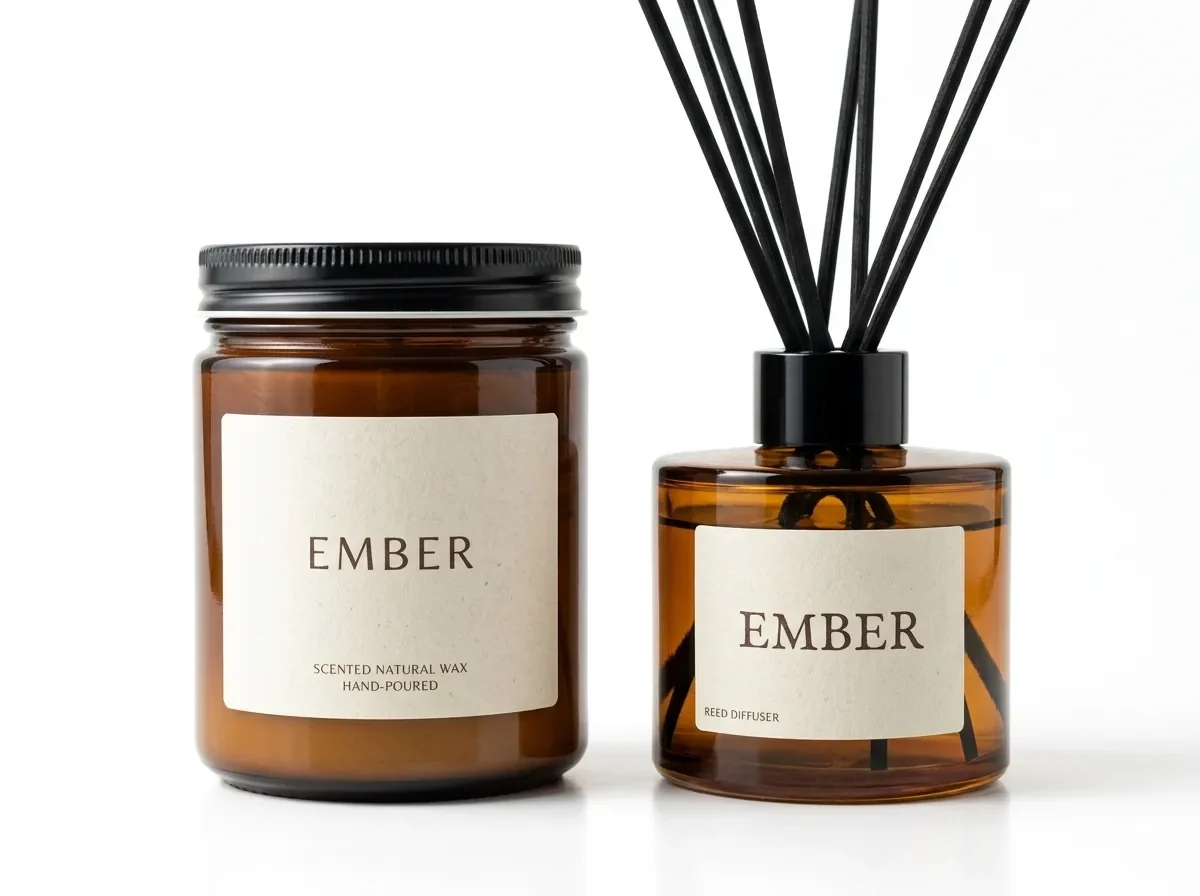
Combine the product in IMG_1 and the product in IMG_2 into one bundle photo. Keep both products exactly as they are, including their shapes, labels and colors. Arrange them side by side on a pure white background with the same soft studio light and natural contact shadows. Clean

Pure White Marketplace Packshot (reference photo required)
Nano Banana 2.1en

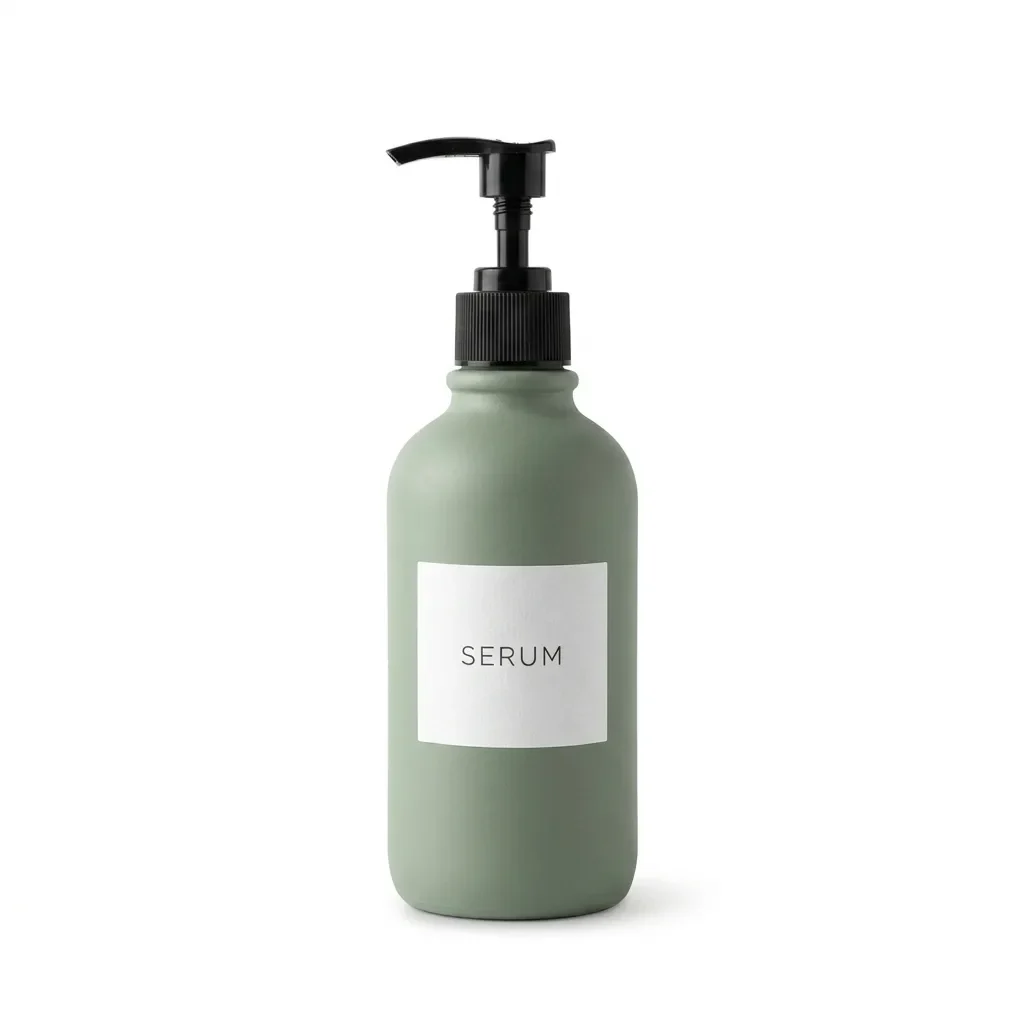
Keep the product exactly as it is, including its shape, label, colors and proportions. Replace the background with pure white (#FFFFFF) and center the product. Light it with soft, even studio light from both sides and add a subtle natural contact shadow under its base. Crisp edge

Bright Modern Living Room (reference photo required)
Nano Banana 2.1en

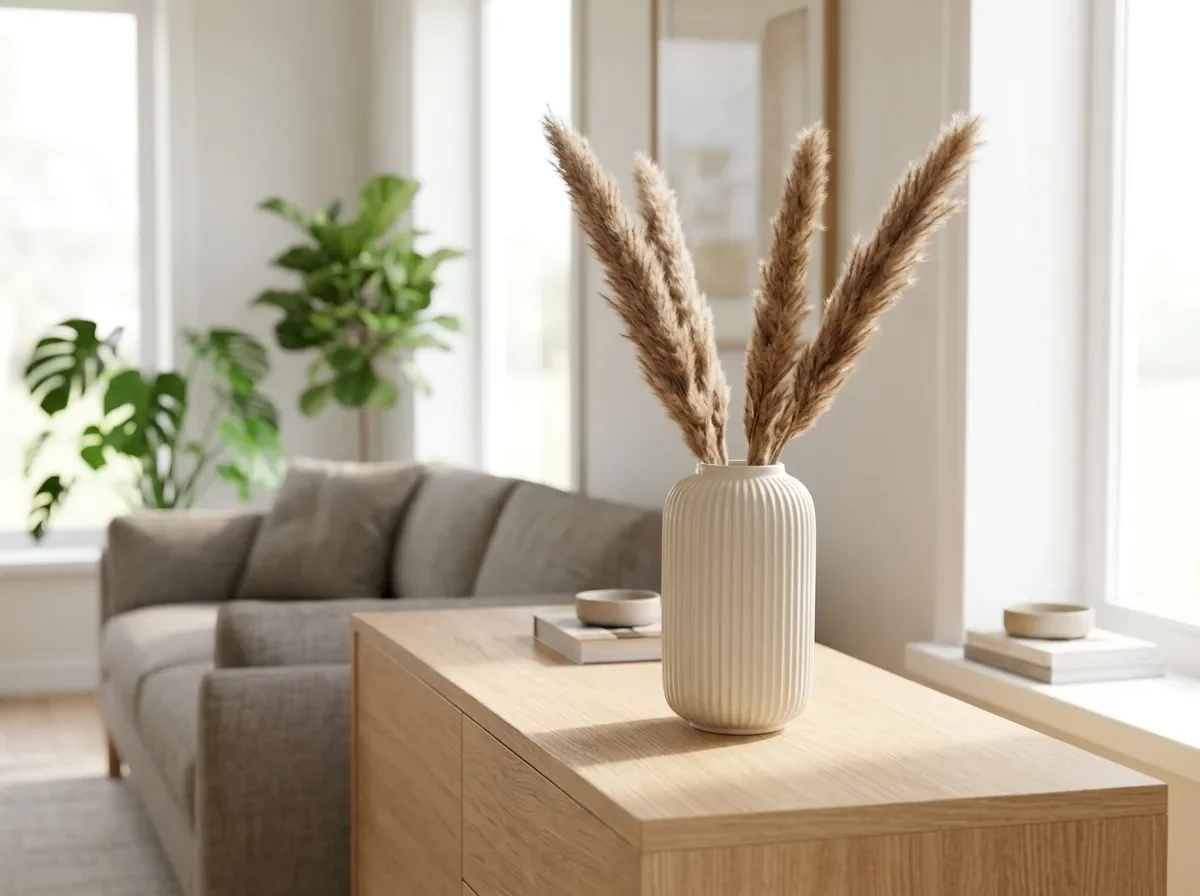
Keep the product exactly as it is, including its shape, finish and colors. Place it on a light oak sideboard in a bright, modern living room, with a sofa and green plants softly blurred behind it. Natural daylight from a large window, shadows that match the light, photorealistic

Virtual Try-On (two reference images)
Nano Banana 2.1en

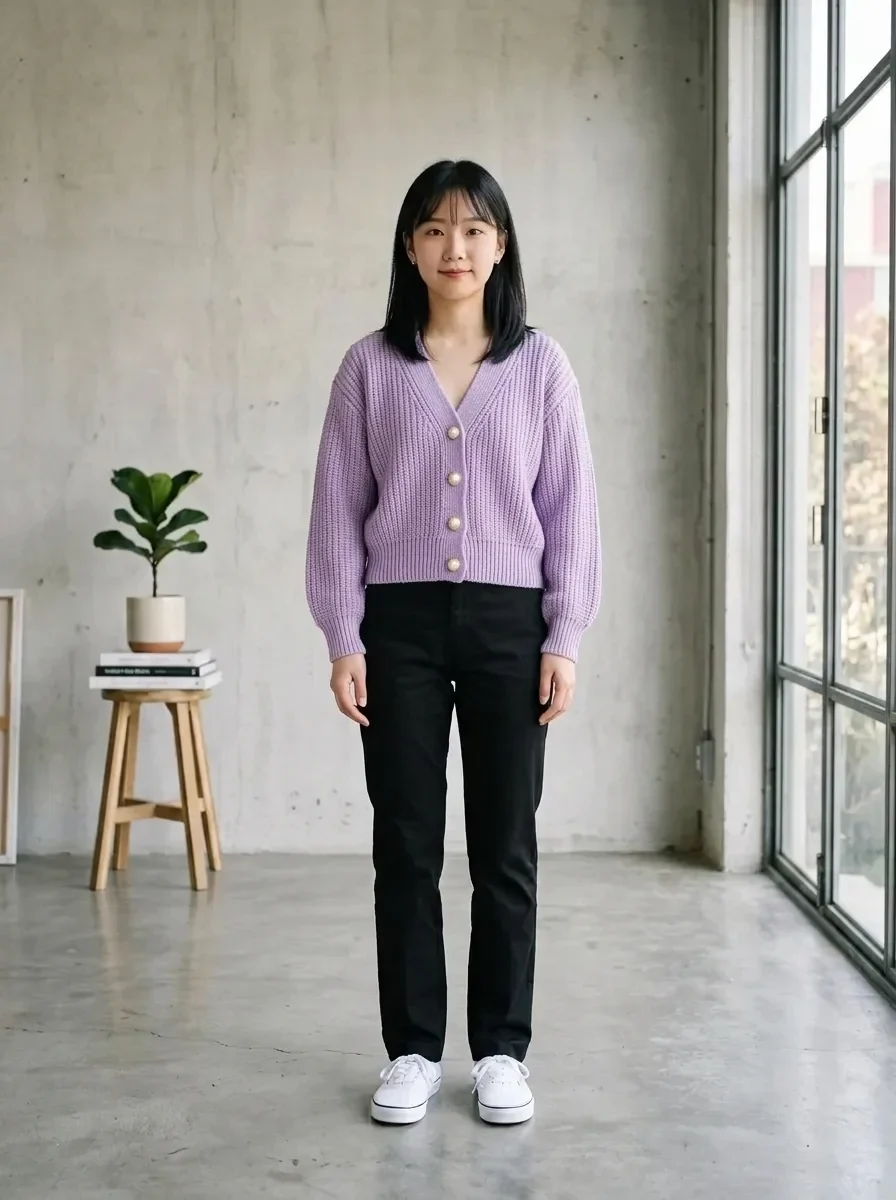
Dress the person in IMG_1 in the garment from IMG_2. Keep the person's face, hairstyle, body shape and pose unchanged. Keep the garment's cut, color, fabric texture and seams exactly as in IMG_2, with natural folds that fit the pose. Keep IMG_1's background and lighting.