Document original
GPT Image 2 · en
Scene:
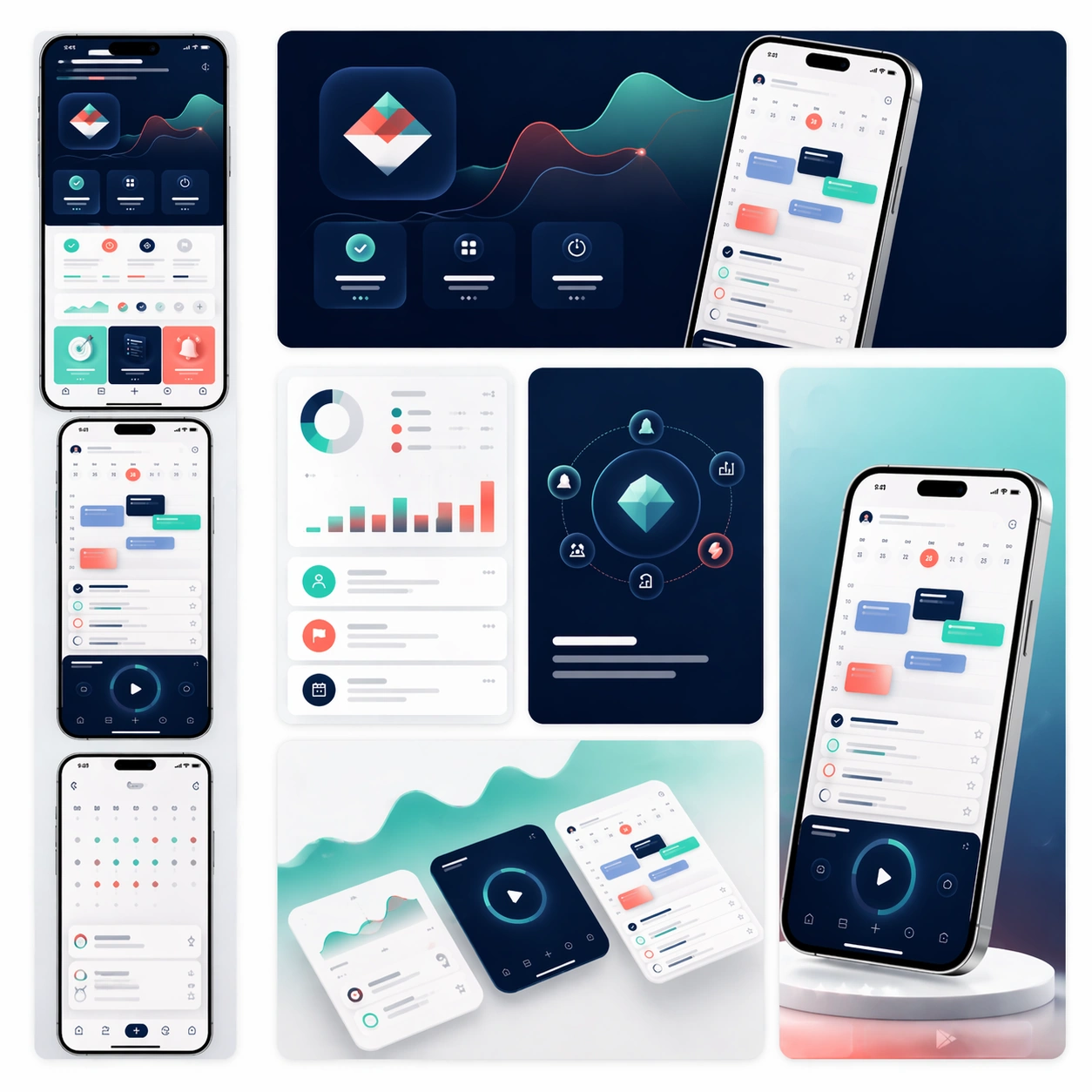
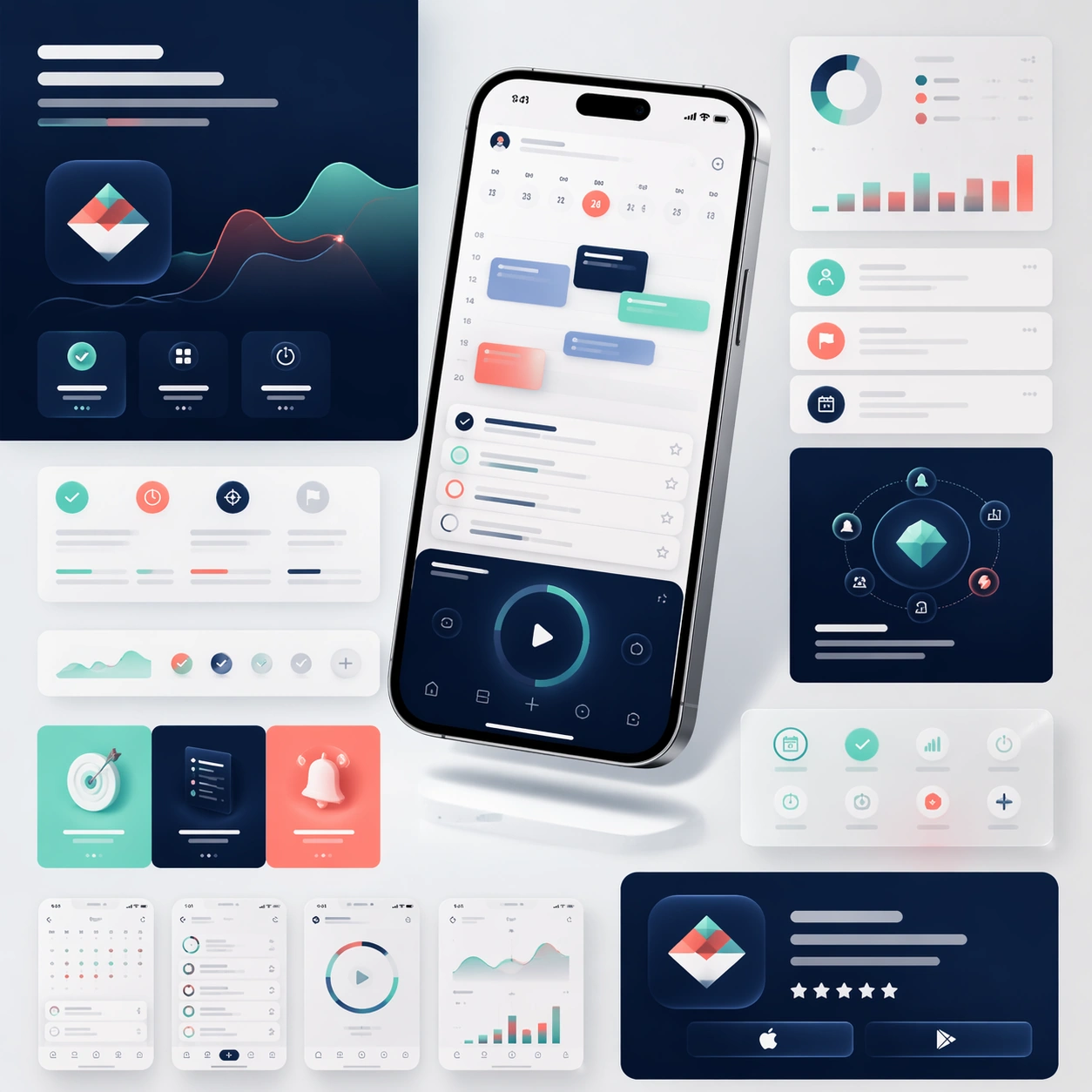
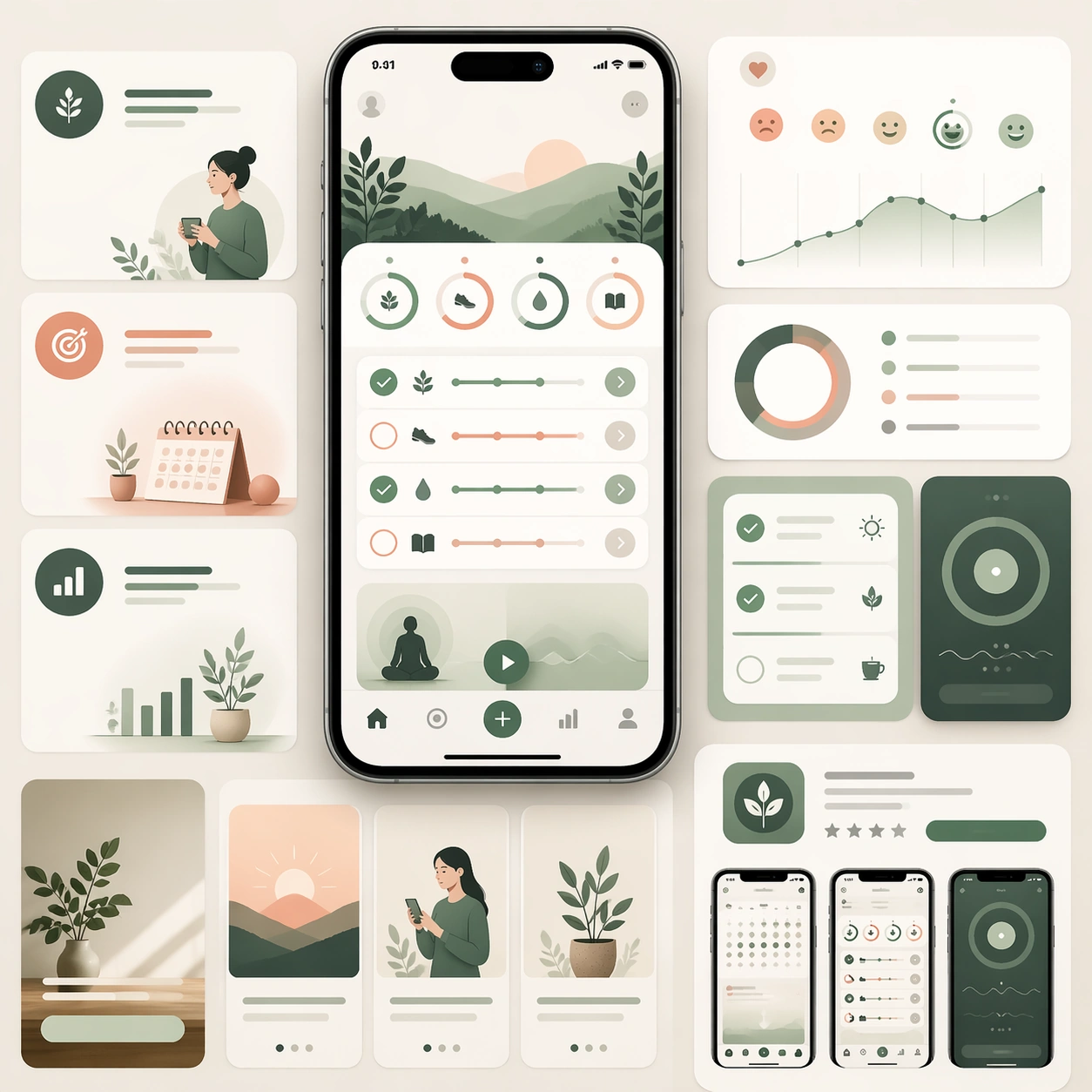
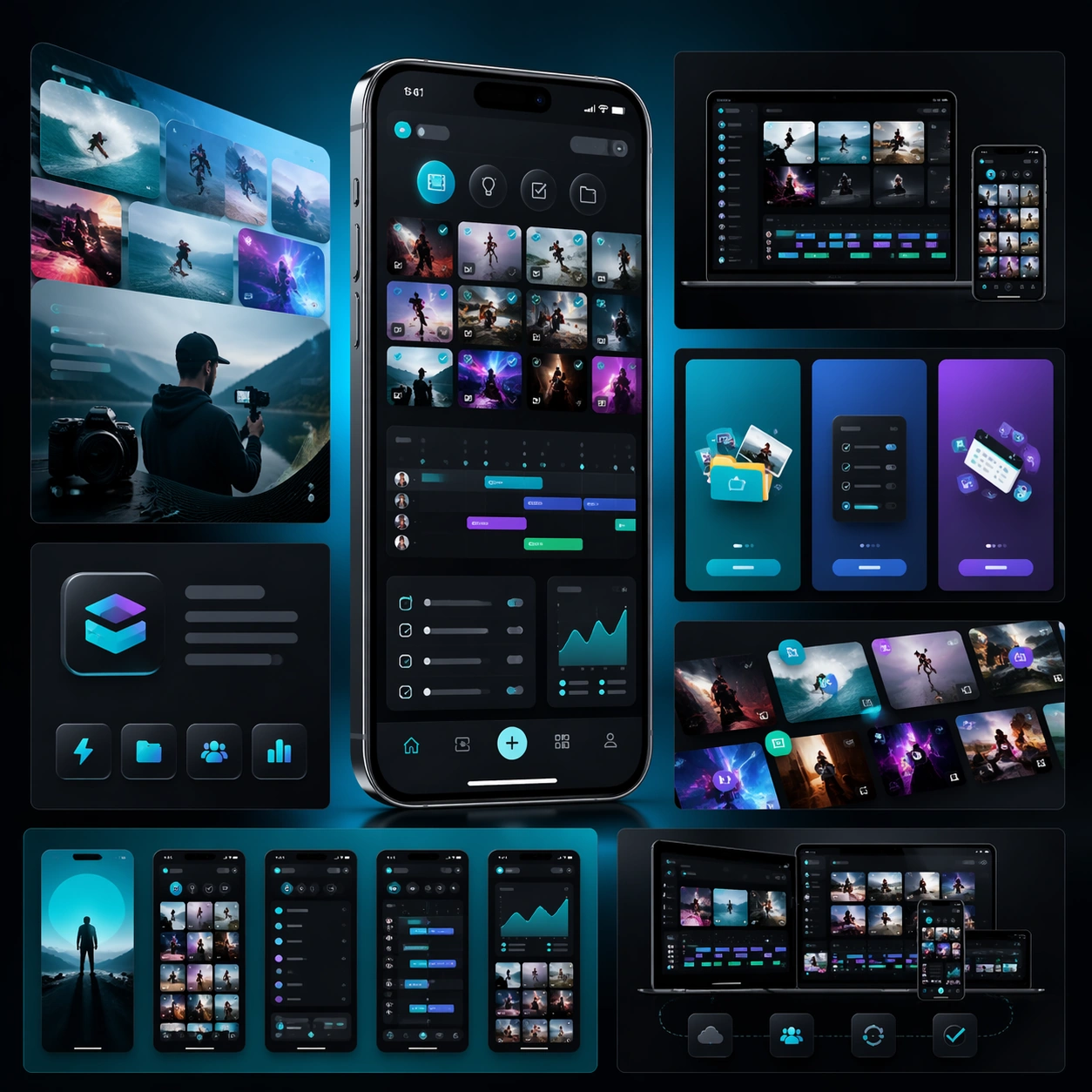
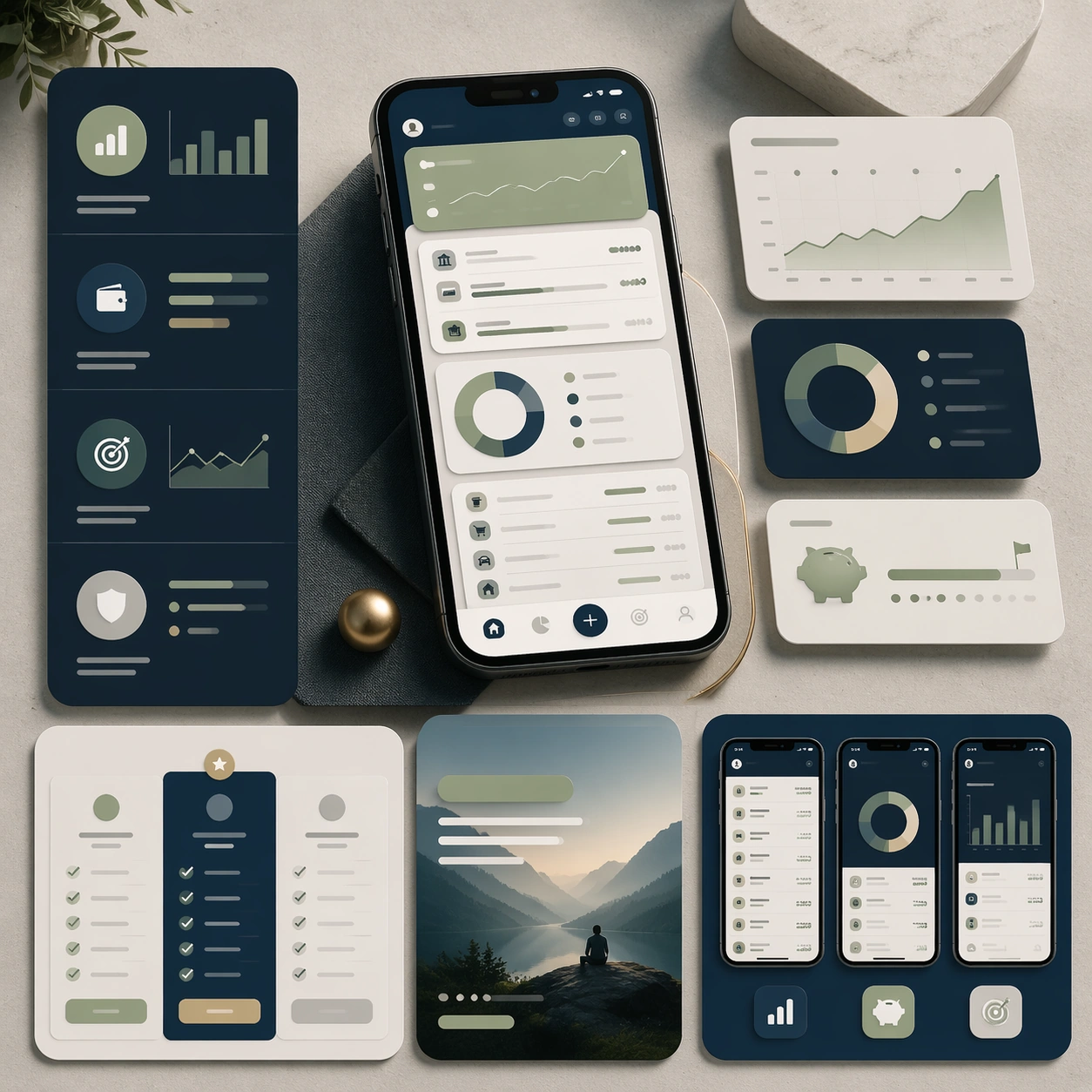
A square marketing presentation for a personal budgeting and planning app, set on a clean stone-like surface with restrained studio lighting. Use a palette of midnight blue, pale sage, warm gray, and subtle brass highlights. Compose one central device render, a few floating analytics panels, and several structured marketing-page modules arranged with editorial precision and generous negative space.

Subject:
Create a trustworthy app launch board for a finance-planning tool aimed at everyday users. The interface should show account summary cards, budget bars, category rings, savings goals, and a calm transaction overview, all rendered as believable mobile UI rather than speculative sci-fi graphics. Around the device, build supporting sections that imply feature explanation, plan comparison, and store-ready promotional crops. The entire board should look prepared for a serious launch campaign that needs both warmth and credibility. All communication should happen through shape, hierarchy, and image language because text must remain unreadable.

Important details:
Emphasize clarity, discipline, and realistic product polish. Keep charts simple and elegant, maintain coherent spacing, and avoid anything that feels like a banking dashboard parody. The composition should project trust, premium utility, and conversion readiness while still feeling modern enough for consumer app marketing. Make it clear that the work extends beyond a single mockup into a full page-and-store asset system.

Use case:
App Launch Marketing Page Kit single study 3/5, testing a finance-planning launch direction.

Constraints:
No readable text, no watermark, no logos, preserve exact 1:1 aspect ratio, no cryptocurrency clichés, no exaggerated holograms, no crowded spreadsheet chaos, no impossible reflections, no mismatched chart styles.
Mode d’emploi
- Copiez le prompt original complet, paramètres compris.
- Adaptez le sujet, le texte et la composition à vos besoins.
- Utilisez un outil externe compatible ; vérifiez l’accès et le résultat.
Avant de commencer
- Vérifiez si une image de référence est nécessaire. La compatibilité ne prouve pas le modèle utilisé pour cet exemple.
- Vérifiez noms, chiffres et textes ; les versions du modèle peuvent produire des résultats différents.