Document original
GPT Image 2 · en
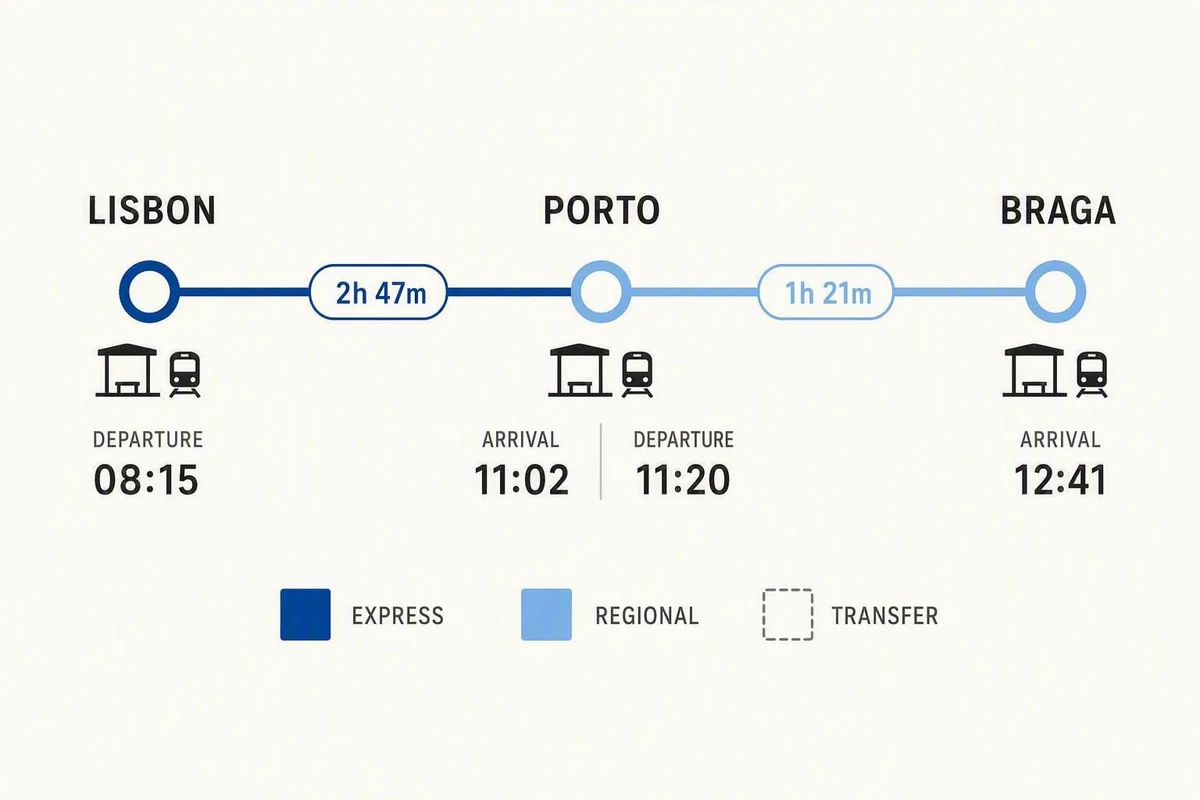
Scene:
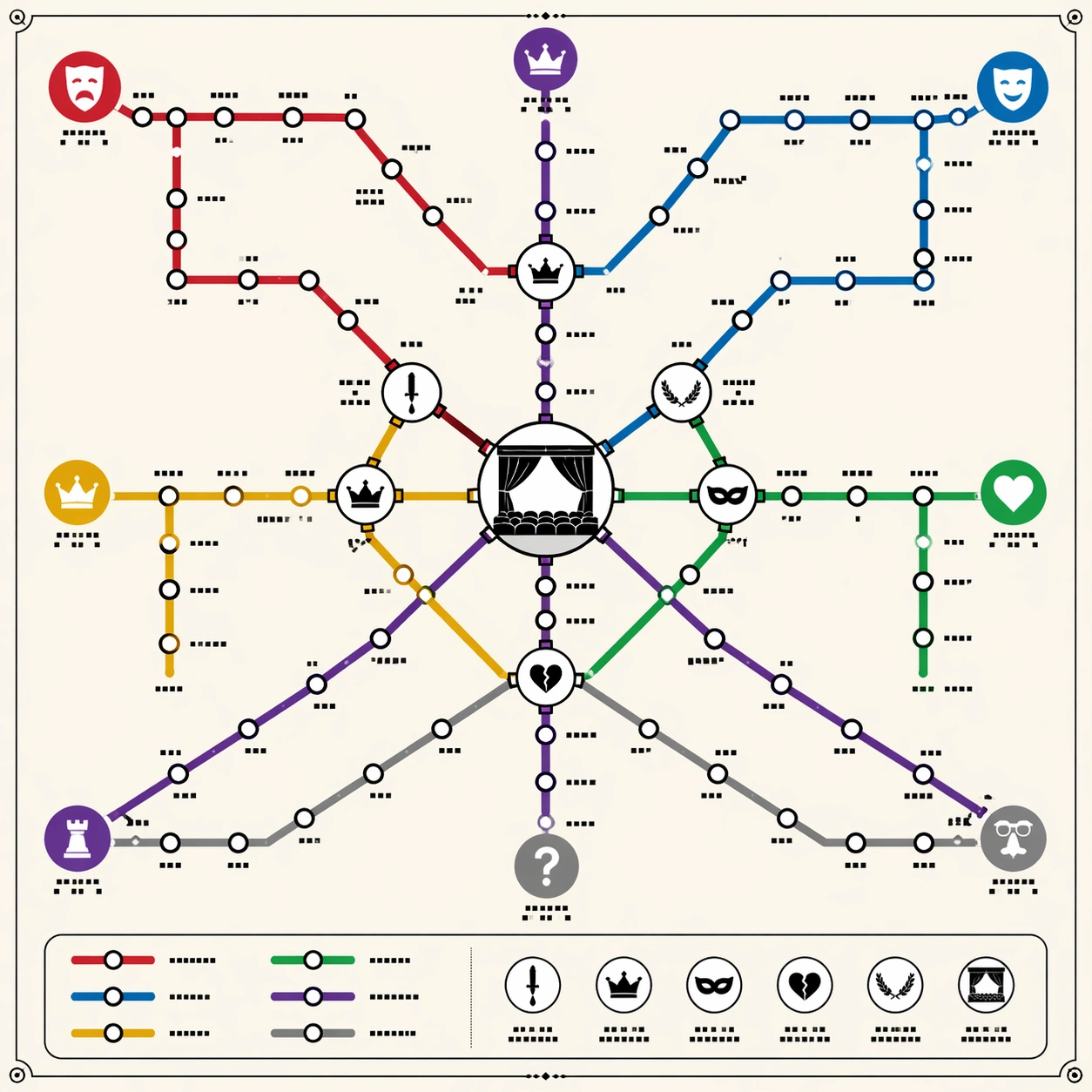
A square poster-style transit diagram on clean off-white paper, viewed straight-on with precise vector-like linework. The overall language should recall a premium city subway map: colored route lines, circular stations, transfer hubs, a small legend panel, and disciplined margins. Use warm ivory background, black station outlines, and six saturated but tasteful route colors. Keep the lighting flat and print-like, not photorealistic.

Subject:
A thematic subway map that abstracts Shakespeare's dramatic universe into routes. One red tragedy line, one blue comedy line, one gold history line, one green romance line, one violet power line, and one gray mistaken-identity line cross through a central interchange shaped like a stage. Station dots cluster as play-like narrative nodes, with larger transfer circles where themes overlap: ambition, exile, disguise, royal succession, revenge, and reconciliation. Small theater icons and mask symbols mark major route families.

Important details:
The map must look logically planned, not like random spaghetti. Lines should run at transit-map angles, mostly horizontal, vertical, or forty-five degrees, with clean bends, consistent station spacing, and clear crossings. Use tiny non-readable glyph blocks where labels would be; no actual readable words. The viewer should understand the knowledge abstraction through line color, transfers, icons, and hierarchy. Include a tidy legend area made of colored swatches and glyph marks, but no legible text.

Use case:
Thematic Subway Map single study 1/8, testing literary relationship abstraction through professional transit-map topology and transfer logic.

Constraints:
No readable text, no watermark, no logos, preserve exact 1:1 aspect ratio, no real transit authority branding, no map of London geography, no messy overlapping labels, no random colored noodles, no perspective tilt, no torn-paper texture.
Mode d’emploi
- Copiez le prompt original complet, paramètres compris.
- Adaptez le sujet, le texte et la composition à vos besoins.
- Utilisez un outil externe compatible ; vérifiez l’accès et le résultat.
Avant de commencer
- Vérifiez si une image de référence est nécessaire. La compatibilité ne prouve pas le modèle utilisé pour cet exemple.
- Vérifiez noms, chiffres et textes ; les versions du modèle peuvent produire des résultats différents.