
Document original
GPT Image 2 · en
Scene:
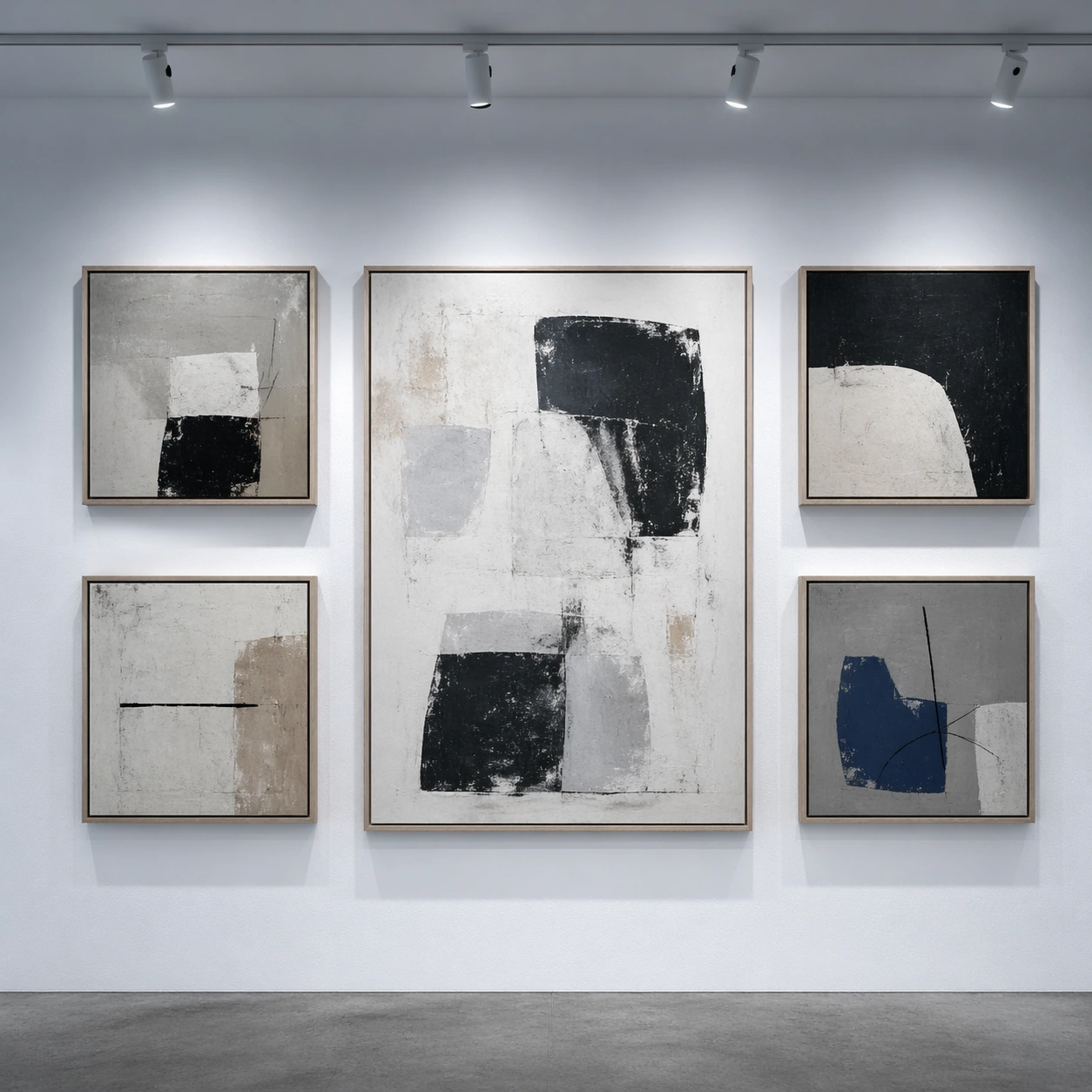
Square crop of a contemporary gallery wall photographed straight-on, soft ceiling track lights, matte white wall, concrete floor edge, and a restrained exhibition design mood. The image should be clean and frontal, like documentation of a corrected layout after a curator requested edits.

Subject:
Show five framed abstract artworks arranged in a precise grid-like rhythm. The final image should imply multiple conversational edits: remove the small leftmost label plaque, enlarge the central artwork, make the lighting cooler, and align the top row more evenly while preserving the identities of the other frames. All visible art marks are abstract shapes and textures; no readable labels or signatures. The empty wall where the plaque was removed should retain wall texture and natural shadow falloff.

Important details:
This tests structured layout correction. The central frame should grow without colliding with the neighboring frames, and the surrounding frames should reposition just enough to maintain balance. Track-light highlights must follow the cooler lighting request while still looking physically plausible. Keep the wall plane, floor line, frame materials, and overall exhibition style consistent. The corrected grid should feel intentional, not mechanically perfect or randomly rearranged.

Use case:
Conversational Editing Workflow single study 8/8, testing layout-aware object removal, resizing, lighting change, and alignment repair.

Constraints:
No readable text, no watermark, no logos, preserve exact 1:1 aspect ratio, no museum brand, no people, no UI overlay, no before-after split, no crooked final frames, no impossible light beams, no duplicate central artwork.
Mode d’emploi
- Copiez le prompt original complet, paramètres compris.
- Adaptez le sujet, le texte et la composition à vos besoins.
- Utilisez un outil externe compatible ; vérifiez l’accès et le résultat.
Avant de commencer
- Vérifiez si une image de référence est nécessaire. La compatibilité ne prouve pas le modèle utilisé pour cet exemple.
- Vérifiez noms, chiffres et textes ; les versions du modèle peuvent produire des résultats différents.