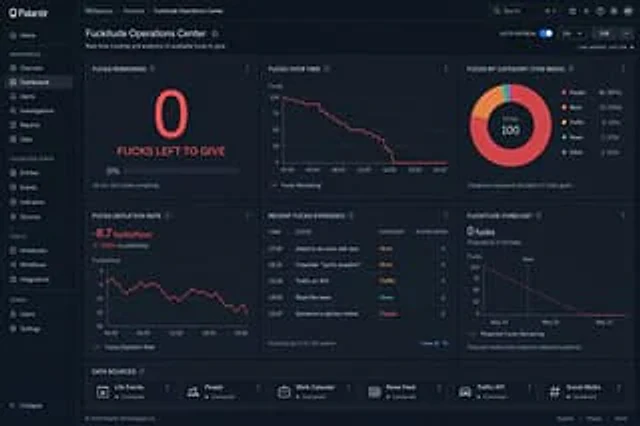
Creative Dashboard UI Screenshot

Creative Dashboard UI Screenshot

Document original

GPT Image 2 · en

Please generate a [image/paper] for me.{argument name="style" default="palintir-style"} Styled dashboard screenshots for tracking{argument name="subject" default="All my remaining patience"}

Mode d’emploi

  1. Copiez le prompt original complet, paramètres compris.
  2. Adaptez le sujet, le texte et la composition à vos besoins.
  3. Utilisez un outil externe compatible ; vérifiez l’accès et le résultat.

Avant de commencer

  • Vérifiez si une image de référence est nécessaire. La compatibilité ne prouve pas le modèle utilisé pour cet exemple.
  • Vérifiez noms, chiffres et textes ; les versions du modèle peuvent produire des résultats différents.
Exemples similaires

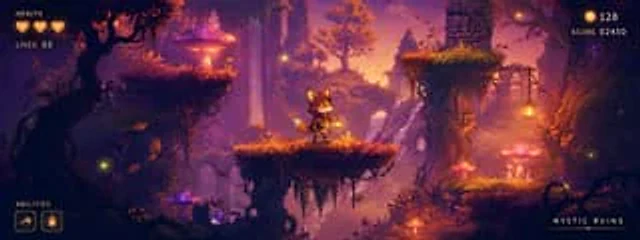
Mystic Ruins Platformer Screenshot
GPT Image 2en

Goal: Create a polished 2D side-scrolling platformer concept screenshot for a fantasy game level called {argument name="level title" default="MYSTIC RUINS"}, showing a playable prototype scene with HUD elements overlaid. Canvas: Wide cinematic 24:9 game screenshot, approximately

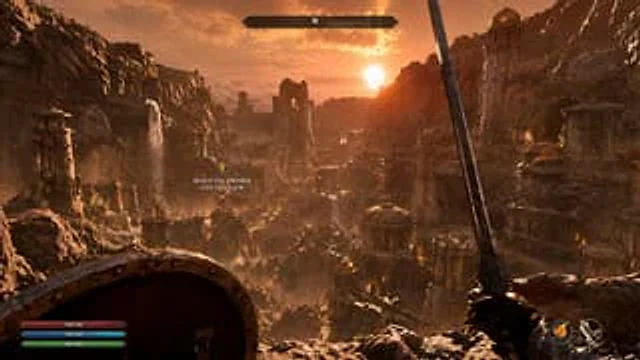
First-Person Fantasy RPG Screenshot
GPT Image 2zh

{ "type": "First-person RPG game screenshots", "environment": "{argument name=\"场景描述\" default=\"An ancient ruined city nestled in a rocky canyon, featuring stone towers, brass domes, and waterfalls.\"}", "lighting": "{argument name=\"时间段\" default=\"Golden hour sunset with

Beach Club Open-World Game Screenshot
GPT Image 2en

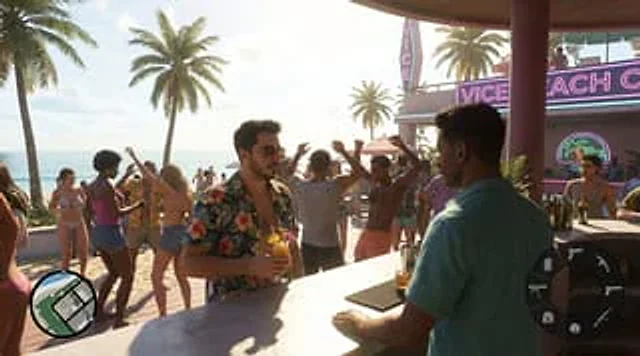
Create a hyper-realistic screenshot of an open-world crime game, inspired by a modern Miami-style beach city. The image showcases {argument name="character description" default="A stylish young man with short black hair and a neatly trimmed beard, wearing aviator sunglasses and a

Merl iOS Personalization Screenshot
GPT Image 2en

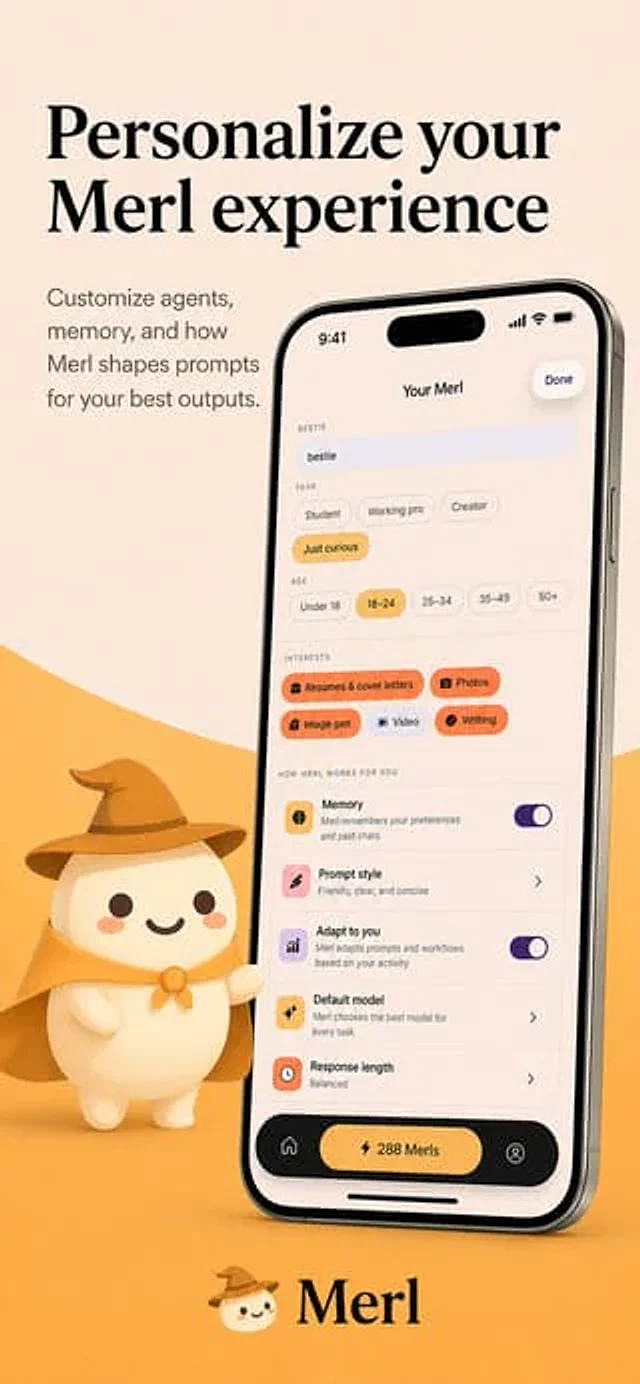
{"type":"app store promotional screenshot","platform":"iOS","style":"clean premium branding, soft 3D mascot illustration, warm minimalist product marketing","brand":{"name":"{argument name=\"app name\" default=\"Merl\"}","primary colors":["warm cream","golden yellow","black","sof

Live Stream App Screenshot Generator
GPT Image 2en

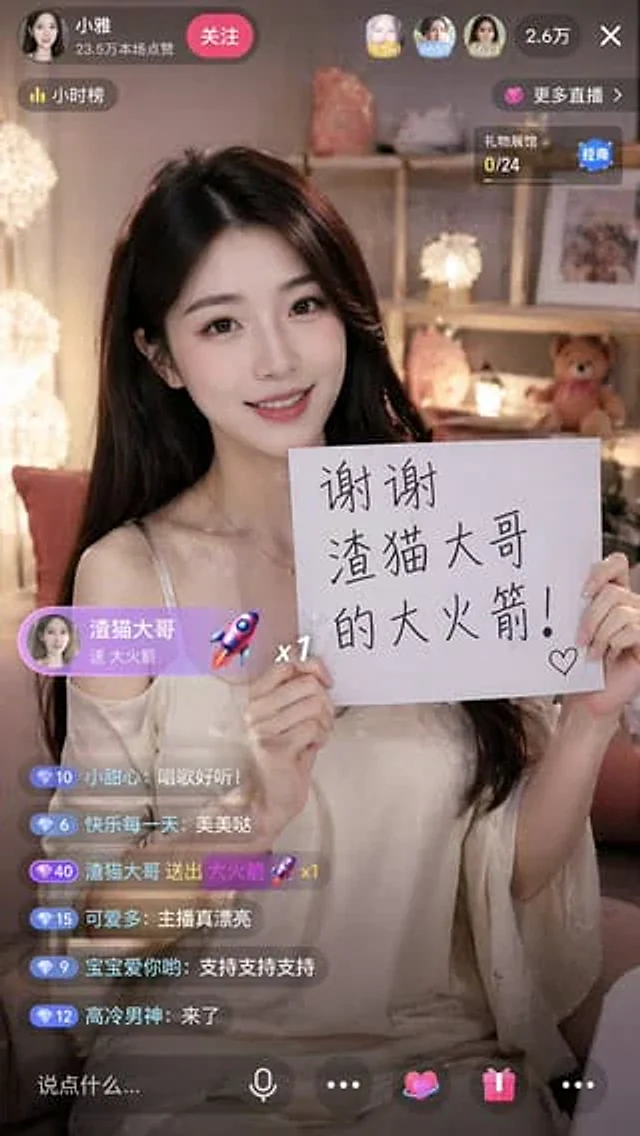
{ "type": "Screenshot of mobile live streaming app", "aspect_ratio": "9:16", "subject": { "description": "{argument name=\"subject description\" default=\"A beautiful young Asian woman with long black hair, wearing an off-the-shoulder white top.\"}", "action": "Smil

Fake Douyin Lao Gan Ma Livestream Screenshot
GPT Image 2en

A realistic mobile screenshot model of a Chinese short video live-streaming e-commerce interface in dark mode, with a charcoal black background. In the upper right corner of the canvas, a rounded dark chat bubble containing Chinese text is placed.{argument name="request text" def