Document original
GPT Image 2 · zh
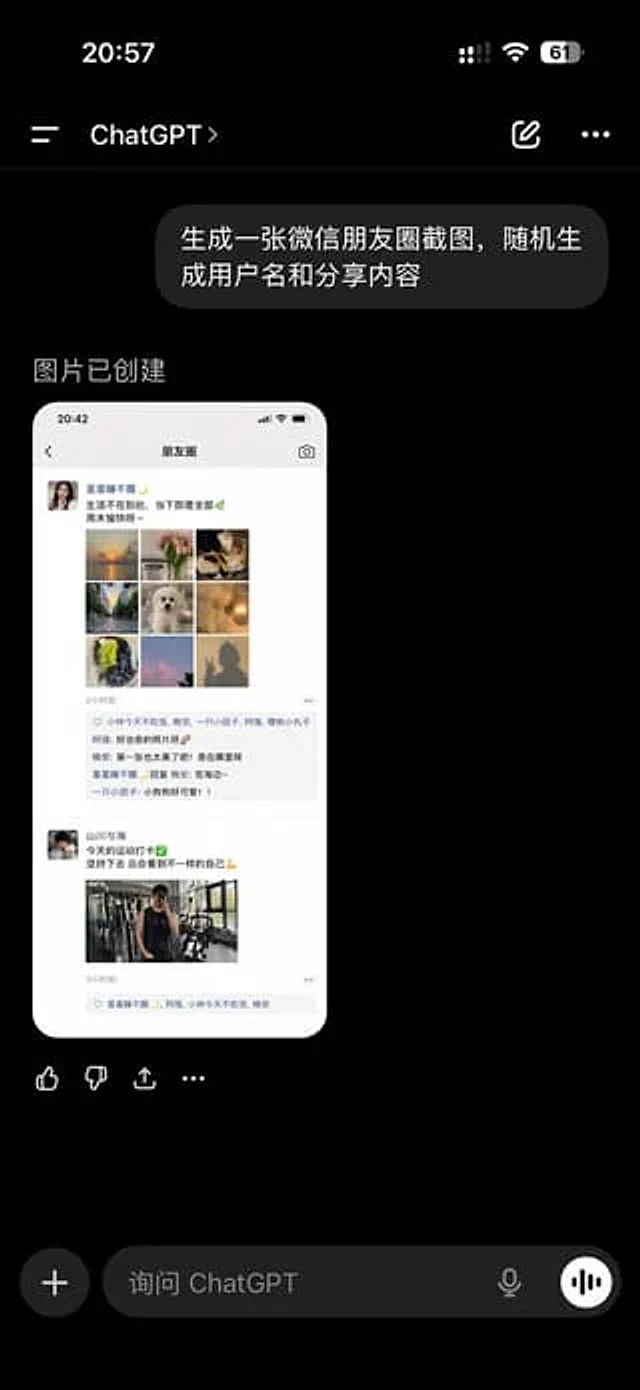
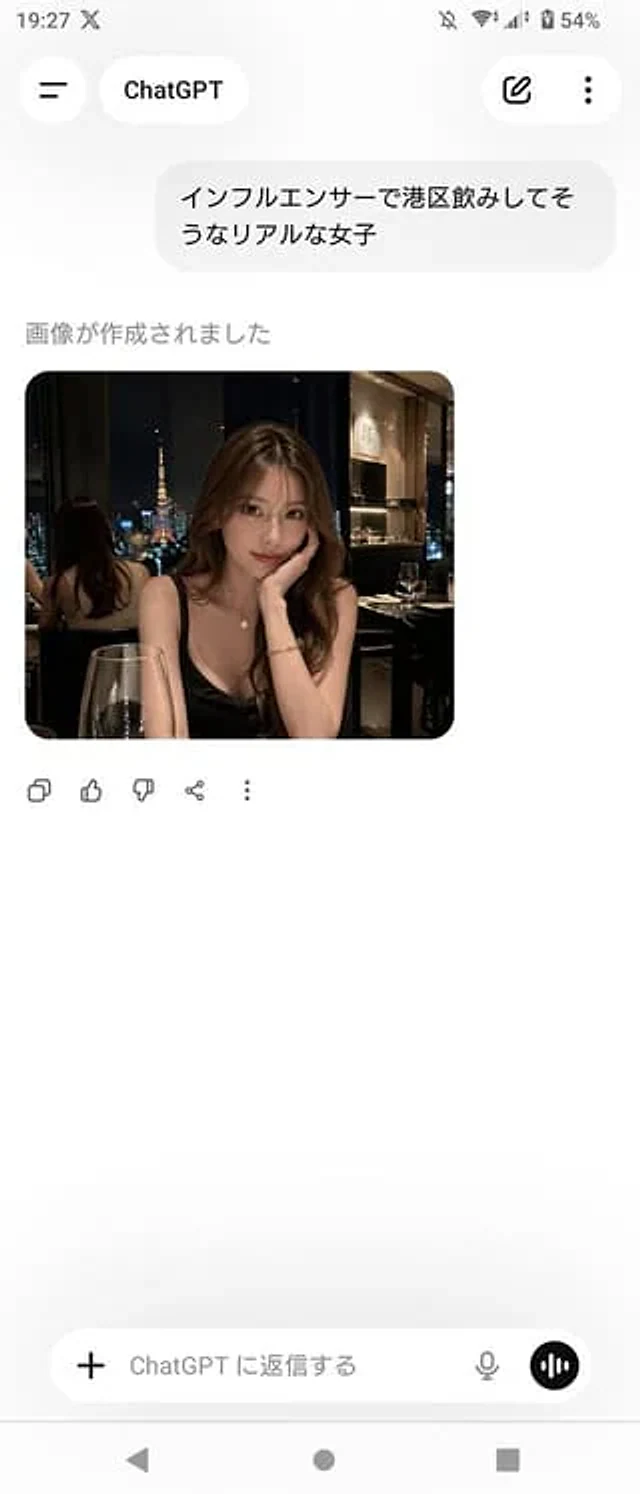
A realistic screenshot of the ChatGPT mobile app (Japanese version) on an Android device, displayed in portrait full-screen mode with a clean, light-colored theme. The top status bar shows the time 19:27, network and battery icons, and the battery level at 54%. The header has a back-style menu icon on the left, a rounded label with the ChatGPT logo in the center, and two icons on the right: an edit pencil icon and a vertical three-dot menu. The chat area contains a Japanese user message bubble that reads "インフルエンサーで港区饮みしてそうなリアルな女子". Below this is the assistant status text "畫が作成されました", followed by a rounded image card. The generated image is a realistic portrait of a nighttime restaurant, depicting a charming young Japanese woman seated by an indoor window with a view of Tokyo Tower. She wears a black spaghetti-strap dress, has long, wavy brown hair, and is adorned with an elegant necklace and bracelet. She rests her chin on her hand at a candlelit dinner table, with a glass of red wine in the foreground. The ambiance is upscale, dimly lit, and has a trendy, Instagram-worthy feel. A mirror behind her reflects the back of her head and the cityscape. For privacy reasons, please blur or mosaic the woman's face. Below the image are five action icons: copy, like, dislike, share, and more. The bottom includes a message input bar with a plus icon on the left, placeholder text "ChatGPT に返信する", a microphone icon on the right, and a circular voice button. At the very bottom are three controls for an Android navigation bar. The overall composition should maintain a simple, spacious, and realistic feel, similar to a screenshot from a casual app.Mode d’emploi
- Copiez le prompt original complet, paramètres compris.
- Adaptez le sujet, le texte et la composition à vos besoins.
- Utilisez un outil externe compatible ; vérifiez l’accès et le résultat.
Avant de commencer
- Vérifiez si une image de référence est nécessaire. La compatibilité ne prouve pas le modèle utilisé pour cet exemple.
- Vérifiez noms, chiffres et textes ; les versions du modèle peuvent produire des résultats différents.