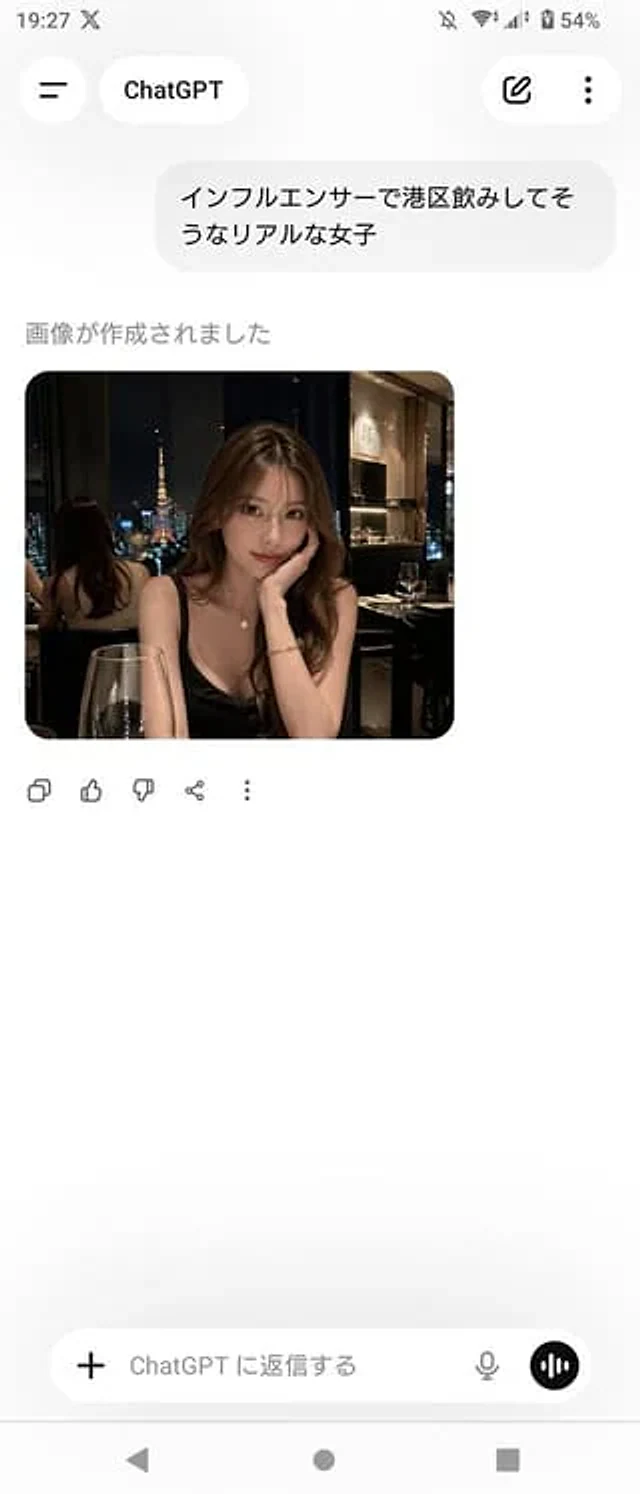
ChatGPT App Screenshot With Generated Portrait

ChatGPT App Screenshot With Generated Portrait

원본 문서

GPT Image 2 · zh

A realistic screenshot of the ChatGPT mobile app (Japanese version) on an Android device, displayed in portrait full-screen mode with a clean, light-colored theme. The top status bar shows the time 19:27, network and battery icons, and the battery level at 54%. The header has a back-style menu icon on the left, a rounded label with the ChatGPT logo in the center, and two icons on the right: an edit pencil icon and a vertical three-dot menu. The chat area contains a Japanese user message bubble that reads "インフルエンサーで港区饮みしてそうなリアルな女子". Below this is the assistant status text "畫が作成されました", followed by a rounded image card. The generated image is a realistic portrait of a nighttime restaurant, depicting a charming young Japanese woman seated by an indoor window with a view of Tokyo Tower. She wears a black spaghetti-strap dress, has long, wavy brown hair, and is adorned with an elegant necklace and bracelet. She rests her chin on her hand at a candlelit dinner table, with a glass of red wine in the foreground. The ambiance is upscale, dimly lit, and has a trendy, Instagram-worthy feel. A mirror behind her reflects the back of her head and the cityscape. For privacy reasons, please blur or mosaic the woman's face. Below the image are five action icons: copy, like, dislike, share, and more. The bottom includes a message input bar with a plus icon on the left, placeholder text "ChatGPT に返信する", a microphone icon on the right, and a circular voice button. At the very bottom are three controls for an Android navigation bar. The overall composition should maintain a simple, spacious, and realistic feel, similar to a screenshot from a casual app.

사용 방법

  1. 매개변수를 포함한 전체 원본 프롬프트를 복사하세요.
  2. 주제, 문구, 구도를 자신의 요구에 맞게 바꾸세요.
  3. 호환되는 외부 도구에서 사용하고 이용 조건과 결과를 확인하세요.

시작 전 확인

  • 참조 이미지가 필요한지 확인하세요. 호환 표시는 해당 모델로 이 예시를 생성했다는 뜻이 아닙니다.
  • 이름, 수치, 이미지 속 문구를 확인하세요. 모델 버전에 따라 결과가 다를 수 있습니다.
비슷한 예시

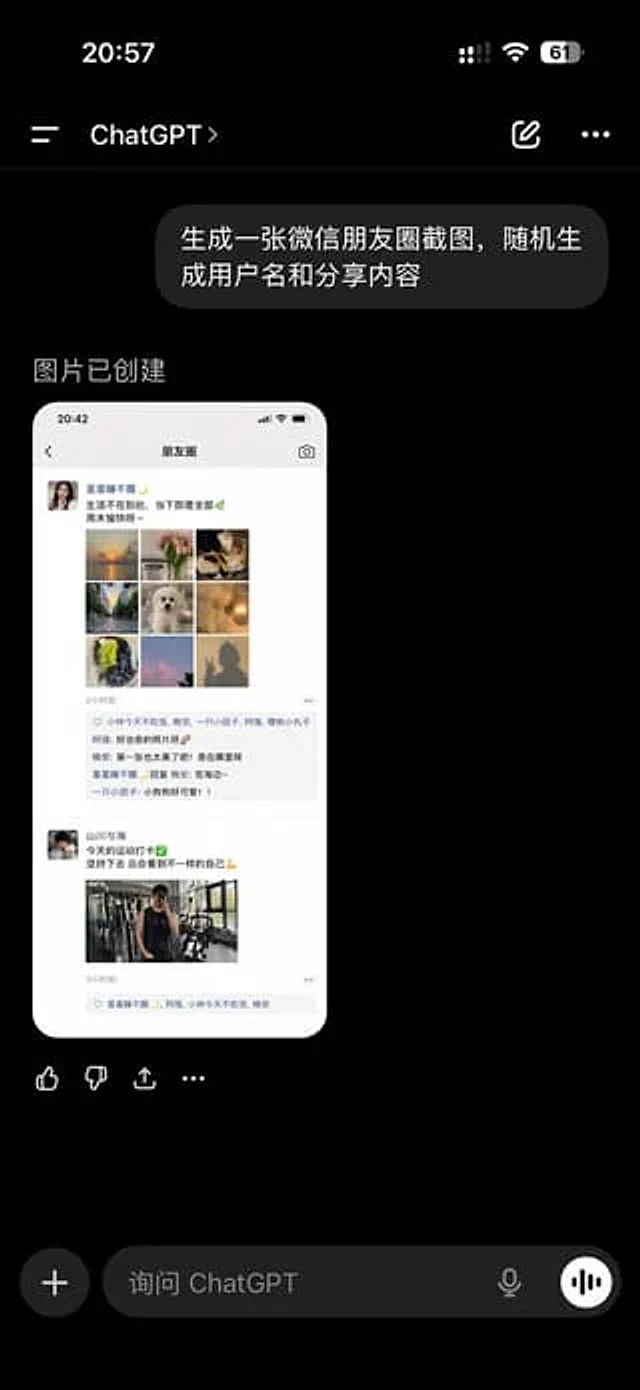
ChatGPT App Showing WeChat Moments Screenshot
GPT Image 2en

A realistic screenshot of the ChatGPT mobile app in dark mode, displayed full-screen against a black background with an iPhone-style status bar. The top left side of the status bar shows the time 20:57, while the right side displays small cellular signal, Wi-Fi, and battery icons

AI Thinking App Screenshot
GPT Image 2zh

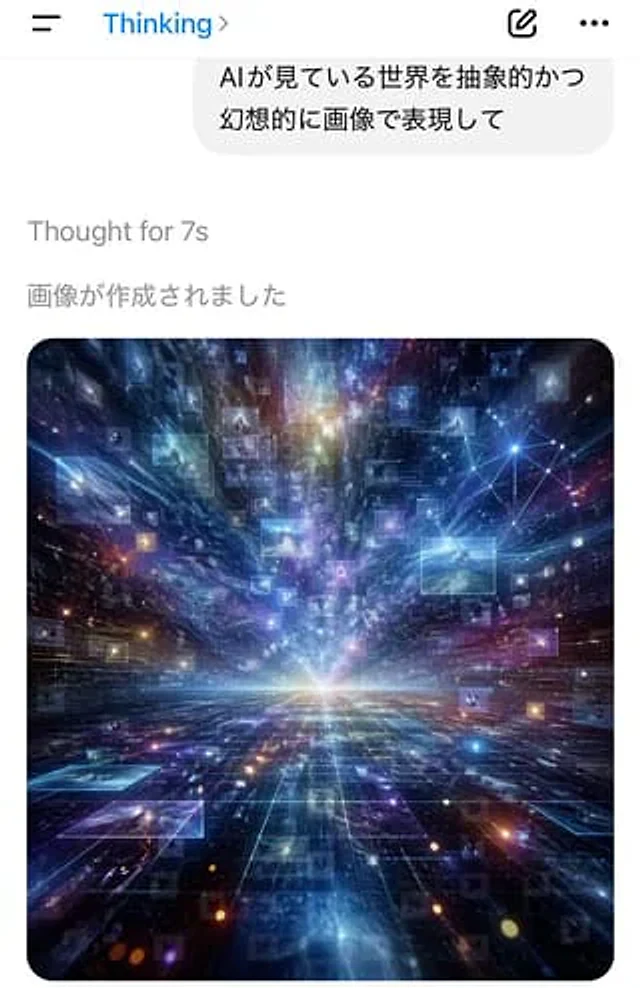
A screenshot of a vertical mobile chat application, featuring a minimalist iOS-style interface with a white background. The top navigation bar has a hamburger menu icon on the left, a blue title "Thinking" on the left-center, and an arrow on the right. On the right are two icons:

AI Chat Screenshot with Cosmic Artwork
GPT Image 2zh

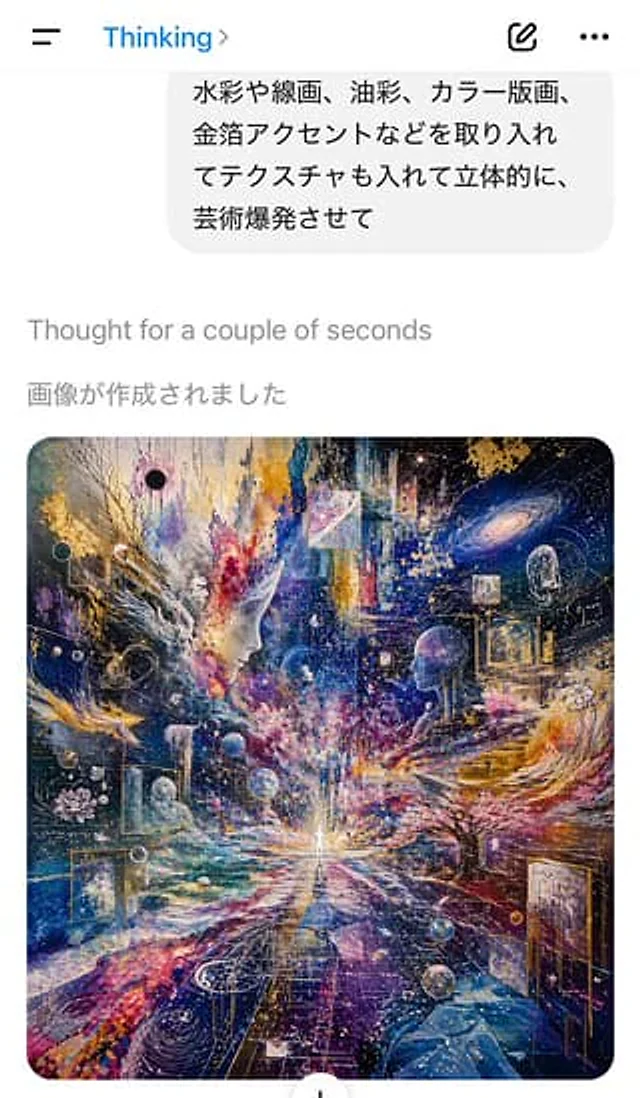
A screenshot of an AI chat application interface in light-colored mode, taken from a vertical mobile phone, shows the instant the image is generated. At the top is a simple mobile application title bar, with a hamburger menu icon on the left, the blue title "Thinking" in the cent

AI Chat Screenshot with Anatomy Poster
GPT Image 2zh

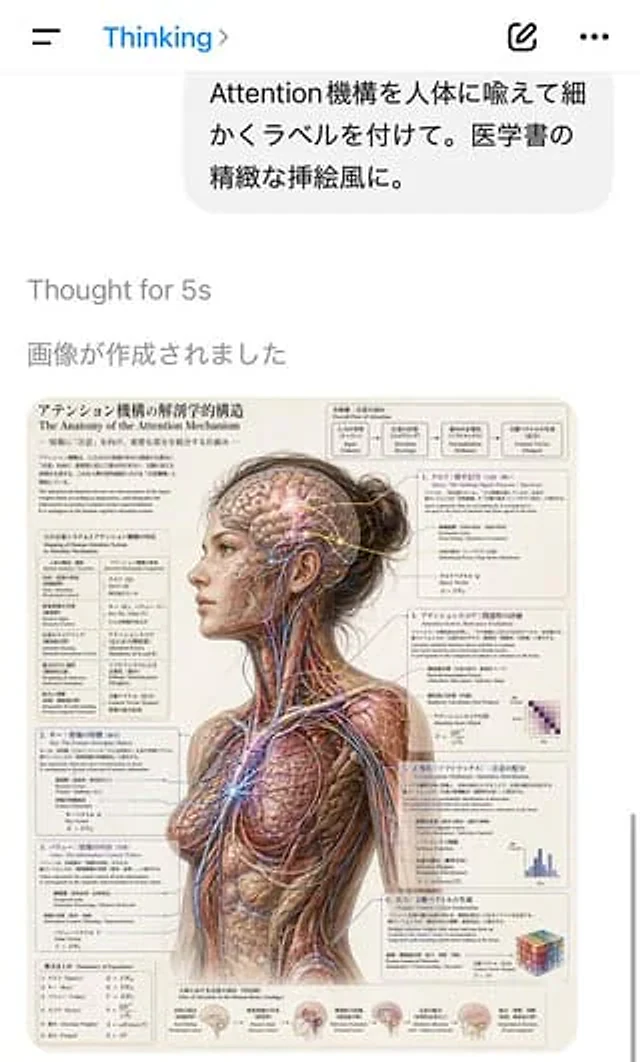
A screenshot of a portrait-oriented AI chat application interface shows a clean, iOS-style white screen. A hamburger menu is located on the top left, with a blue "Thinking" title and a small arrow in the center. Two icons on the right are for creating new content and adding more

Chinese Dorm Livestream Screenshot
GPT Image 2en

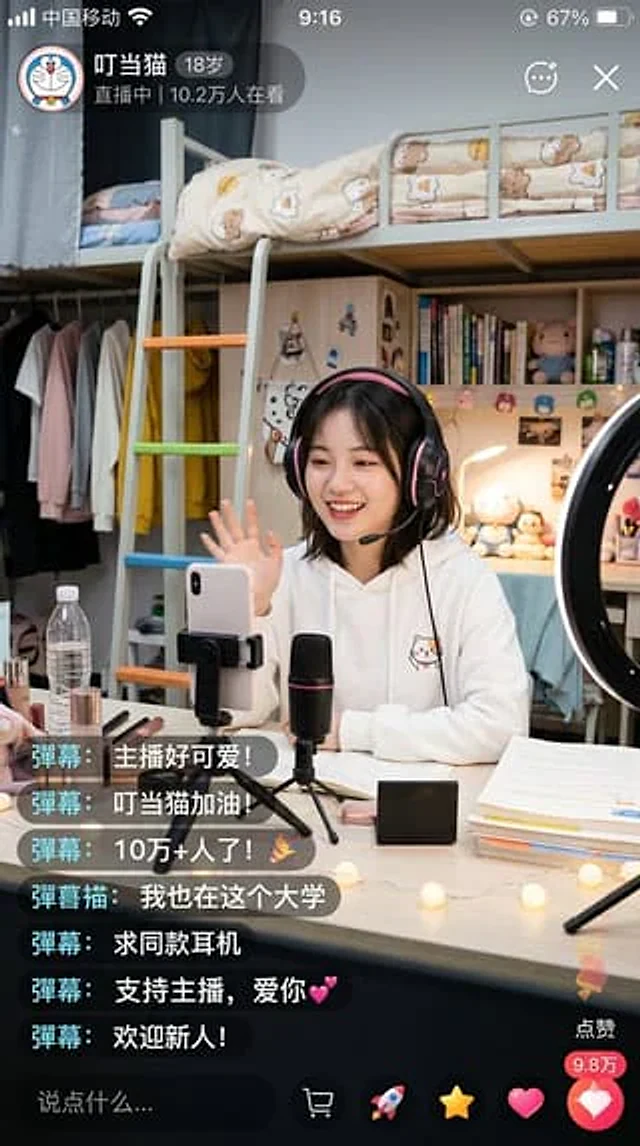
A highly realistic vertical smartphone screenshot showcases a cozy university dormitory livestream scene from a Chinese livestreaming app. The interface should resemble a genuine iPhone screenshot, with a status bar at the top displaying the Chinese carrier's name, the time 9:16,

Fake Douyin Lao Gan Ma Livestream Screenshot
GPT Image 2en

A realistic mobile screenshot model of a Chinese short video live-streaming e-commerce interface in dark mode, with a charcoal black background. In the upper right corner of the canvas, a rounded dark chat bubble containing Chinese text is placed.{argument name="request text" def