Document original
GPT Image 2 · en
Scene:
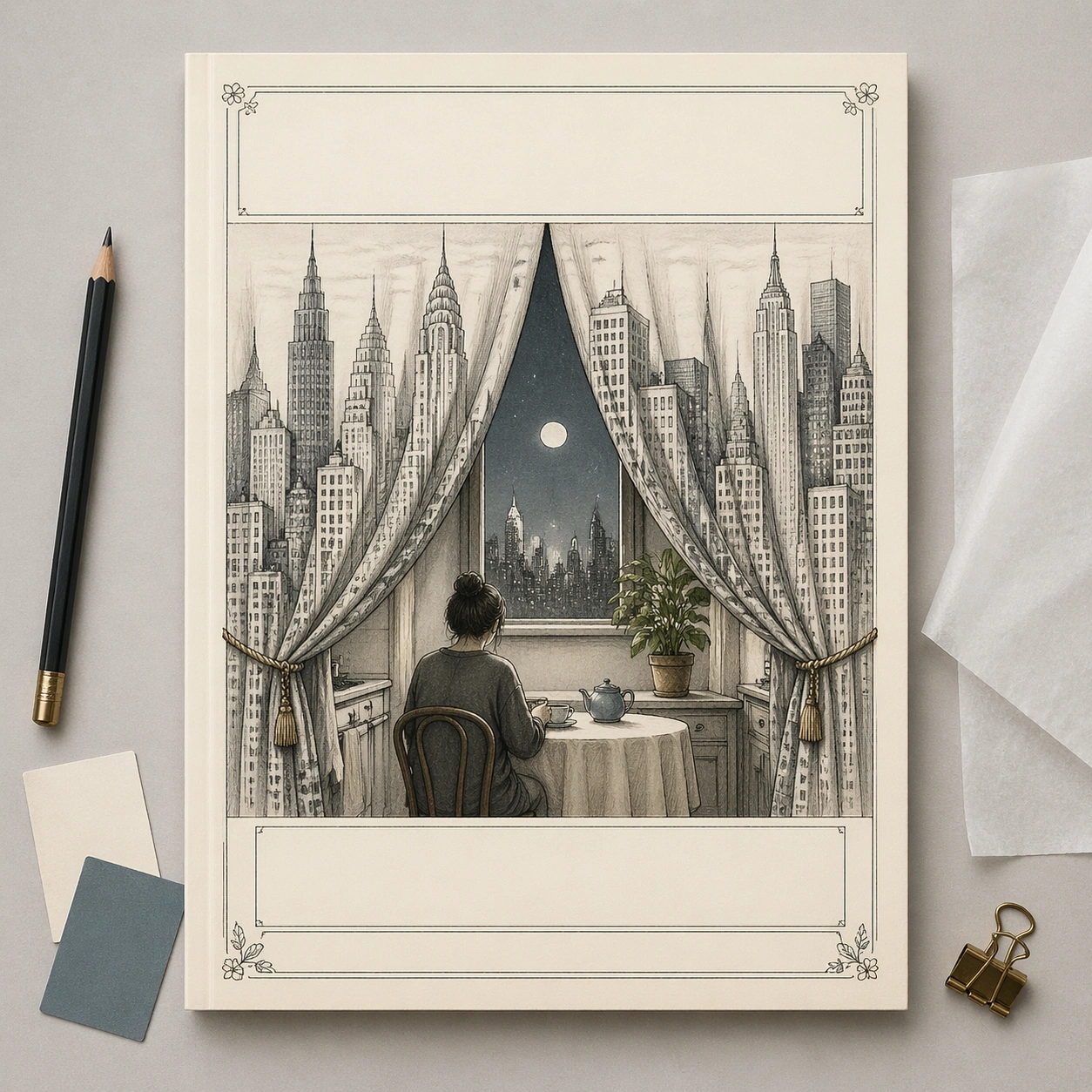
A square commercial mockup of a fictional literary magazine cover lying flat on a designer's review table, photographed straight-on with soft studio light. The cover itself is an editorial illustration in thin graphite line and restrained watercolor on cream paper. Around the page are only minimal physical review objects: a pencil, two blank color swatches, a folded tracing-paper overlay, and a small binder clip. Keep the whole composition clean, premium, and gallery-ready.

Subject:
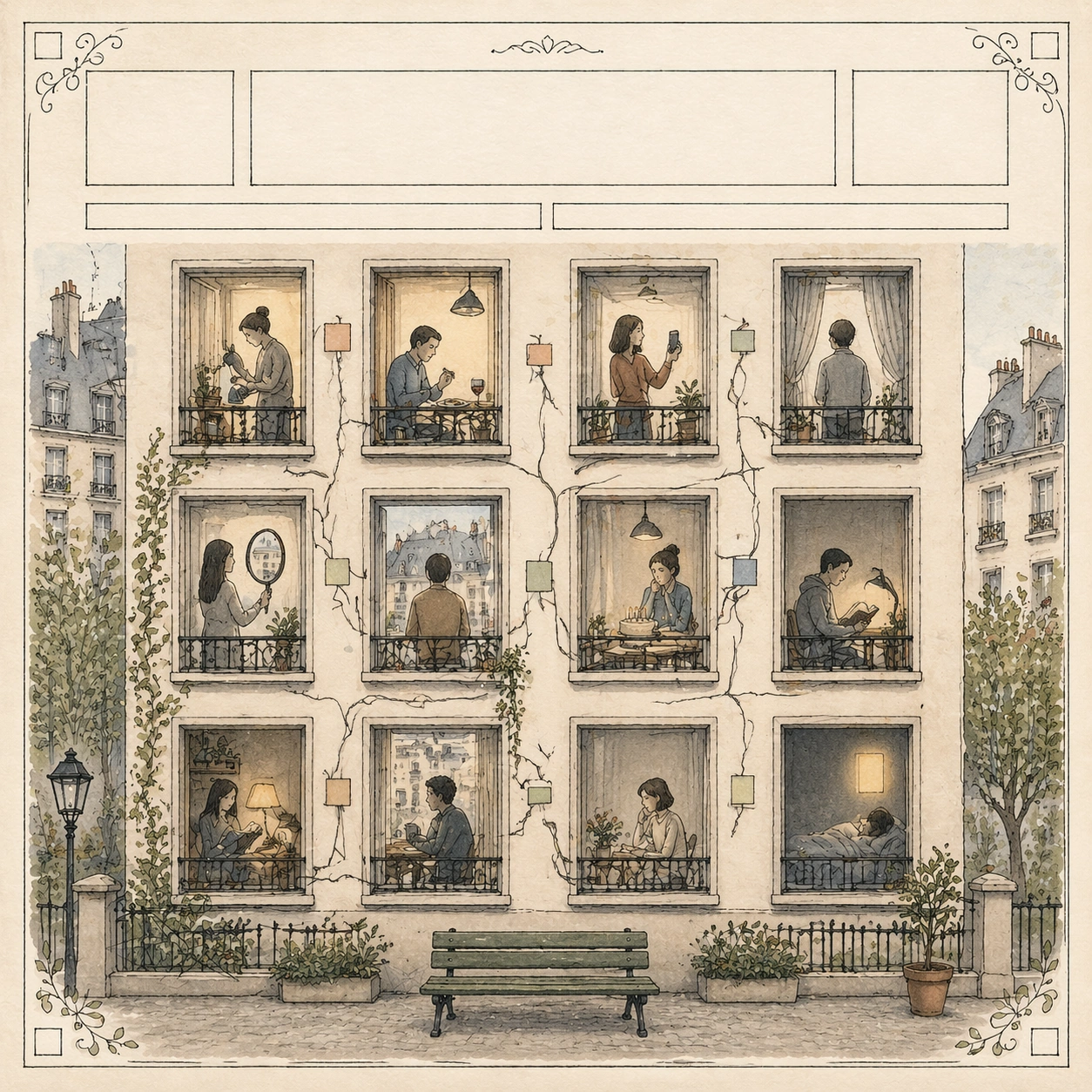
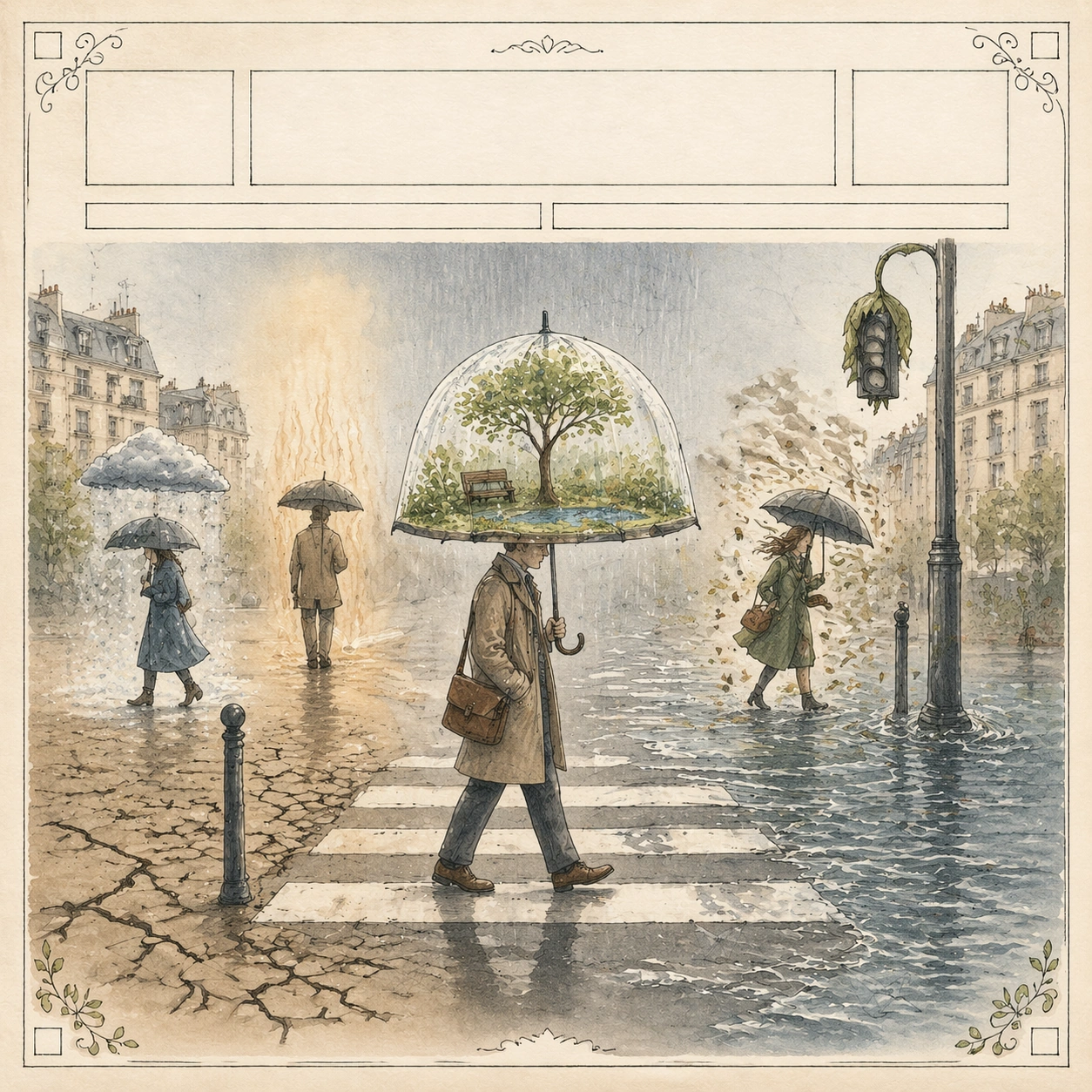
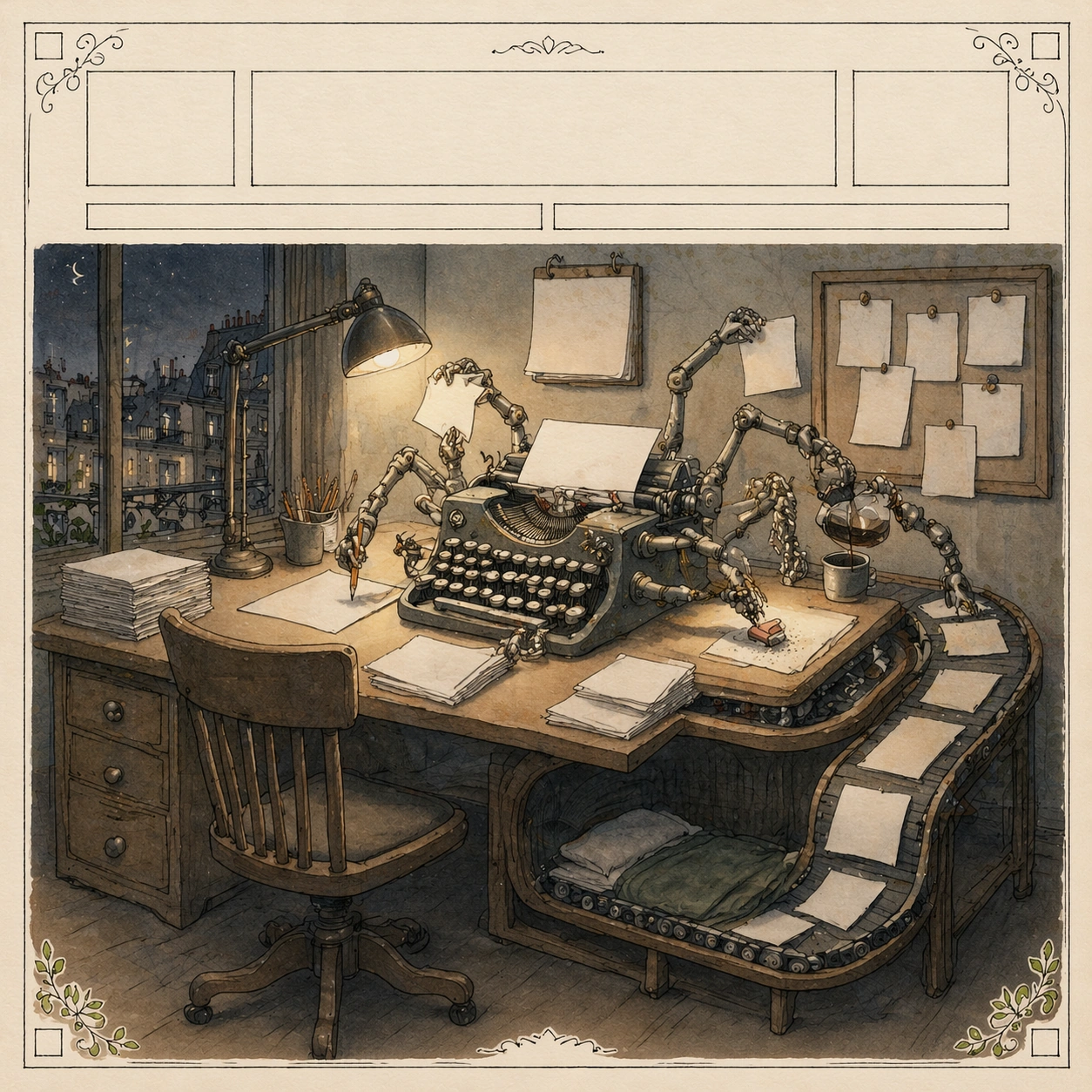
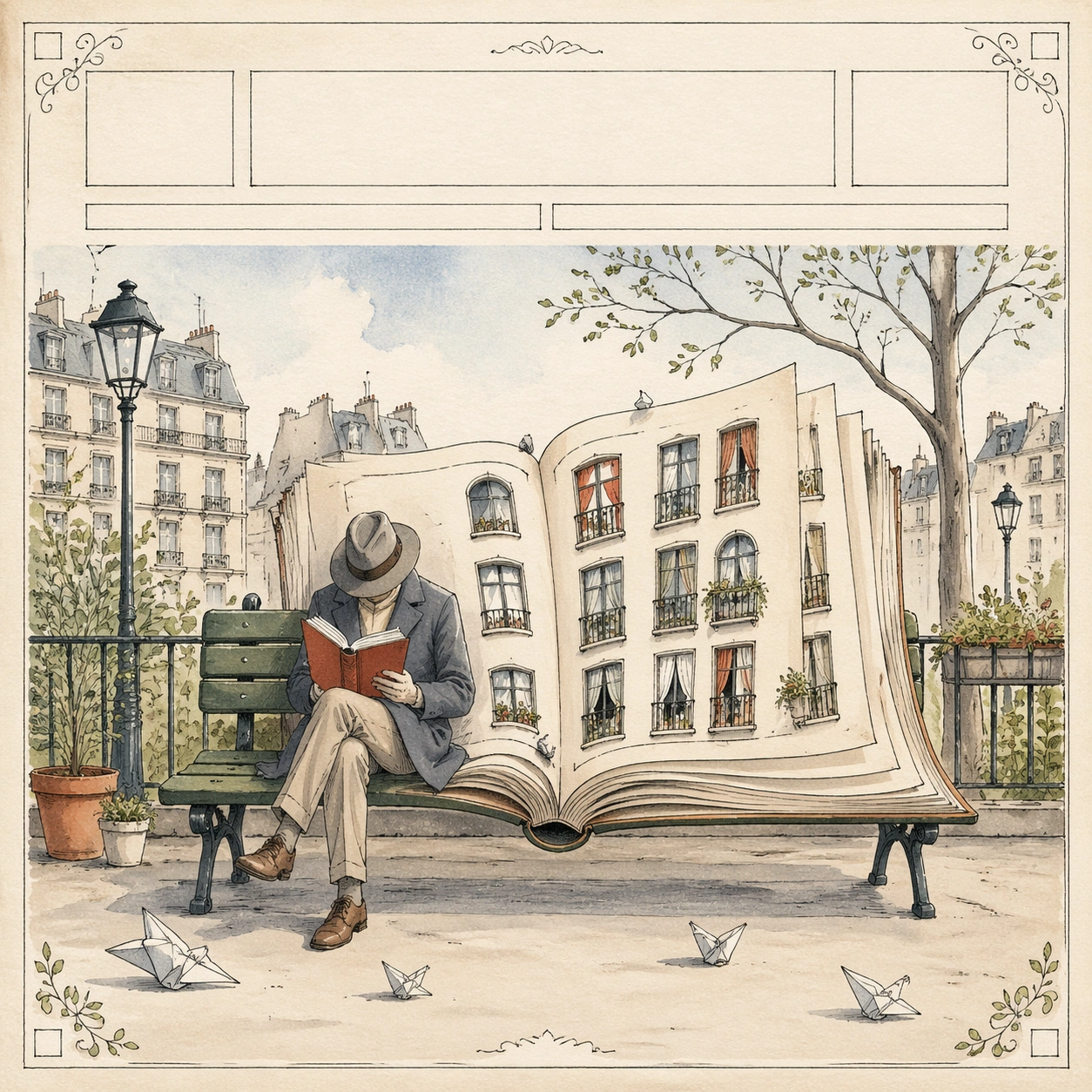
The cover illustration shows a city skyline arranged as a set of theater curtains opening onto a tiny kitchen table scene. A single anonymous person sits at the table, while the skyscraper curtains reveal moonlight, a houseplant, and a tea cup, turning public city life into private domestic performance. The top masthead band and lower cover-line areas are present as elegant blank bars, and the decorative border uses tiny abstract floral corners. No letters, numbers, brand marks, or real publication identifiers appear anywhere.

Important details:
This image tests commercial mockup clarity without relying on actual typography. The viewer should understand it as a finished high-end editorial cover presentation through paper texture, precise margins, cover hierarchy, and surrounding design-review props. The cover art must still carry a readable metaphor: city as stage, private loneliness as performance. Keep the mockup straight, uncluttered, and plausible for a media pitch board.

Use case:
New Yorker Editorial single study 8/8, testing a commercial magazine-cover mockup with blank typography and editorial visual pun.

Constraints:
No readable text, no watermark, no logos, preserve exact 1:1 aspect ratio, no real magazine name, no fake barcode, no price tag, no UI screenshot, no angled perspective, no cluttered desk, no glossy plastic cover.
Mode d’emploi
- Copiez le prompt original complet, paramètres compris.
- Adaptez le sujet, le texte et la composition à vos besoins.
- Utilisez un outil externe compatible ; vérifiez l’accès et le résultat.
Avant de commencer
- Vérifiez si une image de référence est nécessaire. La compatibilité ne prouve pas le modèle utilisé pour cet exemple.
- Vérifiez noms, chiffres et textes ; les versions du modèle peuvent produire des résultats différents.