원본 문서
GPT Image 2 · en
Scene:
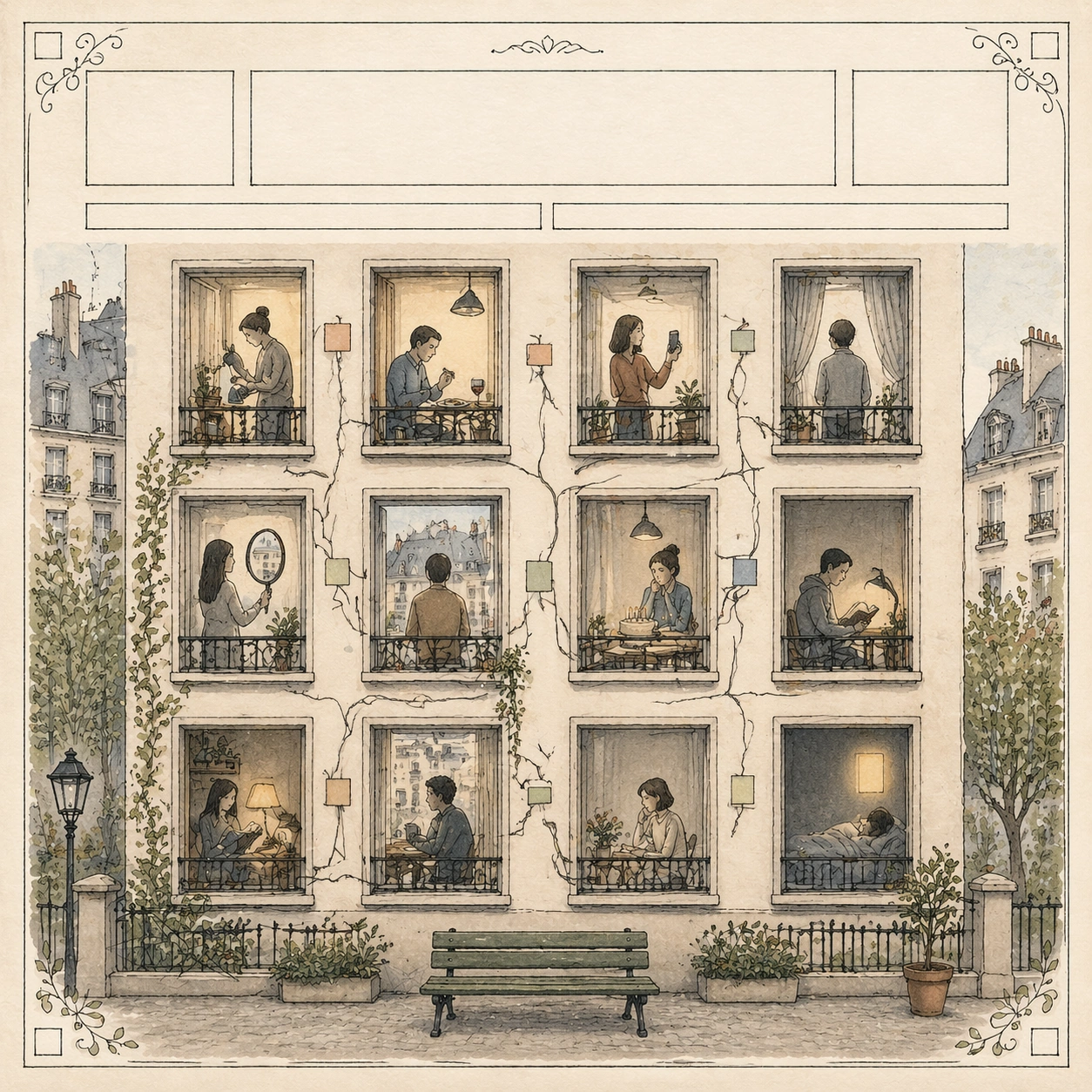
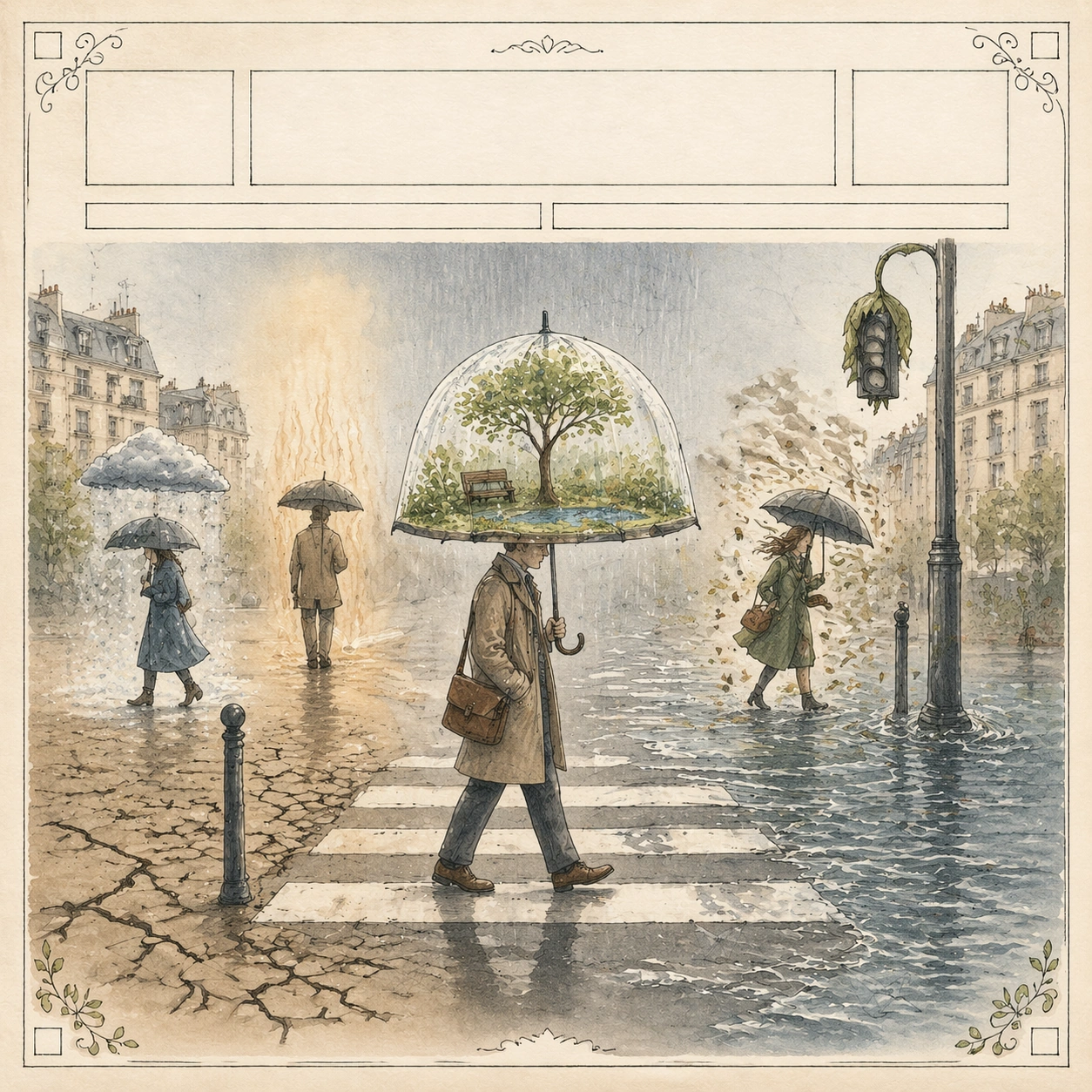
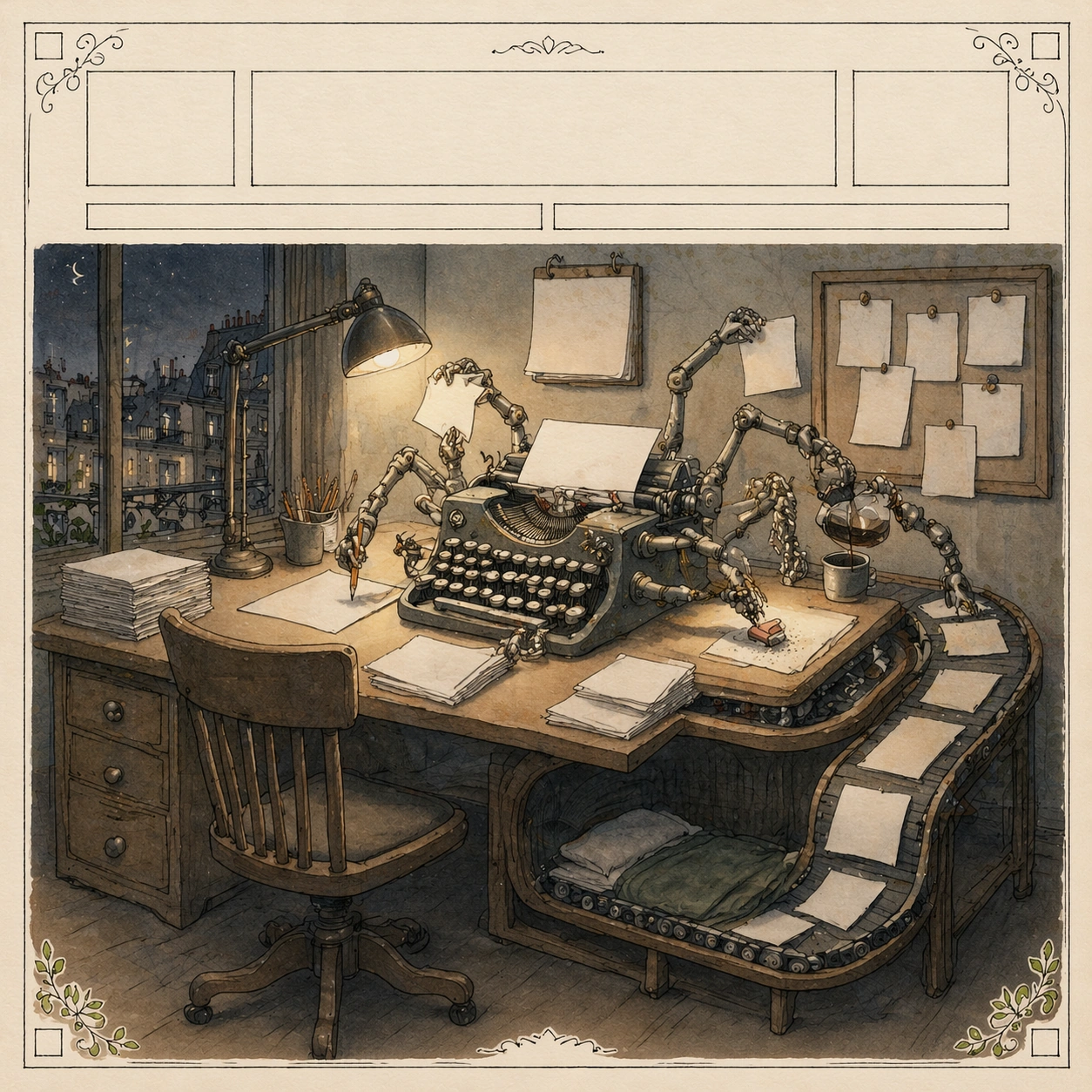
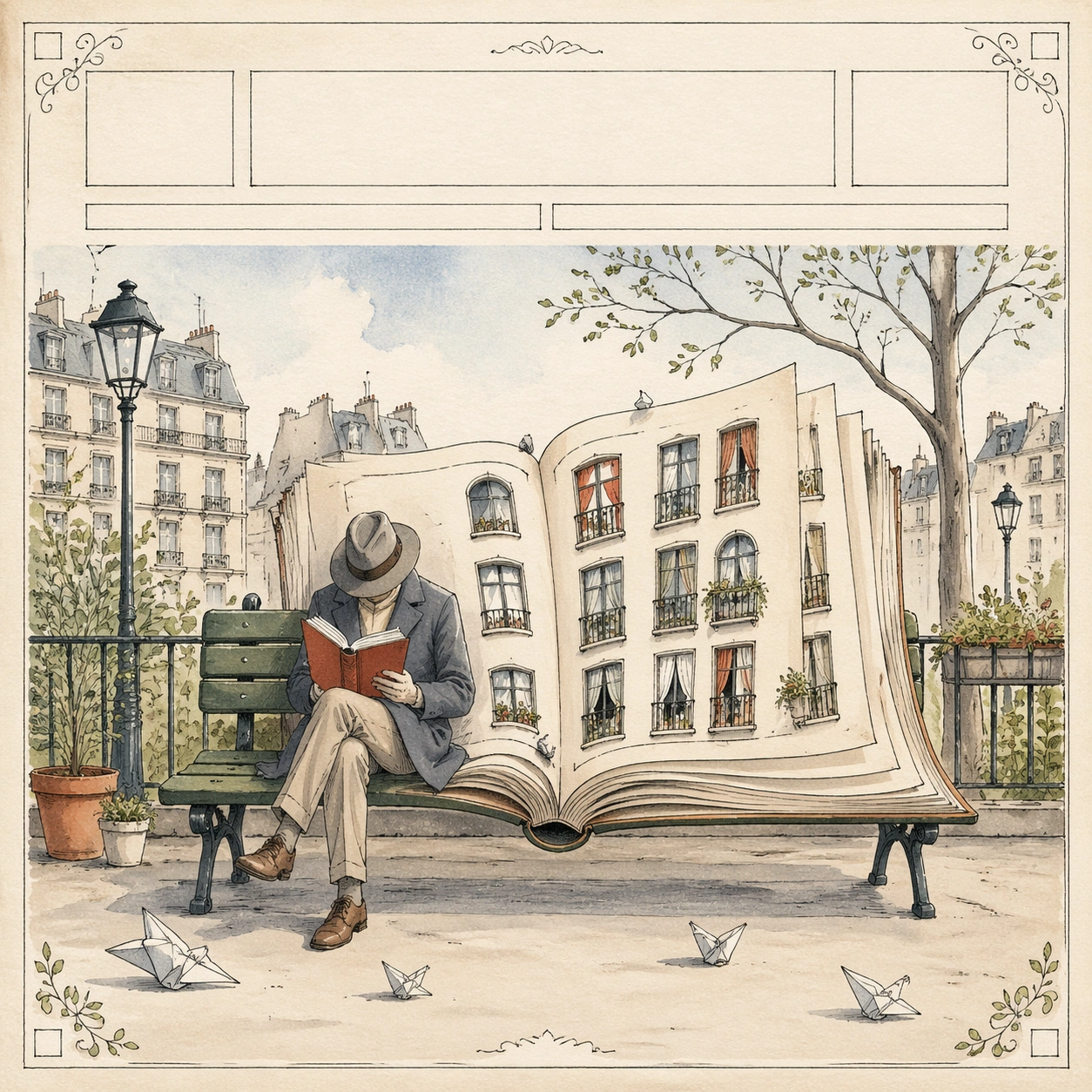
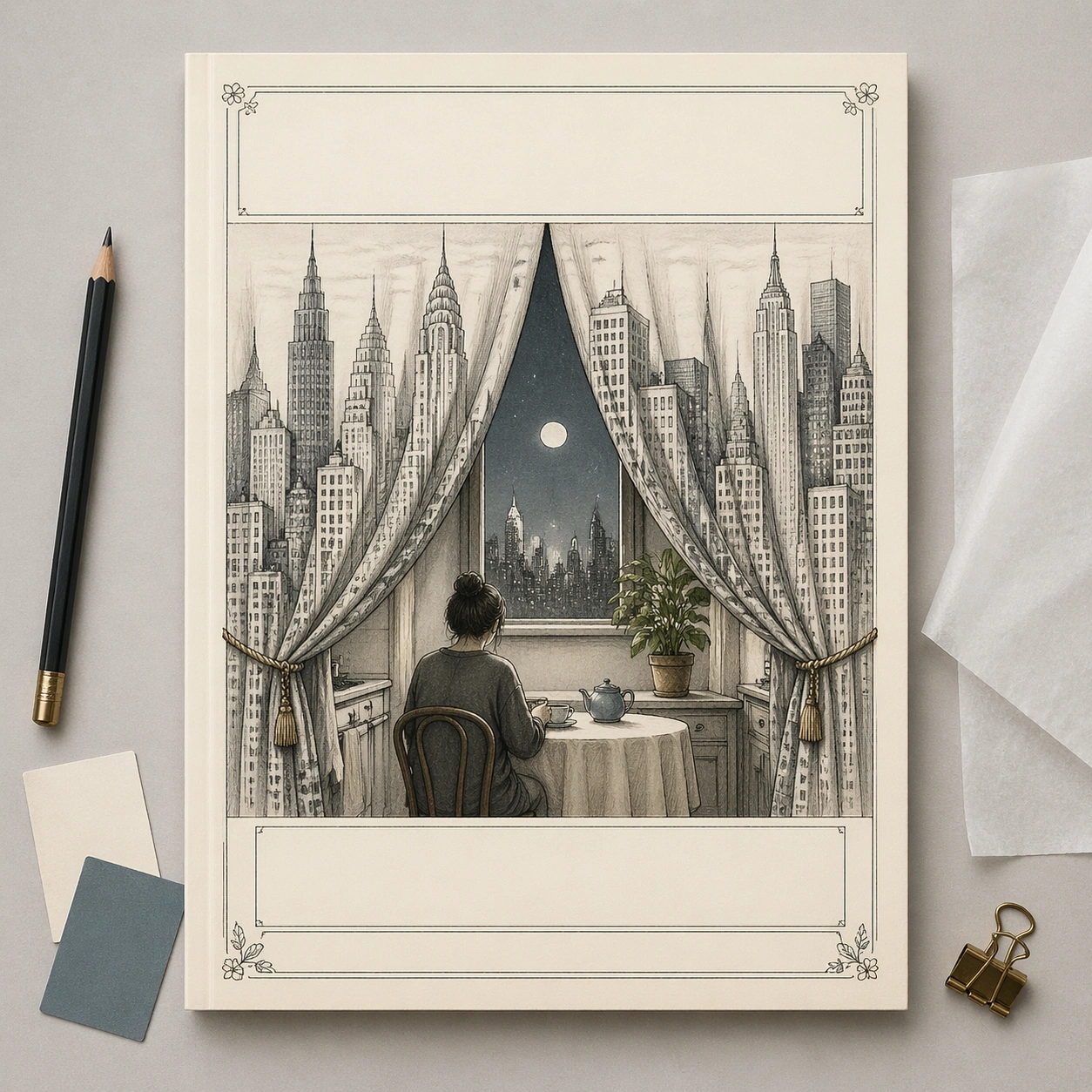
A square commercial mockup of a fictional literary magazine cover lying flat on a designer's review table, photographed straight-on with soft studio light. The cover itself is an editorial illustration in thin graphite line and restrained watercolor on cream paper. Around the page are only minimal physical review objects: a pencil, two blank color swatches, a folded tracing-paper overlay, and a small binder clip. Keep the whole composition clean, premium, and gallery-ready.

Subject:
The cover illustration shows a city skyline arranged as a set of theater curtains opening onto a tiny kitchen table scene. A single anonymous person sits at the table, while the skyscraper curtains reveal moonlight, a houseplant, and a tea cup, turning public city life into private domestic performance. The top masthead band and lower cover-line areas are present as elegant blank bars, and the decorative border uses tiny abstract floral corners. No letters, numbers, brand marks, or real publication identifiers appear anywhere.

Important details:
This image tests commercial mockup clarity without relying on actual typography. The viewer should understand it as a finished high-end editorial cover presentation through paper texture, precise margins, cover hierarchy, and surrounding design-review props. The cover art must still carry a readable metaphor: city as stage, private loneliness as performance. Keep the mockup straight, uncluttered, and plausible for a media pitch board.

Use case:
New Yorker Editorial single study 8/8, testing a commercial magazine-cover mockup with blank typography and editorial visual pun.

Constraints:
No readable text, no watermark, no logos, preserve exact 1:1 aspect ratio, no real magazine name, no fake barcode, no price tag, no UI screenshot, no angled perspective, no cluttered desk, no glossy plastic cover.
사용 방법
- 매개변수를 포함한 전체 원본 프롬프트를 복사하세요.
- 주제, 문구, 구도를 자신의 요구에 맞게 바꾸세요.
- 호환되는 외부 도구에서 사용하고 이용 조건과 결과를 확인하세요.
시작 전 확인
- 참조 이미지가 필요한지 확인하세요. 호환 표시는 해당 모델로 이 예시를 생성했다는 뜻이 아닙니다.
- 이름, 수치, 이미지 속 문구를 확인하세요. 모델 버전에 따라 결과가 다를 수 있습니다.