Document original
GPT Image 2 · zh
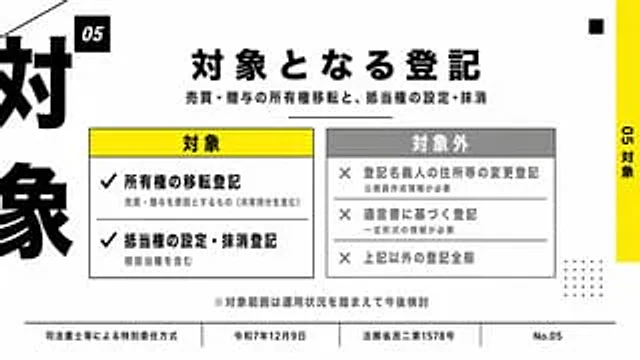
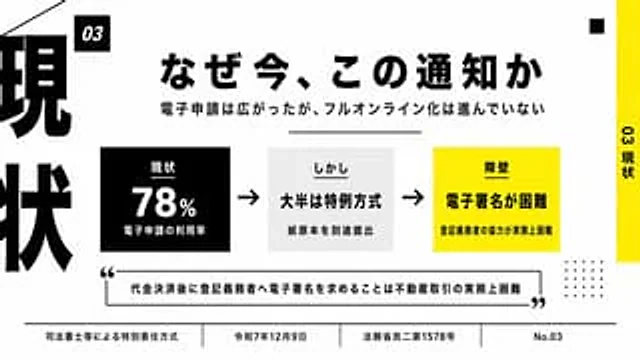
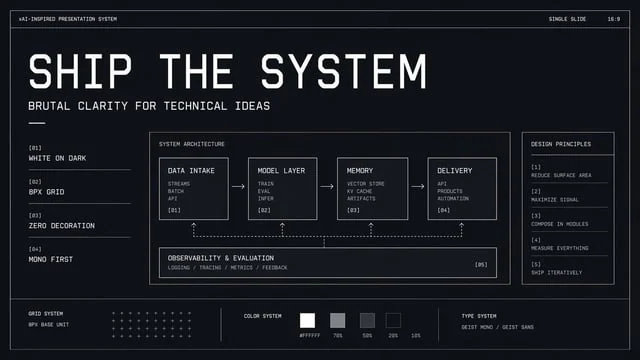
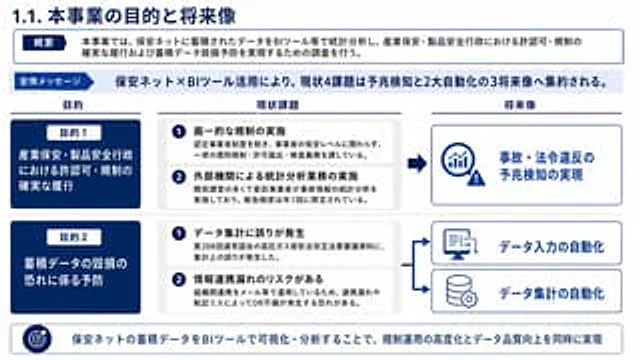
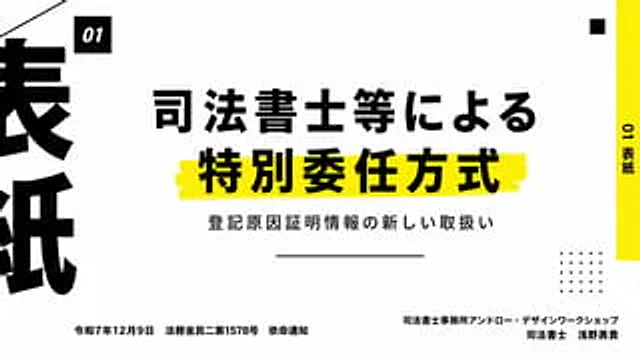
Create a clean, modern Japanese presentation cover slide with a minimalist editing style and a 16:9 landscape aspect ratio. Use a very light gray background with bold black typography and a vibrant yellow decorative strip. The layout employs an asymmetrical design with high contrast and ample white space. Place a small black square near the top left corner containing the white italic bold sans-serif text "01". In the center, place two lines of heavy black Japanese headings: the first line "法師等による" (Judicial Scribe, etc.), and the second line "特特委任方法" (Special Appointment Method). The second line has a larger font and is placed above a rough, hand-drawn yellow highlight. Below the headings, add a smaller black Japanese subheading: "注册因证证信息の新しい取扱い" (New Registration Reason Proof Information). Below the subheading, place a centered thin horizontal line. On the far right edge, add a tall, vertical yellow sidebar with the black vertical text "01表紙" (Form Paper). Near the top right corner, place a small black square as a decorative element. In the lower right quadrant, place a 5x5 dot matrix decoration consisting of 25 small black dots. At the far left edge, crop an oversized black Japanese character, making it only partially visible to create a strong graphic border effect. In the lower left corner, place a line of small black Japanese text: “Ministry of Justice Civil 2 No. 1578, December 9, Reiwa 7”. In the lower right corner, right-align two lines of small black Japanese text: the first line “Judicial Scribe Office Ann Road Design Work Shop”, the second line “Judicial Scribe Asano Yuki”. Add a thin diagonal line cutting in from the upper left corner as additional graphic decoration. Overall feel: High-end business presentation, legal seminar title slides, Swiss-style grid layout, bold Japanese typography, clear and print-quality.Mode d’emploi
- Copiez le prompt original complet, paramètres compris.
- Adaptez le sujet, le texte et la composition à vos besoins.
- Utilisez un outil externe compatible ; vérifiez l’accès et le résultat.
Avant de commencer
- Vérifiez si une image de référence est nécessaire. La compatibilité ne prouve pas le modèle utilisé pour cet exemple.
- Vérifiez noms, chiffres et textes ; les versions du modèle peuvent produire des résultats différents.