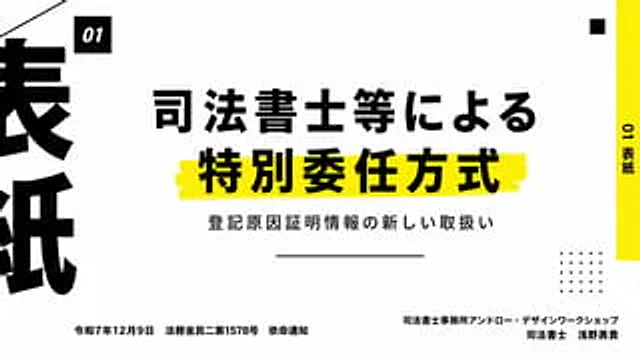
Japanese Legal Presentation Cover Slide

Japanese Legal Presentation Cover Slide

原始文档

GPT Image 2 · zh

Create a clean, modern Japanese presentation cover slide with a minimalist editing style and a 16:9 landscape aspect ratio. Use a very light gray background with bold black typography and a vibrant yellow decorative strip. The layout employs an asymmetrical design with high contrast and ample white space. Place a small black square near the top left corner containing the white italic bold sans-serif text "01". In the center, place two lines of heavy black Japanese headings: the first line "法師等による" (Judicial Scribe, etc.), and the second line "特特委任方法" (Special Appointment Method). The second line has a larger font and is placed above a rough, hand-drawn yellow highlight. Below the headings, add a smaller black Japanese subheading: "注册因证证信息の新しい取扱い" (New Registration Reason Proof Information). Below the subheading, place a centered thin horizontal line. On the far right edge, add a tall, vertical yellow sidebar with the black vertical text "01表紙" (Form Paper). Near the top right corner, place a small black square as a decorative element. In the lower right quadrant, place a 5x5 dot matrix decoration consisting of 25 small black dots. At the far left edge, crop an oversized black Japanese character, making it only partially visible to create a strong graphic border effect. In the lower left corner, place a line of small black Japanese text: “Ministry of Justice Civil 2 No. 1578, December 9, Reiwa 7”. In the lower right corner, right-align two lines of small black Japanese text: the first line “Judicial Scribe Office Ann Road Design Work Shop”, the second line “Judicial Scribe Asano Yuki”. Add a thin diagonal line cutting in from the upper left corner as additional graphic decoration. Overall feel: High-end business presentation, legal seminar title slides, Swiss-style grid layout, bold Japanese typography, clear and print-quality.

使用方法

  1. 复制完整原始提示词,并保留其中的参数。
  2. 按需求替换主体、文字和构图要求。
  3. 在兼容的外部工具中使用,核对当前使用条件并检查结果。

开始前需了解

  • 先确认是否需要参考图。标注兼容模型,不代表该示例由这个模型生成。
  • 核对名称、数字与画面文字;不同模型版本的结果可能不同。

相似案例

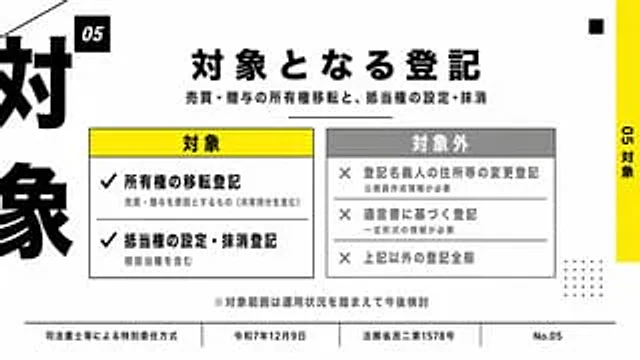
Japanese Corporate Scope Slide
GPT Image 2zh

{ "type": "Japanese presentation slides", "style": "Concise corporate infographics, minimalist modern layout, high contrast, light gray background with black, white, yellow and medium gray tones, bold Japanese Gothic sans-serif font, precise grid alignment, and print-quality

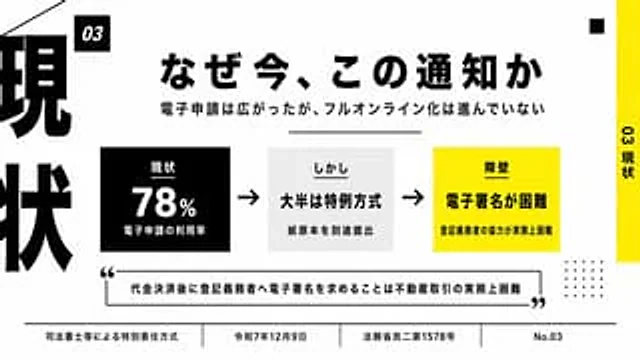
Japanese Business Slide on E-Application
GPT Image 2zh

{ "type": "Japanese-style presentation", "style": "Minimalist business infographics with a bold layout, high-contrast black, white, and yellow color scheme, clean grids, ample white space, and clear vector text and shapes.", "canvas": { "aspect_ratio": "16:9", "back

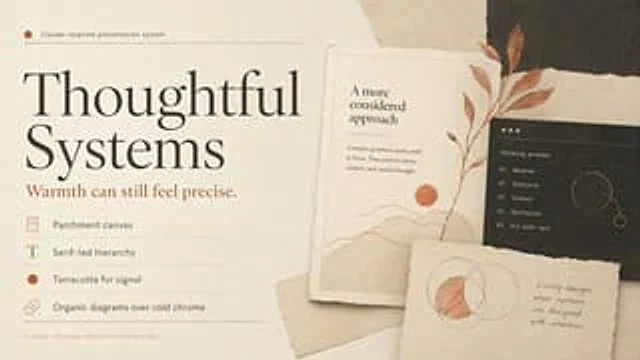
Thoughtful Systems Presentation Cover
GPT Image 2en

Create a sophisticated, editorial-style presentation cover slide using a warm Claude-inspired design system. Use a 16:9 landscape composition with a parchment background featuring delicate paper textures, soft shadows, and layered torn paper collage elements. The overall color sc

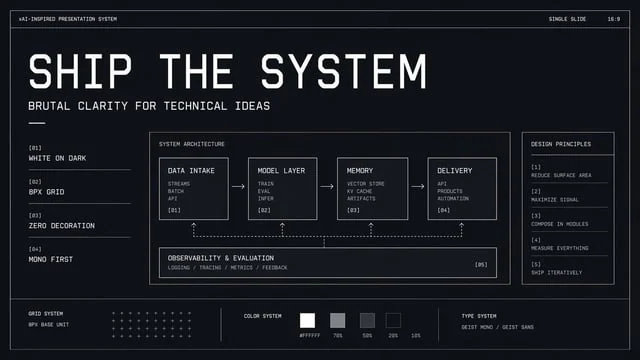
Brutalist Technical System Slide
GPT Image 2en

{"type":"minimal monochrome presentation slide","style":"high-contrast brutalist technical design, black background with subtle navy tint, thin white wireframe borders, zero decoration, strict grid, mono-first typography, futuristic industrial UI aesthetic","canvas":{"aspect_rati

Japanese BI Strategy Slide
GPT Image 2en

Goal: Create a polished Japanese corporate strategy slide about the purpose and future vision of a project using accumulated data from an insurance-safety network and BI tools. Canvas: 16:9 horizontal presentation slide, white background, navy and light-blue corporate palette, t

Reasoning Context and Prompt Cache Slide
GPT Image 2en

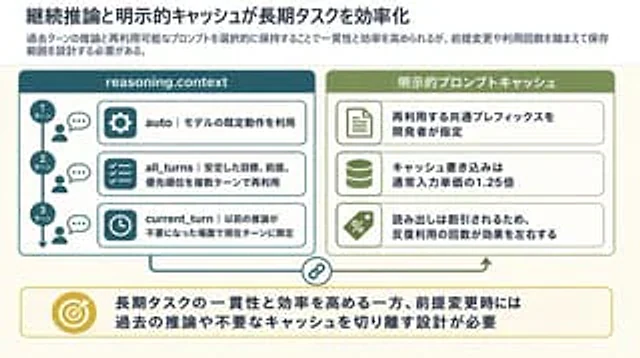
Goal: Create a clean 16:9 Japanese business/technical infographic slide about how continuous reasoning context and explicit prompt caching improve long-running task efficiency. Use a polished PowerPoint-native infographic look with dense but readable explanatory text. Canvas: 16