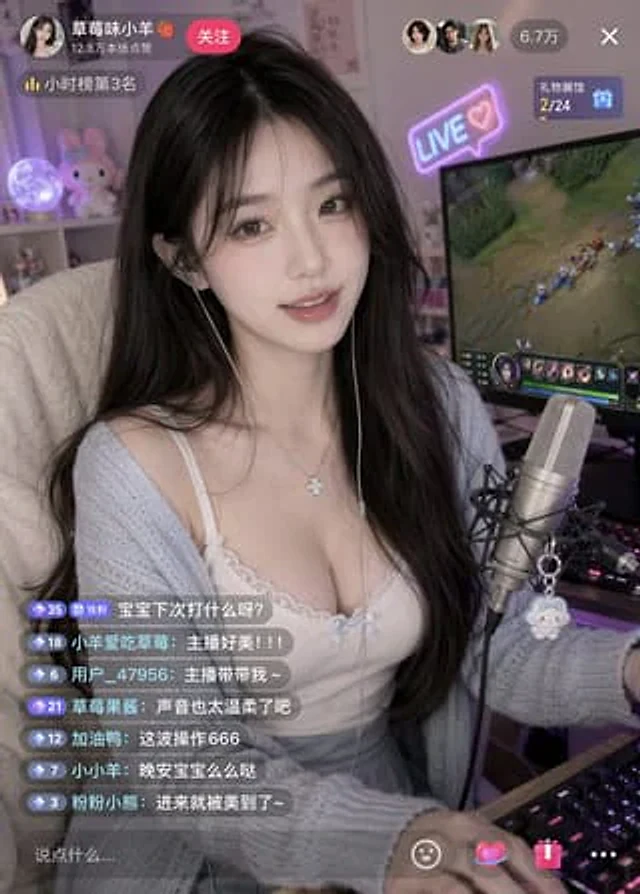
Influencer Live-streaming Scene

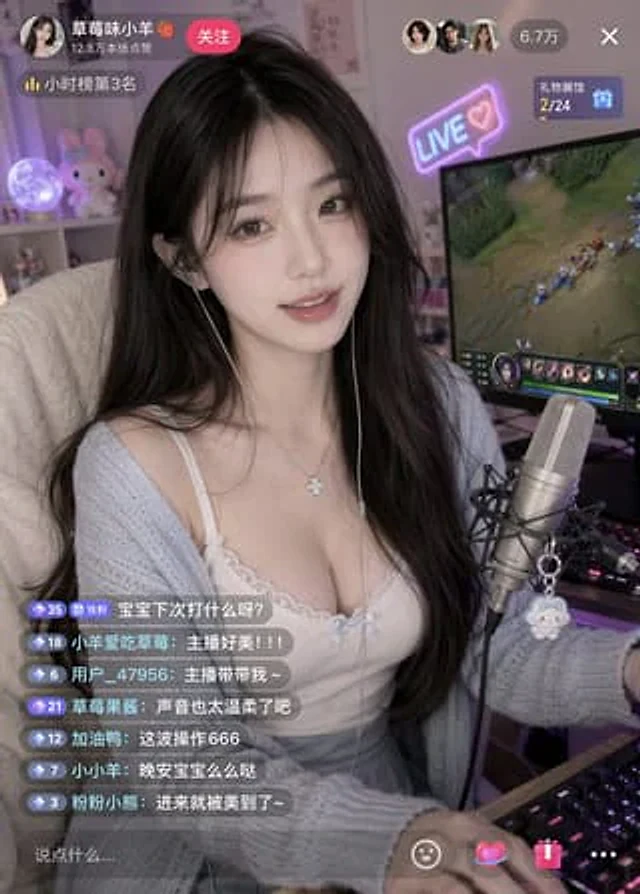
Influencer Live-streaming Scene

Document original

GPT Image 2 · en

{argument name="subject" default="A beautiful internet celebrity"} is live-streaming a {argument name="activity" default="game"}.

Mode d’emploi

  1. Copiez le prompt original complet, paramètres compris.
  2. Adaptez le sujet, le texte et la composition à vos besoins.
  3. Utilisez un outil externe compatible ; vérifiez l’accès et le résultat.

Avant de commencer

  • Vérifiez si une image de référence est nécessaire. La compatibilité ne prouve pas le modèle utilisé pour cet exemple.
  • Vérifiez noms, chiffres et textes ; les versions du modèle peuvent produire des résultats différents.
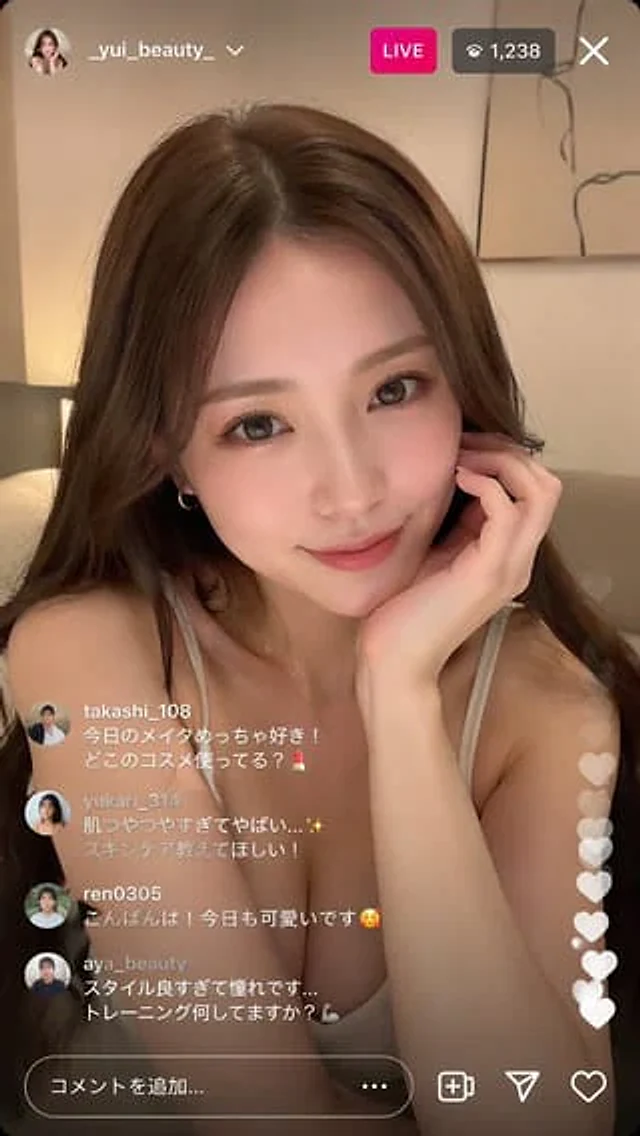
Exemples similaires

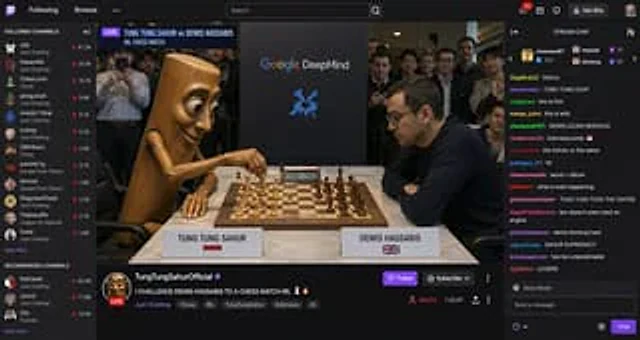
Streaming Scene Screenshot
GPT Image 2en

Twitch-style screenshots, showcasing{argument name="person" default="tung tung sahur"} Live broadcast in progress{argument name="activity" default="chess irl match"} And with demis hannabis

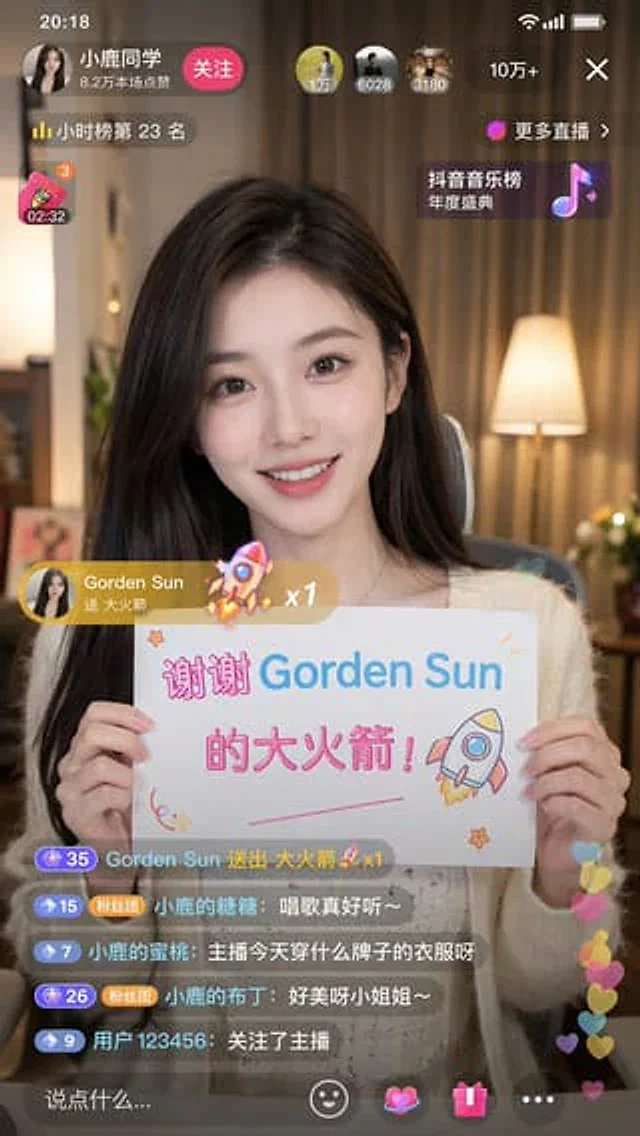
Douyin Live Stream Screenshot
GPT Image 2en

A 9:16 aspect ratio image is used to generate {argument name="platform" default="Tik Tok"} Screenshot from the live stream. There is one person in the picture.{argument name="subject" default="Beautiful anchor"} He was live-streaming and holding a sign that read "{argument name="

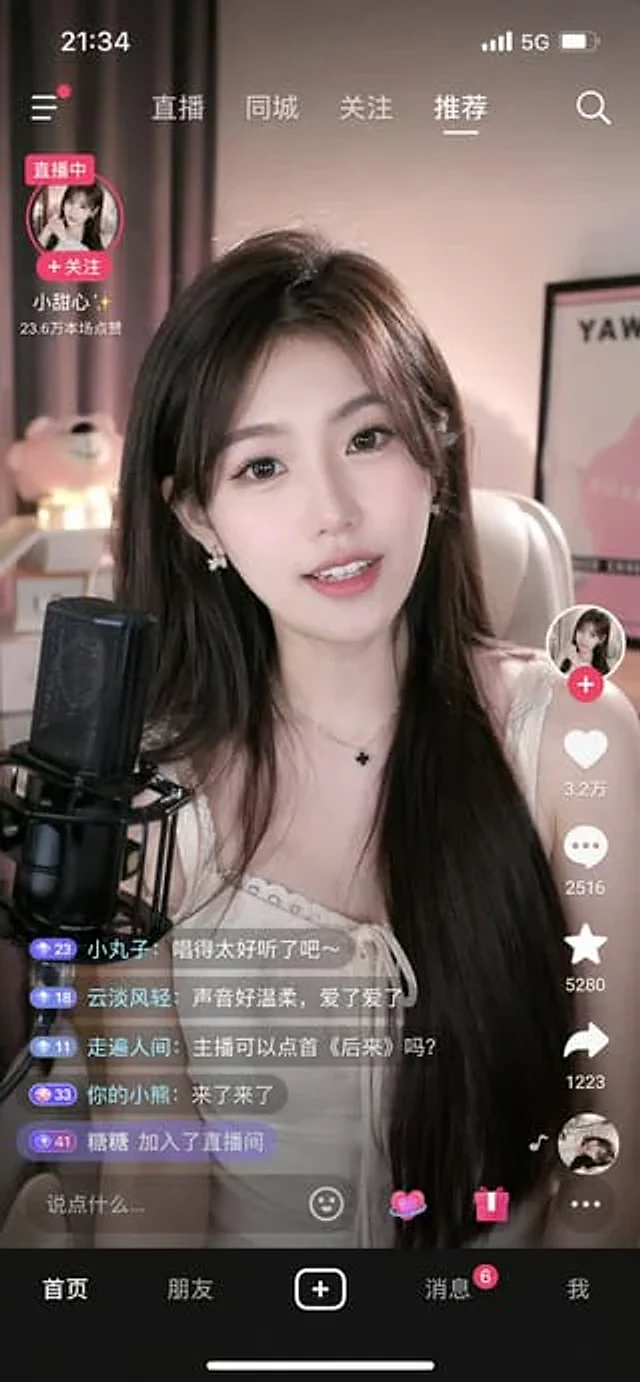
Mobile Live Streaming App Interface
GPT Image 2en

{ "type": "mobile live streaming app interface mockup", "subject": "young Asian woman streamer, long dark hair, white top, smiling, speaking into a black studio microphone", "background": "cozy room, soft pink lighting, teddy bear, framed poster", "ui_elements": { "st