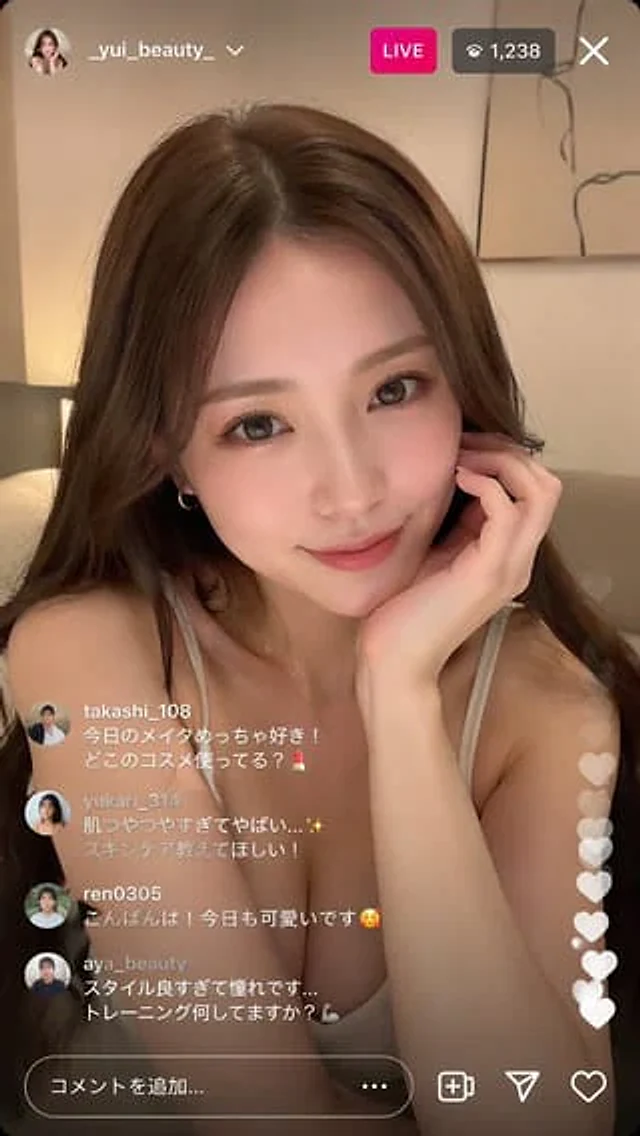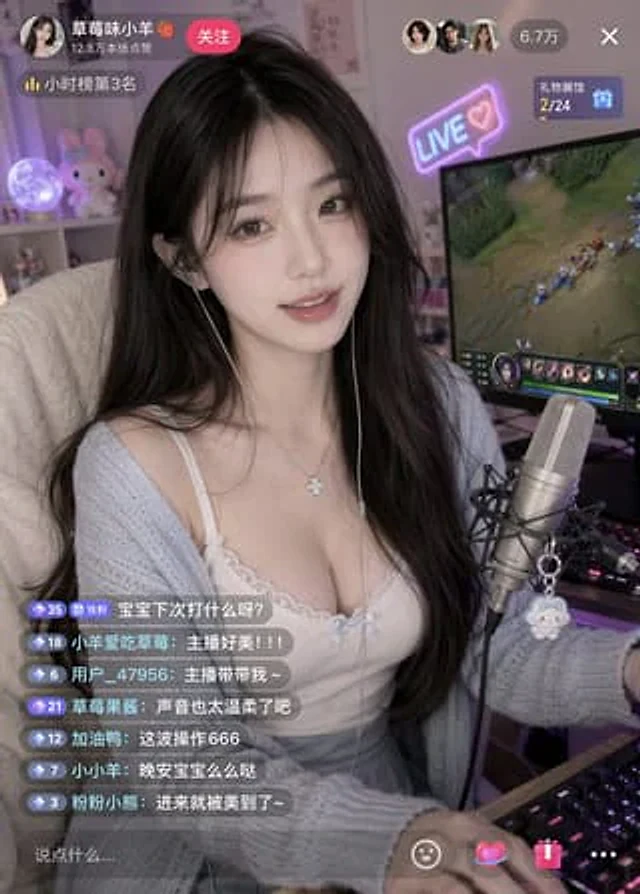
Influencer Live-streaming Scene

Influencer Live-streaming Scene

Documento originale

GPT Image 2 · en

{argument name="subject" default="A beautiful internet celebrity"} is live-streaming a {argument name="activity" default="game"}.

Come usare

  1. Copia tutto il prompt originale, inclusi i parametri.
  2. Adatta soggetto, testo e composizione alle tue esigenze.
  3. Usa uno strumento esterno compatibile; verifica accesso e risultato.

Prima di iniziare

  • Controlla se serve un’immagine di riferimento. La compatibilità non prova il modello usato per l’esempio.
  • Verifica nomi, numeri e testi; i risultati cambiano con le versioni del modello.
Esempi simili

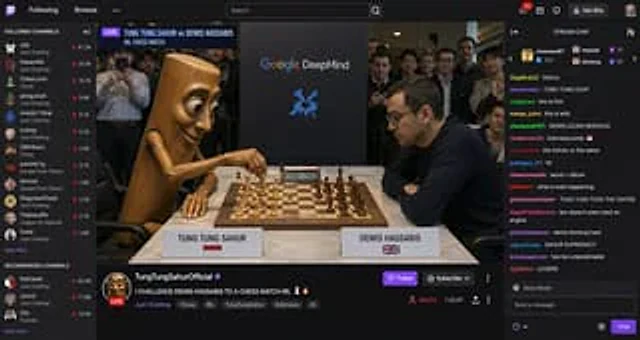
Streaming Scene Screenshot
GPT Image 2en

Twitch-style screenshots, showcasing{argument name="person" default="tung tung sahur"} Live broadcast in progress{argument name="activity" default="chess irl match"} And with demis hannabis

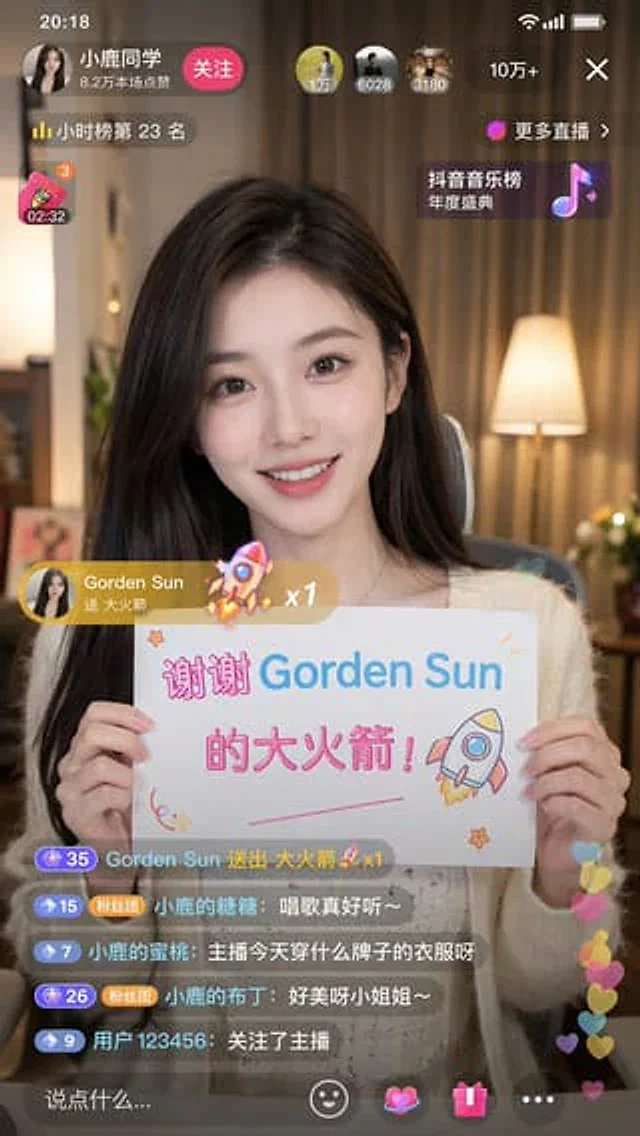
Douyin Live Stream Screenshot
GPT Image 2en

A 9:16 aspect ratio image is used to generate {argument name="platform" default="Tik Tok"} Screenshot from the live stream. There is one person in the picture.{argument name="subject" default="Beautiful anchor"} He was live-streaming and holding a sign that read "{argument name="

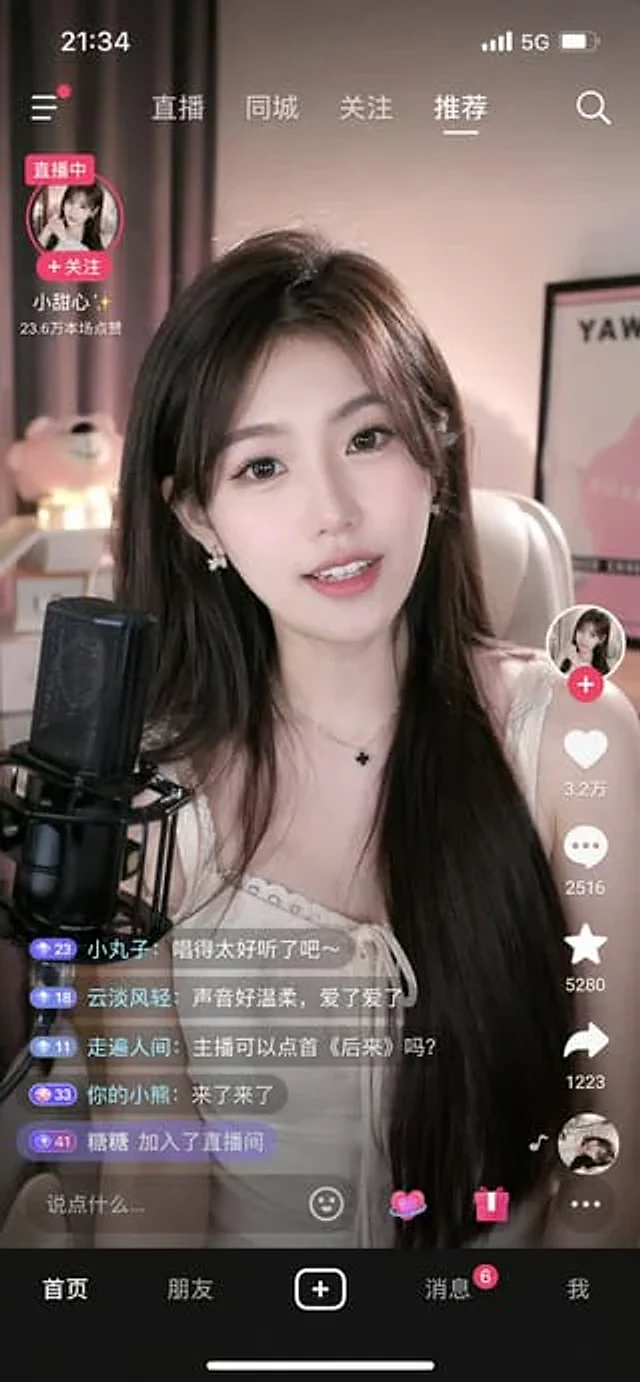
Mobile Live Streaming App Interface
GPT Image 2en

{ "type": "mobile live streaming app interface mockup", "subject": "young Asian woman streamer, long dark hair, white top, smiling, speaking into a black studio microphone", "background": "cozy room, soft pink lighting, teddy bear, framed poster", "ui_elements": { "st