Document original
GPT Image 2 · en
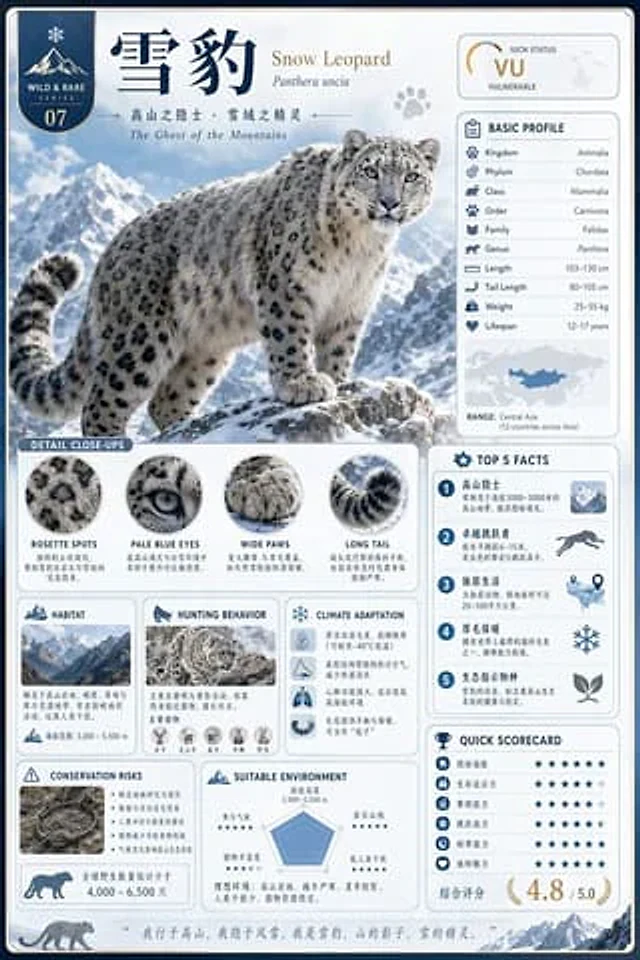
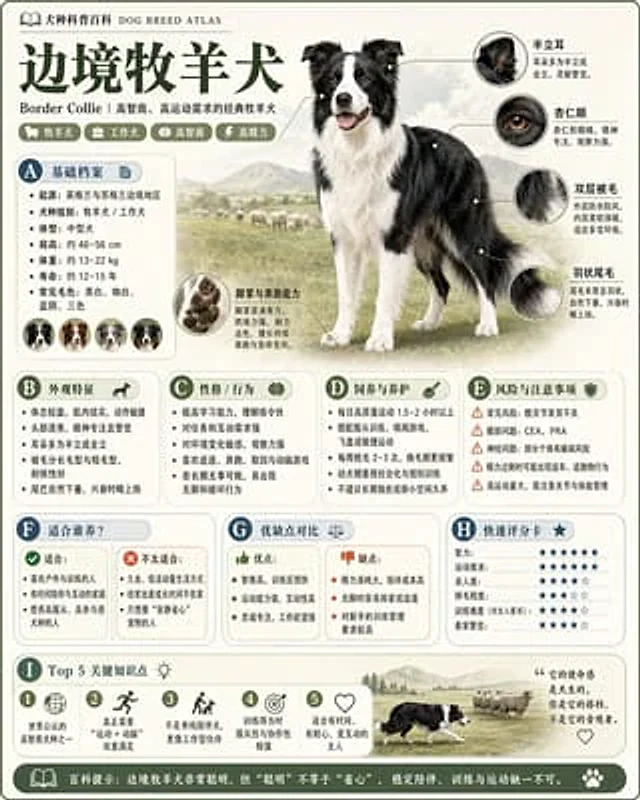
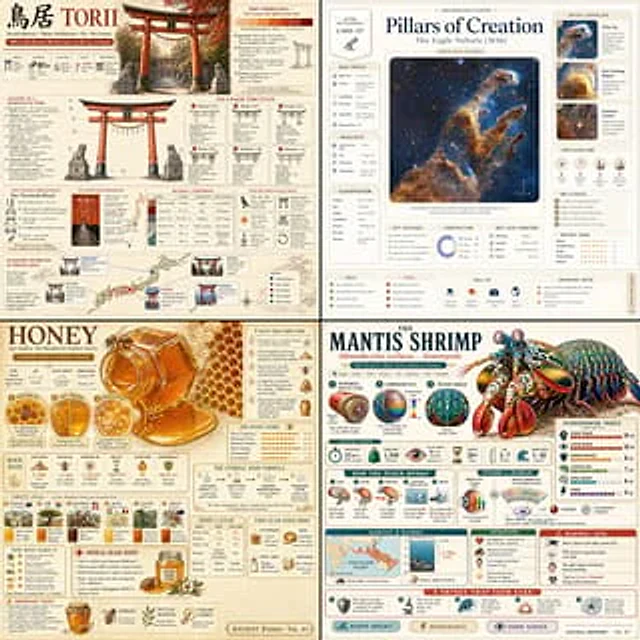
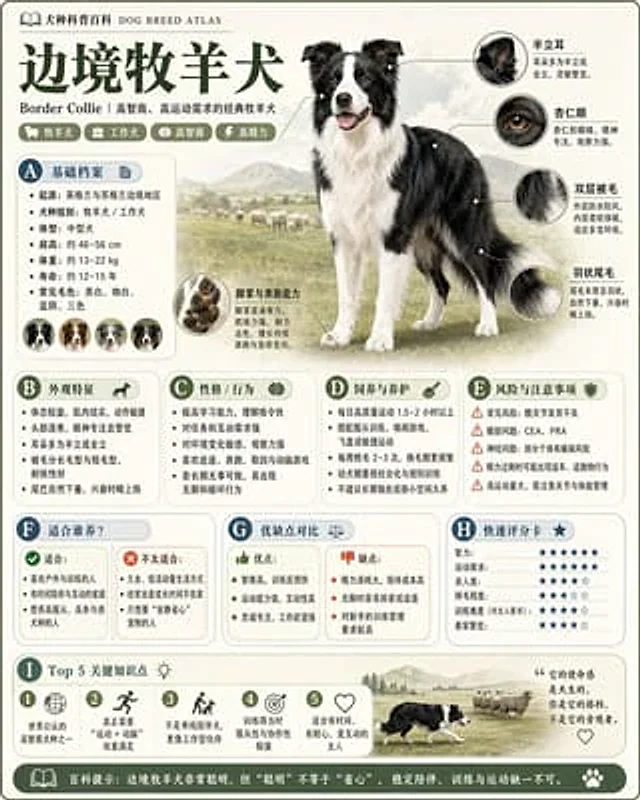
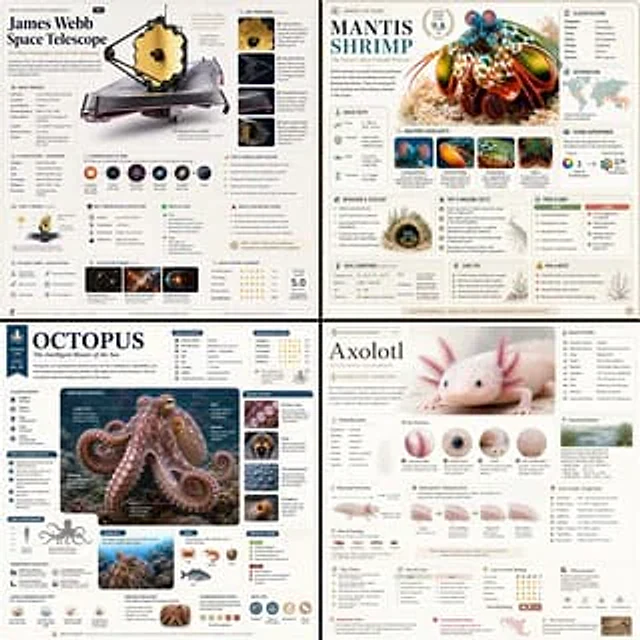
Based on { TOPIC }, create a high-quality vertical “encyclopedia-style educational infographic image.”

This image should NOT look like a regular poster or a simple illustration. Instead, it should feel like a structured knowledge guide that combines:

the feeling of a collectible reference handbook

a modern encyclopedia page

a lifestyle knowledge card

and a highly shareable social-media infographic

The overall style should resemble a premium natural-history guidebook mixed with modern editorial infographic design.

The image should include:

One beautiful and highly detailed main subject image

Several zoomed-in detail sections highlighting important features

Multiple modular information panels with rounded corners

Clear title hierarchy and highlighted key labels

Concise yet information-rich encyclopedia content

Visual scoring systems, quick summaries, or “Top 5” modules

The information sections should automatically adapt to the topic. Select and combine relevant categories such as:

Basic profile

Classification / taxonomy

Physical characteristics

Behavior / ecology / habits

Structure or formation mechanisms

Growth conditions or usage methods

Care, maintenance, or optimization tips

Risks, warnings, and important notes

Suitable users or application scenarios

Pros and cons comparison

Quick rating tags or summary cards

Visual requirements:

Clean light-colored background

Soft and elegant color palette

Gentle shadows

Small refined icons

Rounded information boxes

Organized editorial layout

High information density without feeling crowded

Comfortable reading experience

The final result should feel like a real publishable encyclopedia knowledge card designed for reading, collecting, and creating as part of a consistent series — NOT like a commercial advertisement poster.

The image must strongly emphasize:

“knowledge integration + modular information design + handbook/reference-style presentation.”
Mode d’emploi
- Copiez le prompt original complet, paramètres compris.
- Adaptez le sujet, le texte et la composition à vos besoins.
- Utilisez un outil externe compatible ; vérifiez l’accès et le résultat.
Avant de commencer
- Vérifiez si une image de référence est nécessaire. La compatibilité ne prouve pas le modèle utilisé pour cet exemple.
- Vérifiez noms, chiffres et textes ; les versions du modèle peuvent produire des résultats différents.