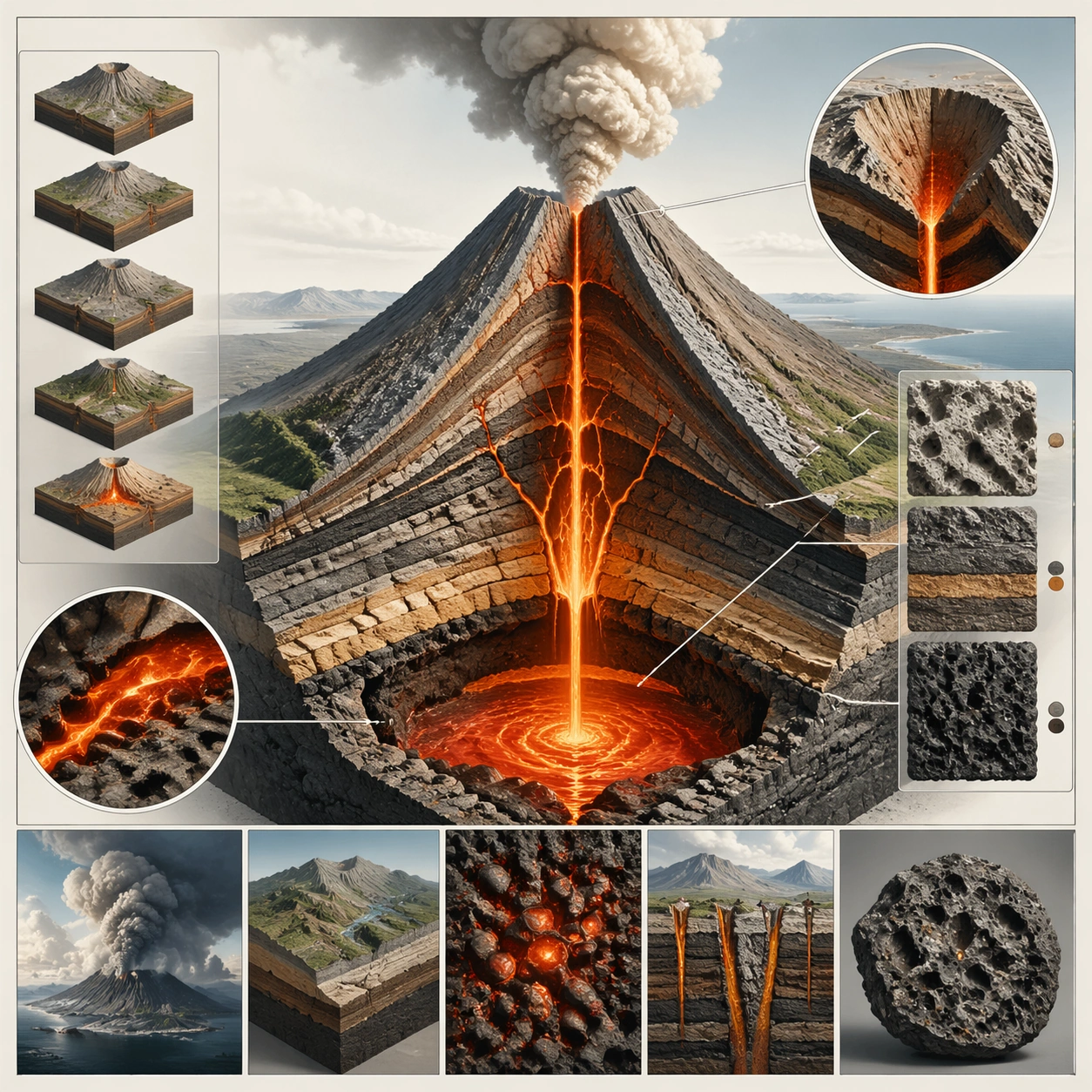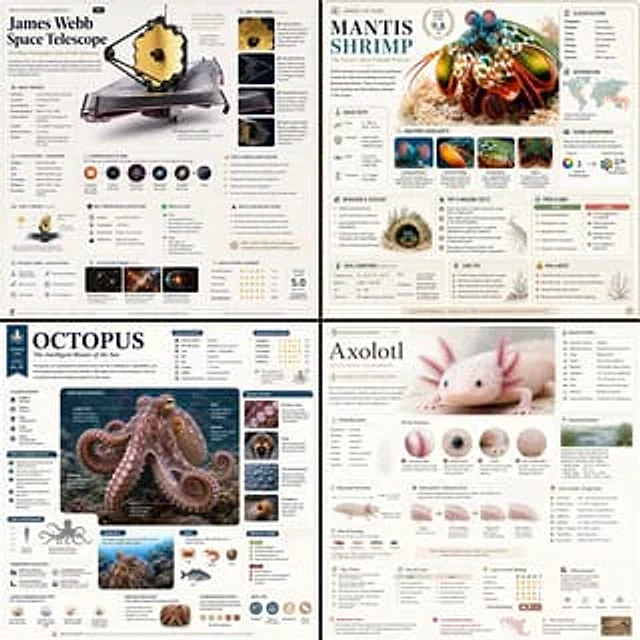
GPT Image 2 encyclopedia-style educational infographic prompt

GPT Image 2 encyclopedia-style educational infographic prompt

原文

GPT Image 2 · en

Based on { TOPIC }, create a high-quality vertical “encyclopedia-style educational infographic image.”

This image should NOT look like a regular poster or a simple illustration. Instead, it should feel like a structured knowledge guide that combines:

the feeling of a collectible reference handbook

a modern encyclopedia page

a lifestyle knowledge card

and a highly shareable social-media infographic

The overall style should resemble a premium natural-history guidebook mixed with modern editorial infographic design.

The image should include:

One beautiful and highly detailed main subject image

Several zoomed-in detail sections highlighting important features

Multiple modular information panels with rounded corners

Clear title hierarchy and highlighted key labels

Concise yet information-rich encyclopedia content

Visual scoring systems, quick summaries, or “Top 5” modules

The information sections should automatically adapt to the topic. Select and combine relevant categories such as:

Basic profile

Classification / taxonomy

Physical characteristics

Behavior / ecology / habits

Structure or formation mechanisms

Growth conditions or usage methods

Care, maintenance, or optimization tips

Risks, warnings, and important notes

Suitable users or application scenarios

Pros and cons comparison

Quick rating tags or summary cards

Visual requirements:

Clean light-colored background

Soft and elegant color palette

Gentle shadows

Small refined icons

Rounded information boxes

Organized editorial layout

High information density without feeling crowded

Comfortable reading experience

The final result should feel like a real publishable encyclopedia knowledge card designed for reading, collecting, and creating as part of a consistent series — NOT like a commercial advertisement poster.

The image must strongly emphasize:

“knowledge integration + modular information design + handbook/reference-style presentation.”

使い方

  1. パラメータを含む元のプロンプト全体をコピーします。
  2. 被写体、文字、構図を自分の要件に置き換えます。
  3. 対応する外部ツールで使用し、利用条件と結果を確認します。

開始前の確認

  • 参考画像の要否を確認してください。互換モデルの表示は、そのモデルでの生成実績を意味しません。
  • 名前、数値、画像内の文字を確認します。モデルの版で結果は変わります。
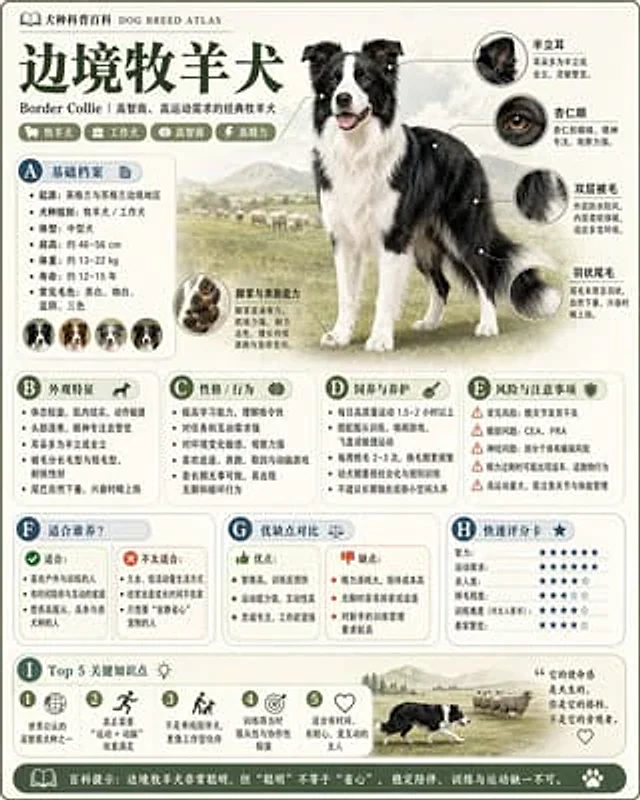
似た事例

Modular encyclopedia infographic card
GPT Image 2zh

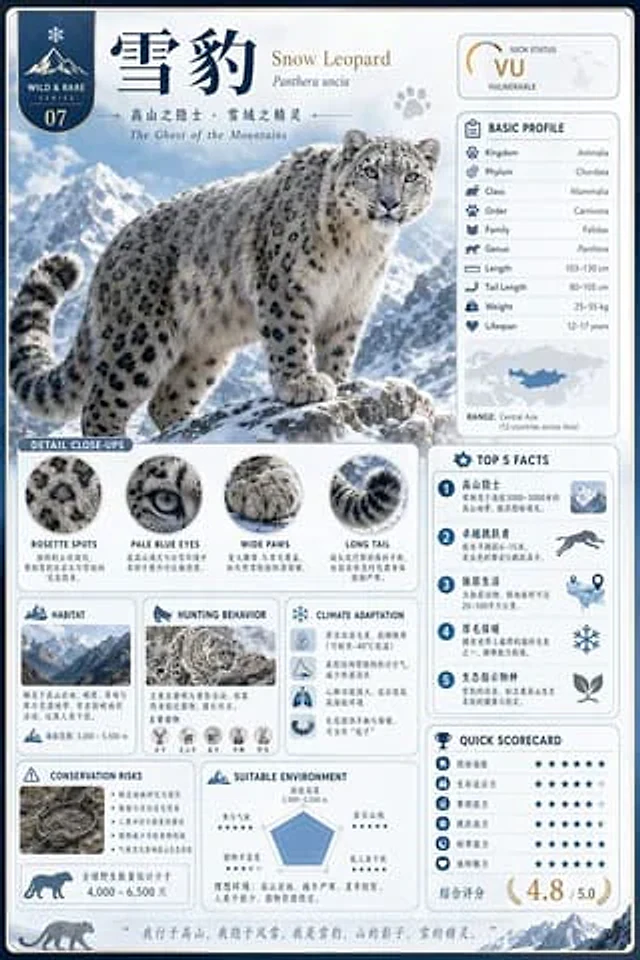
Generate a high-quality vertical science encyclopedia card about "雪豹 Snow Leopard". It should feel like a collectible modular knowledge infographic rather than a normal poster. Include one beautiful hero illustration, several zoomed-in detail callouts, rounded information modules

Modular Knowledge Encyclopedia Infographic
GPT Image 2en

Please refer to the topic: [{argument name="theme" default="theme"} Generate a high-quality, vertical "science encyclopedia infographic." This should be a modular infographic with a "handbook, encyclopedia, and structured" feel. The style should combine elements of a high-end mus

GPT Image 2 mantis shrimp encyclopedia infographic prompt
GPT Image 2en

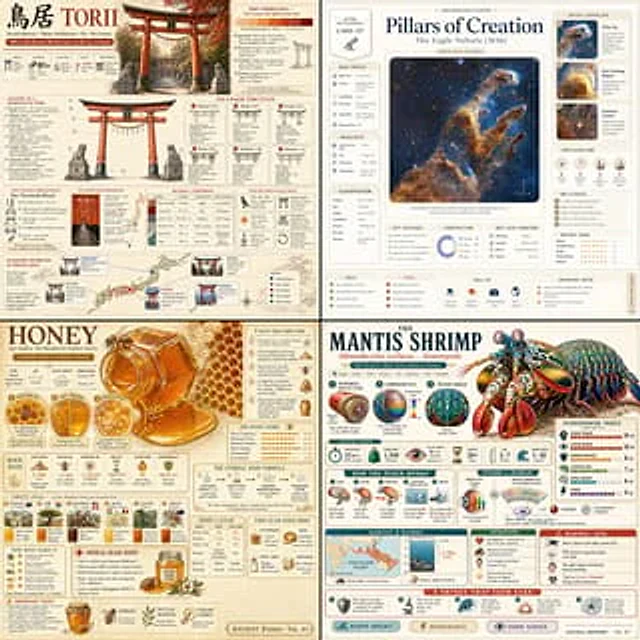
Create a high-quality vertical encyclopedia-style educational infographic titled: "THE MANTIS SHRIMP — Nature's Most Dangerous Fist" Subject: Peacock Mantis Shrimp (Odontodactylus scyllarus) Overall style: Premium natural history field guide crossed with a modern editorial sc

Natural History Infographic — Comparison Board
GPT Image 2en

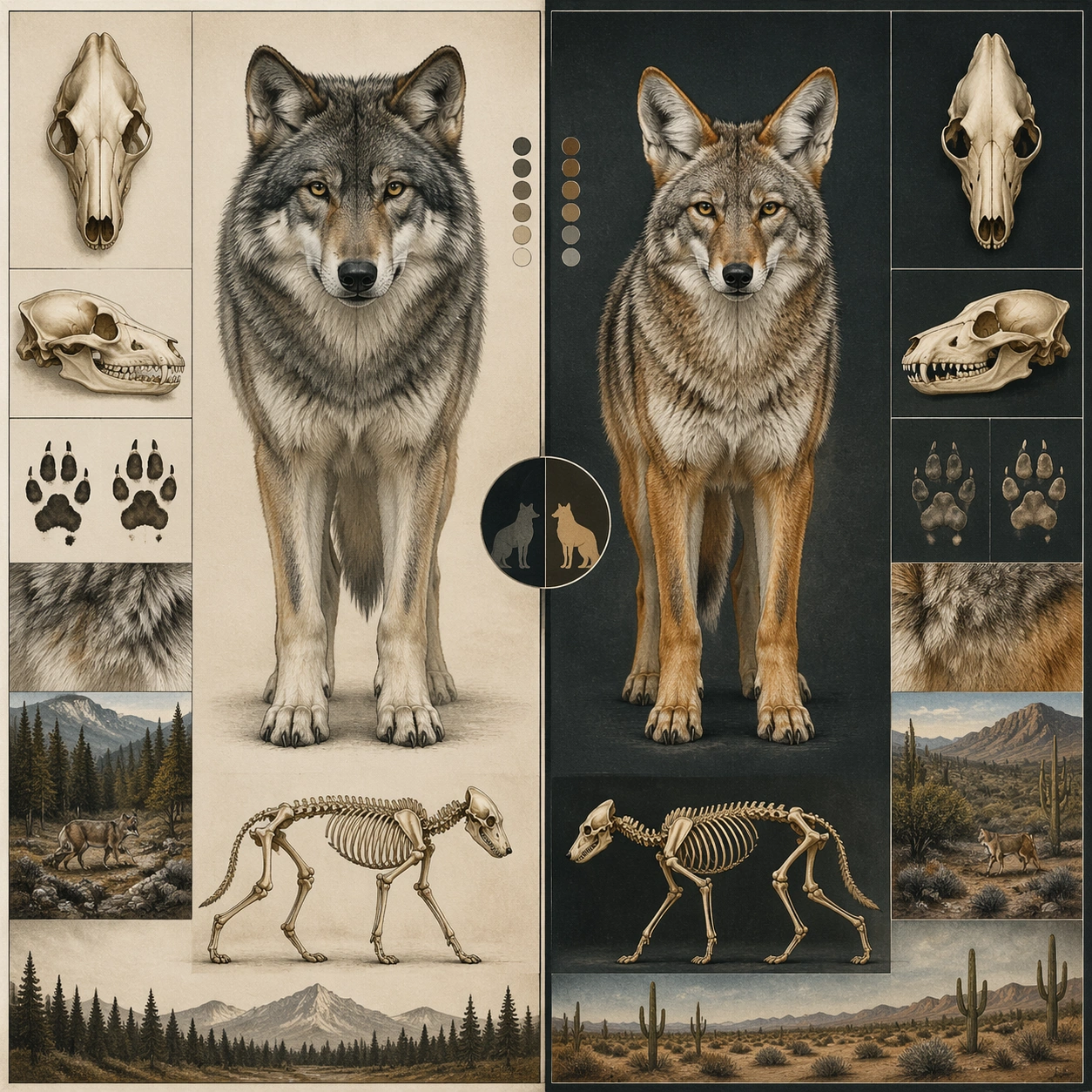
Scene: A square plate or board viewed straight-on, with crisp organization, disciplined spacing, and premium print clarity. Build the frame around a side-by-side comparison structure with strong contrast and equal visual weight. Keep the lighting, camera distance, and spatial org

Encyclopedia Style Infographic Generator
GPT Image 2en

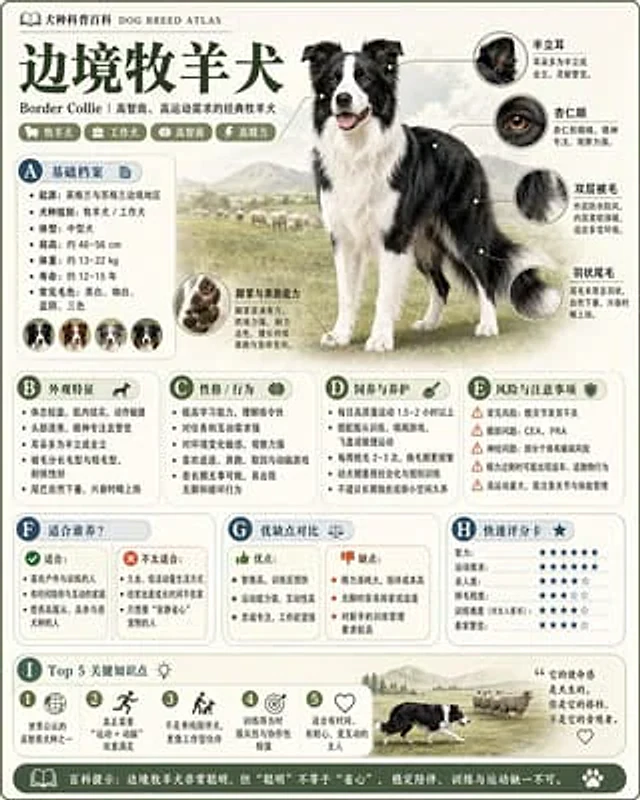
Please refer to{argument name="theme" default="animals"} Generate a high-quality, vertical "science encyclopedia image." This image is not a typical poster or simple illustration, but a modular science infographic with a "picture book feel, encyclopedia feel, structured informati

Natural History Infographic — Cutaway Panel
GPT Image 2en

Scene: A square plate or board viewed straight-on, with crisp organization, disciplined spacing, and premium print clarity. Build the frame around a cutaway or sectional treatment that reveals interior logic without sacrificing readability. Keep the lighting, camera distance, and