Document original
GPT Image 2 · en
Scene:
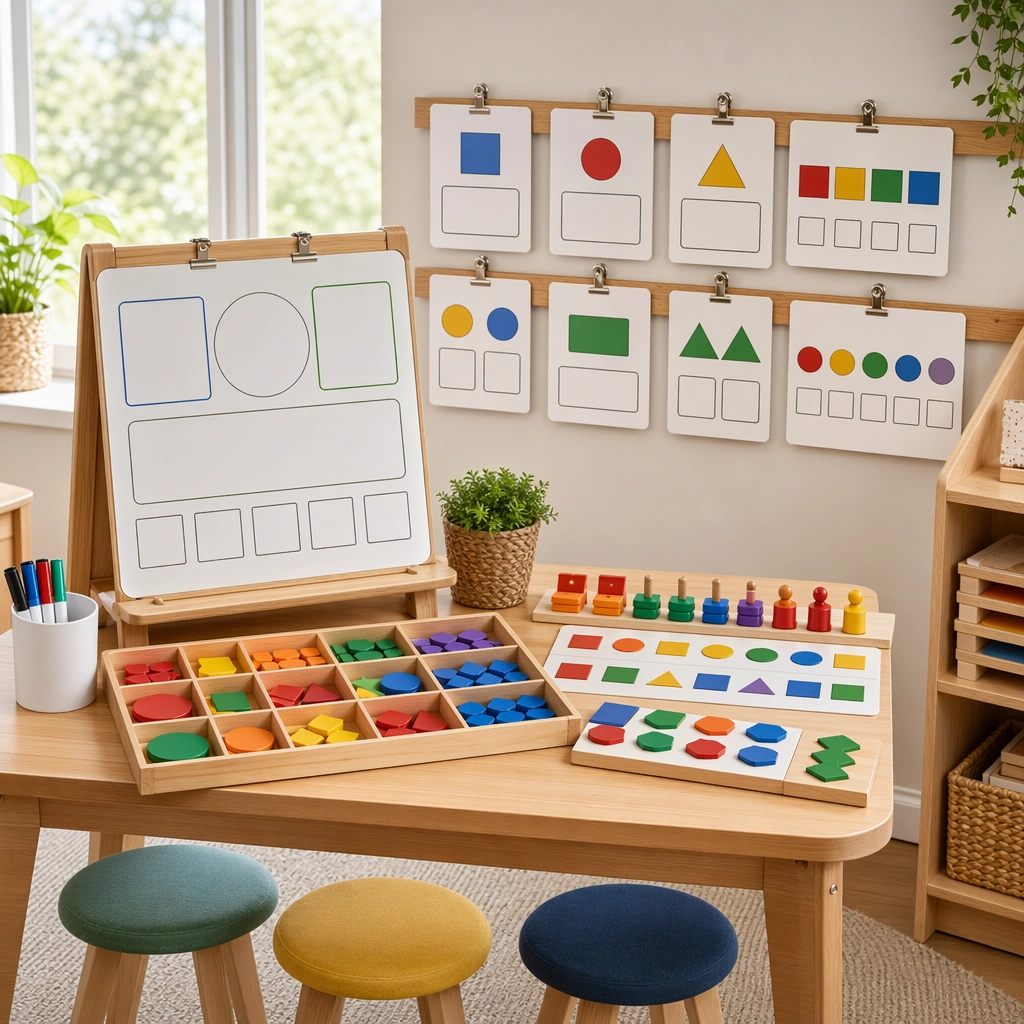
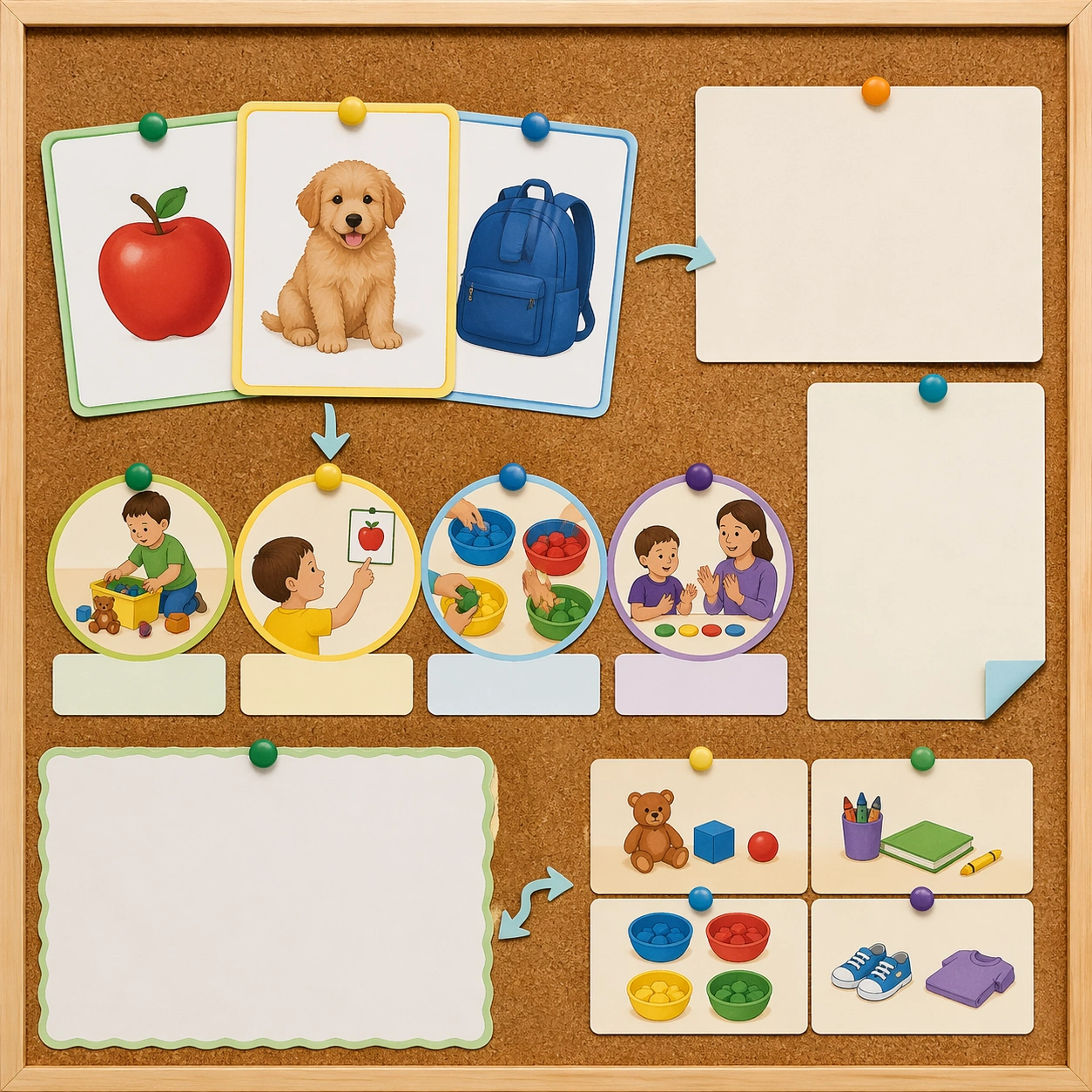
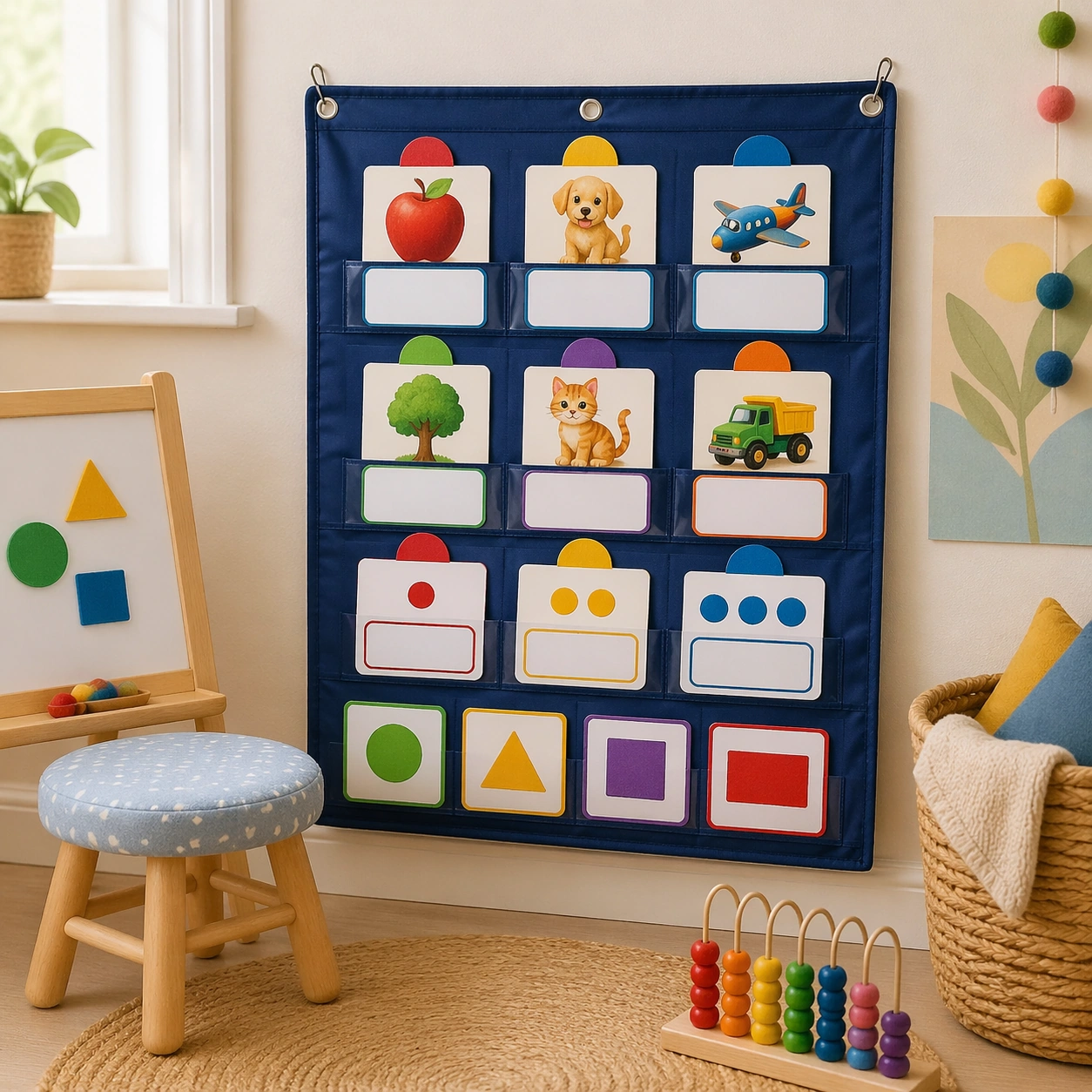
Show a square classroom corner with a fabric pocket chart mounted at child height, soft daylight from the side, and a calm early-years interior palette. The composition should feel intentionally staged for a teaching-resource brochure, with the chart, nearby stool, and woven basket arranged in a clean, friendly, production-ready way. Keep the square frame balanced, calm, and production-ready so the asset can serve gallery review, research comparison, and real educational delivery at the same time.

Subject:
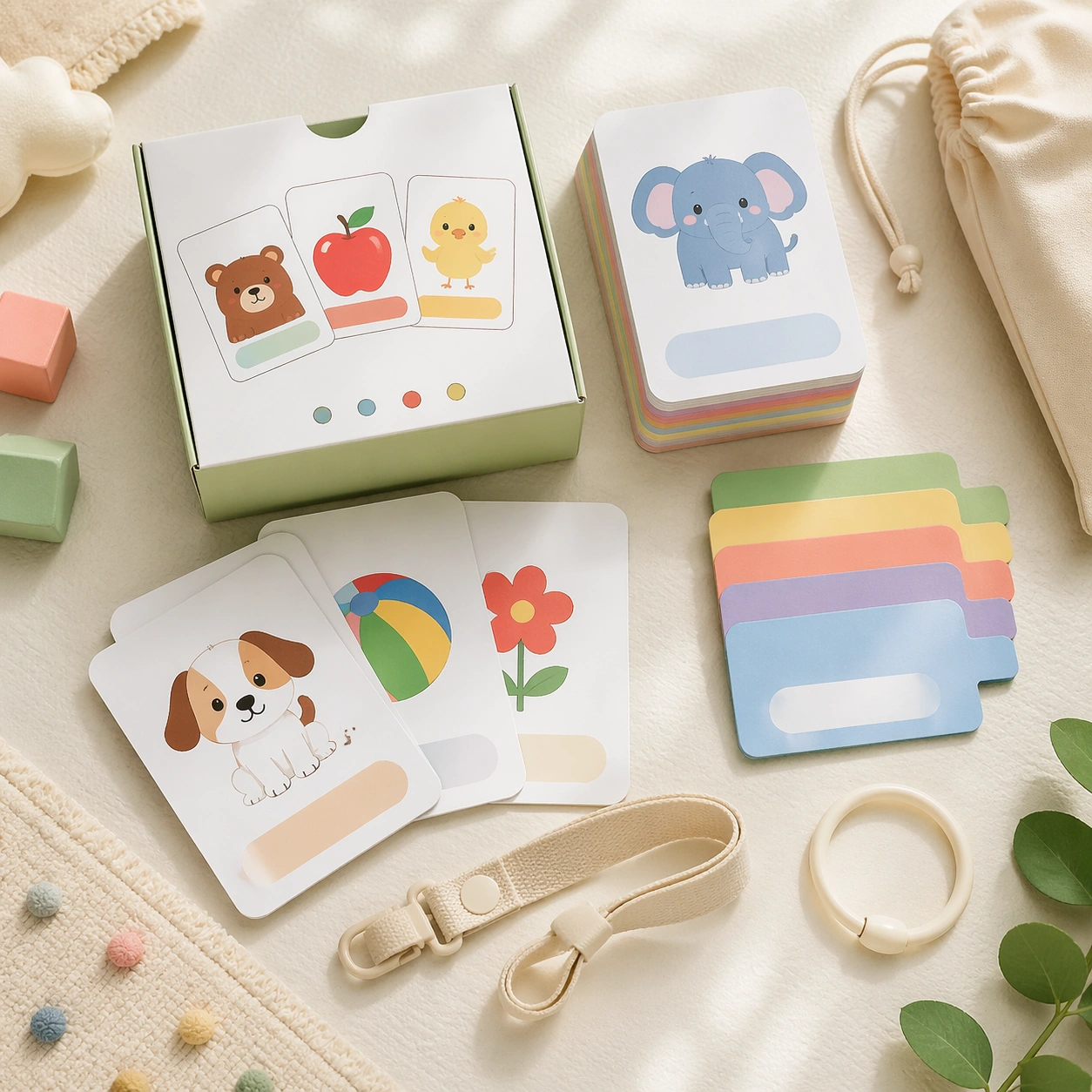
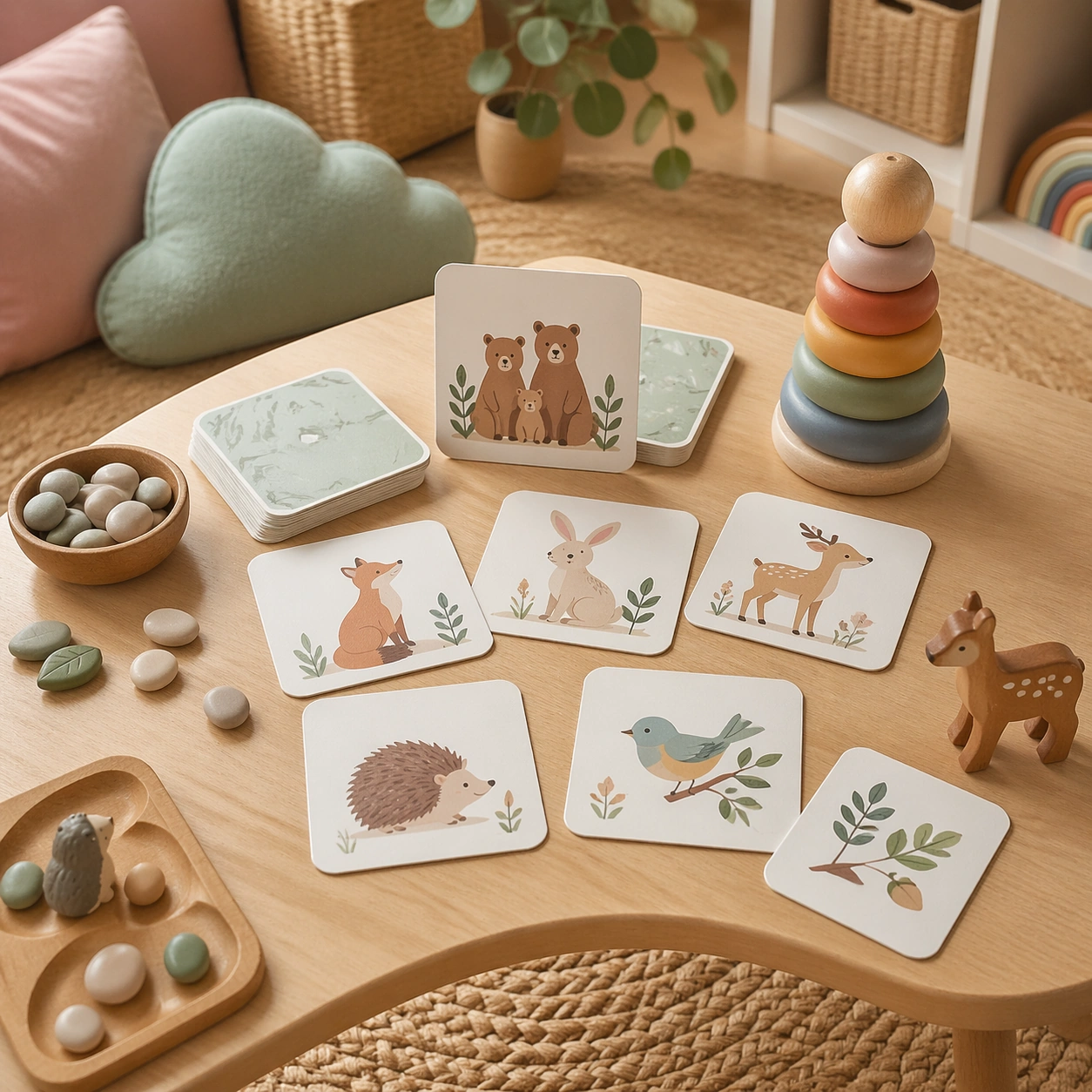
The pocket chart holds several flashcards from the same educational family, mixing object, animal, and quantity cards with blank response slots and color-coded category markers. Add a few tactile classroom cues such as felt shapes, counting beads, and a small easel, but keep the flashcards as the clear visual focus. The subject arrangement should feel complete and self-contained, able to stand alone as a real supporting deliverable inside the same education business line.

Important details:
Emphasize usability and warmth over spectacle: smooth fabric textures, gentle rounded shapes, and a classroom environment that feels realistic but uncluttered. The cards must still read as part of one coherent system, even though the image is now an environmental mockup rather than a product flatlay. Keep the visual hierarchy modular, commercially believable, and clearly tied to a real educational use case rather than a generic mood board.

Use case:
Early Learning Flashcard Family single study 2/5, pocket chart classroom.

Constraints:
No readable text, no watermark, no logos, preserve exact 1:1 aspect ratio, no readable text, no numerals, no brand mascots, no logos, no chaotic shelf clutter, no broken packaging.
Mode d’emploi
- Copiez le prompt original complet, paramètres compris.
- Adaptez le sujet, le texte et la composition à vos besoins.
- Utilisez un outil externe compatible ; vérifiez l’accès et le résultat.
Avant de commencer
- Vérifiez si une image de référence est nécessaire. La compatibilité ne prouve pas le modèle utilisé pour cet exemple.
- Vérifiez noms, chiffres et textes ; les versions du modèle peuvent produire des résultats différents.