Original document
GPT Image 2 · en
Scene:
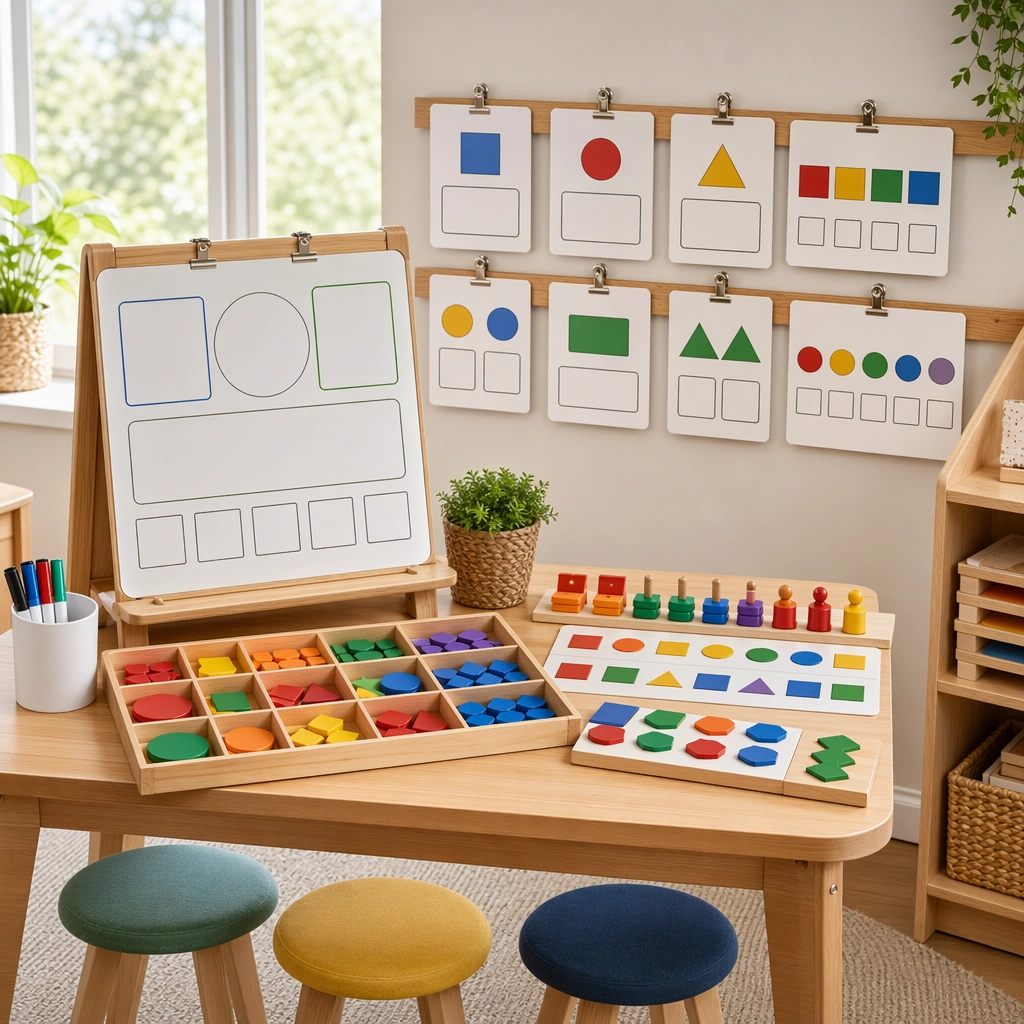
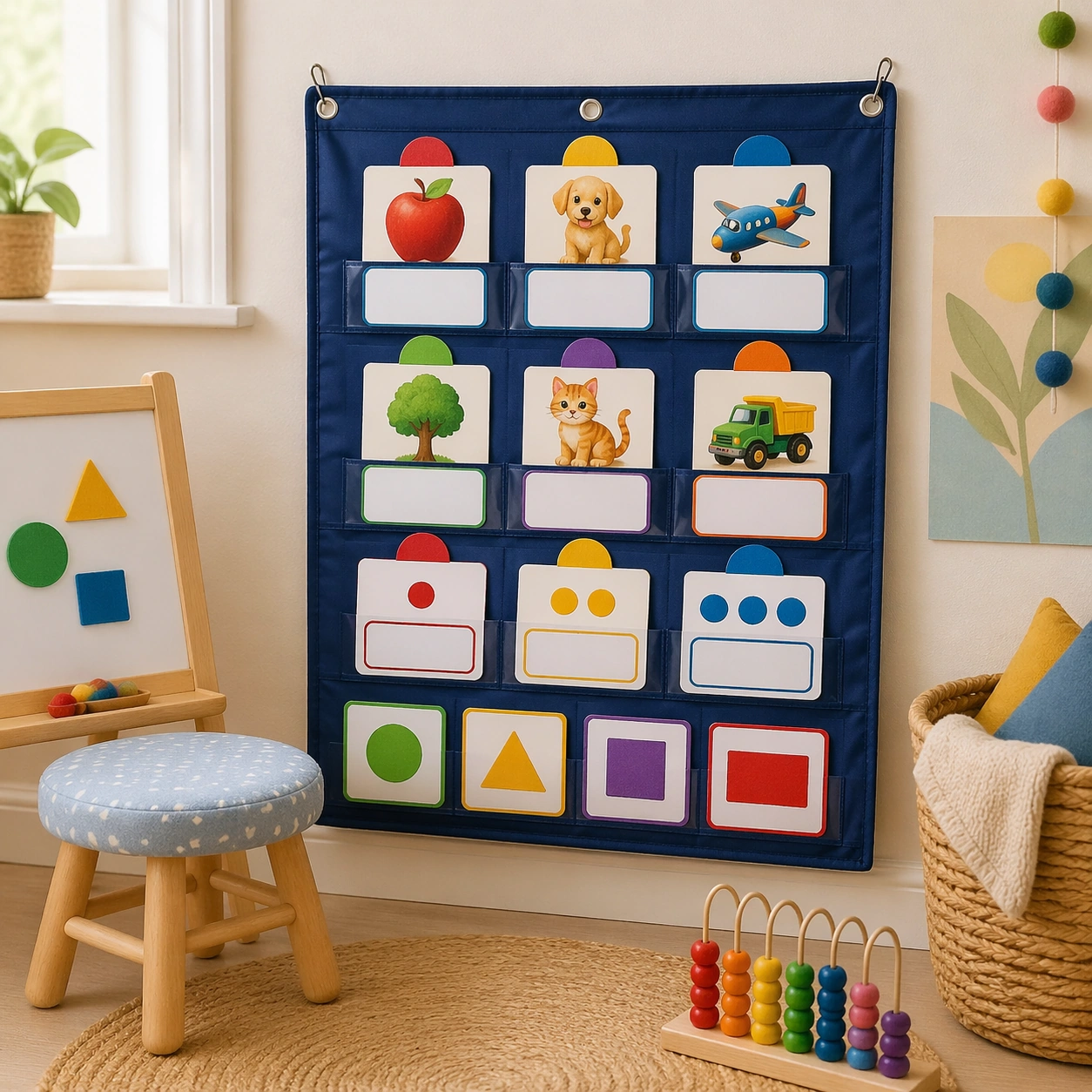
Show a square classroom corner with a fabric pocket chart mounted at child height, soft daylight from the side, and a calm early-years interior palette. The composition should feel intentionally staged for a teaching-resource brochure, with the chart, nearby stool, and woven basket arranged in a clean, friendly, production-ready way. Keep the square frame balanced, calm, and production-ready so the asset can serve gallery review, research comparison, and real educational delivery at the same time.

Subject:
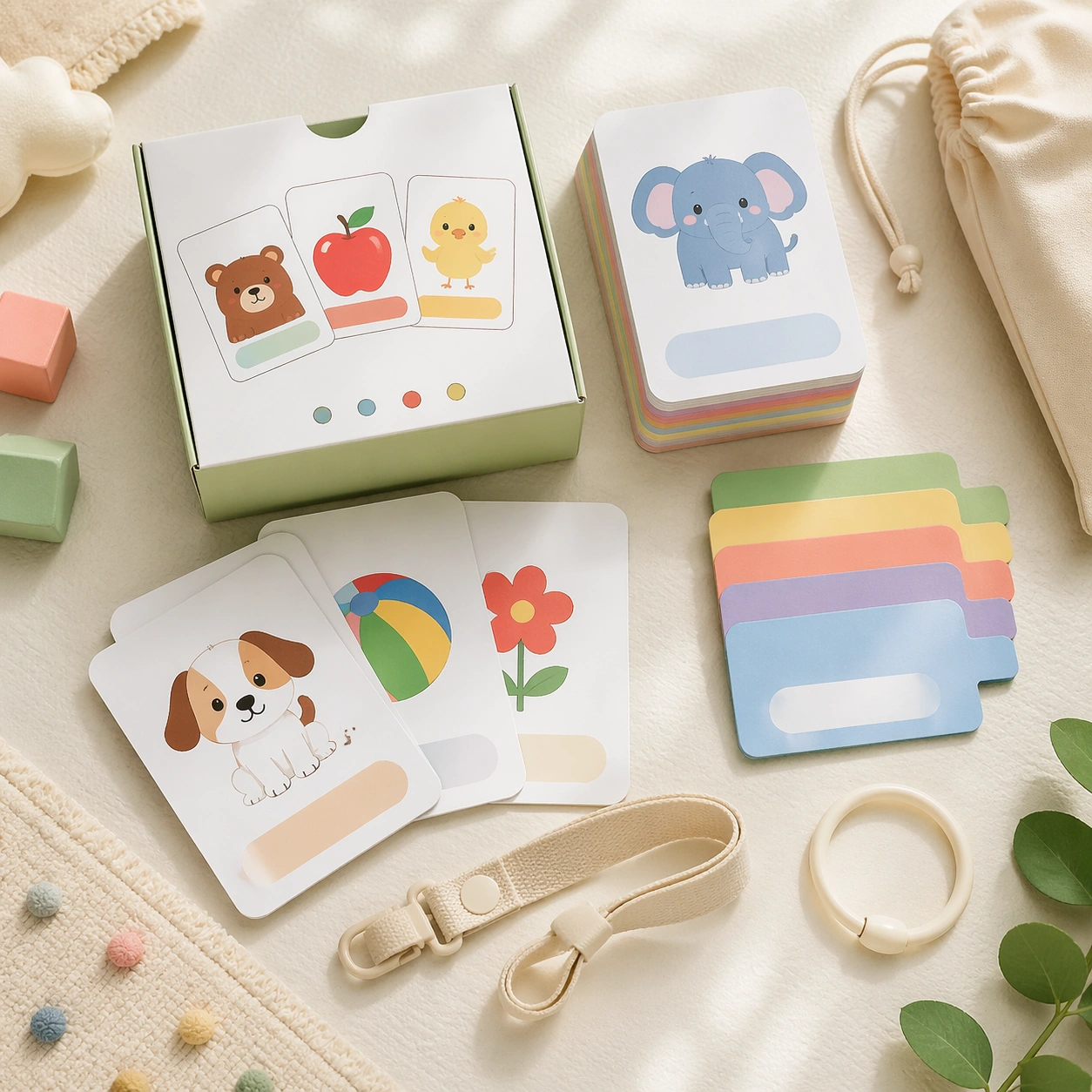
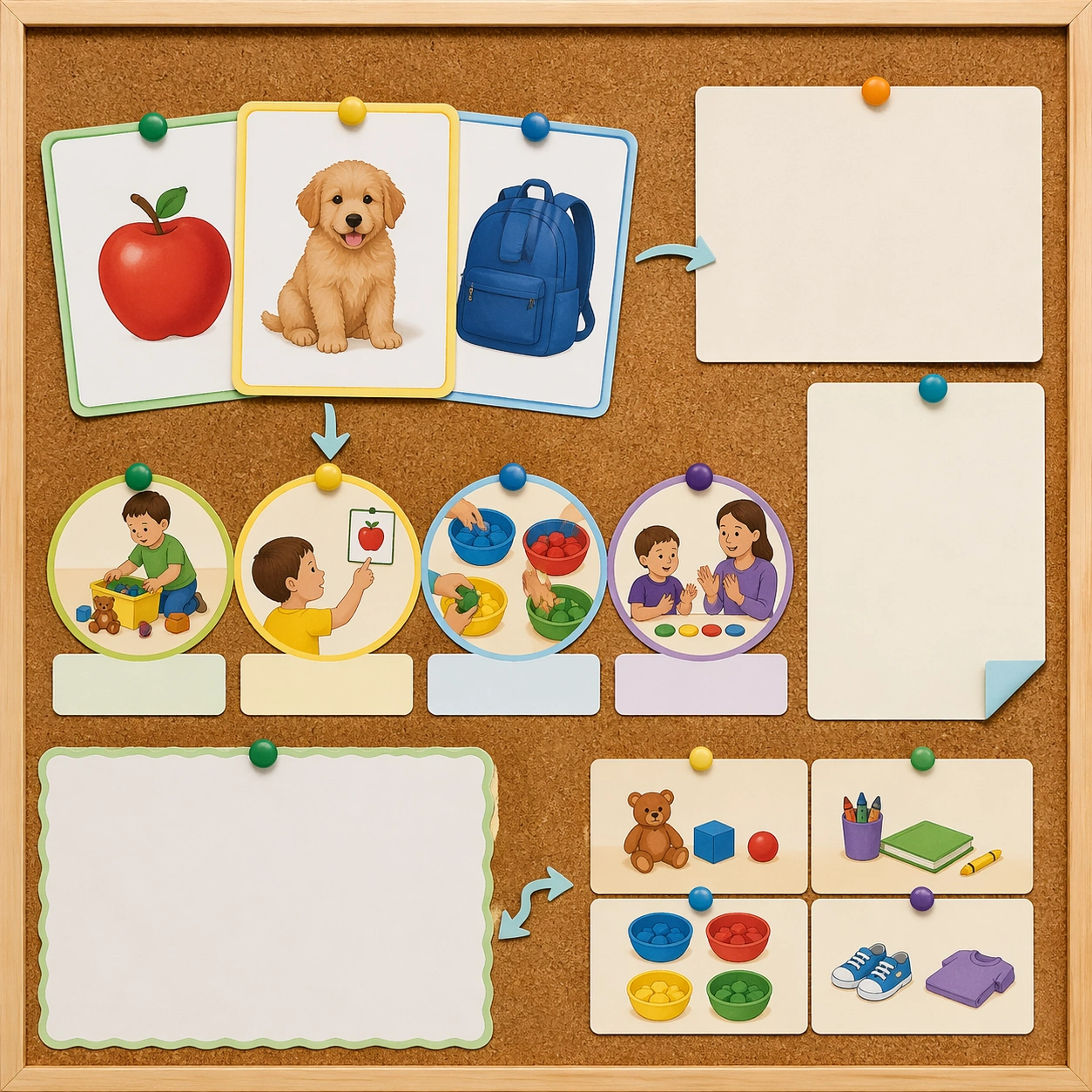
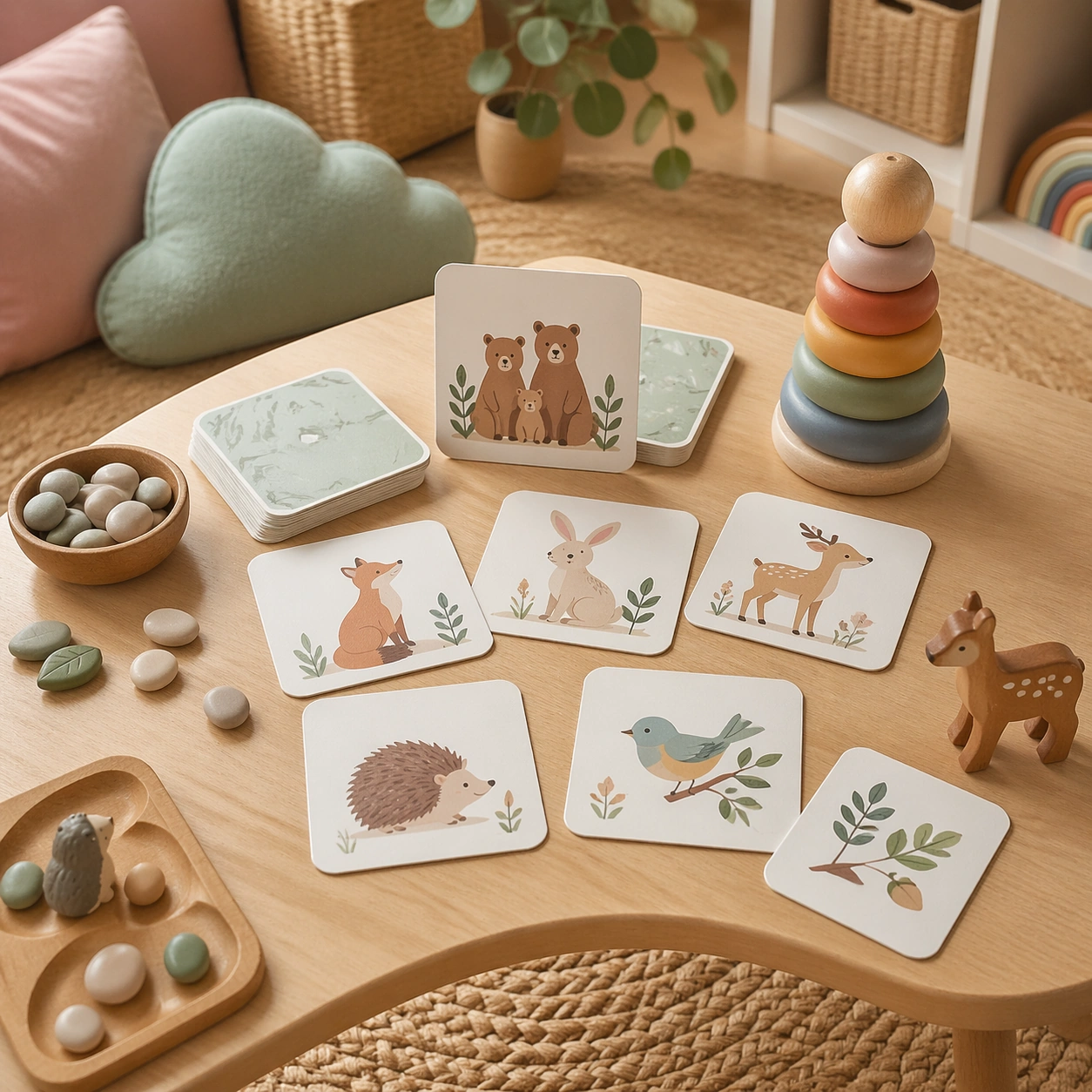
The pocket chart holds several flashcards from the same educational family, mixing object, animal, and quantity cards with blank response slots and color-coded category markers. Add a few tactile classroom cues such as felt shapes, counting beads, and a small easel, but keep the flashcards as the clear visual focus. The subject arrangement should feel complete and self-contained, able to stand alone as a real supporting deliverable inside the same education business line.

Important details:
Emphasize usability and warmth over spectacle: smooth fabric textures, gentle rounded shapes, and a classroom environment that feels realistic but uncluttered. The cards must still read as part of one coherent system, even though the image is now an environmental mockup rather than a product flatlay. Keep the visual hierarchy modular, commercially believable, and clearly tied to a real educational use case rather than a generic mood board.

Use case:
Early Learning Flashcard Family single study 2/5, pocket chart classroom.

Constraints:
No readable text, no watermark, no logos, preserve exact 1:1 aspect ratio, no readable text, no numerals, no brand mascots, no logos, no chaotic shelf clutter, no broken packaging.
How to use
- Copy the complete original prompt, including any parameters.
- Replace the subject, text and composition with your own requirements.
- Use a compatible external tool; check its current access conditions and review the result.
Before you start
- Check whether a reference image is required. A compatible model label does not mean this example was generated with that model.
- Keep names, figures and visible text accurate; results can vary between model versions.