Documento originale
GPT Image 2 · en
Scene:
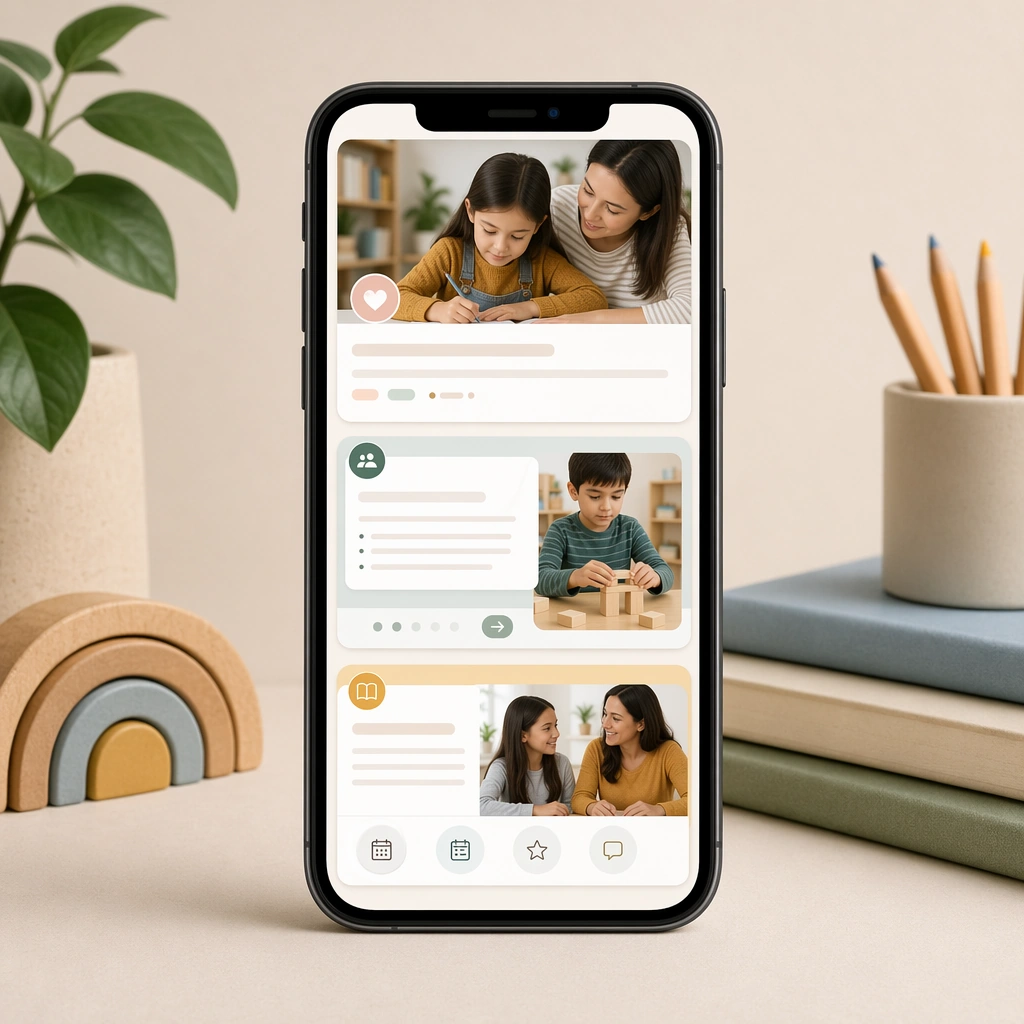
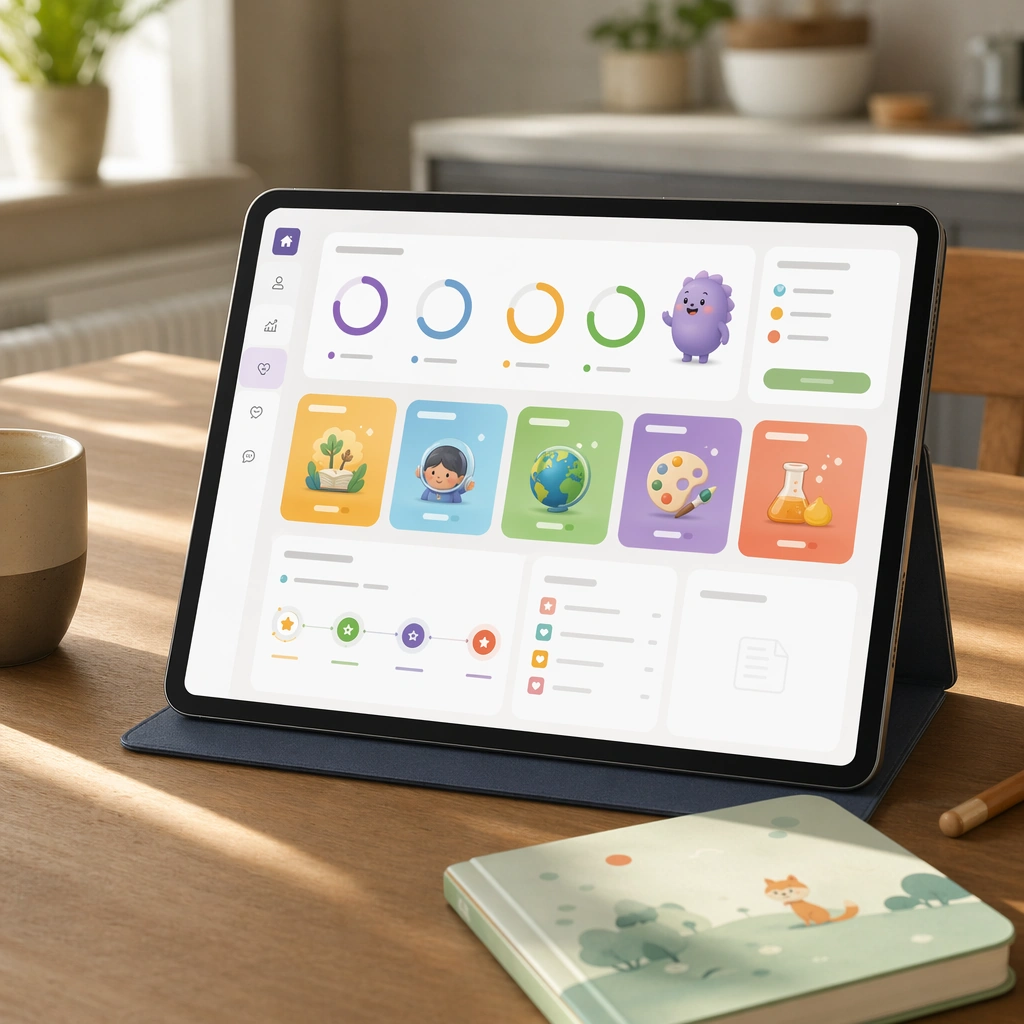
Create a square product composition showing a tablet on a quiet kitchen table with soft daylight, a cup, and a child-safe notebook nearby. The screen should feel calm and trustworthy, like a family-oriented companion dashboard for a premium learning app. Keep the square frame balanced, calm, and production-ready so the asset can serve gallery review, research comparison, and real educational delivery at the same time.

Subject:
Use visual progress rings, subject modules, mascot summaries, and blank report cards to communicate activity, milestones, and next steps without readable text. The dashboard should feel informative for adults while staying visually tied to the child-facing app universe. The subject arrangement should feel complete and self-contained, able to stand alone as a real supporting deliverable inside the same education business line.

Important details:
Balance reassurance and structure. The layout should be spacious, rational, and polished, proving that the product line can serve both children and caregivers without changing brands. Keep the visual hierarchy modular, commercially believable, and clearly tied to a real educational use case rather than a generic mood board.

Use case:
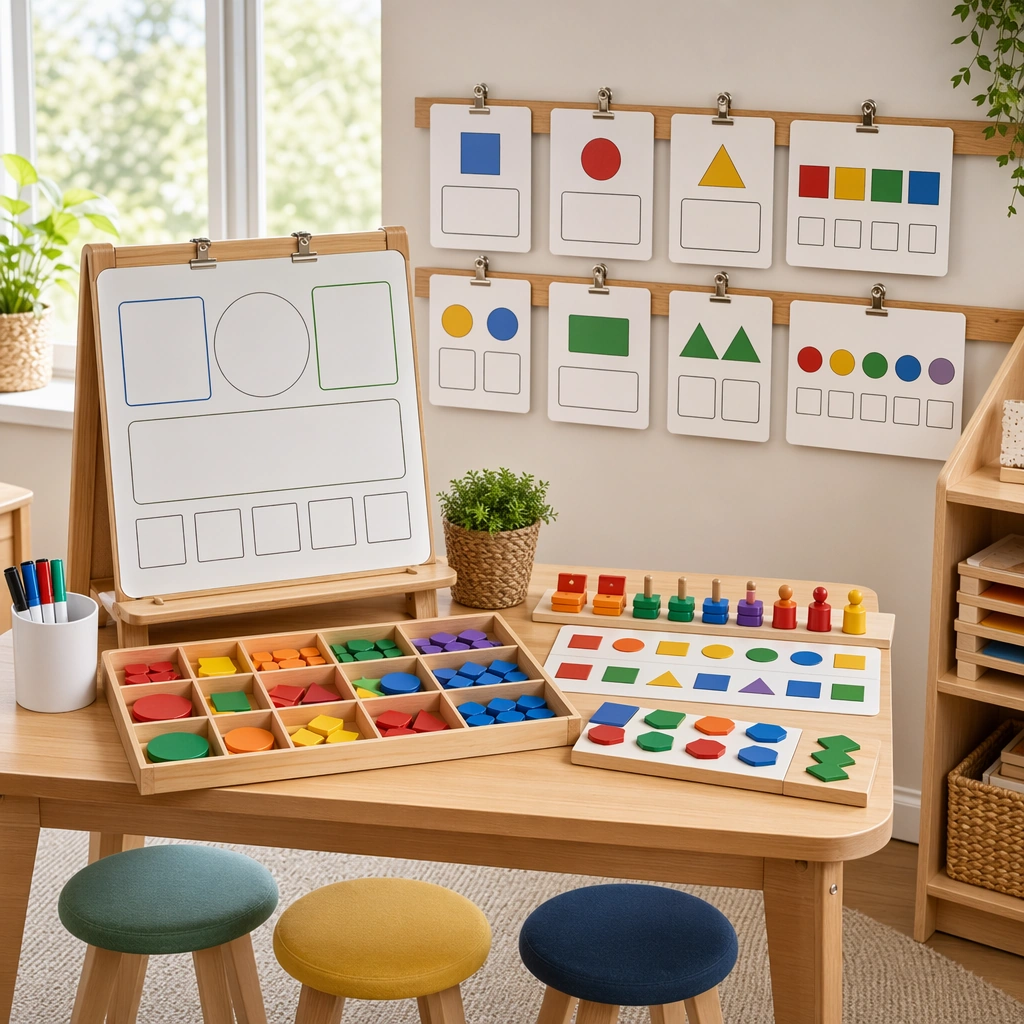
Learning App Onboarding and Lesson UI single study 1/5, parent dashboard tablet.

Constraints:
No readable text, no watermark, no logos, preserve exact 1:1 aspect ratio, no readable UI copy, no logos, no generic game loot clutter, no brand watermarks, no impossible screen perspective, no app-store badges.
Come usare
- Copia tutto il prompt originale, inclusi i parametri.
- Adatta soggetto, testo e composizione alle tue esigenze.
- Usa uno strumento esterno compatibile; verifica accesso e risultato.
Prima di iniziare
- Controlla se serve un’immagine di riferimento. La compatibilità non prova il modello usato per l’esempio.
- Verifica nomi, numeri e testi; i risultati cambiano con le versioni del modello.