原始文档
GPT Image 2 · en
Scene:
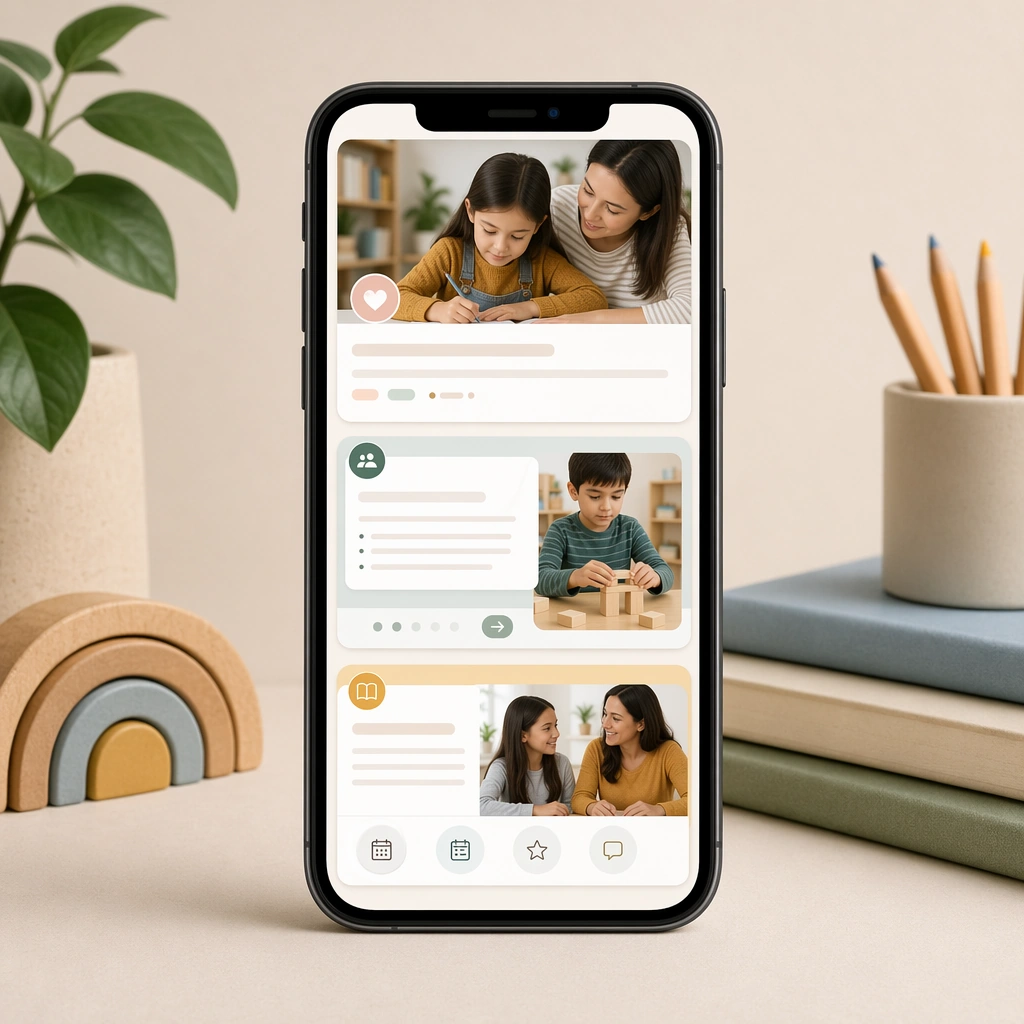
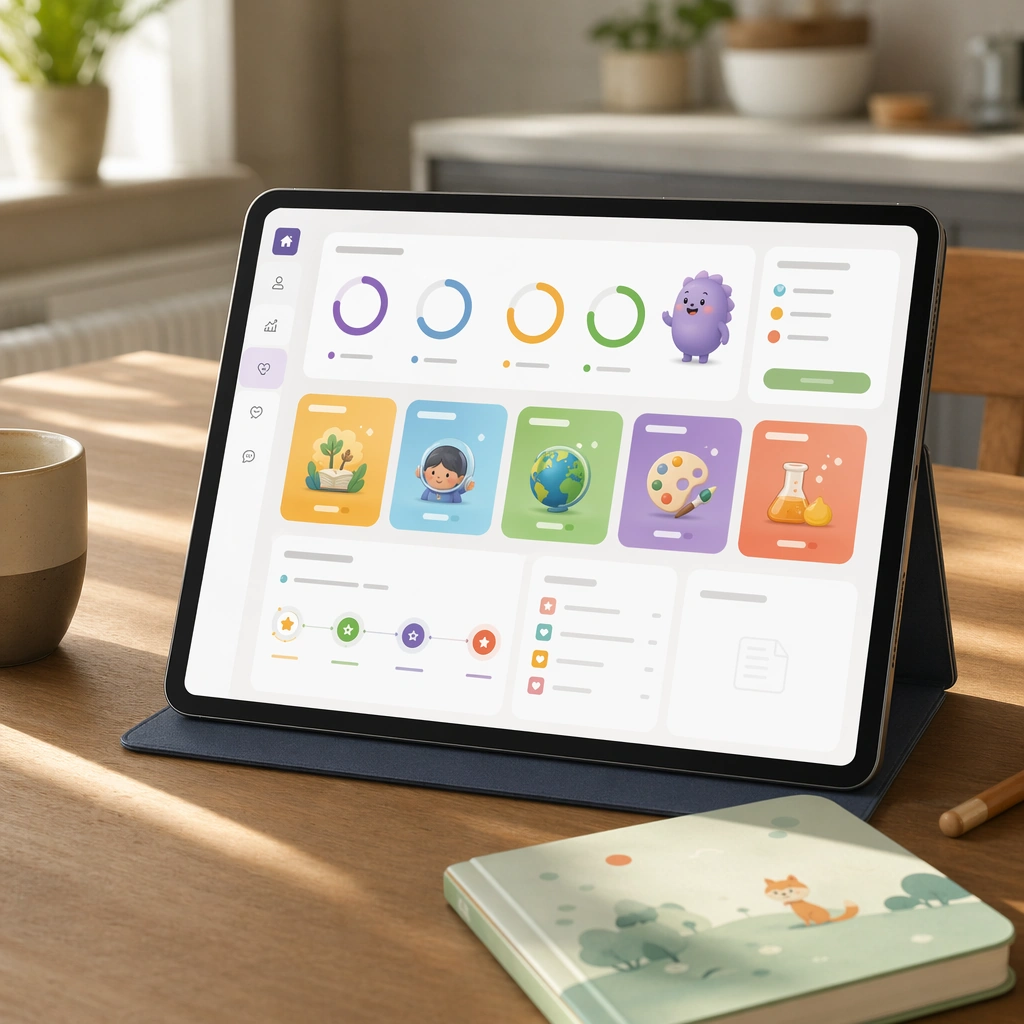
Create a square product composition showing a tablet on a quiet kitchen table with soft daylight, a cup, and a child-safe notebook nearby. The screen should feel calm and trustworthy, like a family-oriented companion dashboard for a premium learning app. Keep the square frame balanced, calm, and production-ready so the asset can serve gallery review, research comparison, and real educational delivery at the same time.

Subject:
Use visual progress rings, subject modules, mascot summaries, and blank report cards to communicate activity, milestones, and next steps without readable text. The dashboard should feel informative for adults while staying visually tied to the child-facing app universe. The subject arrangement should feel complete and self-contained, able to stand alone as a real supporting deliverable inside the same education business line.

Important details:
Balance reassurance and structure. The layout should be spacious, rational, and polished, proving that the product line can serve both children and caregivers without changing brands. Keep the visual hierarchy modular, commercially believable, and clearly tied to a real educational use case rather than a generic mood board.

Use case:
Learning App Onboarding and Lesson UI single study 1/5, parent dashboard tablet.

Constraints:
No readable text, no watermark, no logos, preserve exact 1:1 aspect ratio, no readable UI copy, no logos, no generic game loot clutter, no brand watermarks, no impossible screen perspective, no app-store badges.
使用方法
- 复制完整原始提示词,并保留其中的参数。
- 按需求替换主体、文字和构图要求。
- 在兼容的外部工具中使用,核对当前使用条件并检查结果。
开始前需了解
- 先确认是否需要参考图。标注兼容模型,不代表该示例由这个模型生成。
- 核对名称、数字与画面文字;不同模型版本的结果可能不同。