Documento originale
GPT Image 2 · en
Scene:
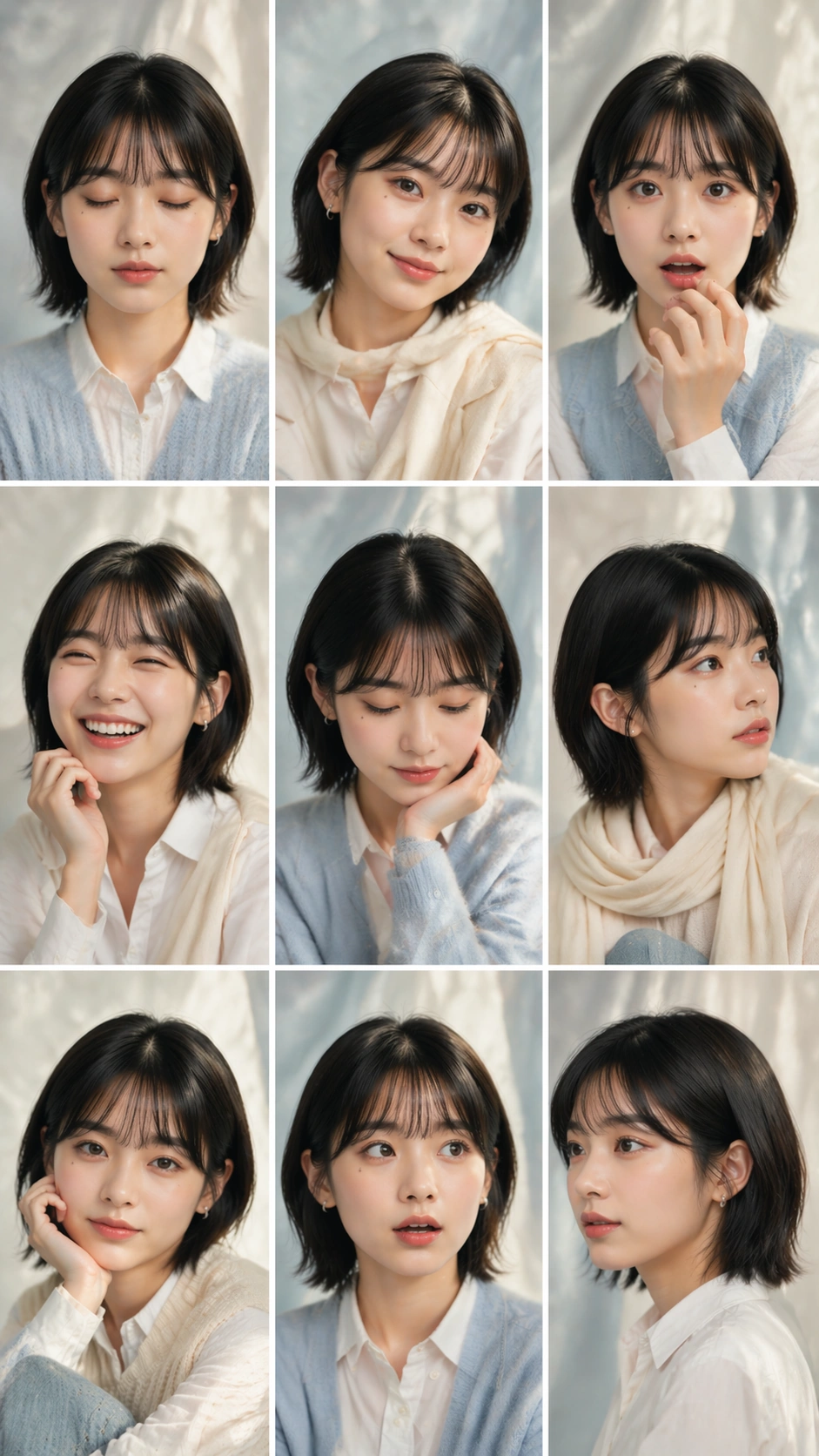
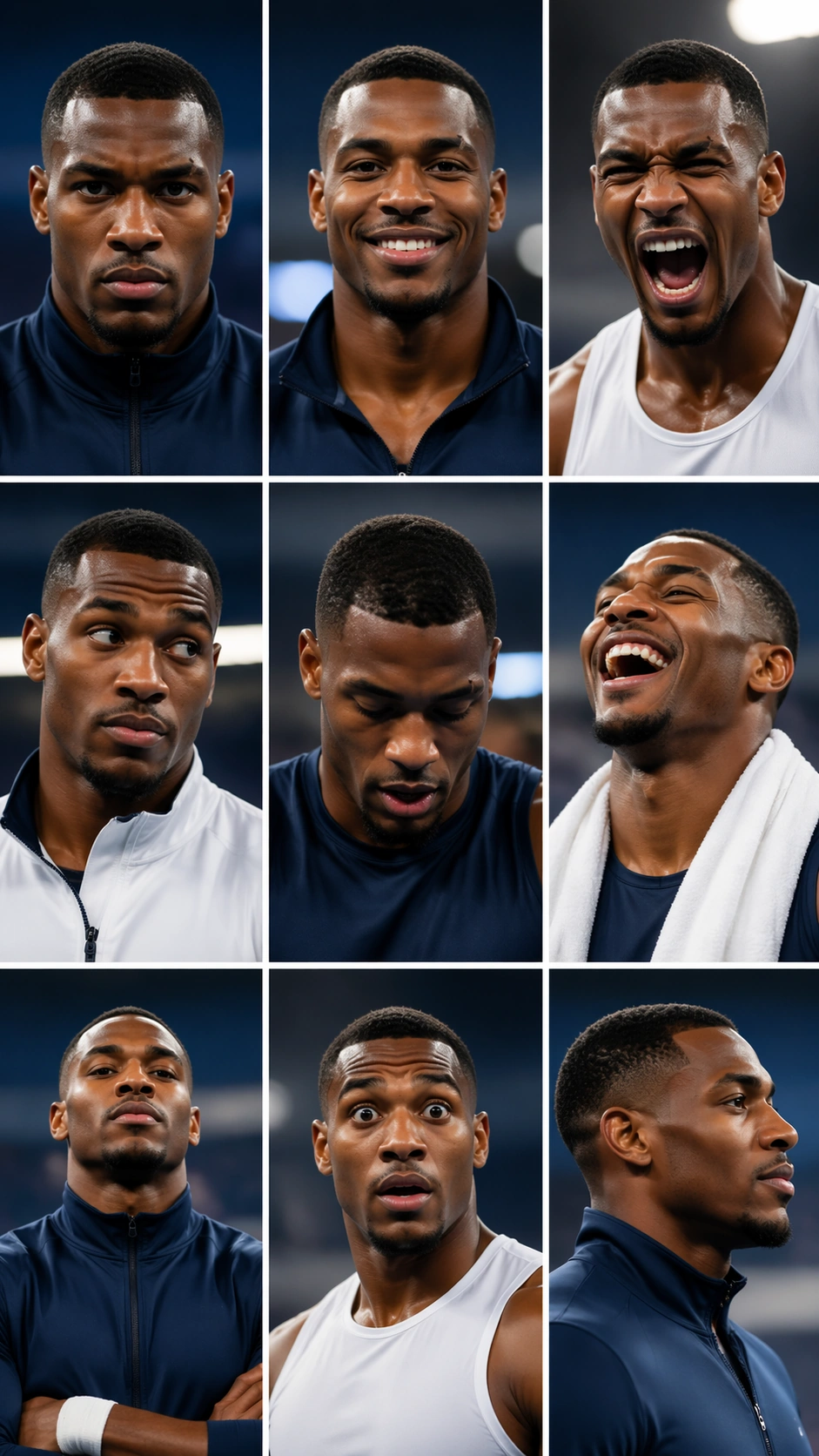
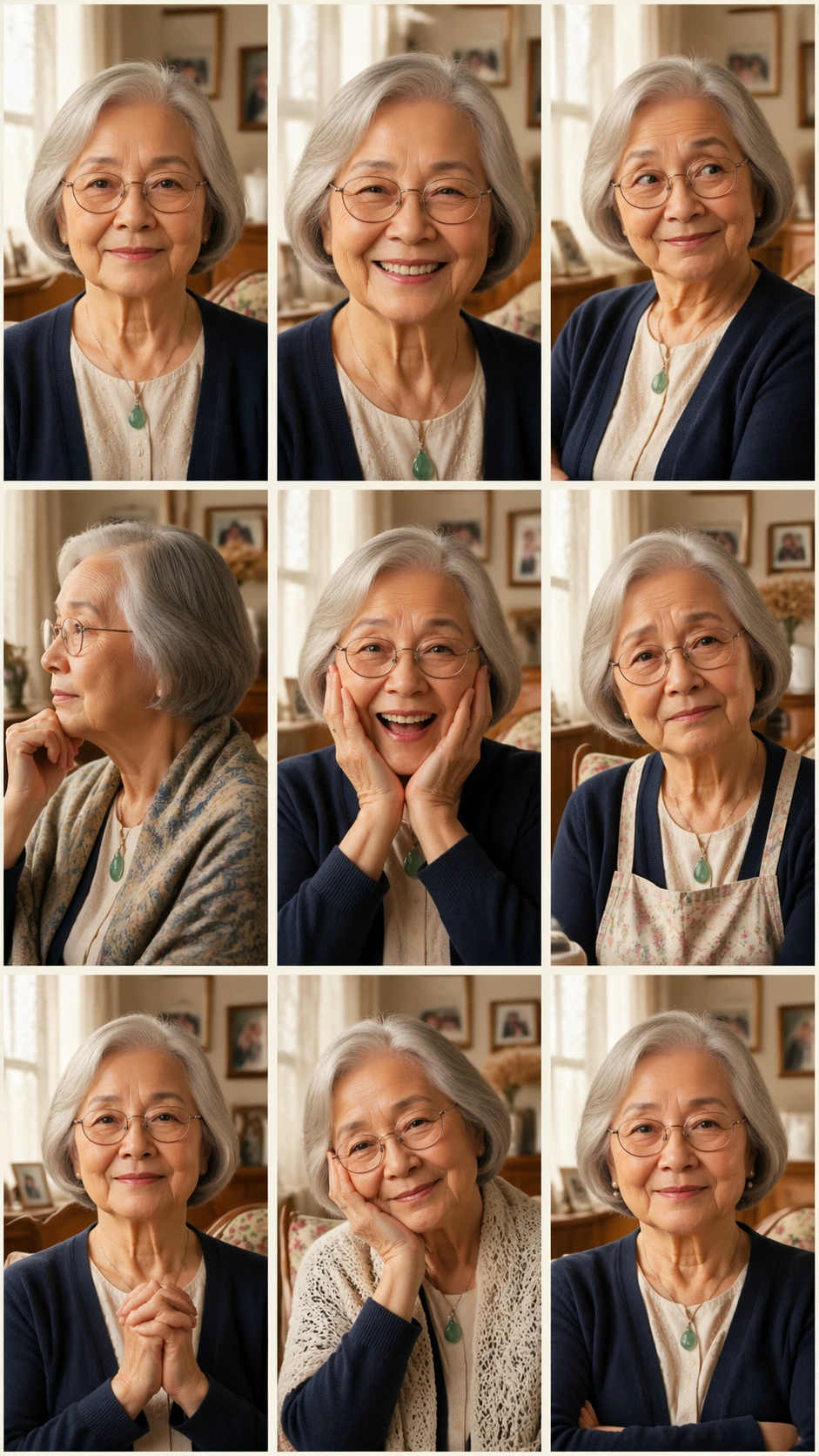
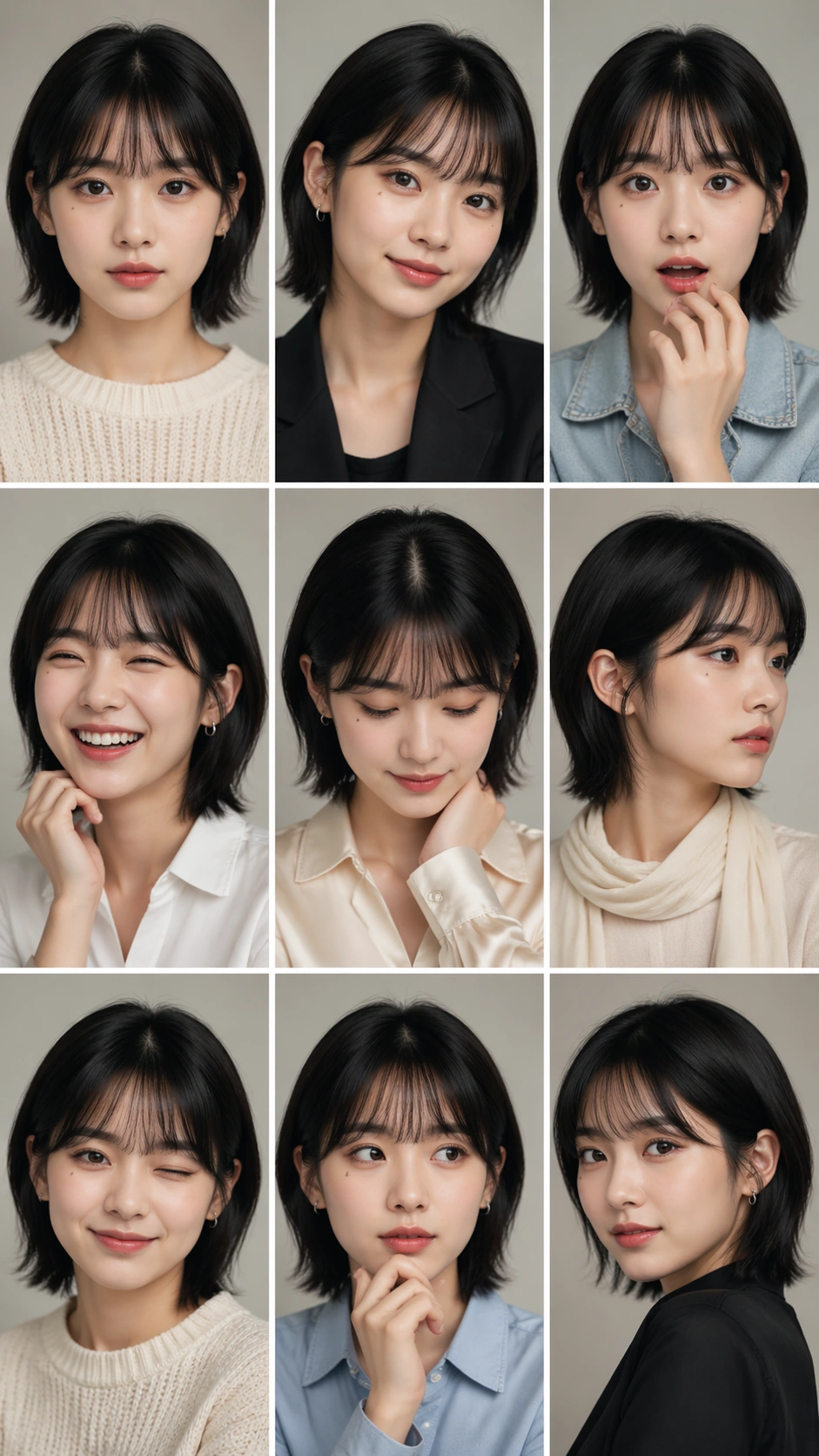
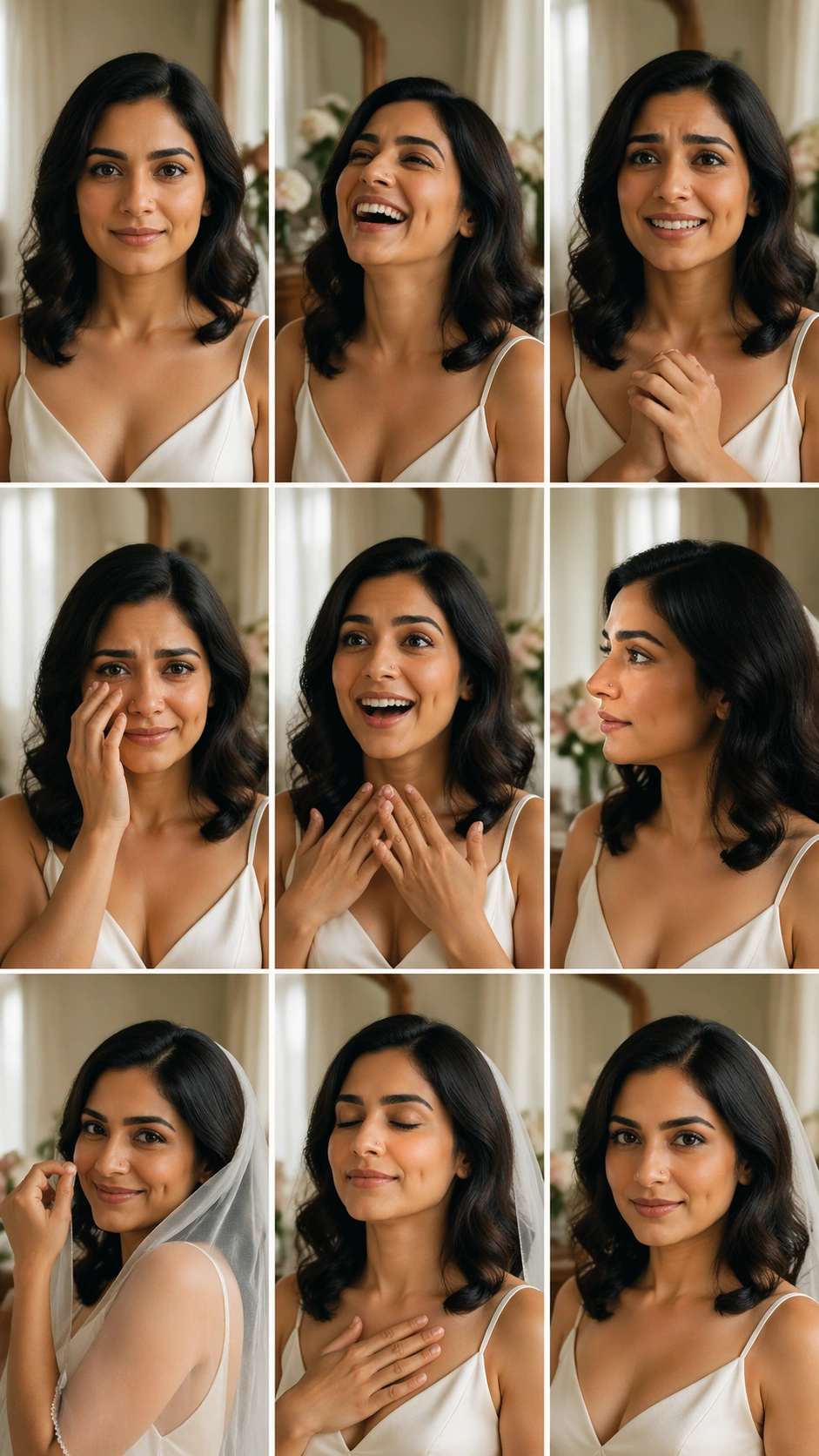
A vertical 9:16 wedding portrait emotion study arranged as an exact 3 by 3 grid with nine equal cells, thin ivory gutters, and soft natural window light. The background is a quiet bridal preparation room with sheer curtains, pale flowers, a wooden vanity, and blurred fabric textures. No invitations, vows, signage, dates, names, monograms, or readable decorations appear anywhere. The grid should feel elegant and emotionally clear.

Subject:
One bride appears in all nine cells as the same person: warm olive skin, dark wavy shoulder-length hair, arched brows, distinctive dimple on the right cheek, small nose stud, and a simple off-white satin dress with no brand details. The nine expressions and poses are serene front gaze, joyful laugh, nervous smile, tearful eyes, surprised delight, contemplative profile, playful veil gesture, deep breath with eyes closed, and confident direct gaze. Makeup, hair, jewelry, and dress remain consistent, with only veil position and hand pose changing.

Important details:
This independent study tests emotional range without identity drift. Keep the dimple, nose stud, brows, hair length, skin tone, and dress neckline stable in every cell. Each panel should show a distinct wedding-day feeling, not a different bride. Maintain equal cell dimensions, straight gutters, coherent soft light, and elegant crop scale. The subject can turn or gesture, but no bridesmaids, partners, photographers, or extra faces should enter the cells.

Use case:
Nine-Expression Portrait Grid single study 8/8, testing wedding portrait emotion range inside a structured 3x3 grid.

Constraints:
No readable text, no watermark, no logos, preserve exact 9:16 vertical aspect ratio, no brand marks, no extra people, no changed dress neckline, no missing dimple, no broken grid, no duplicated hands.
Come usare
- Copia tutto il prompt originale, inclusi i parametri.
- Adatta soggetto, testo e composizione alle tue esigenze.
- Usa uno strumento esterno compatibile; verifica accesso e risultato.
Prima di iniziare
- Controlla se serve un’immagine di riferimento. La compatibilità non prova il modello usato per l’esempio.
- Verifica nomi, numeri e testi; i risultati cambiano con le versioni del modello.