Documento originale
GPT Image 2 · en
Scene:
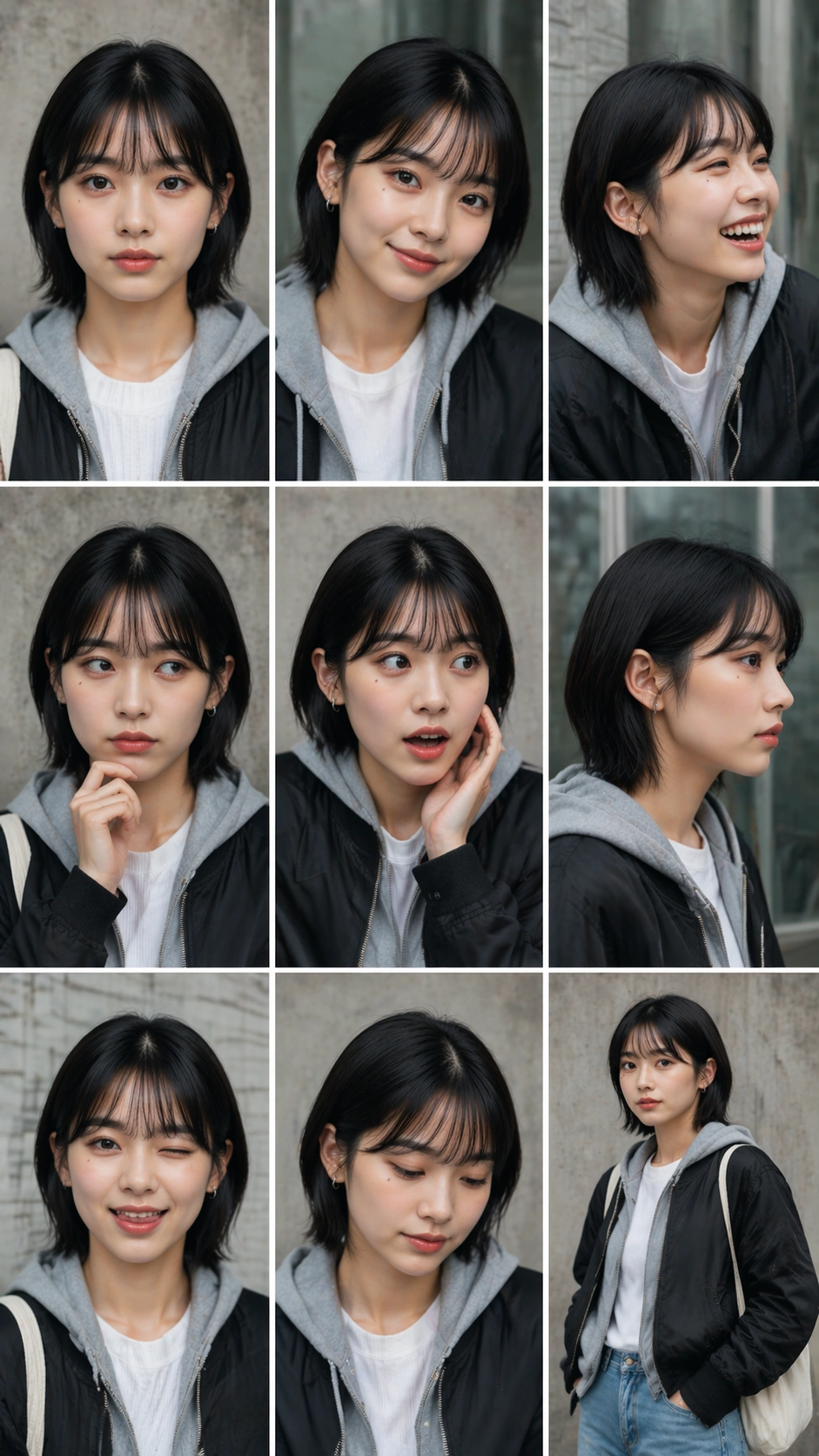
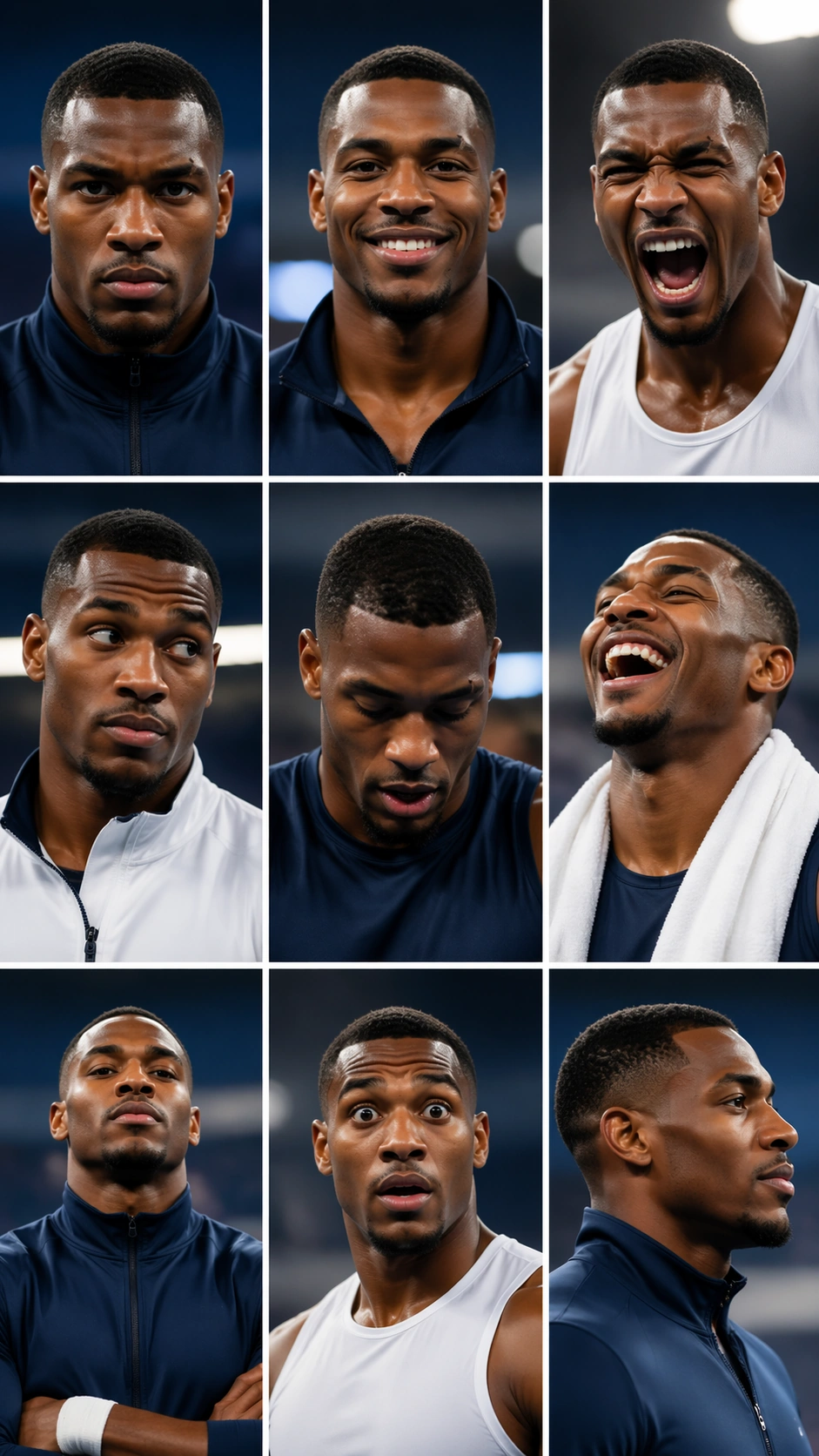
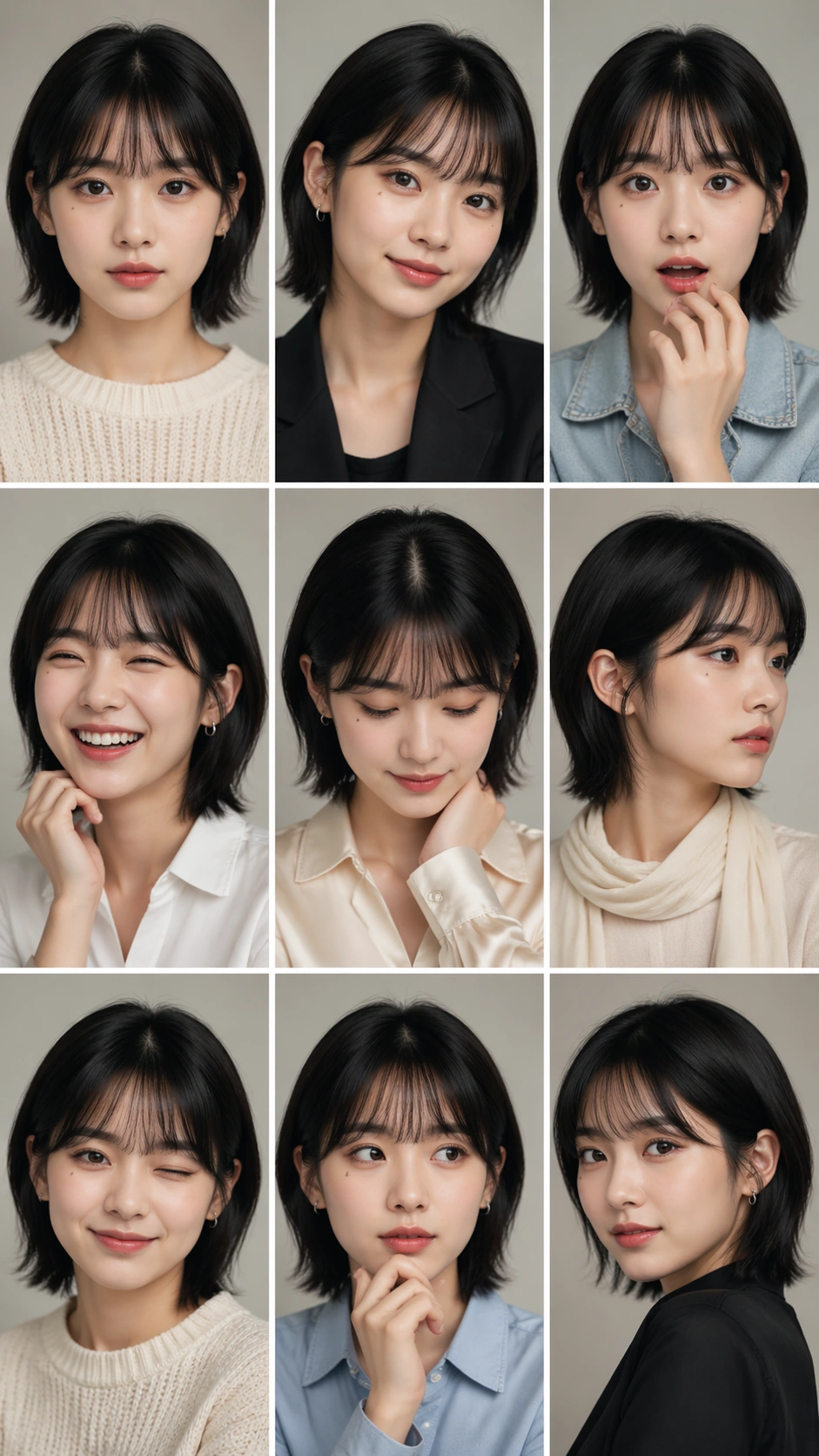
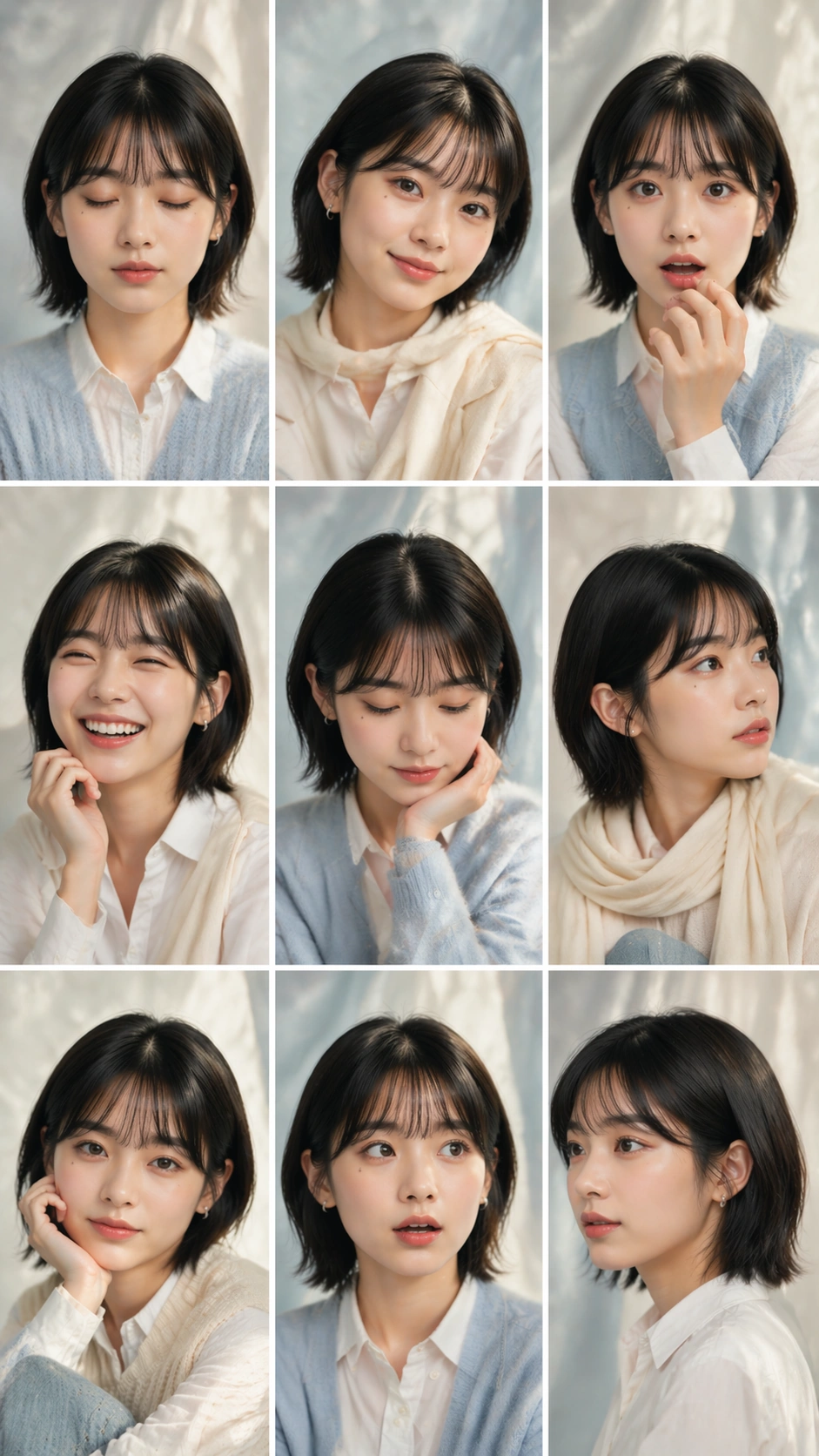
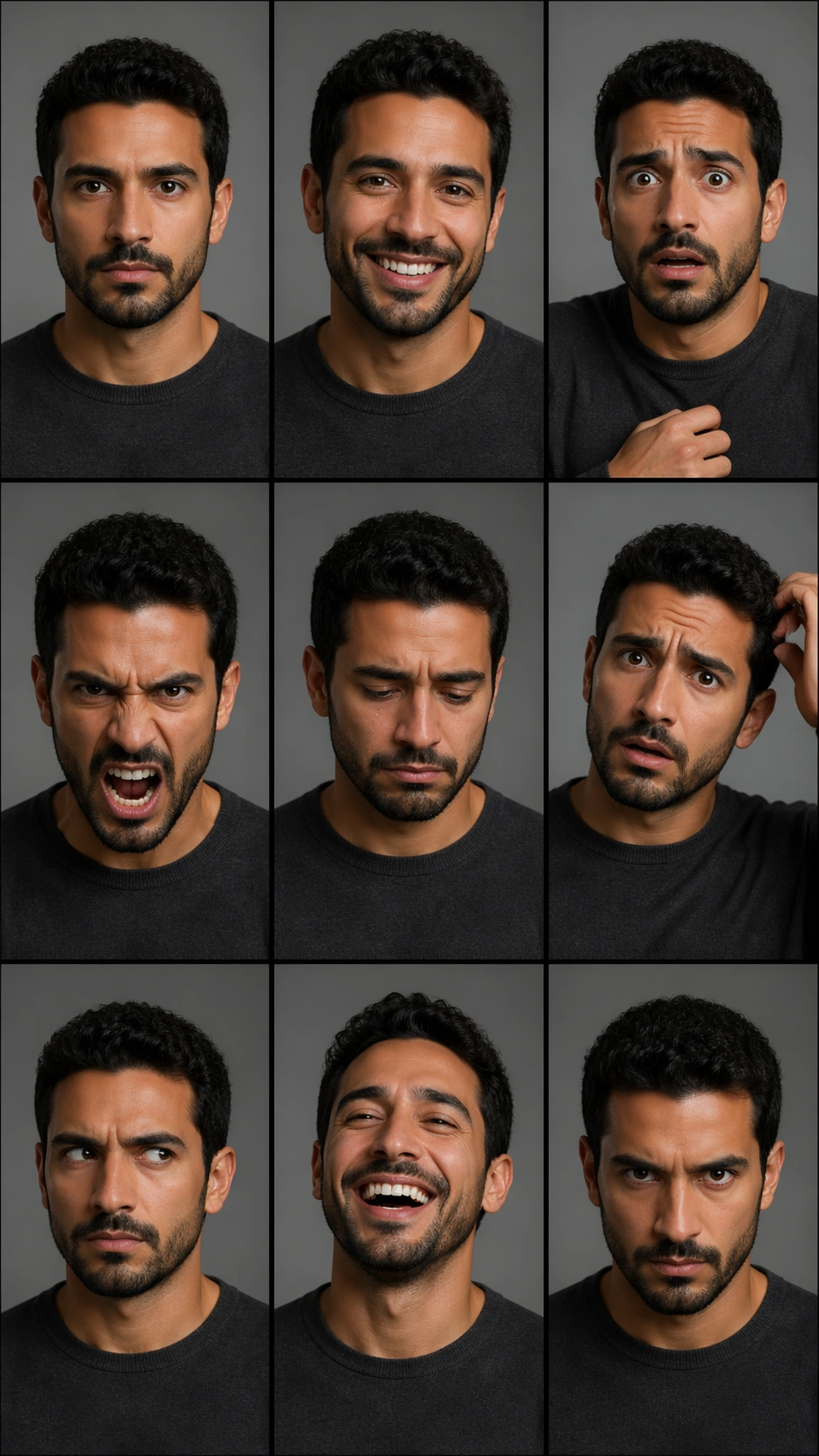
A vertical 9:16 actor audition contact sheet composed as a strict 3 by 3 grid with nine equal cells, thin black gutters, and neutral gray casting-studio backgrounds. The lighting is clean and practical, like professional headshot tests, with slight variation in intensity but no dramatic scene changes. There are no readable role labels, slate boards, names, numbers, or agency marks; the expressions and poses must carry the structure.

Subject:
One adult actor appears in all nine cells as the same person: medium skin tone, short curly dark hair, defined cheekbones, straight nose, close-trimmed beard, dark eyes, and a plain charcoal crewneck. The actor performs nine distinct audition beats: neutral slate gaze, warm commercial smile, fear, anger, quiet grief, comic confusion, suspicious side glance, relieved laugh, and intense heroic stare. Hands may enter some frames for acting gesture, but every cell should remain a portrait or chest-up crop.

Important details:
The contact sheet must demonstrate controlled expression variation while preserving the same face. Keep beard length, hairline, eye shape, facial proportions, and wardrobe consistent across all nine cells. The differences should be emotional performance, head angle, and pose, not identity drift. Maintain perfectly aligned grid gutters and equal cell sizes. The casting-studio realism should be plain and useful, not decorative, so evaluators can compare expression control clearly.

Use case:
Nine-Expression Portrait Grid single study 6/8, testing actor-audition expression range with strict identity consistency.

Constraints:
No readable text, no watermark, no logos, preserve exact 9:16 vertical aspect ratio, no brand marks, no slate text, no extra actors, no changing beard or hairline, no broken grid, no inconsistent clothing.
Come usare
- Copia tutto il prompt originale, inclusi i parametri.
- Adatta soggetto, testo e composizione alle tue esigenze.
- Usa uno strumento esterno compatibile; verifica accesso e risultato.
Prima di iniziare
- Controlla se serve un’immagine di riferimento. La compatibilità non prova il modello usato per l’esempio.
- Verifica nomi, numeri e testi; i risultati cambiano con le versioni del modello.