Documento originale
GPT Image 2 · en
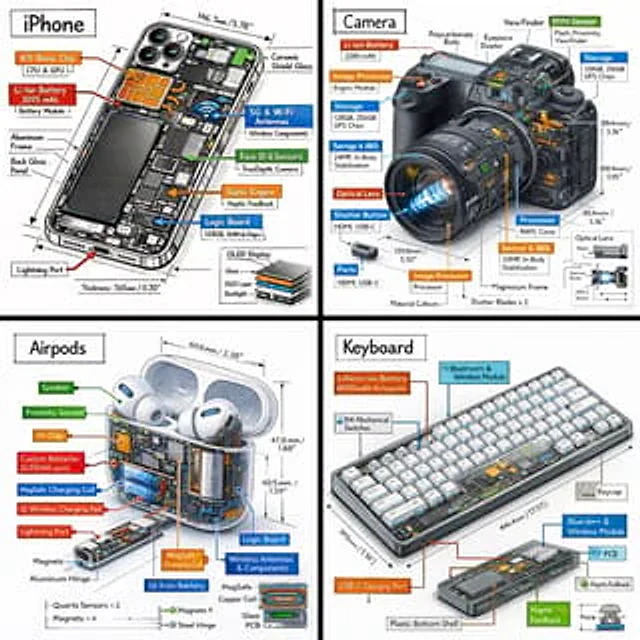
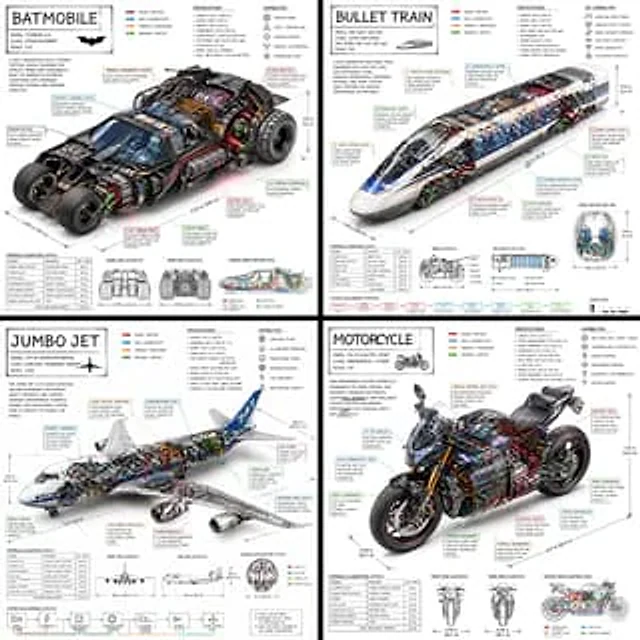
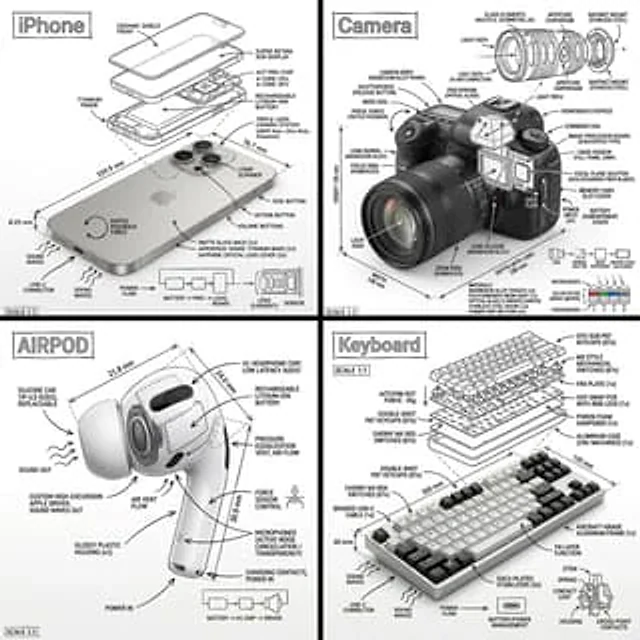
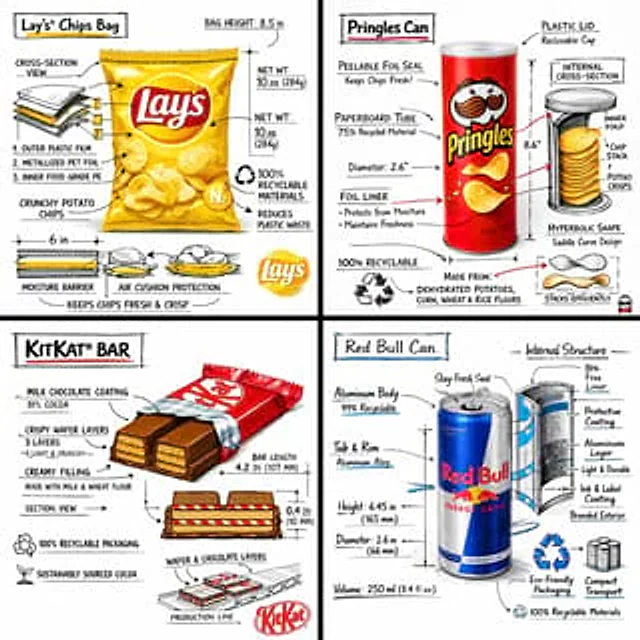
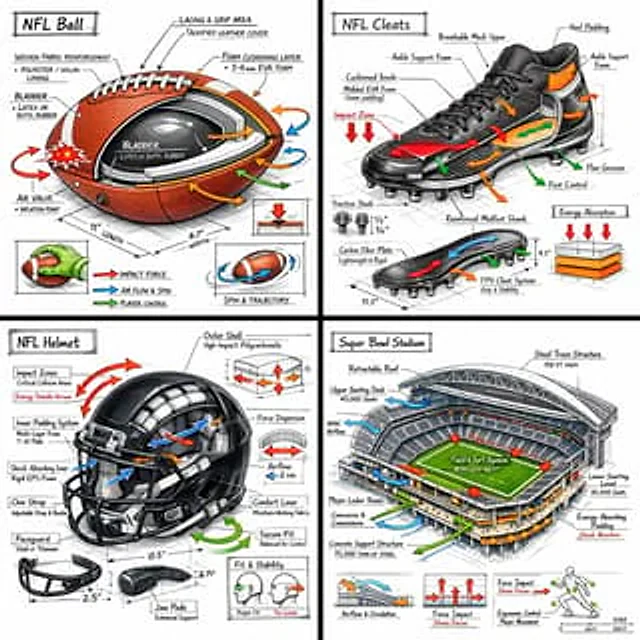
Create a technical infographic of [OBJECT] with a 45-degree isometric 3D perspective, slightly tilted to reveal depth, structure, and internal construction.

Combine a realistic photoreal render with black ink technical annotations on a pure white background. Include:
• Key component labels with clean callout boxes
• Internal structure visibility through cutaway or exploded sections
• Measurements, dimensions, and scale markers
• Material callouts and quantities
• Color-coded arrows indicating functional systems:
•RED: impact force, collision zones, stress points
•BLUE: airflow, spin, grip interaction, movement dynamics
•GREEN: player control, handling, ergonomics
•ORANGE: padding, reinforcement, energy absorption

Include simple sectional diagrams or force-flow schematics where relevant.

Place the title “[OBJECT]” inside a hand-drawn technical annotation box in the top-left corner.

Style:
Black ink technical linework (architectural / engineering manual style), precise but slightly hand-sketched. The object remains clearly visible beneath annotations. Clean, museum-exhibit / sports engineering vibe.

Perspective:
Isometric 3D angle emphasizing depth, form, and internal architecture — like a professional equipment teardown.

Color palette:
White background, black linework with ~10–15% accent color usage (functional arrows only).

Output:
1080×1080, ultra-crisp, social-feed optimized, no watermark.
Come usare
- Copia tutto il prompt originale, inclusi i parametri.
- Adatta soggetto, testo e composizione alle tue esigenze.
- Usa uno strumento esterno compatibile; verifica accesso e risultato.
Prima di iniziare
- Controlla se serve un’immagine di riferimento. La compatibilità non prova il modello usato per l’esempio.
- Verifica nomi, numeri e testi; i risultati cambiano con le versioni del modello.