원본 문서
GPT Image 2 · en
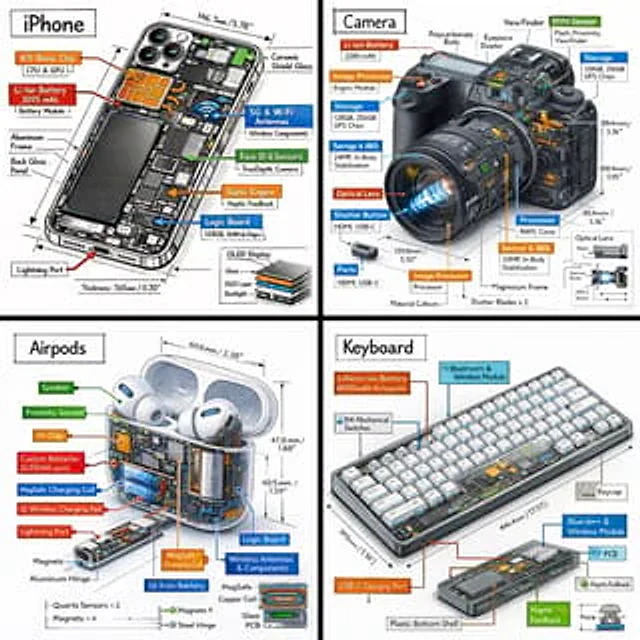
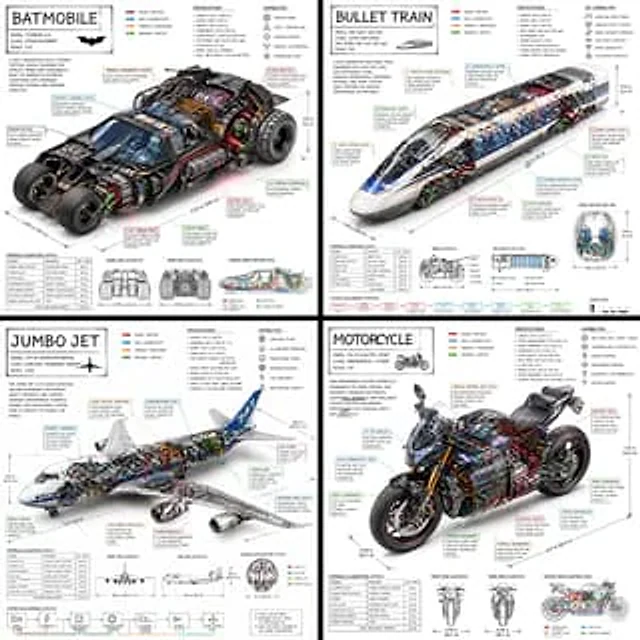
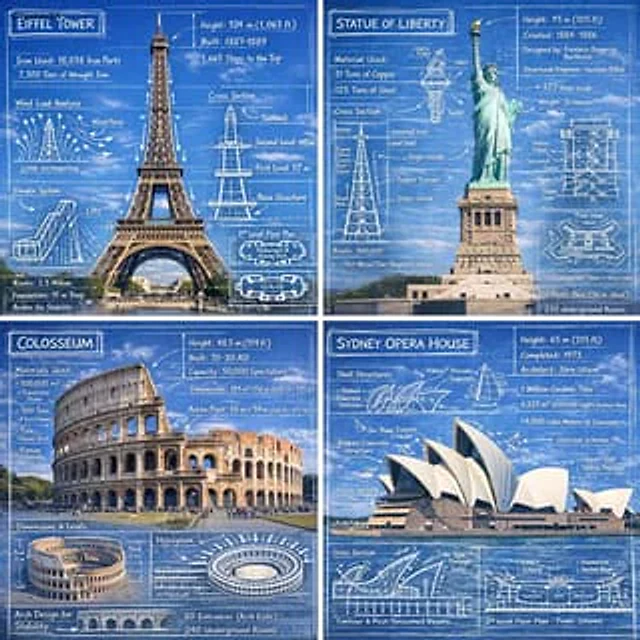
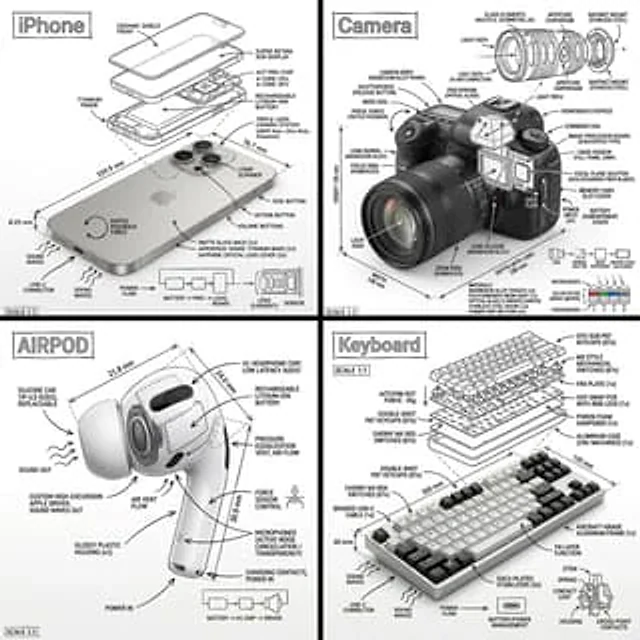
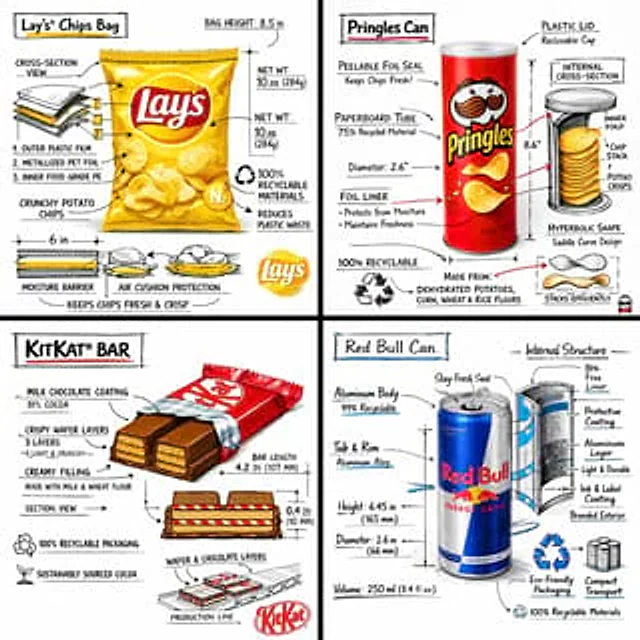
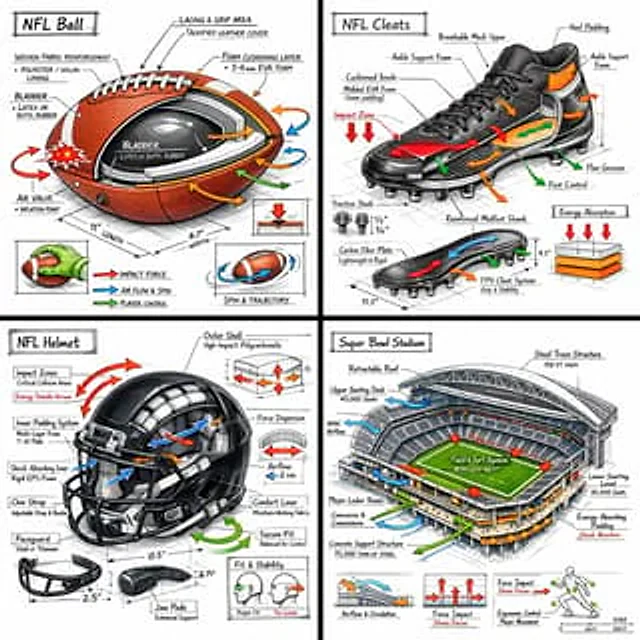
Create a technical infographic of [OBJECT] with a 45-degree isometric 3D perspective, slightly tilted to reveal depth, structure, and internal construction.

Combine a realistic photoreal render with black ink technical annotations on a pure white background. Include:
• Key component labels with clean callout boxes
• Internal structure visibility through cutaway or exploded sections
• Measurements, dimensions, and scale markers
• Material callouts and quantities
• Color-coded arrows indicating functional systems:
•RED: impact force, collision zones, stress points
•BLUE: airflow, spin, grip interaction, movement dynamics
•GREEN: player control, handling, ergonomics
•ORANGE: padding, reinforcement, energy absorption

Include simple sectional diagrams or force-flow schematics where relevant.

Place the title “[OBJECT]” inside a hand-drawn technical annotation box in the top-left corner.

Style:
Black ink technical linework (architectural / engineering manual style), precise but slightly hand-sketched. The object remains clearly visible beneath annotations. Clean, museum-exhibit / sports engineering vibe.

Perspective:
Isometric 3D angle emphasizing depth, form, and internal architecture — like a professional equipment teardown.

Color palette:
White background, black linework with ~10–15% accent color usage (functional arrows only).

Output:
1080×1080, ultra-crisp, social-feed optimized, no watermark.
사용 방법
- 매개변수를 포함한 전체 원본 프롬프트를 복사하세요.
- 주제, 문구, 구도를 자신의 요구에 맞게 바꾸세요.
- 호환되는 외부 도구에서 사용하고 이용 조건과 결과를 확인하세요.
시작 전 확인
- 참조 이미지가 필요한지 확인하세요. 호환 표시는 해당 모델로 이 예시를 생성했다는 뜻이 아닙니다.
- 이름, 수치, 이미지 속 문구를 확인하세요. 모델 버전에 따라 결과가 다를 수 있습니다.