Documento originale
GPT Image 2 · en
{
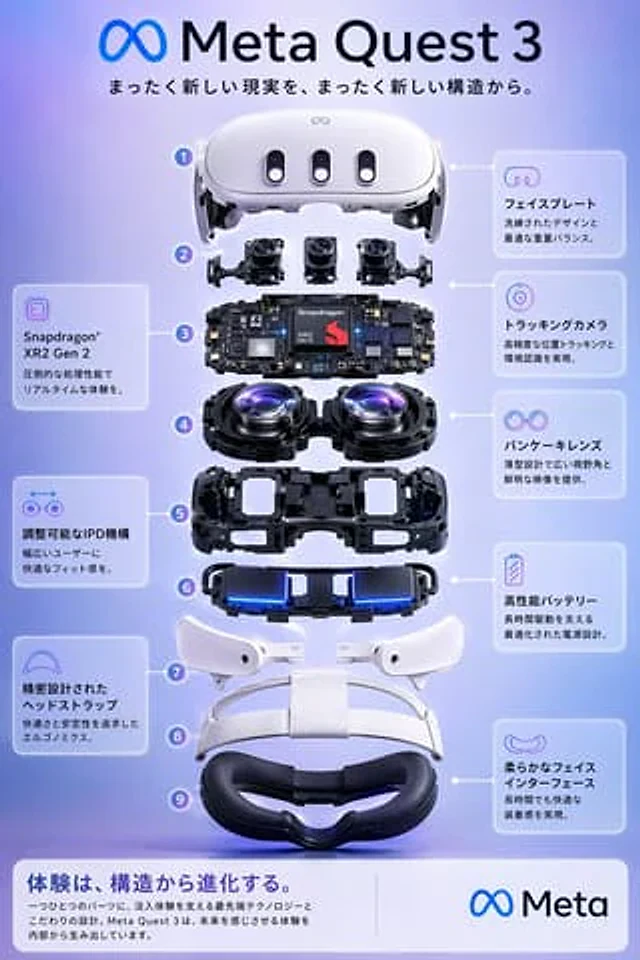
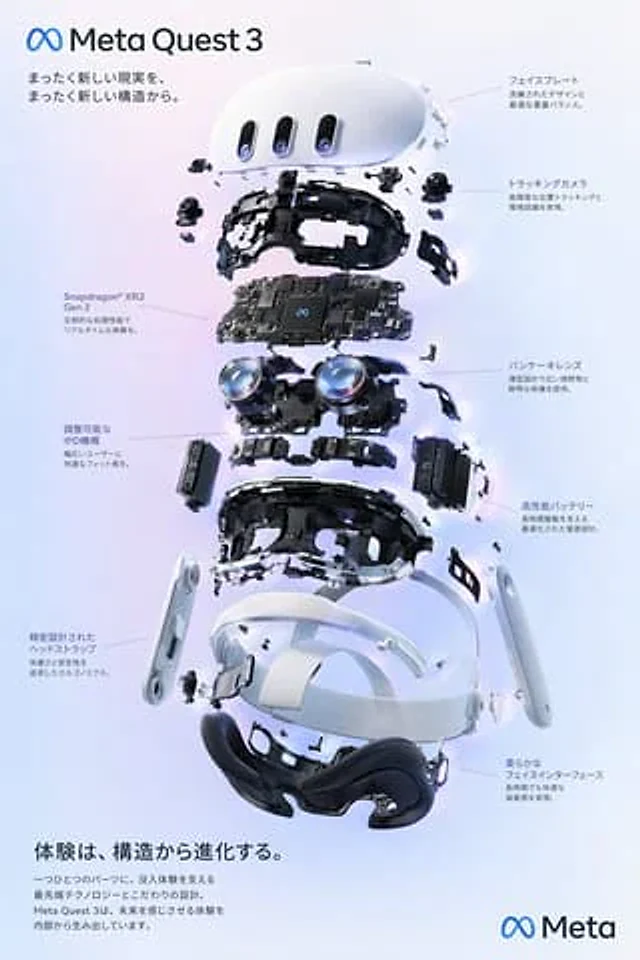
  "type": "Product Exploded View Poster",
  "subject": "VR headset",
  "style": "Simple yet high-tech 3D rendering, studio lighting, and luminous decorations.",
  "background": "{argument name=\"background color\" default=\"Soft purple-blue gradient\"}",
  "header": {
    "logo": "∞ {argument name=\"product name\" default=\"Meta Quest 3\"}",
    "subtitle": "{argument name=\"main catchphrase\" default=\"A completely new structure, reshaping a completely new reality.\"}"
  },
  "layout": {
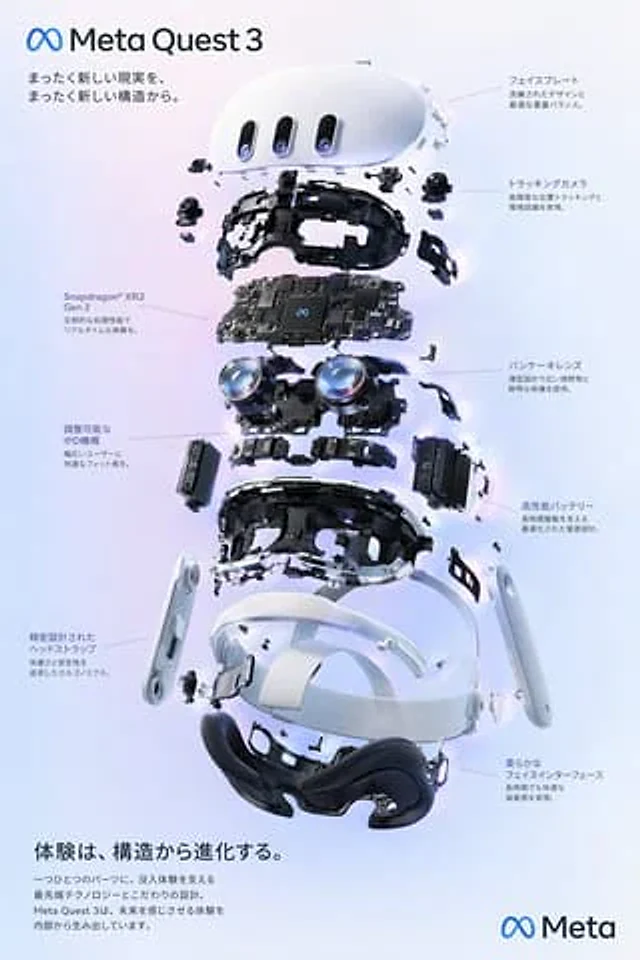
    "centerpiece": "An exploded view of the VR headset stacked vertically reveals nine different internal components: the outer shell, camera sensors, a motherboard with chips, pancake lenses, an internal frame, battery pack, side straps, a top headband, and a face interface pad.",
    "callout_labels": {
      "count": 8,
      "left_side": [
        "The Snapdragon® XR2 Gen 2 delivers exceptional processing power for an immersive, real-time experience.",
        "The adjustable IPD mechanism provides a comfortable wearing experience for a wide range of users.",
        "The precision-designed headband prioritizes comfort and stability through its ergonomic design."
      ],
      "right_side": [
        "The front panel features an exquisite design and optimized weight balance.",
        "Tracking cameras enable high-precision position tracking and environmental perception.",
        "The Pancake lens features a slim design, providing a wide field of view and clear image quality.",
        "High-performance battery with optimized power design supports long battery life.",
        "The soft faceplate ensures comfort even after prolonged wear."
      ]
    },
    "footer": {
      "left_text_block": {
        "headline": "{argument name=\"bottom headline\" default=\"Experience stems from the evolution of structure.\"}",
        "body": "Every component embodies cutting-edge technology and meticulous design that underpins an immersive experience. The Meta Quest 3 builds the future from the inside out, delivering an experience beyond your wildest imagination."
      },
      "right_logo": "∞ Meta"
    }
  }
}
Come usare
- Copia tutto il prompt originale, inclusi i parametri.
- Adatta soggetto, testo e composizione alle tue esigenze.
- Usa uno strumento esterno compatibile; verifica accesso e risultato.
Prima di iniziare
- Controlla se serve un’immagine di riferimento. La compatibilità non prova il modello usato per l’esempio.
- Verifica nomi, numeri e testi; i risultati cambiano con le versioni del modello.