Documento originale
GPT Image 2 · en
Scene:
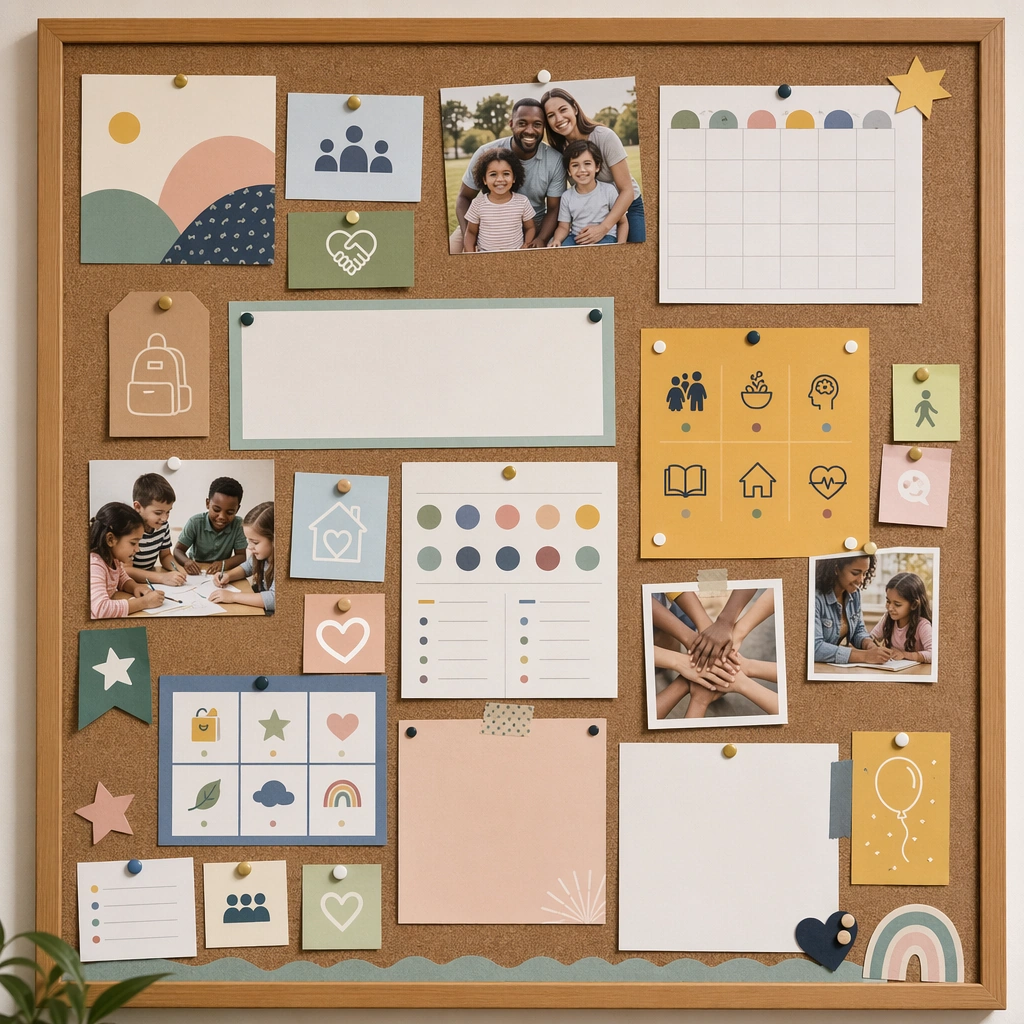
Show a square community bulletin board with pinned school notices, family photos, icon cards, and blank message panels under natural light. The composition should feel lived-in but still well designed, suitable for an entry hall or neighborhood learning center. Keep the square frame balanced, calm, and production-ready so the asset can serve gallery review, research comparison, and real educational delivery at the same time.

Subject:
Mix multiple card sizes and message types while keeping the hierarchy calm and comprehensible. The board should suggest updates, reminders, celebrations, and support resources without relying on readable copy. The subject arrangement should feel complete and self-contained, able to stand alone as a real supporting deliverable inside the same education business line.

Important details:
Use texture and layering carefully so the collage stays organized. The asset should prove the communication system can move off-screen into real shared spaces while keeping trust and clarity. Keep the visual hierarchy modular, commercially believable, and clearly tied to a real educational use case rather than a generic mood board.

Use case:
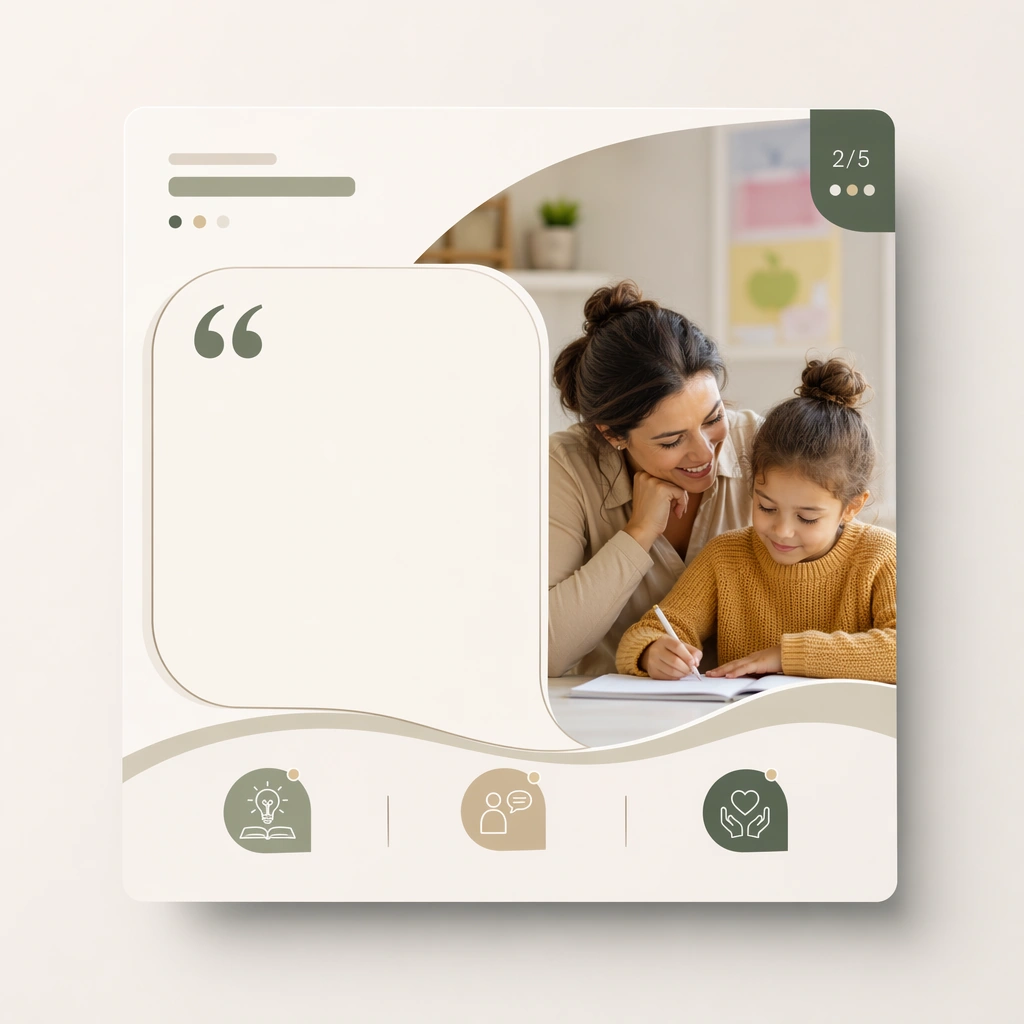
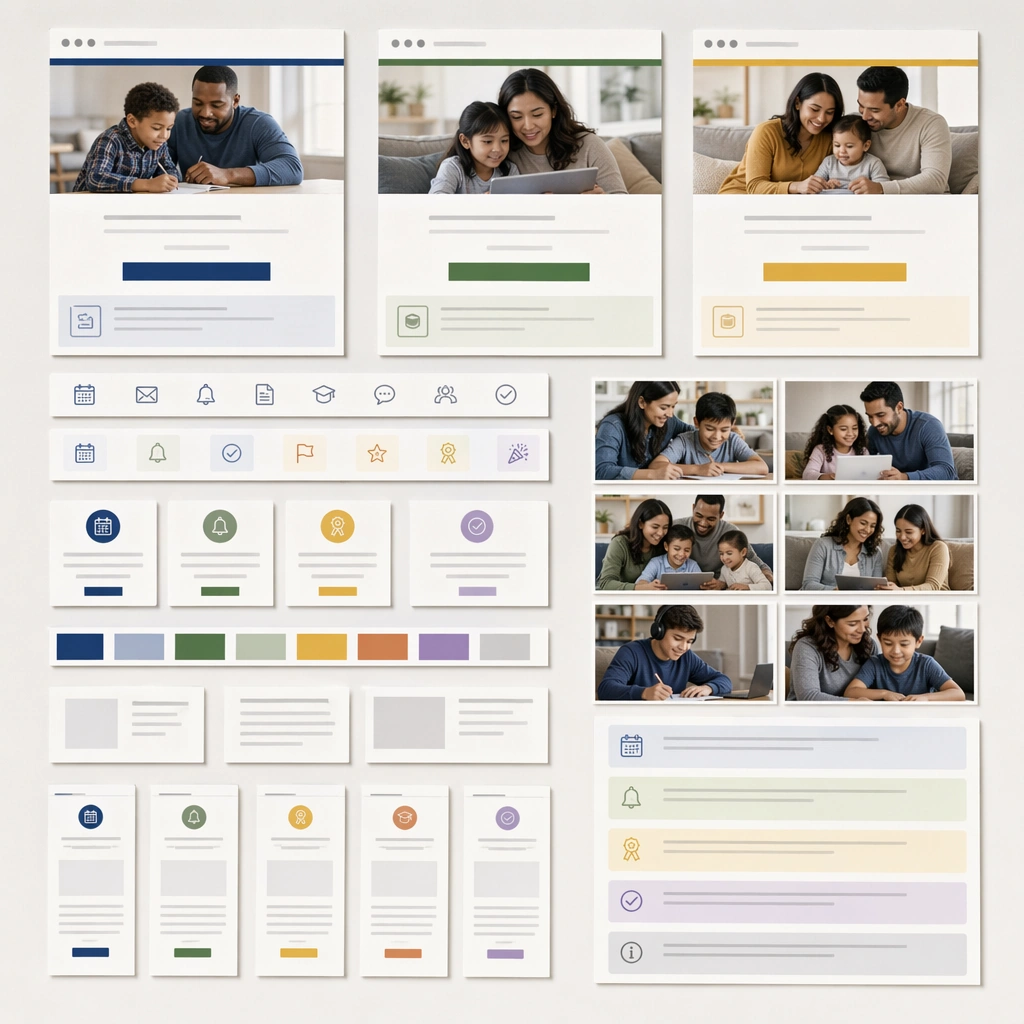
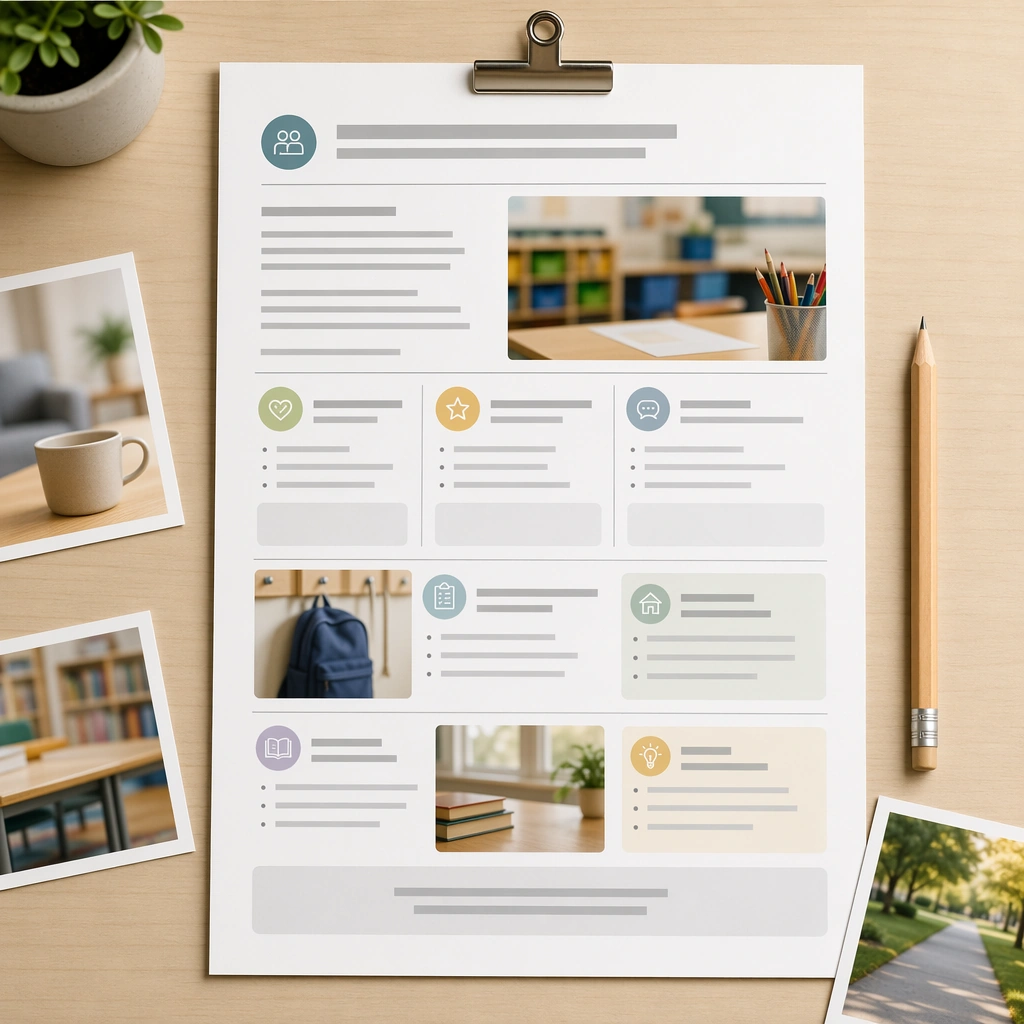
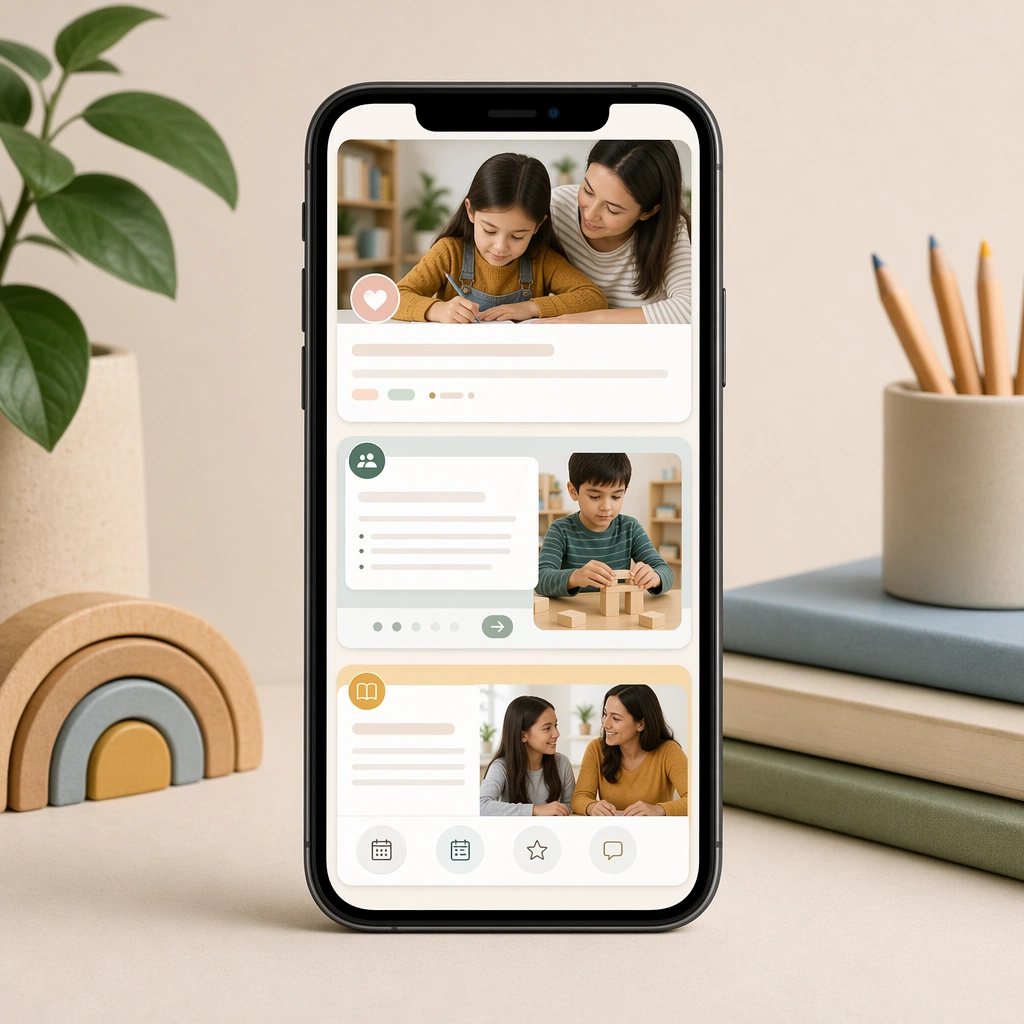
Parent Communication Education Carousel single study 5/5, community bulletin collage.

Constraints:
No readable text, no watermark, no logos, preserve exact 1:1 aspect ratio, no readable copy, no logos, no influencer aesthetics, no chaotic collage clutter, no fake app badges, no celebrity faces.
Come usare
- Copia tutto il prompt originale, inclusi i parametri.
- Adatta soggetto, testo e composizione alle tue esigenze.
- Usa uno strumento esterno compatibile; verifica accesso e risultato.
Prima di iniziare
- Controlla se serve un’immagine di riferimento. La compatibilità non prova il modello usato per l’esempio.
- Verifica nomi, numeri e testi; i risultati cambiano con le versioni del modello.