Documento originale
GPT Image 2 · en
Scene:
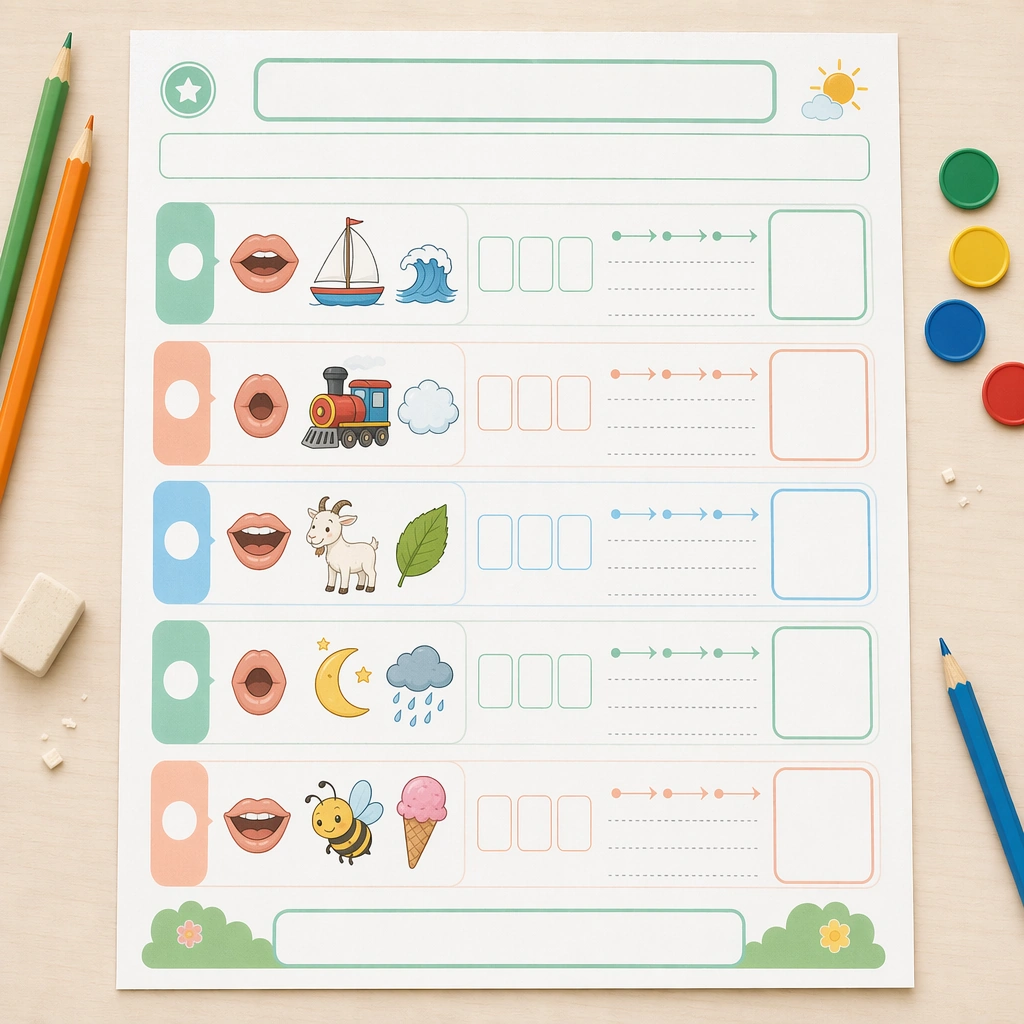
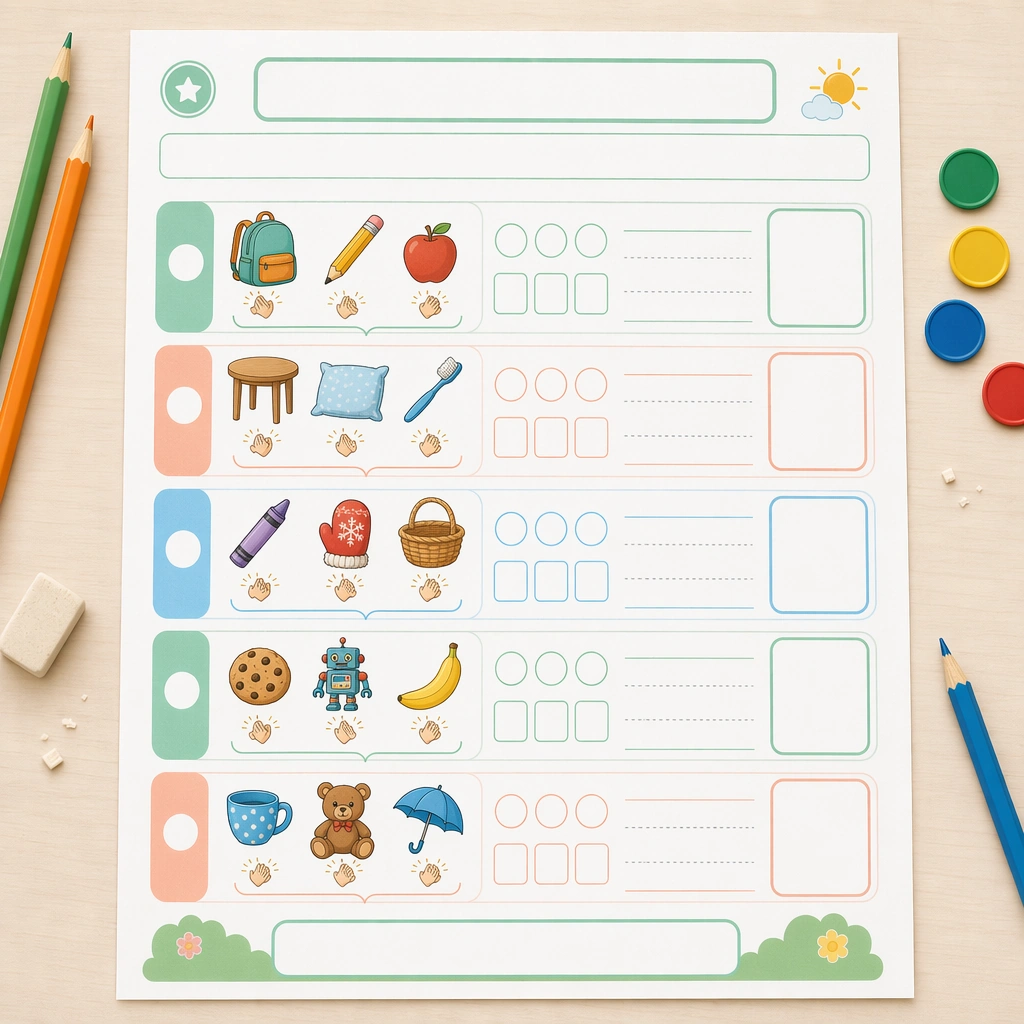
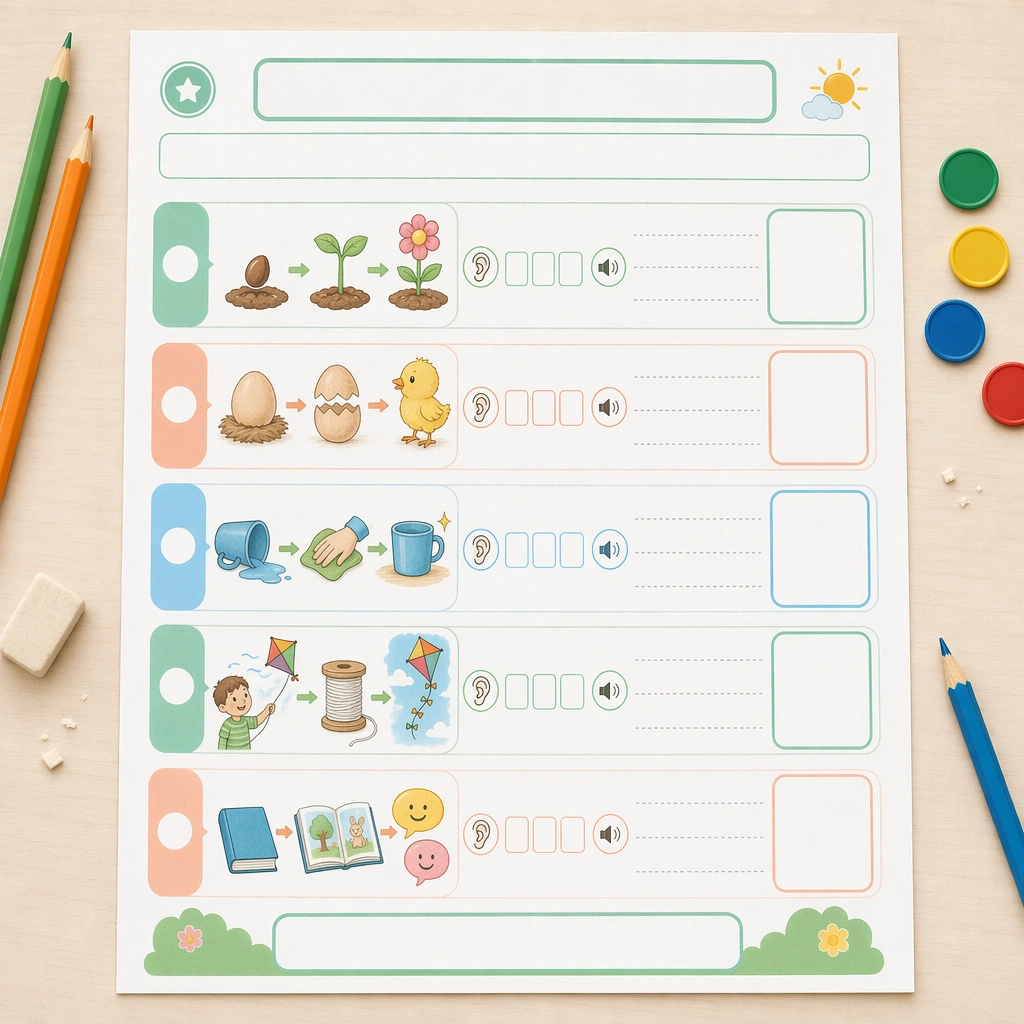
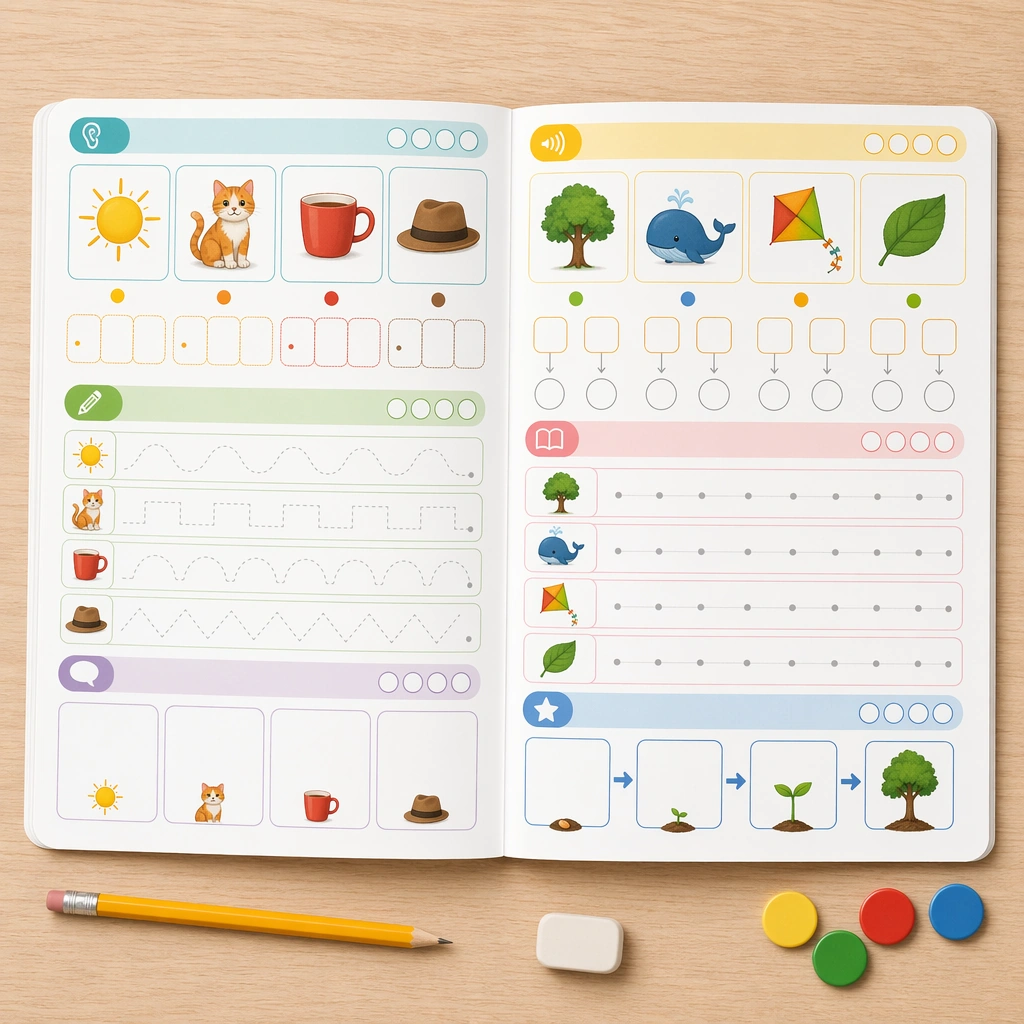
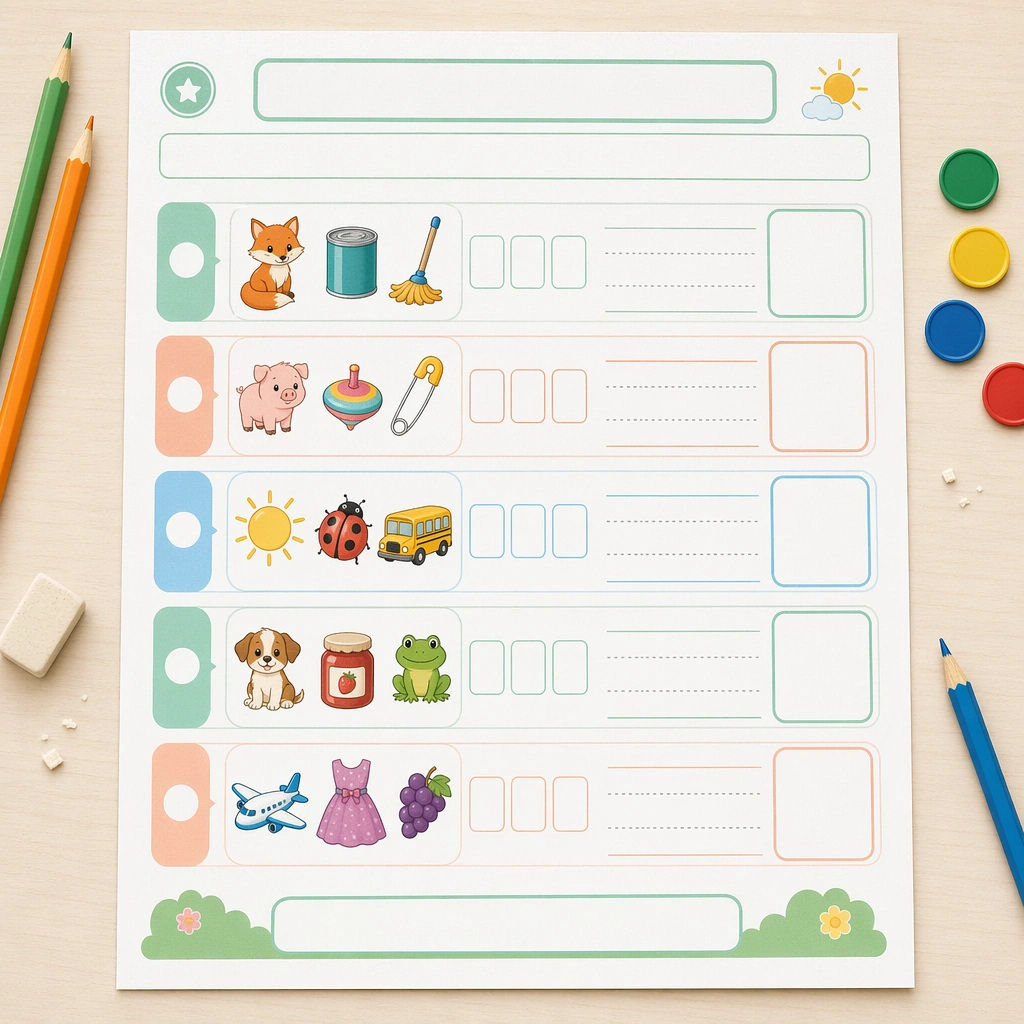
Create a square top-down view of a beautifully printed phonics worksheet lying on a pale teacher desk, lit by clean morning classroom light. The page should feel like a real production proof with crisp margins, soft recycled-paper texture, and enough surrounding space for pencils, counters, and eraser crumbs without becoming messy. Keep the square frame balanced, calm, and production-ready so the asset can serve gallery review, research comparison, and real educational delivery at the same time.

Subject:
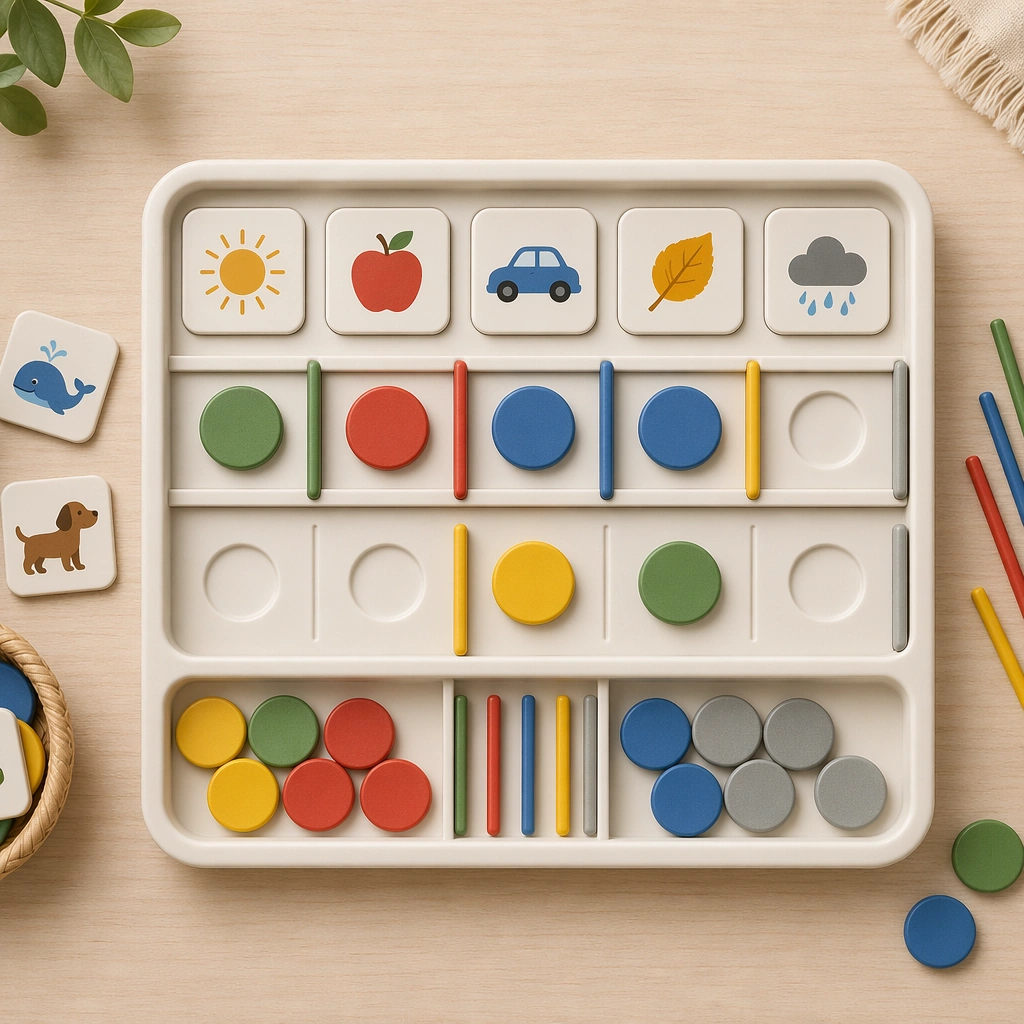
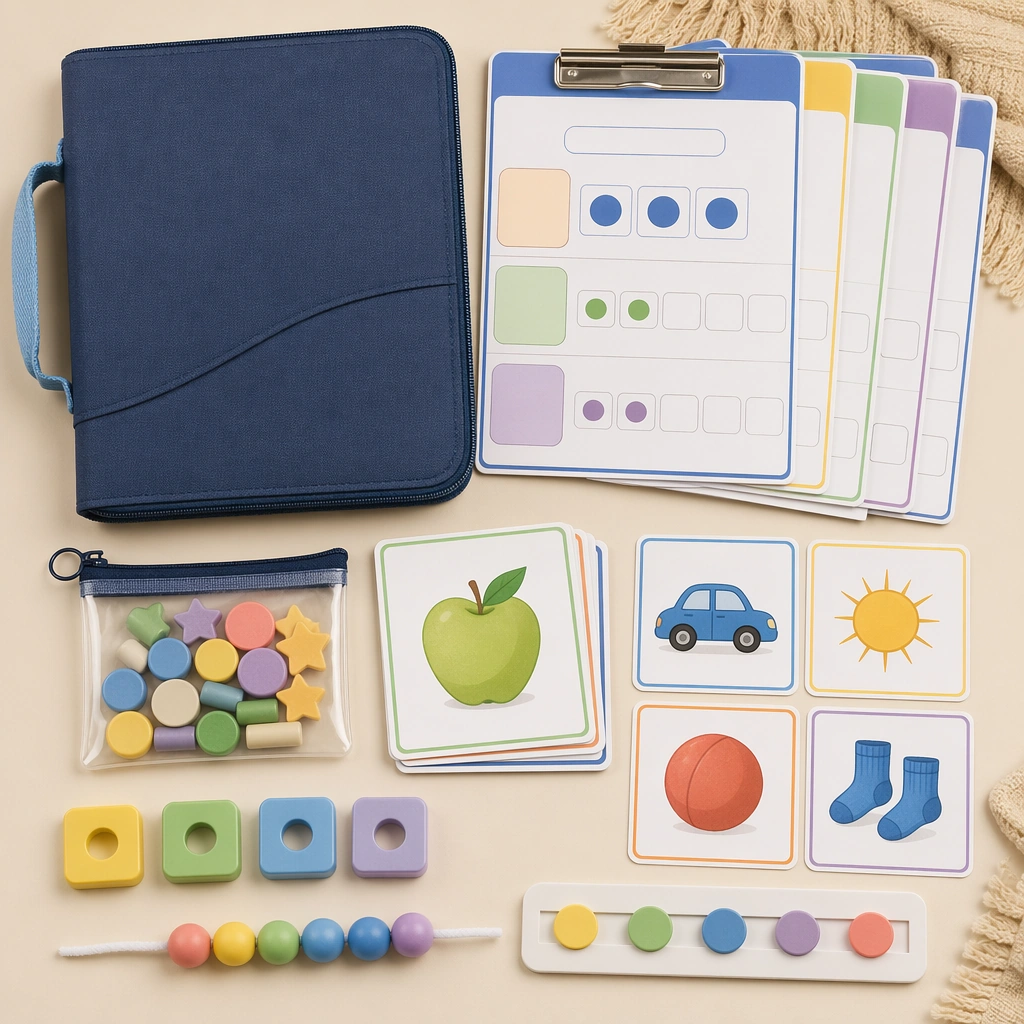
Design the worksheet around picture-led sound sorting, using rows of illustrated objects, blank letter tiles, empty tracing lanes, and large response boxes. The visual logic must feel approachable for early readers, with one clear task family repeated across the page so the system reads as usable rather than decorative. The subject matter should feel intentionally selected for a coherent curriculum family rather than like a random decorative assortment.

Important details:
Make the page highly structured: rounded section blocks, calm mint, peach, and sky accents, child-friendly icons, and empty headline zones where copy could be added later. The overall impression should be a premium literacy resource that balances pedagogy, print practicality, and visual warmth. Preserve the same worksheet margins, answer-box scale, icon cadence, divider rhythm, and blank title bars from the reference sheet. Use variation only in the teaching content, supporting props, and scene-specific mood while preserving the core visual system exactly.

Use case:
Phonics and Reading Practice Sheet series study 1/4, reference sound sheet.

Constraints:
No readable text, no watermark, no logos, preserve exact 1:1 aspect ratio, no readable letters, no real words, no teacher handwriting, no messy desk clutter, no adult branding, no distorted paper edges.
Come usare
- Copia tutto il prompt originale, inclusi i parametri.
- Adatta soggetto, testo e composizione alle tue esigenze.
- Usa uno strumento esterno compatibile; verifica accesso e risultato.
Prima di iniziare
- Controlla se serve un’immagine di riferimento. La compatibilità non prova il modello usato per l’esempio.
- Verifica nomi, numeri e testi; i risultati cambiano con le versioni del modello.