Documento originale
GPT Image 2 · en
Scene:
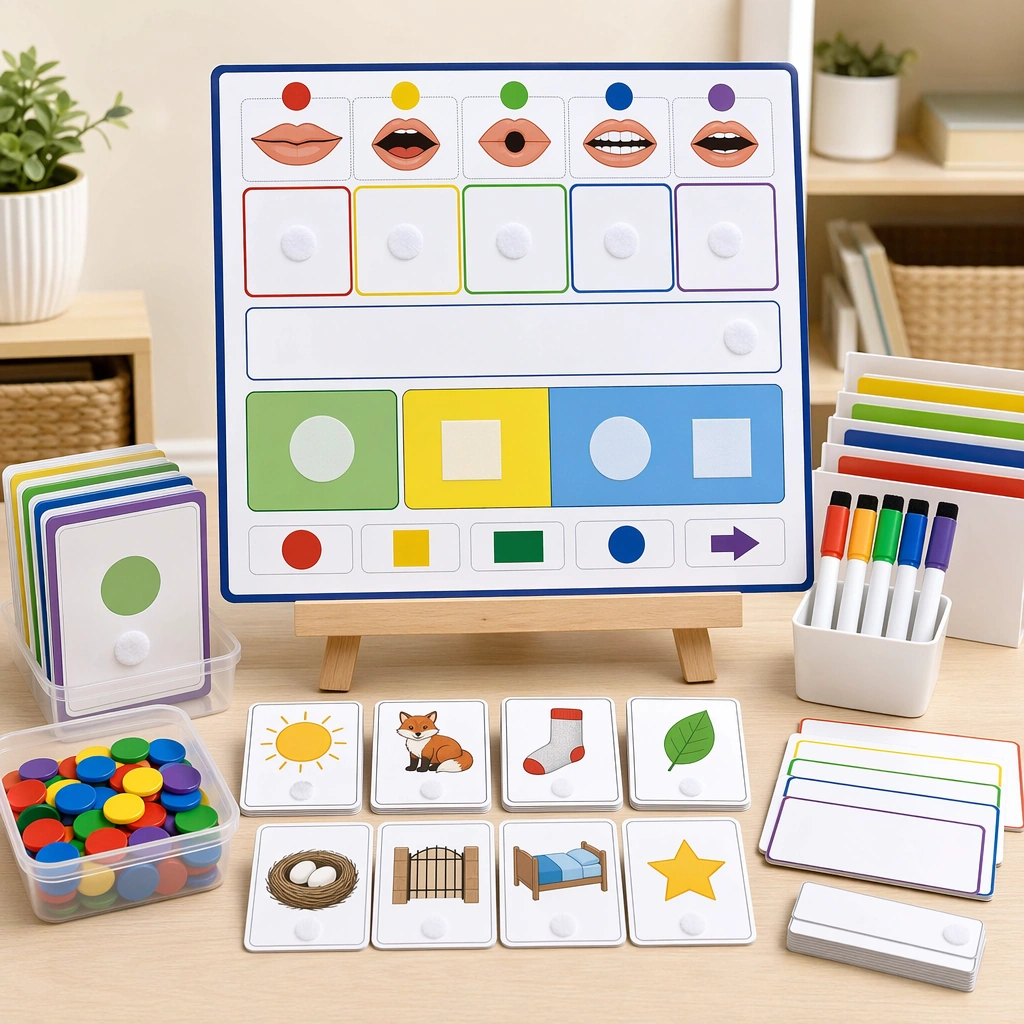
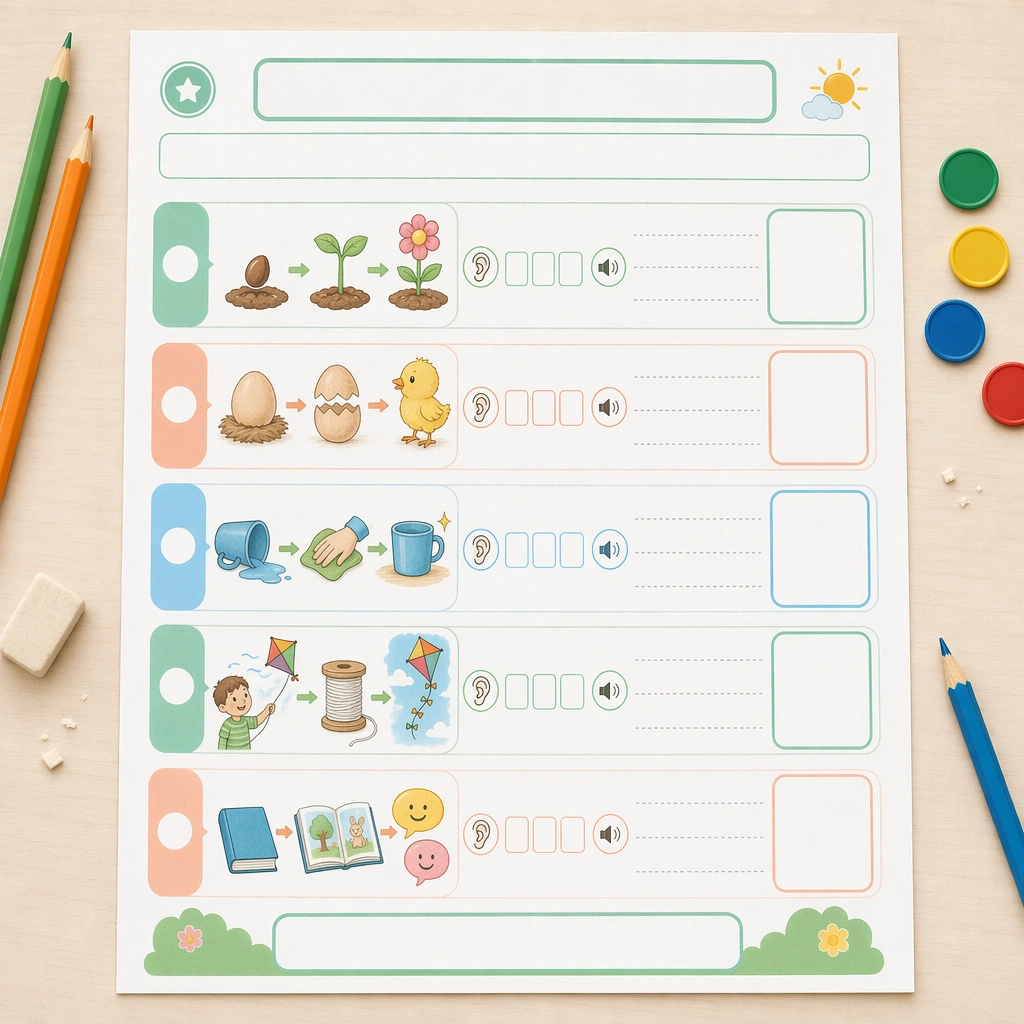
Keep the same square overhead page proof and classroom desktop environment, with restrained props and meticulous spacing that mirror the reference sheet. The visual should feel like a polished handout cover image for a reading-intervention toolkit, practical enough for print and attractive enough for catalog display. Keep the square frame balanced, calm, and production-ready so the asset can serve gallery review, research comparison, and real educational delivery at the same time.

Subject:
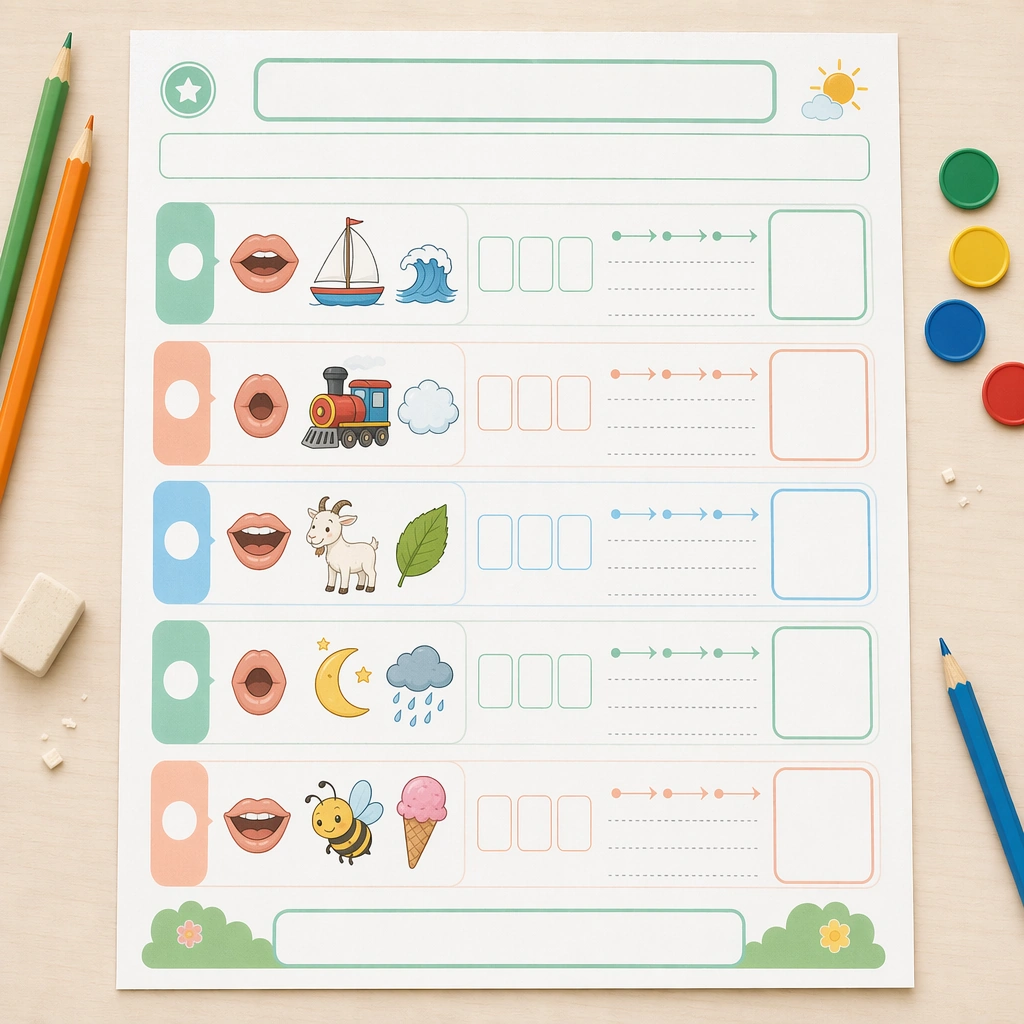
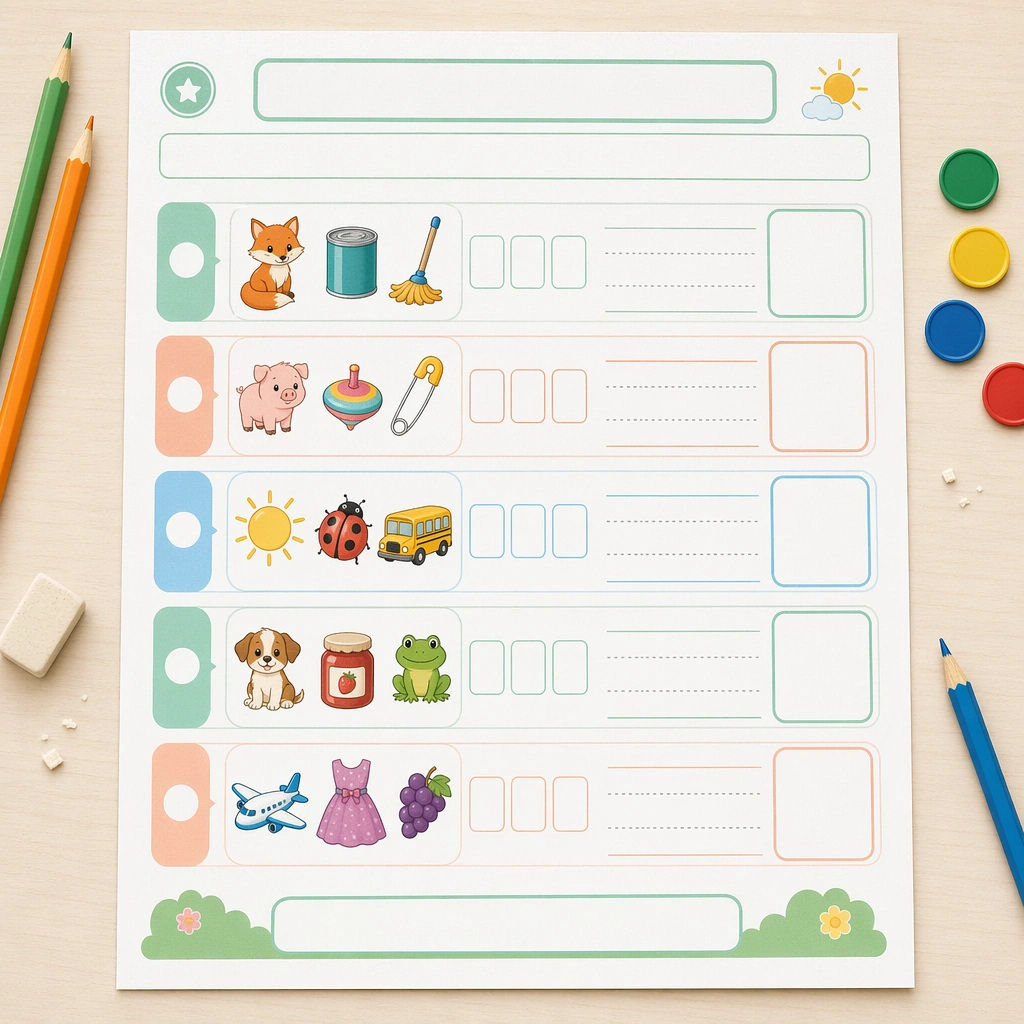
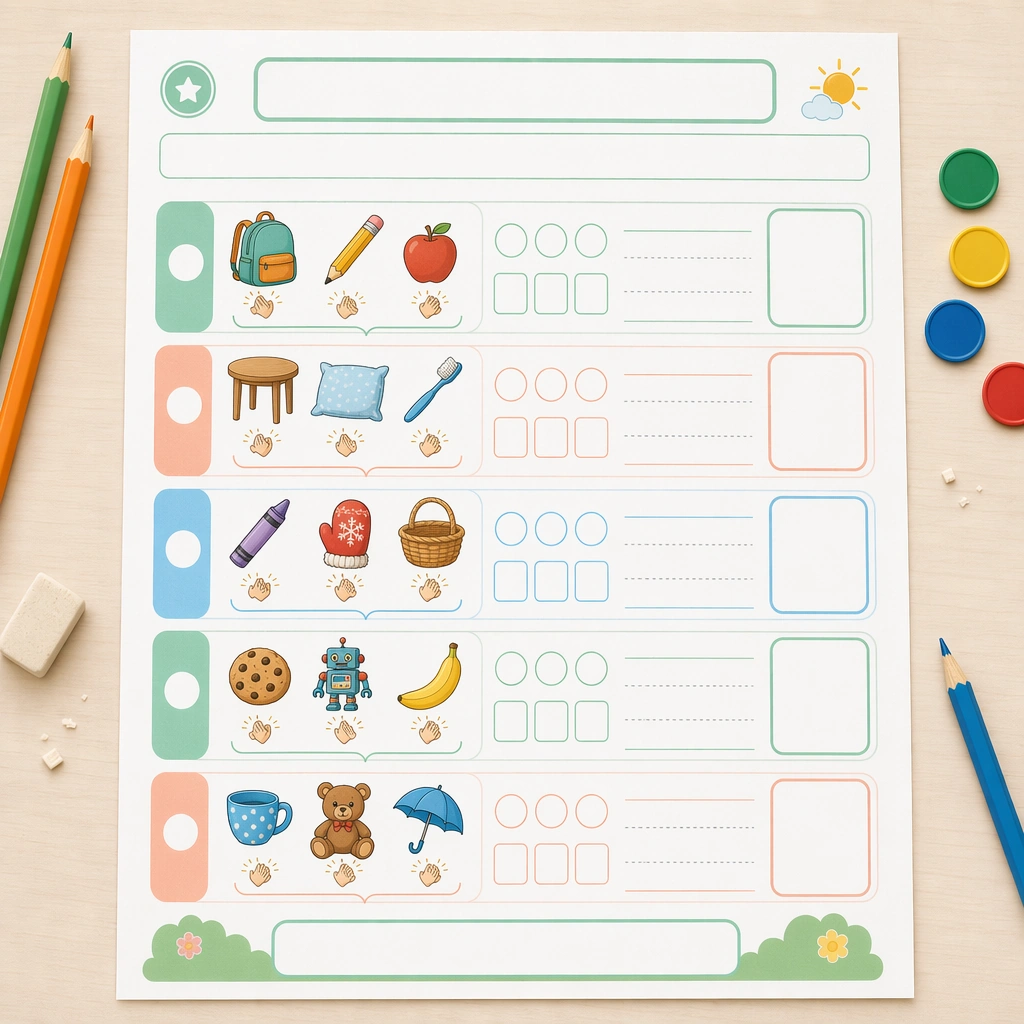
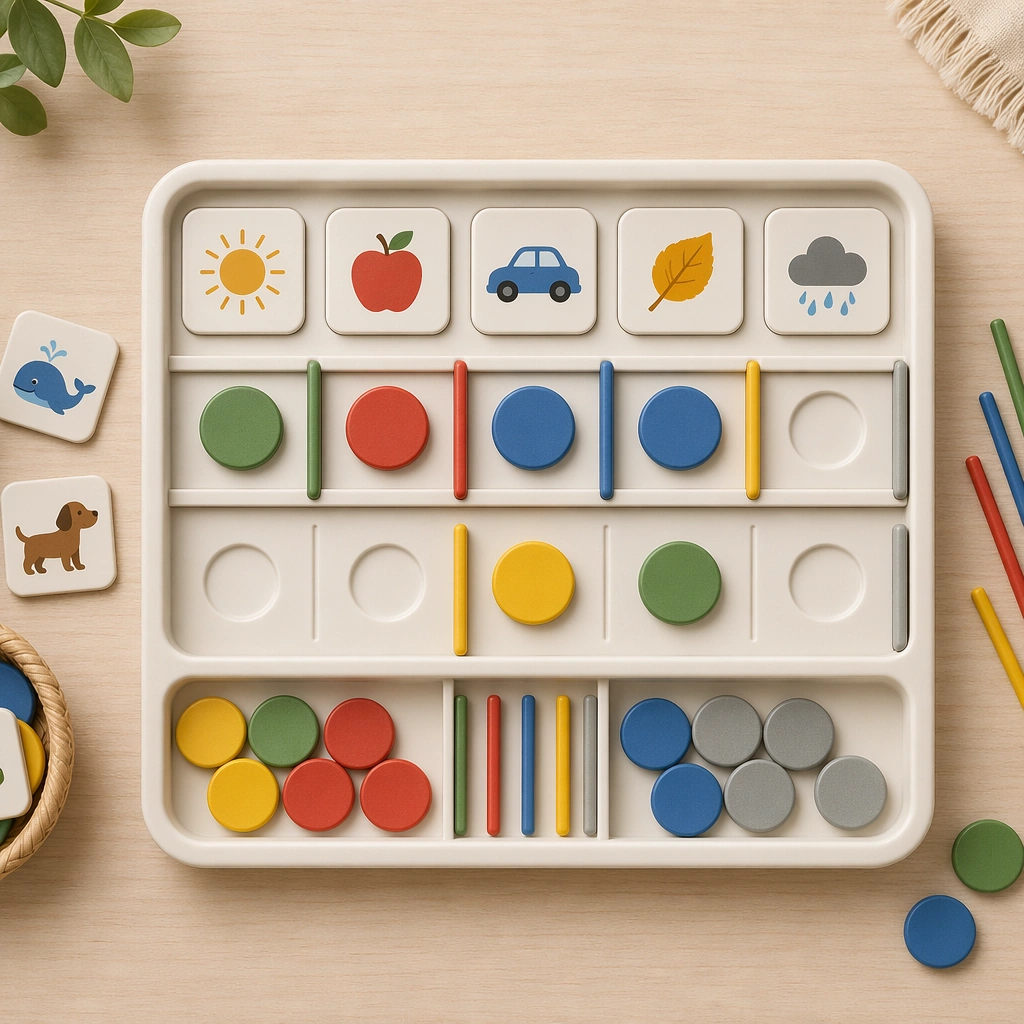
Focus on short-sequence reading support using picture panels, empty sentence frames, direction arrows, listening icons, and response boxes for retelling order. The layout should encourage progression from image cue to spoken response to reading confidence, even though all textual areas stay intentionally blank. The subject matter should feel intentionally selected for a coherent curriculum family rather than like a random decorative assortment.

Important details:
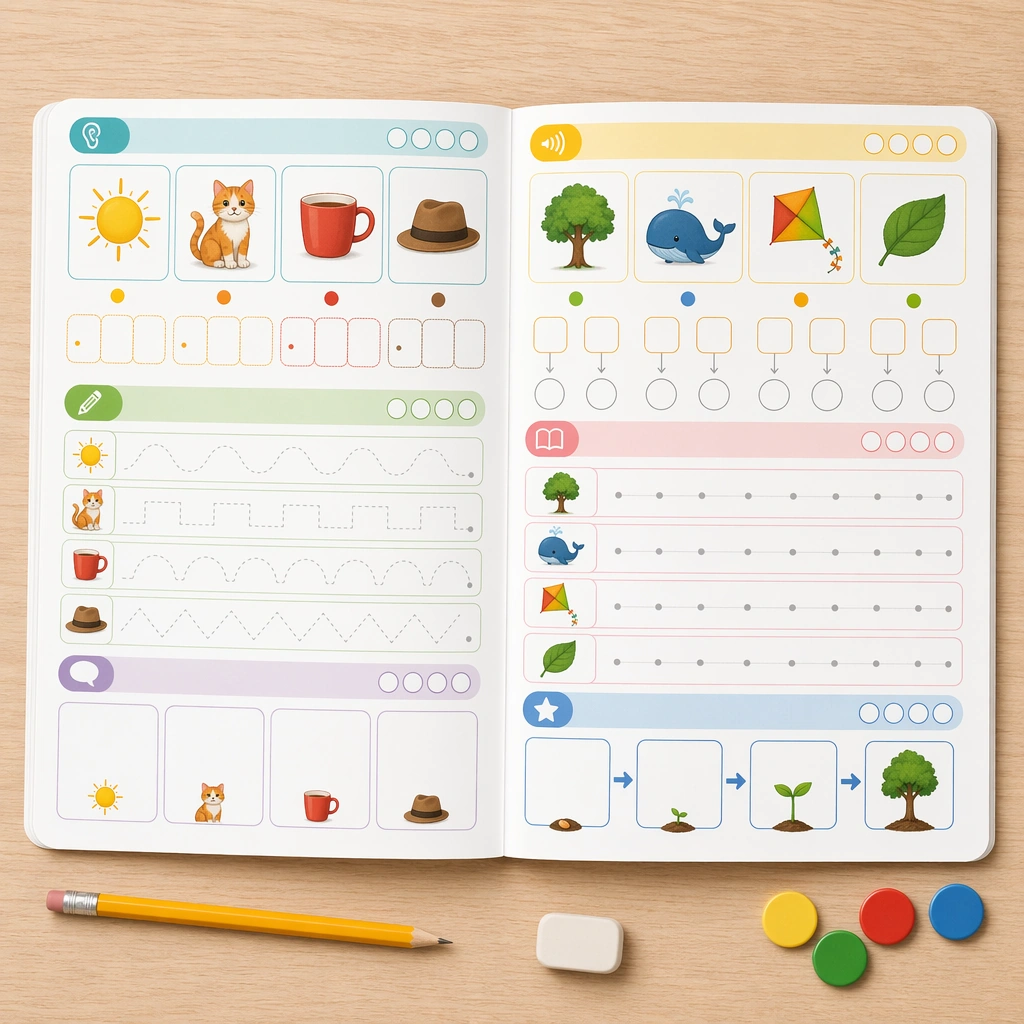
Maintain the exact worksheet architecture from the reference page while changing only the pedagogical content. The shared header rhythm, module shapes, color coding, and answer-zone scale should make the four-page series feel ready for a real classroom literacy product line. Preserve the same worksheet margins, answer-box scale, icon cadence, divider rhythm, and blank title bars from the reference sheet. Use variation only in the teaching content, supporting props, and scene-specific mood while preserving the core visual system exactly.

Use case:
Phonics and Reading Practice Sheet series study 4/4, guided reading sheet.

Constraints:
No readable text, no watermark, no logos, preserve exact 1:1 aspect ratio, no readable letters, no real words, no teacher handwriting, no messy desk clutter, no adult branding, no distorted paper edges.
Come usare
- Copia tutto il prompt originale, inclusi i parametri.
- Adatta soggetto, testo e composizione alle tue esigenze.
- Usa uno strumento esterno compatibile; verifica accesso e risultato.
Prima di iniziare
- Controlla se serve un’immagine di riferimento. La compatibilità non prova il modello usato per l’esempio.
- Verifica nomi, numeri e testi; i risultati cambiano con le versioni del modello.