Documento originale
GPT Image 2 · en
Scene:
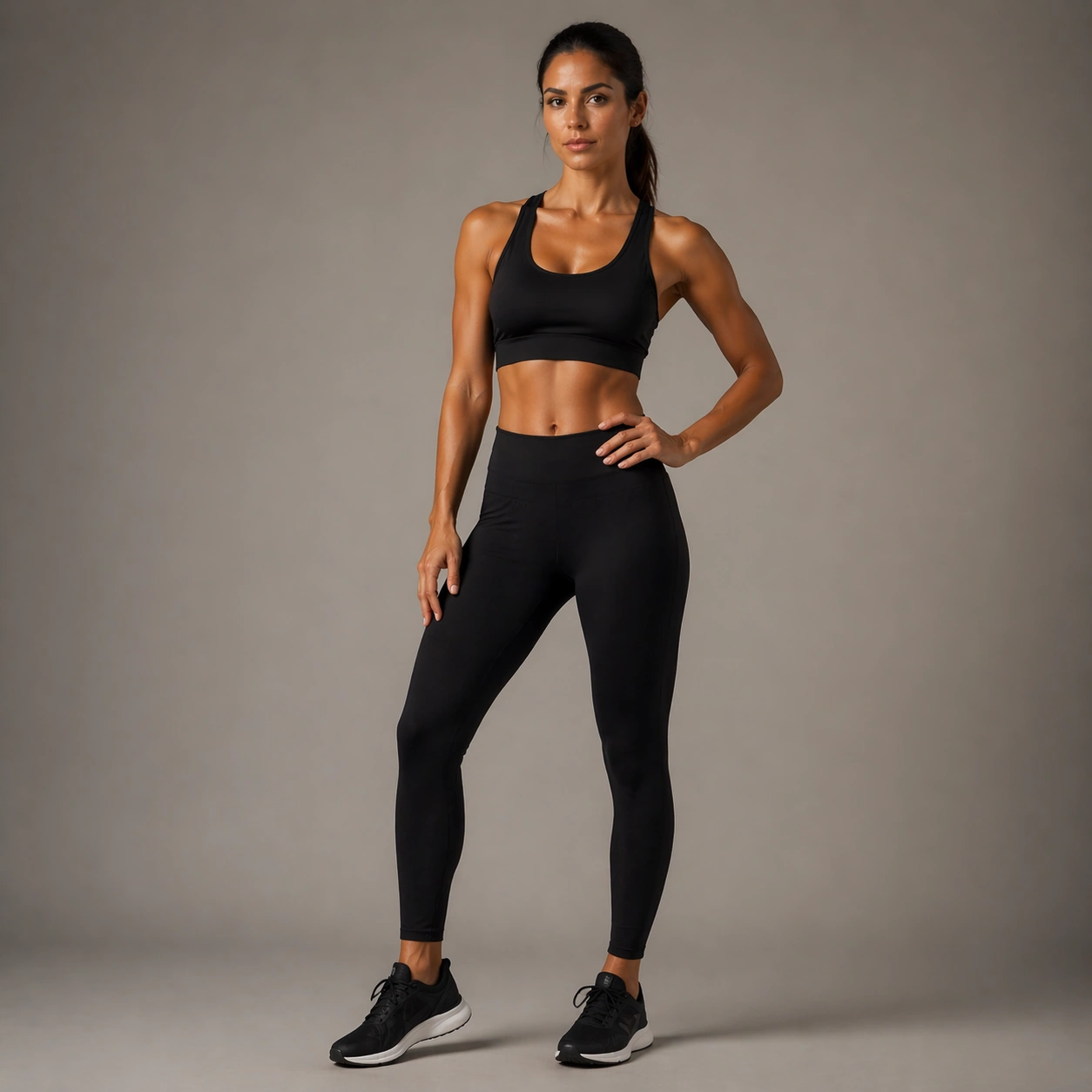
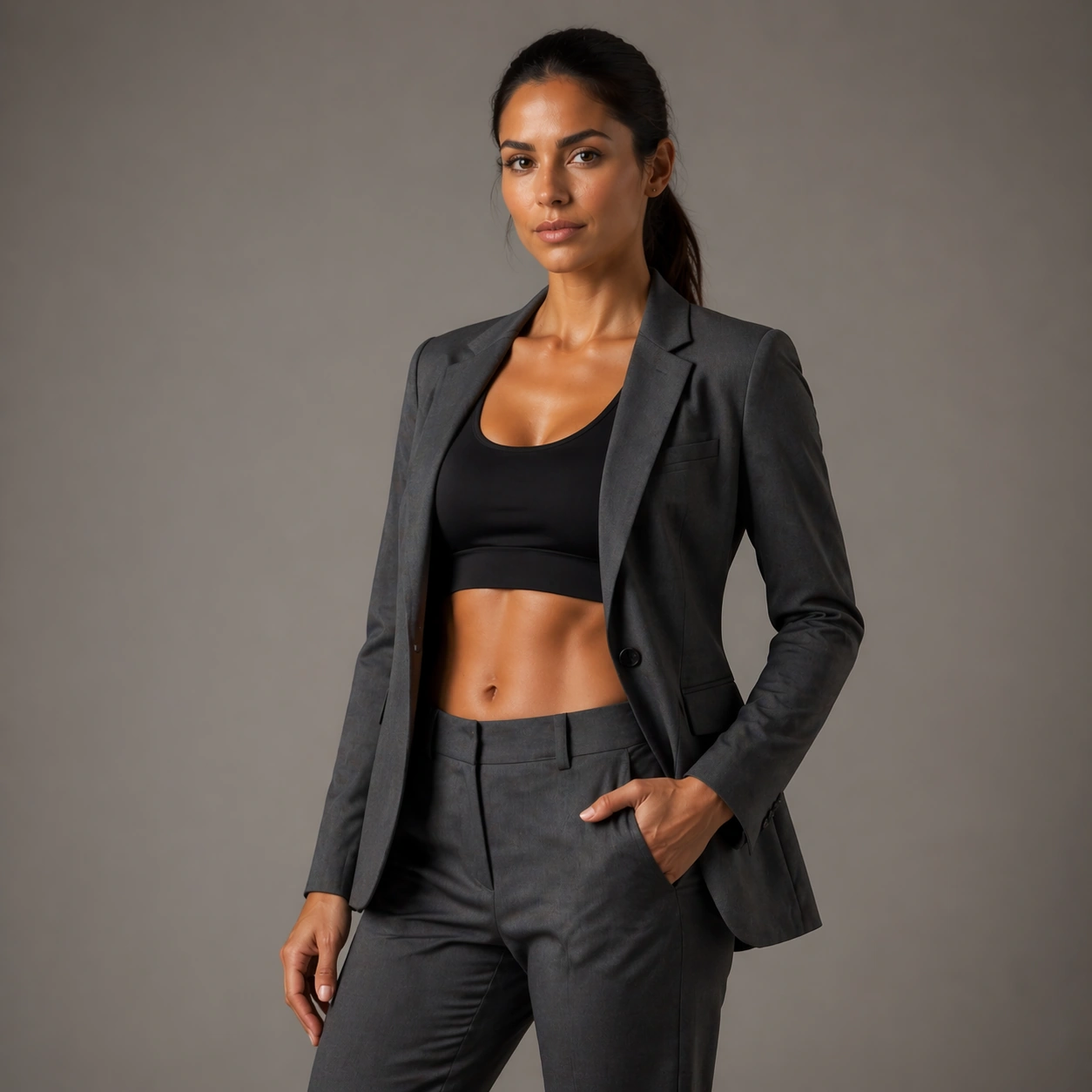
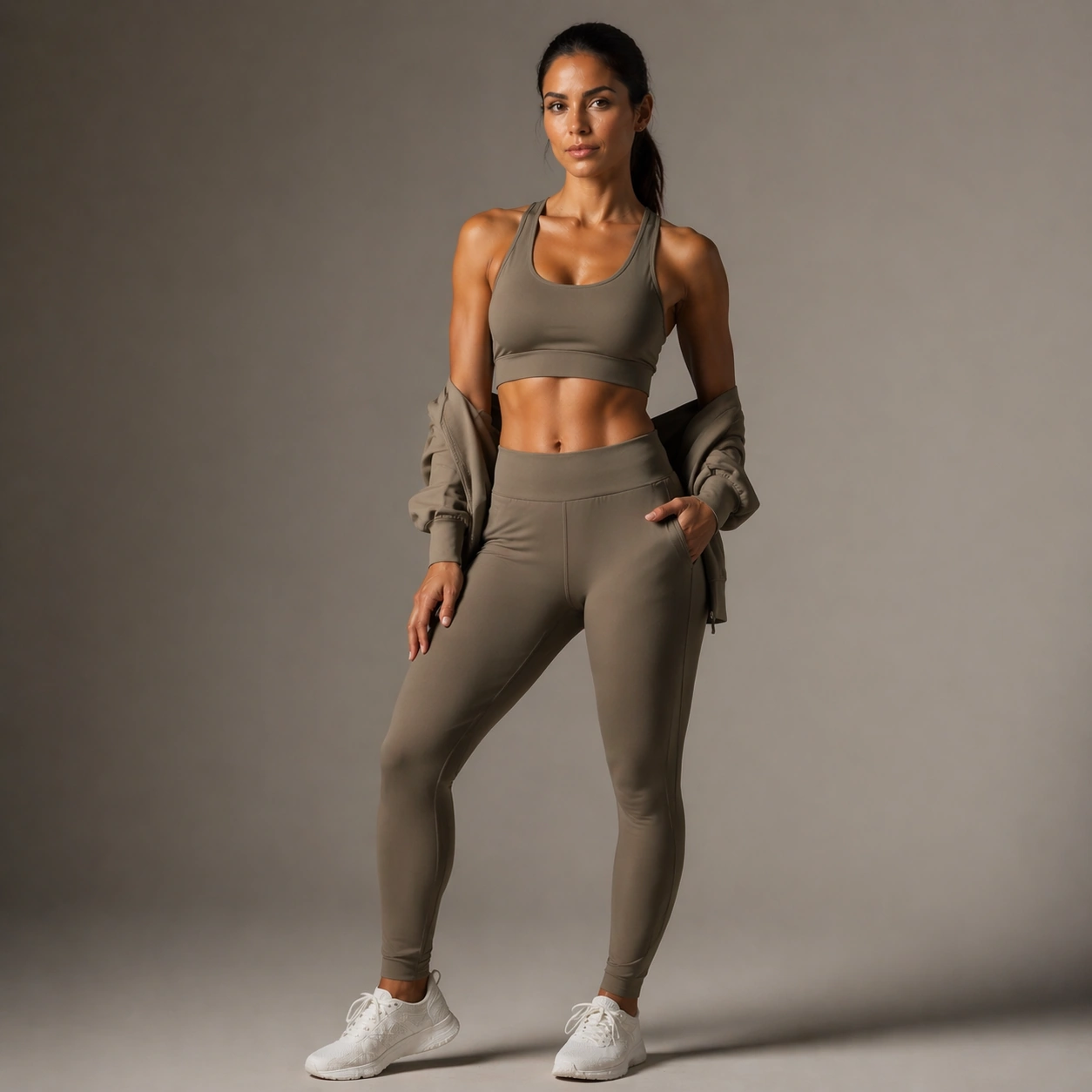
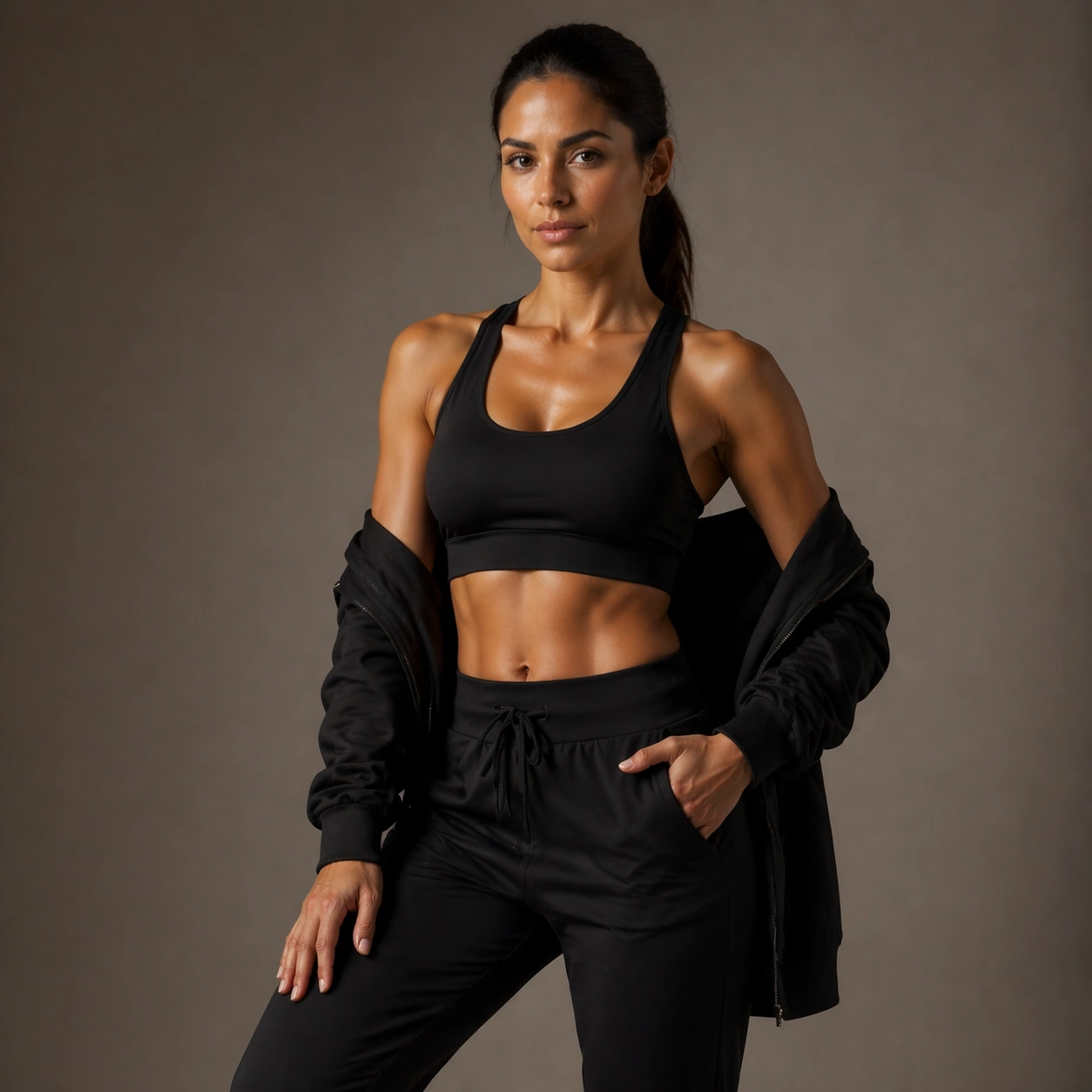
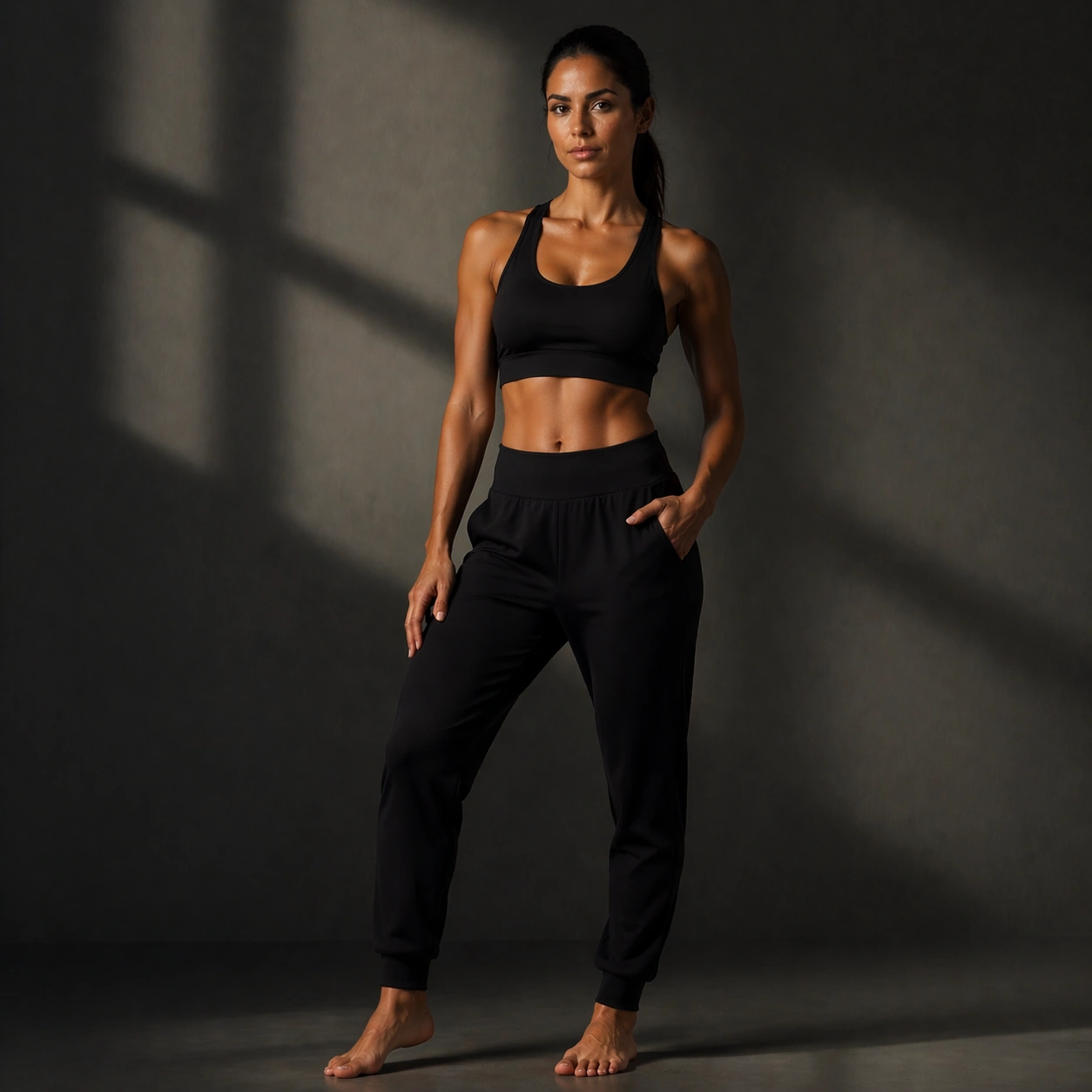
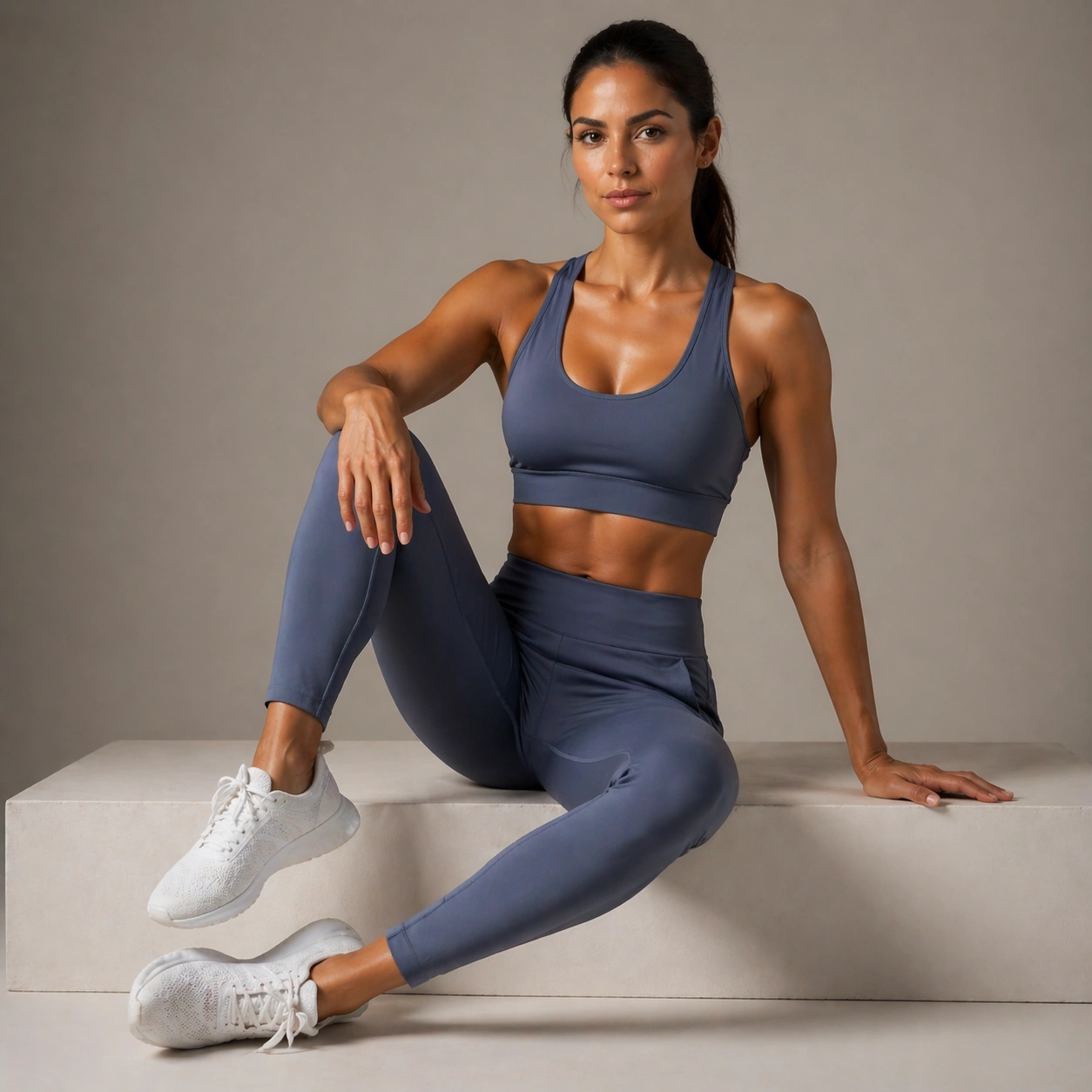
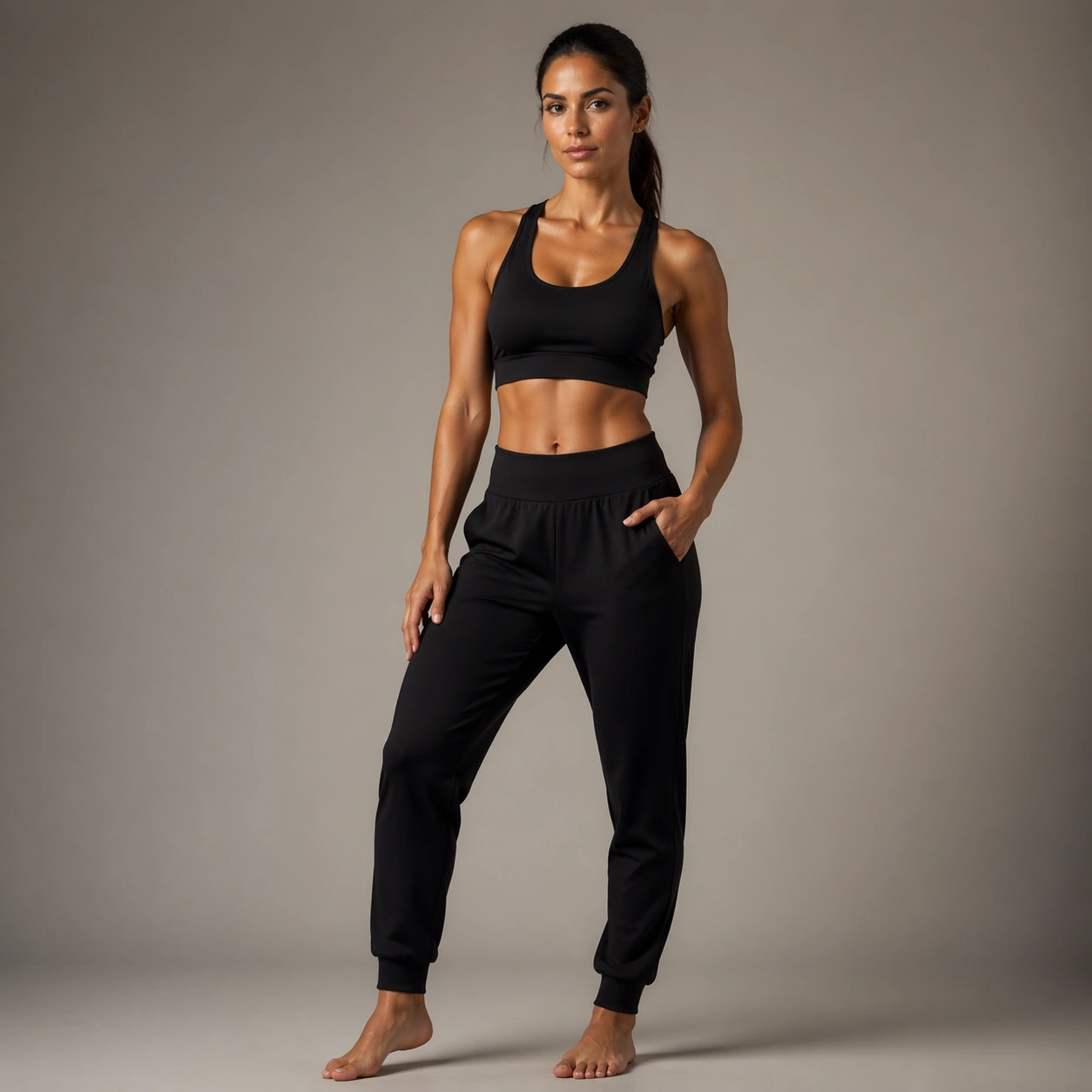
A square portrait reference for Fitness Wellness Brand Portraits. Build a premium studio-fashion setup with neutral background, elegant lens perspective, and clean full-body-to-three-quarter readability The image should feel like a real high-end commissioned portrait session, with clean camera discipline, believable lens perspective, and enough tonal control that the face, hair texture, and clothing surfaces all read clearly. Keep the background simple, premium, and non-distracting.

Subject:
Show one believable wellness founder-model in the early thirties with golden olive skin, dark brown eyes, high cheekbones, and long dark hair pulled into a polished low ponytail, wearing a minimal black active-luxe set with clean skin, healthy texture, and poised athletic posture. This first frame should establish the exact identity, age read, haircut base, and body-scale impression that the whole series will depend on. Pose the subject in a calm, commercially usable way so the image can anchor all later variations without ambiguity.

Important details:
This is the identity anchor for the full series. Preserve the face shape, body proportions, shoulder width, leg length impression, hair base, and skin-tone family while the wardrobe and mood shift. Include realistic pores, stray hairs, fabric texture, and subtle under-eye detail. The result should feel specific, expensive, and usable, not like a generic stock portrait. Later images must preserve exact face / hair base / body proportions from the reference model.

Use case:
Fitness Wellness Brand Portraits series study 1/9, establishing the identity reference for all later portrait variations.

Constraints:
No readable text, no watermark, no logos, preserve exact 1:1 aspect ratio, no runway chaos, no giant props, no beauty-filter skin, no duplicate people, no extra limbs, no warped facial symmetry, no plastic skin, no generic stock-photo blandness.
Come usare
- Copia tutto il prompt originale, inclusi i parametri.
- Adatta soggetto, testo e composizione alle tue esigenze.
- Usa uno strumento esterno compatibile; verifica accesso e risultato.
Prima di iniziare
- Controlla se serve un’immagine di riferimento. La compatibilità non prova il modello usato per l’esempio.
- Verifica nomi, numeri e testi; i risultati cambiano con le versioni del modello.