Documento originale
GPT Image 2 · en
Scene:
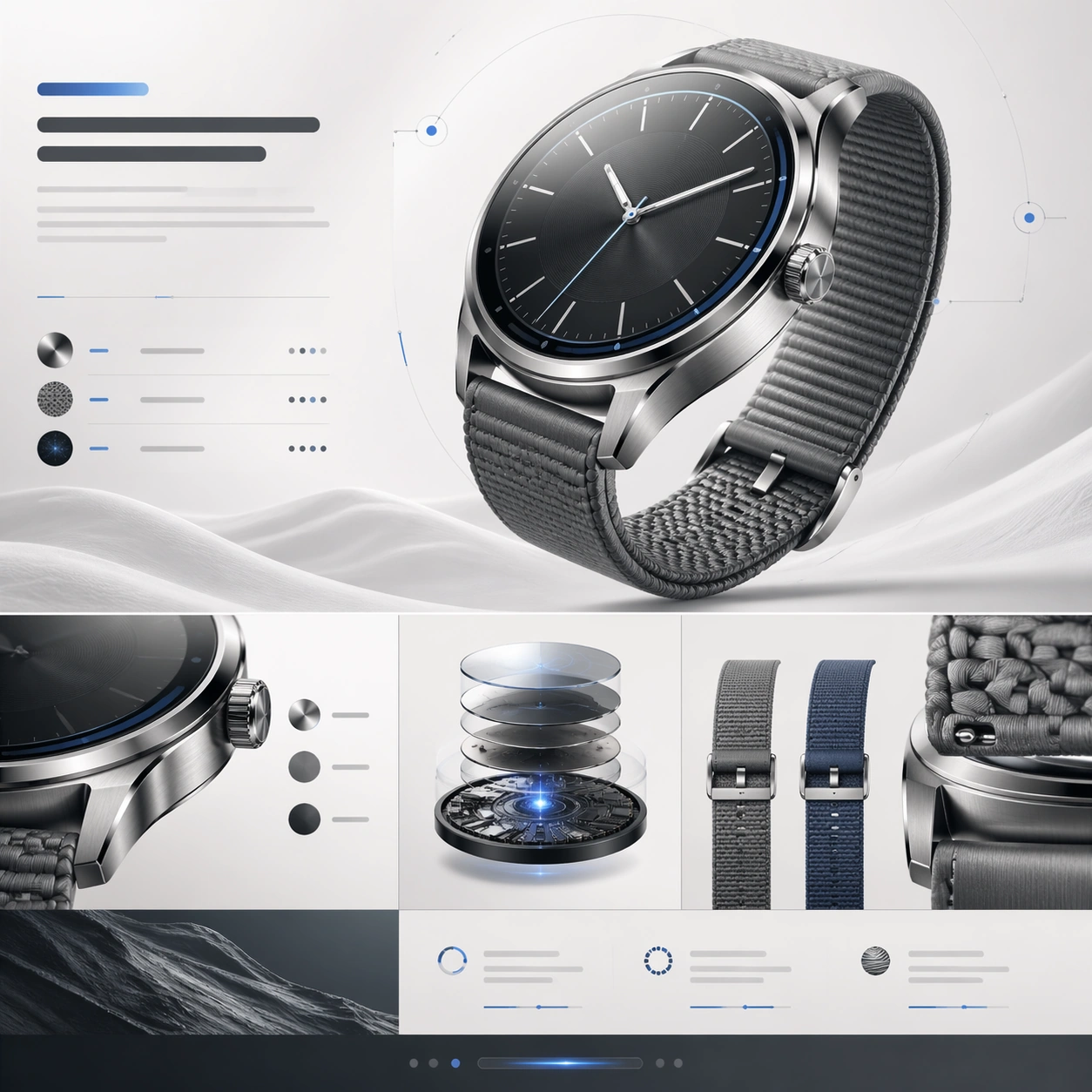
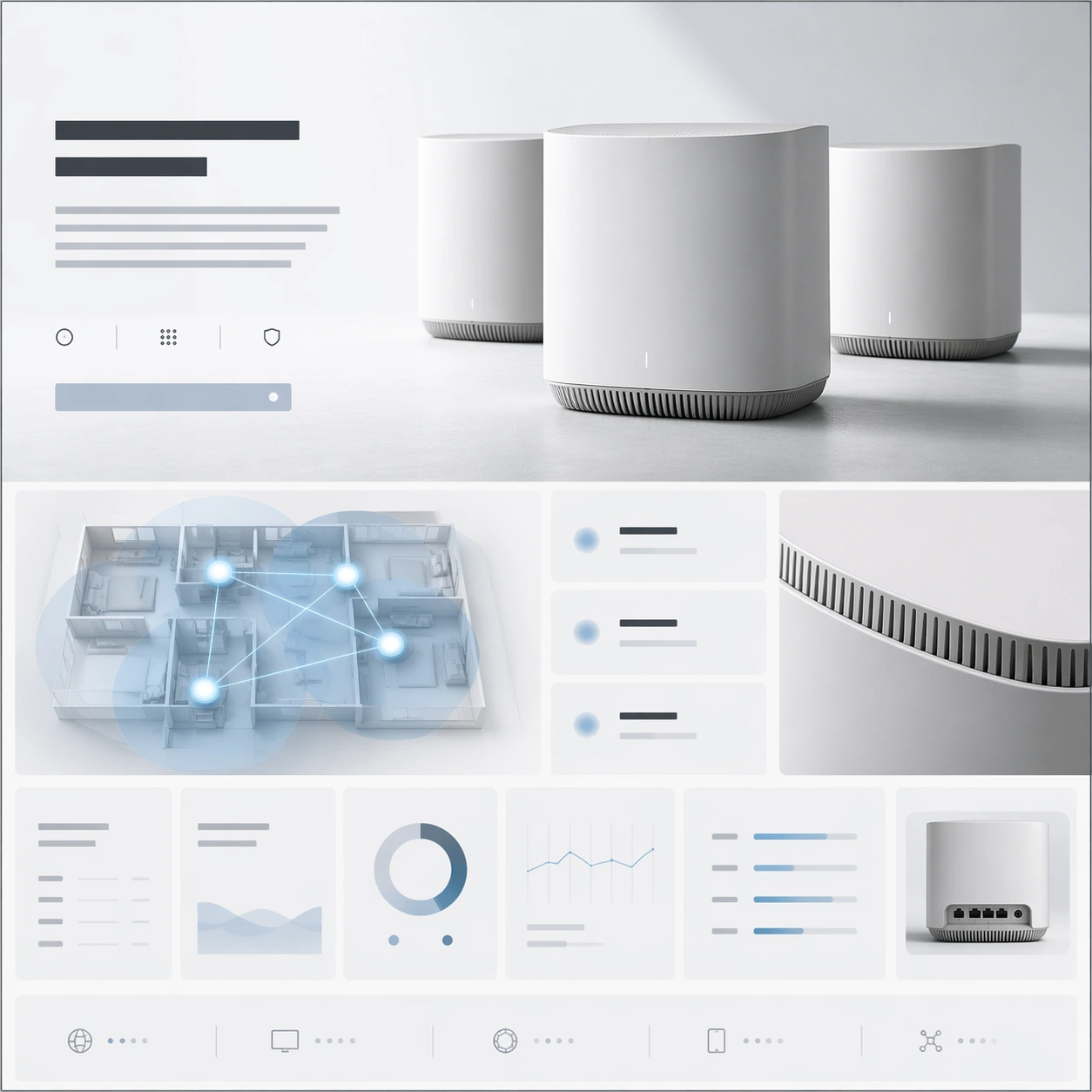
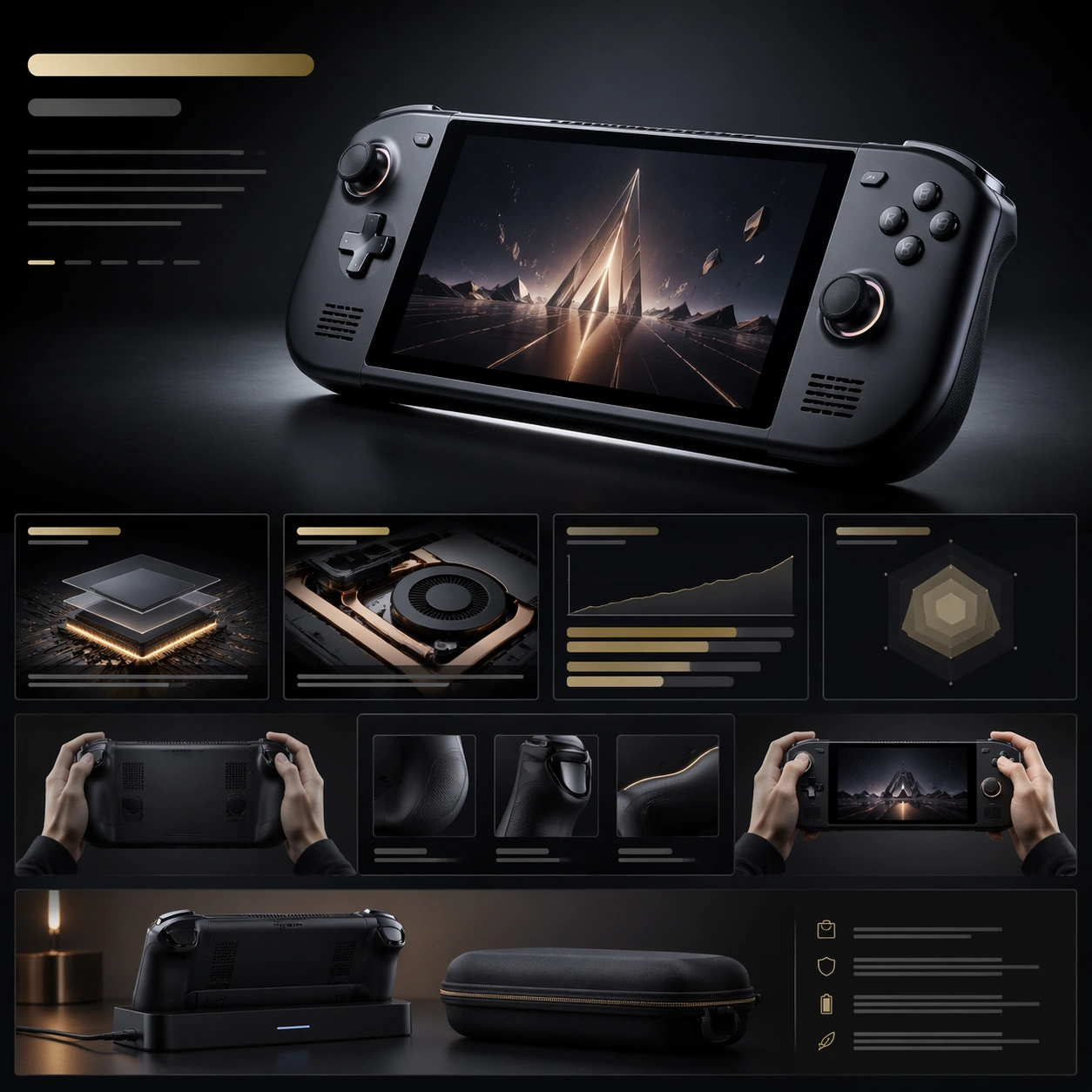
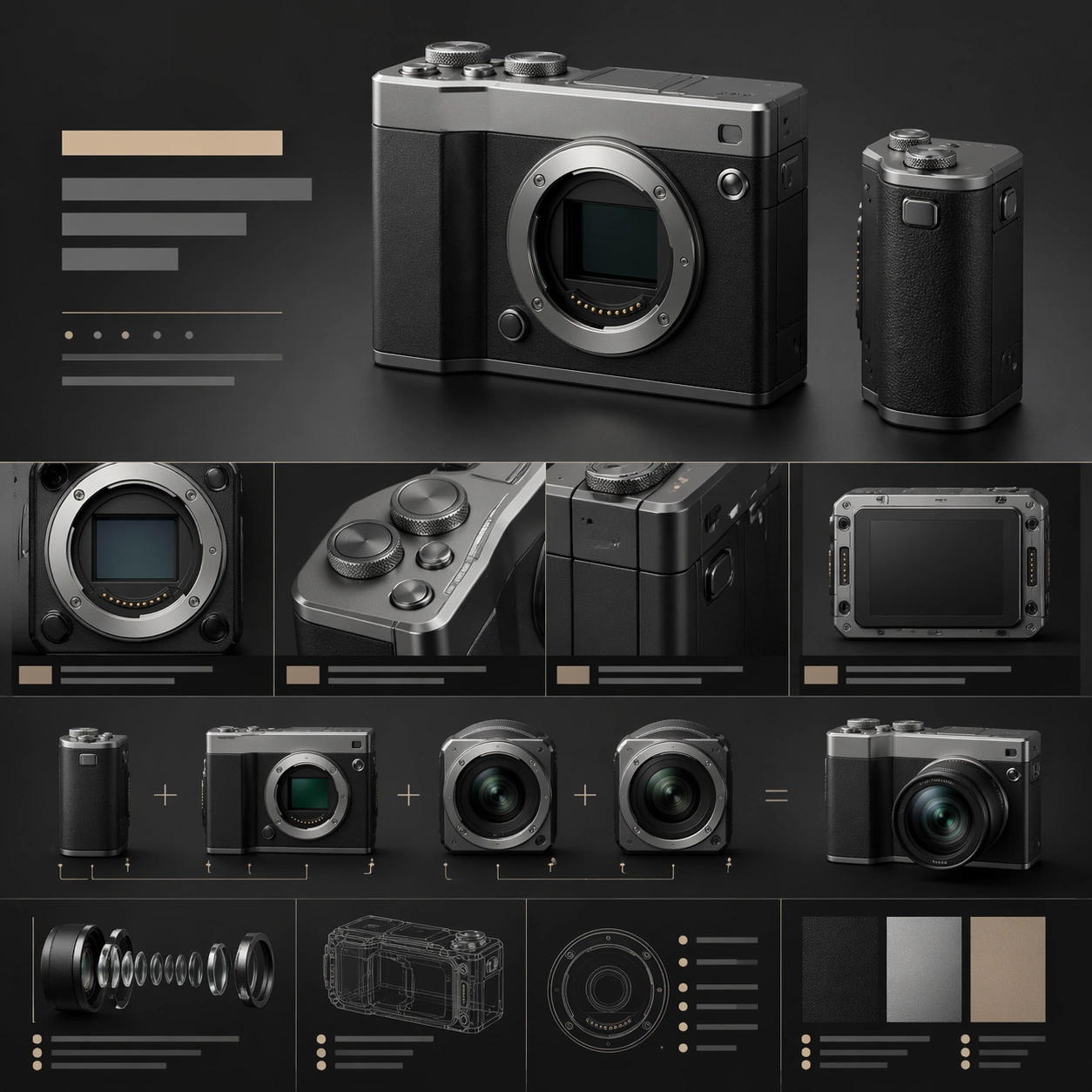
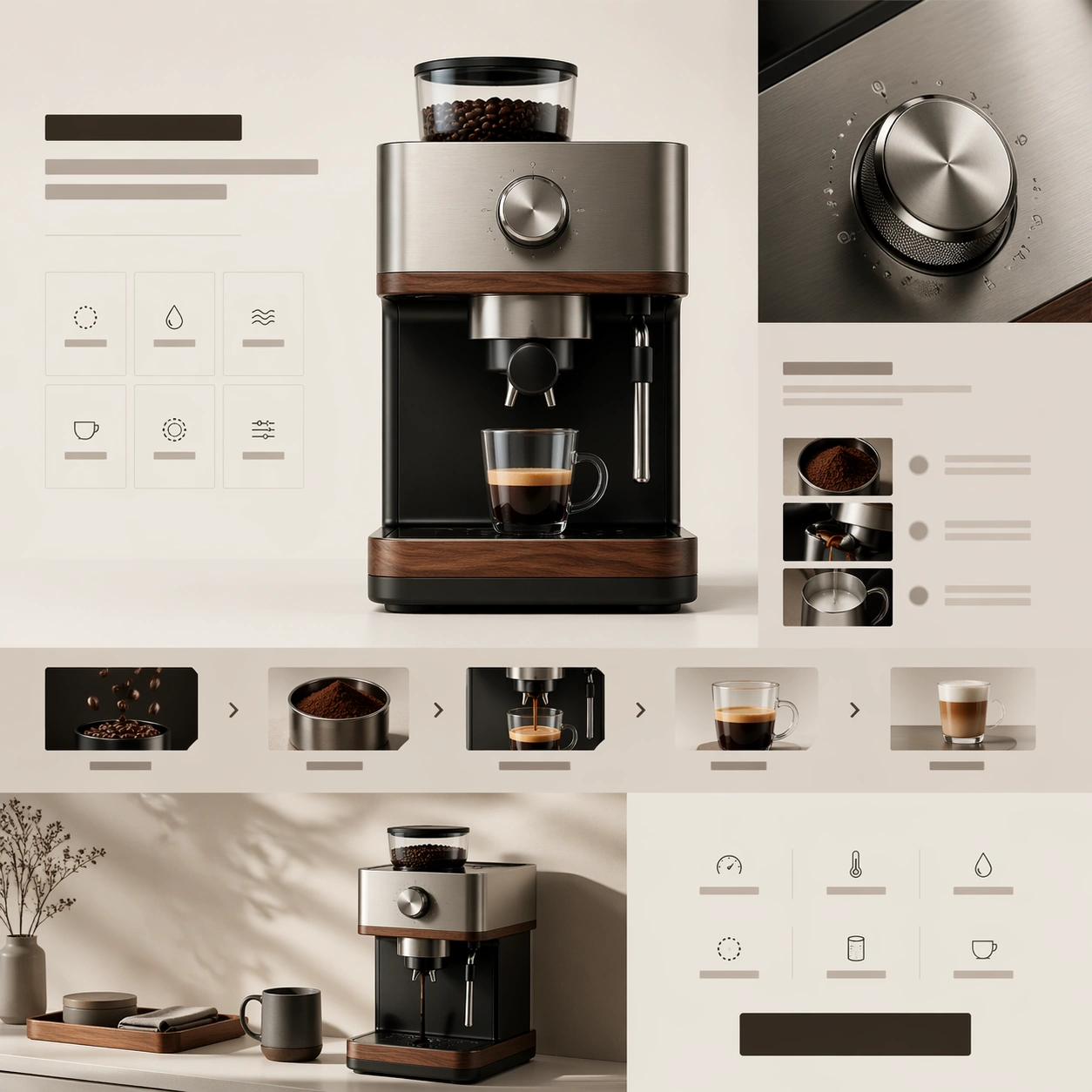
A square premium web-launch still for a precision coffee device, staged like the hero and feature stack of a design-led appliance landing page. The palette combines soft cream, matte black, brushed stainless steel, and warm walnut. Lighting feels like bright editorial product photography, while the page structure uses calm white space, thin dividing rules, and a refined sequence of content bands arranged within one square frame.

Subject:
Center a premium countertop coffee machine with an integrated grinder, precise spout, tactile control dial, and a clean geometric body. The hero render should feel substantial and beautifully manufactured. Around it, build a landing-page composition from abstract headline bars, ingredient-free feature cards, brewing-process strips, and compact spec rows. Include one close-up of the metal dial and one lower module showing the machine beside a matching cup and a neat tray, but keep the product itself dominant. The layout should imply craftsmanship, precision extraction, and everyday ritual.

Important details:
This should look like a serious premium appliance launch, not a kitchen catalog collage. Material fidelity matters: brushed metal, walnut trim, subtle seams, and precision-fitted panels should all feel real. The webpage hierarchy should move clearly from hero to ritual story to control detail to specs and CTA. Use premium restraint, careful spacing, and believable industrial design to maintain the illusion of a real brand presentation.

Use case:
Premium Product Landing Page single study 7/9, testing a luxury coffee-device launch page with ritual storytelling and premium appliance detail.

Constraints:
No readable text, no watermark, no logos, preserve exact 1:1 aspect ratio, no browser chrome, no messy cafe background, no overflowing coffee splash, no barista portrait, no fake packaging copy, no oversized beans, no distorted machine geometry.
Come usare
- Copia tutto il prompt originale, inclusi i parametri.
- Adatta soggetto, testo e composizione alle tue esigenze.
- Usa uno strumento esterno compatibile; verifica accesso e risultato.
Prima di iniziare
- Controlla se serve un’immagine di riferimento. La compatibilità non prova il modello usato per l’esempio.
- Verifica nomi, numeri e testi; i risultati cambiano con le versioni del modello.