Documento originale
GPT Image 2 · en
{
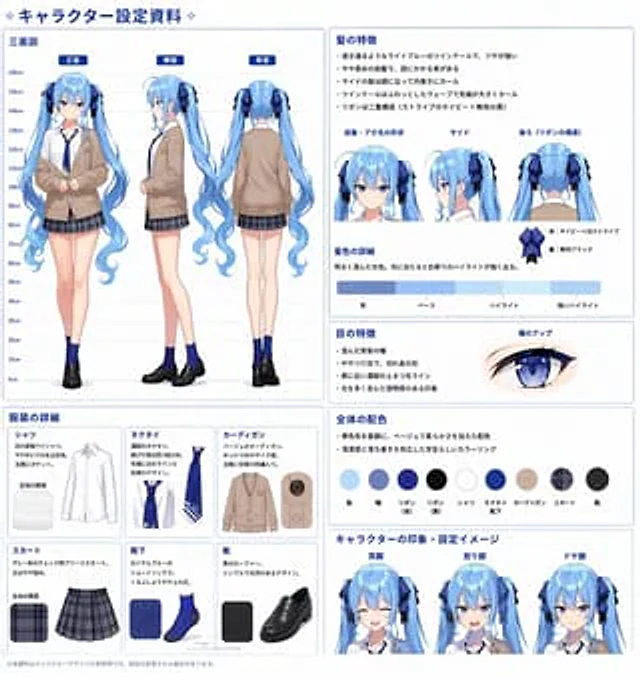
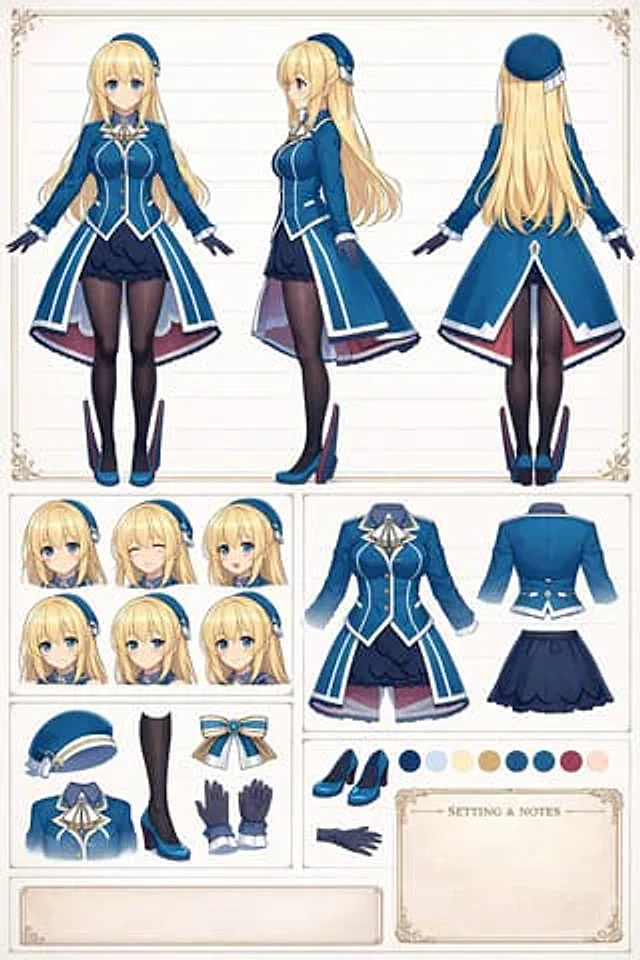
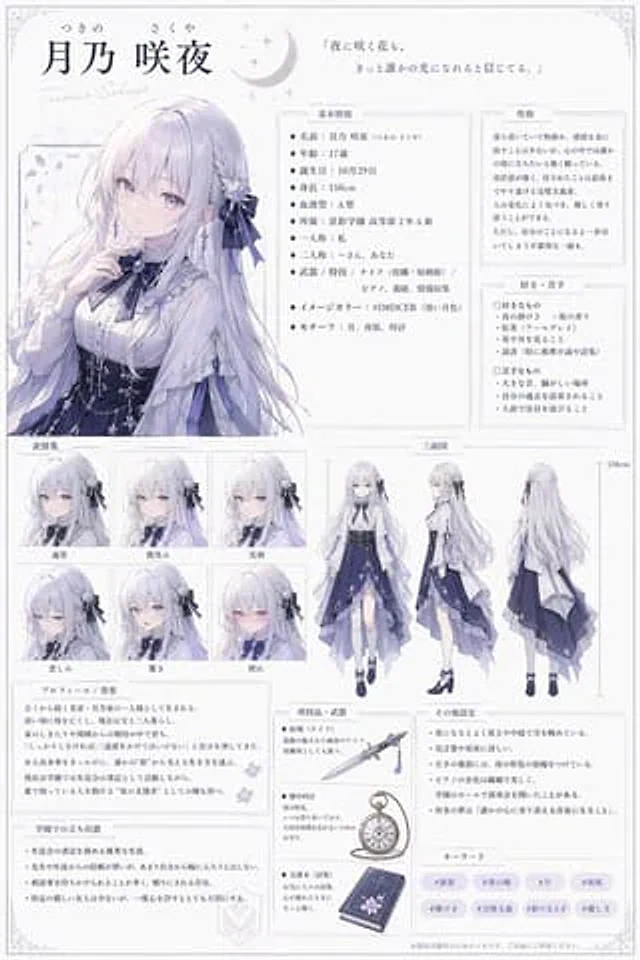
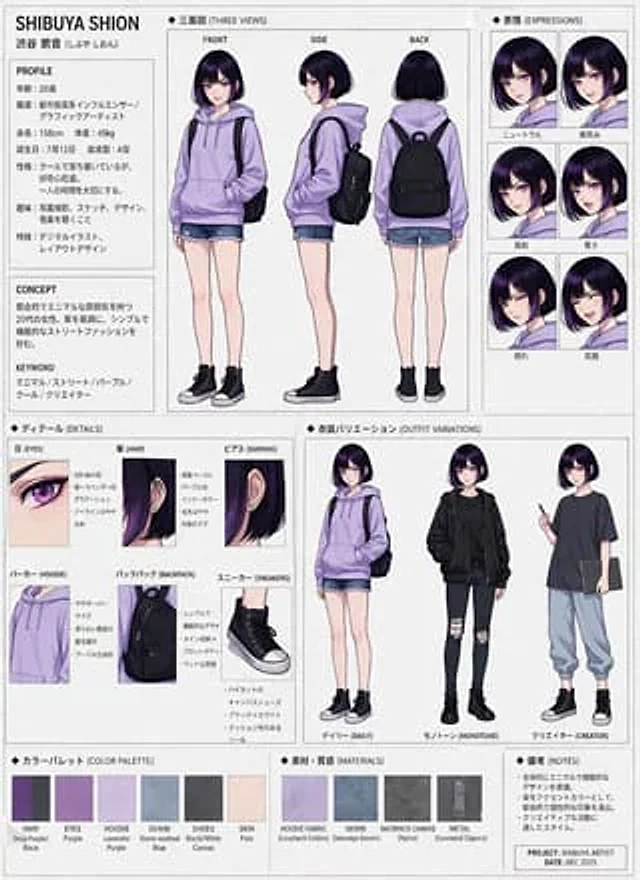
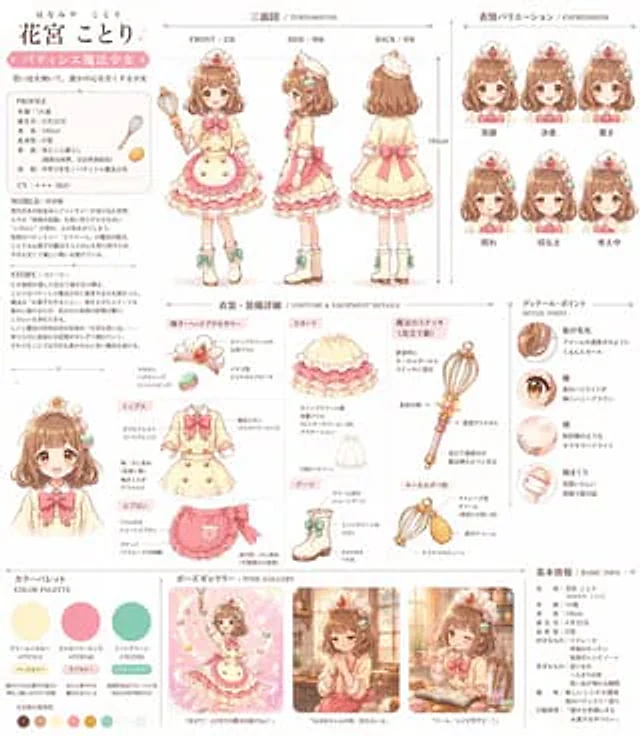
  "type": "Comprehensive Anime Character Reference Chart",
  "character": {
    "name": "{argument name=\"character name\" default=\"Flower Palace Bird\"}",
    "theme": "{argument name=\"character theme\" default=\"Pastry Chef Magical Girl\"}",
    "hair": "{argument name=\"hair color\" default=\"brown\"} A fluffy hairstyle with macaron hair clips",
    "eyes": "{argument name=\"eye color\" default=\"brown\"} With starlight highlights",
    "weapon": "{argument name=\"weapon type\" default=\"Egg beater shaped magic wand\"}",
    "outfit": "Ruffled dress, apron, boots"
  },
  "layout": {
    "sections": [
      {
        "title": "Personal Profile and Story",
        "position": "top-left",
        "description": "A text block used to display profiles, worldviews, and stories."
      },
      {
        "title": "Three-view diagram / TURNAROUND",
        "position": "top-center",
        "count": 3,
        "labels": [
          "Front",
          "Side",
          "Back"
        ]
      },
      {
        "title": "Expressions",
        "position": "top-right",
        "count": 6,
        "labels": [
          "smile",
          "determination",
          "surprise",
          "shy",
          "sad",
          "Thinking"
        ]
      },
      {
        "title": "Costume & Equipment Details",
        "position": "center",
        "count": 7,
        "labels": [
          "Hats and headdresses",
          "Jacket",
          "apron",
          "skirt",
          "boots",
          "Magic wand (egg beater)",
          "Pendant form"
        ]
      },
      {
        "title": "Details Point",
        "position": "center-right",
        "count": 4,
        "labels": [
          "hair ends",
          "pupil",
          "cheek",
          "Cuff details"
        ]
      },
      {
        "title": "Color scheme / COLOR PALETTE",
        "position": "bottom-left",
        "count": 3,
        "labels": [
          "Creamy Yellow",
          "strawberry powder",
          "Mint Green"
        ],
        "additional_swatches_count": 7
      },
      {
        "title": "Pose Gallery",
        "position": "bottom-center",
        "count": 3,
        "descriptions": [
          "Magical poses",
          "A melancholy scene by the window",
          "blinking while eating"
        ]
      },
      {
        "title": "Basic Information",
        "position": "bottom-right",
        "description": "A text block containing character attributes and preferences."
      }
    ]
  }
}
Come usare
- Copia tutto il prompt originale, inclusi i parametri.
- Adatta soggetto, testo e composizione alle tue esigenze.
- Usa uno strumento esterno compatibile; verifica accesso e risultato.
Prima di iniziare
- Controlla se serve un’immagine di riferimento. La compatibilità non prova il modello usato per l’esempio.
- Verifica nomi, numeri e testi; i risultati cambiano con le versioni del modello.