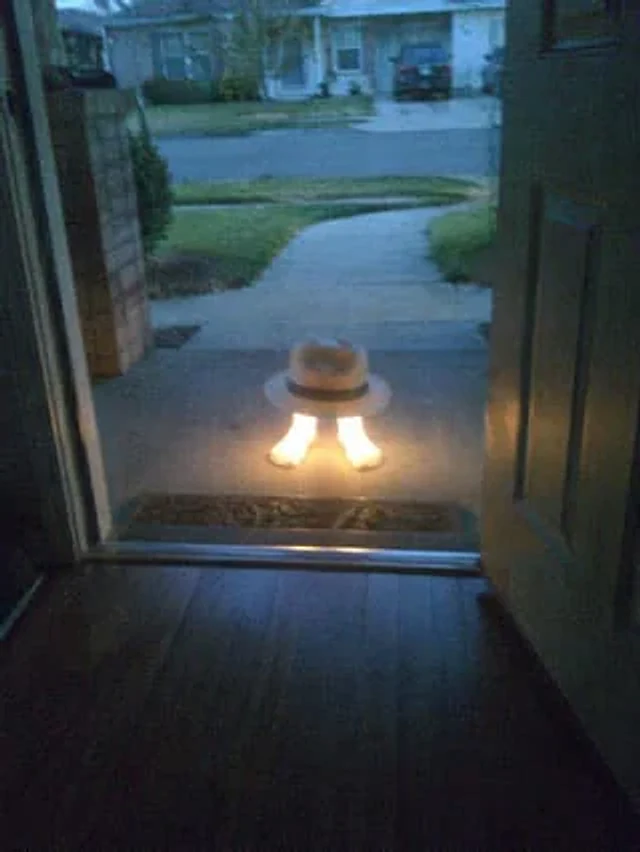
Subject Erasure and Hat Replacement

Subject Erasure and Hat Replacement

原文

GPT Image 2 · en

Using the reference image, completely remove the pelican's body. Replace the traffic cones with {argument name="hat style" default="White fedora with black trim"} It is then placed directly above the human foot. A strong glowing effect is added to the foot, making it {argument name="foot effect" default="Emitting a bright, warm light"} Maintain the open doorway, porch environment, and the suburban sunset backdrop.

使い方

  1. パラメータを含む元のプロンプト全体をコピーします。
  2. 被写体、文字、構図を自分の要件に置き換えます。
  3. 対応する外部ツールで使用し、利用条件と結果を確認します。

開始前の確認

  • 参考画像の要否を確認してください。互換モデルの表示は、そのモデルでの生成実績を意味しません。
  • 名前、数値、画像内の文字を確認します。モデルの版で結果は変わります。
似た事例

Local Edit: Mascot Robot Replacement
GPT Image 2en

Use the provided reference image for partial editing. Replace the robot character next to the woman with a cute green and white mascot robot version, maintaining the same pose, position, scarf, lighting, and comfortable watercolor anime style, while keeping the rest of the scene

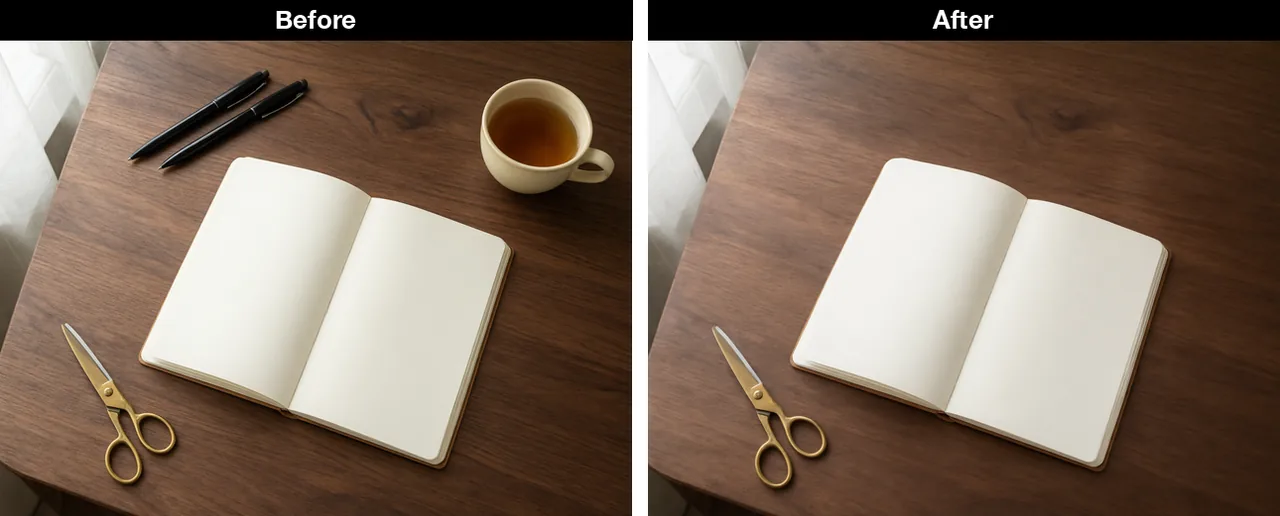
Desk with the cup and pens removed
Qwen Image 3.0en

Keep the walnut desk, the open blank notebook, the brass scissors, the window light, and the same camera angle. Remove the cream ceramic cup and both black pens completely. Do not add new objects. No text, no logos, no watermark, no hands.

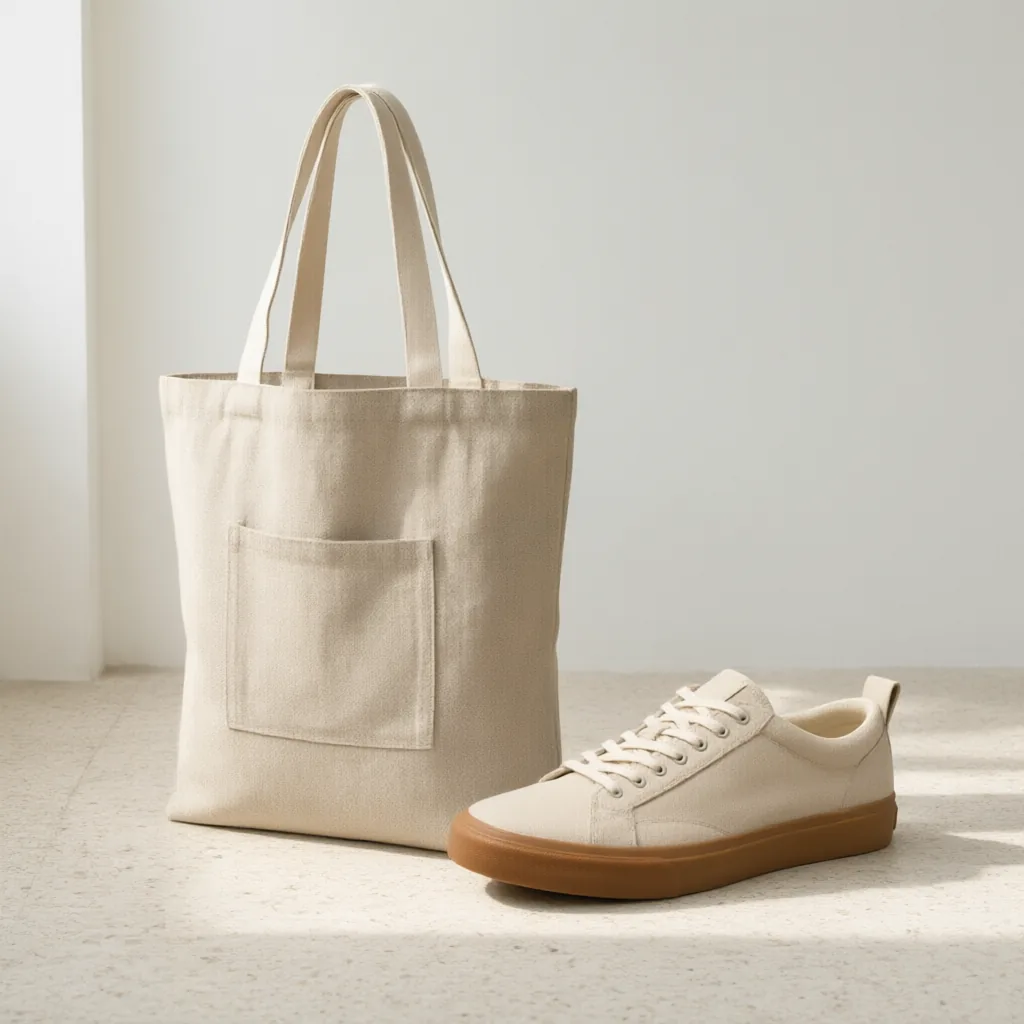
Sneaker and tote in one room
Qwen Image 3.0en

A lifestyle catalog photo on a pale terrazzo floor against a plain white wall, morning light from the left. Place the oatmeal sneaker from the first image next to the oat linen tote from the second image. Keep the shoe's gum sole, cream laces, and blank heel tab. Keep the tote's