Subject Erasure and Hat Replacement

Subject Erasure and Hat Replacement

원본 문서

GPT Image 2 · en

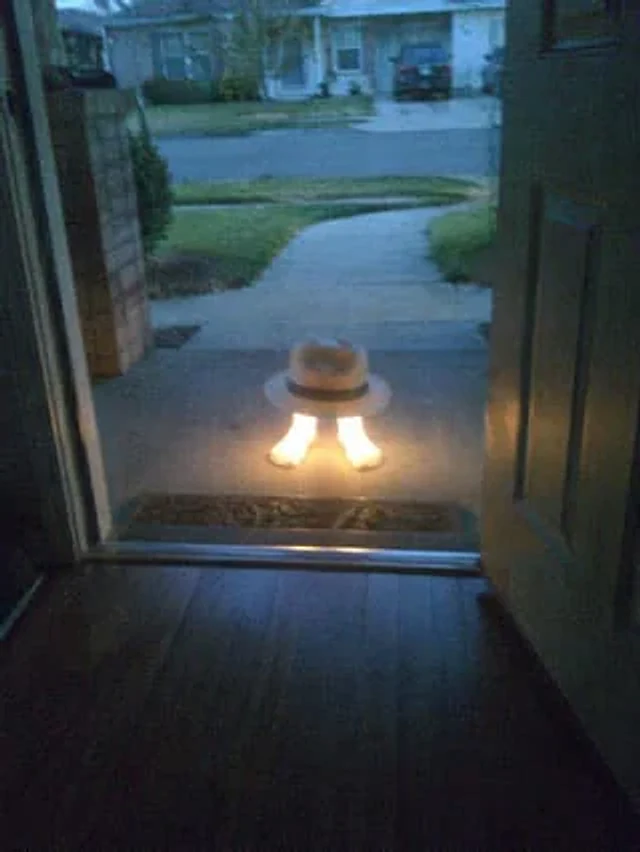
Using the reference image, completely remove the pelican's body. Replace the traffic cones with {argument name="hat style" default="White fedora with black trim"} It is then placed directly above the human foot. A strong glowing effect is added to the foot, making it {argument name="foot effect" default="Emitting a bright, warm light"} Maintain the open doorway, porch environment, and the suburban sunset backdrop.

사용 방법

  1. 매개변수를 포함한 전체 원본 프롬프트를 복사하세요.
  2. 주제, 문구, 구도를 자신의 요구에 맞게 바꾸세요.
  3. 호환되는 외부 도구에서 사용하고 이용 조건과 결과를 확인하세요.

시작 전 확인

  • 참조 이미지가 필요한지 확인하세요. 호환 표시는 해당 모델로 이 예시를 생성했다는 뜻이 아닙니다.
  • 이름, 수치, 이미지 속 문구를 확인하세요. 모델 버전에 따라 결과가 다를 수 있습니다.

비슷한 예시

Local Edit: Mascot Robot Replacement
GPT Image 2en

Use the provided reference image for partial editing. Replace the robot character next to the woman with a cute green and white mascot robot version, maintaining the same pose, position, scarf, lighting, and comfortable watercolor anime style, while keeping the rest of the scene

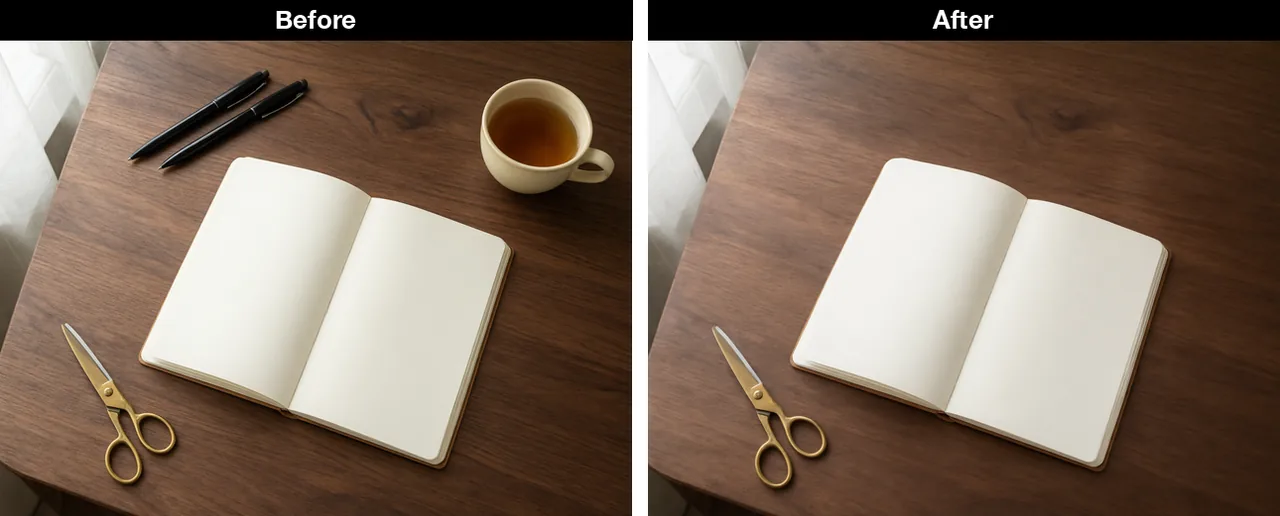
Desk with the cup and pens removed
Qwen Image 3.0en

Keep the walnut desk, the open blank notebook, the brass scissors, the window light, and the same camera angle. Remove the cream ceramic cup and both black pens completely. Do not add new objects. No text, no logos, no watermark, no hands.

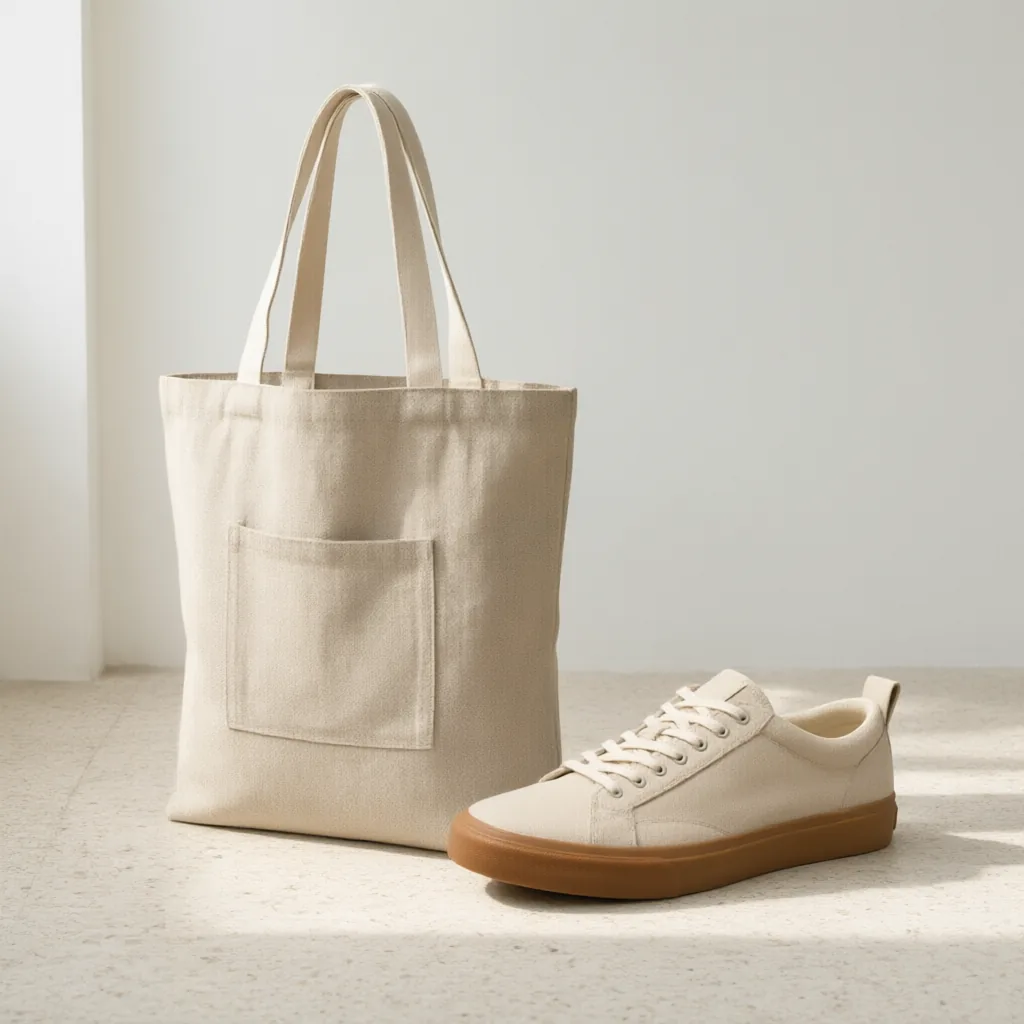
Sneaker and tote in one room
Qwen Image 3.0en

A lifestyle catalog photo on a pale terrazzo floor against a plain white wall, morning light from the left. Place the oatmeal sneaker from the first image next to the oat linen tote from the second image. Keep the shoe's gum sole, cream laces, and blank heel tab. Keep the tote's