原文
GPT Image 2 · en
Scene:
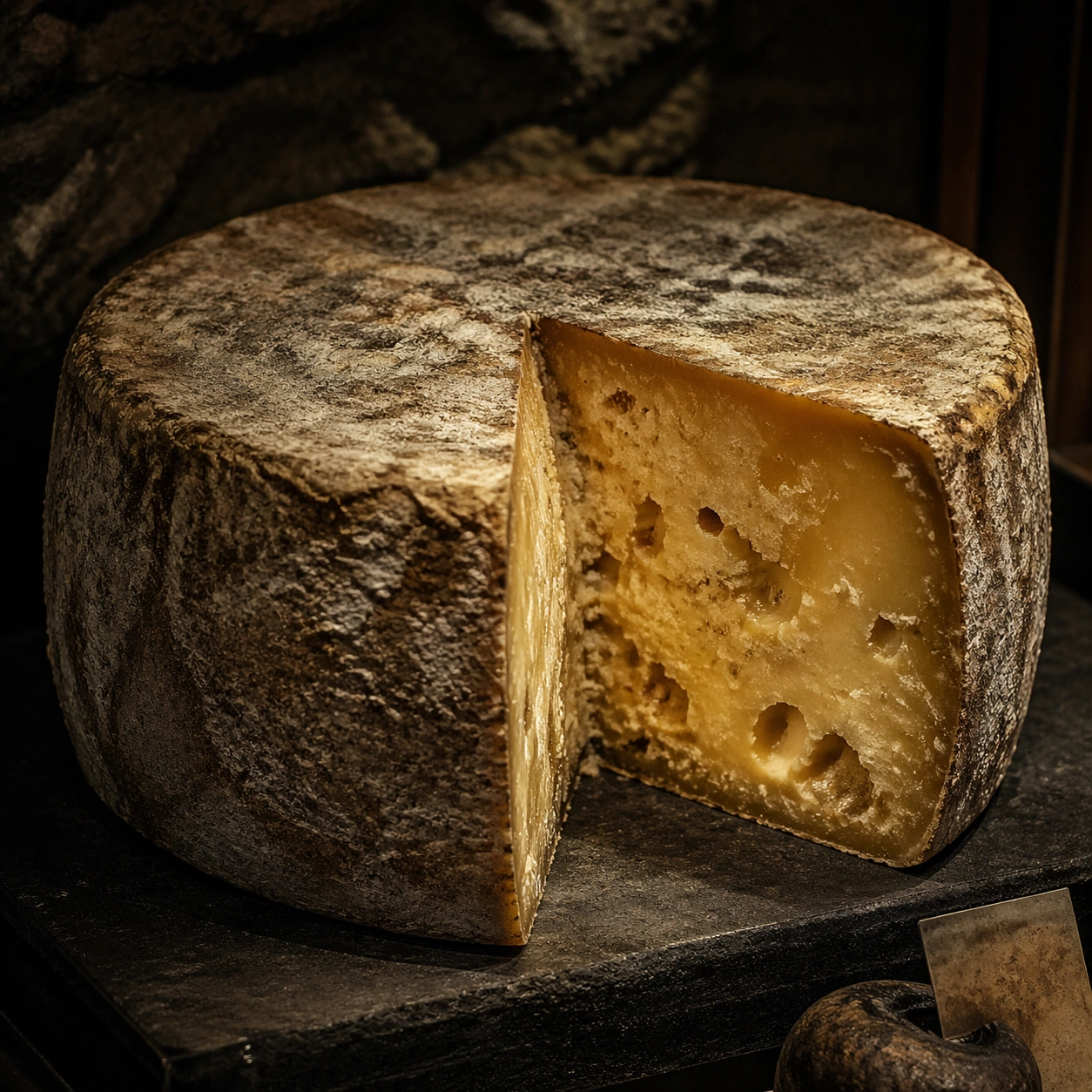
Create a square museum-vitrine style photograph of fermentation vessels treated as natural-history specimens, with calm raking light, restrained reflections, and an atmosphere of patient observation. Glass, ceramic, cloth covers, and aged labels can appear, but any markings must stay unreadable. The mood should be archival, biological, and sculptural at once. Create a square specimen photograph on a dark museum-like pedestal with soft raking light and controlled cave-like atmosphere. The background should imply cool stone darkness without distracting from the cheese.

Subject:
Show a large cheese wheel with one wedge removed so the rind, paste, internal openings, and age patterns become readable. The rind should carry subtle bloom and cave wear, while the interior shows density variation and possible tunnels or crystals. The wheel must feel mature, heavy, and alive with time.

Important details:
Micro texture is essential: skins, bubbles, sediment, microbial mats, crusts, folds, and wet surfaces all need distinct tactile logic. The images should respect the beauty of slow transformation without sanitizing it into generic product photography. Fermentation must look alive, layered, and physically specific. Focus on the contrast between rugged outer rind and complex interior body. Crystals, moisture gradients, and micro cavities should feel naturally formed, not stylized.

Use case:
Fermentation sculpture atlas single study 5/9, documenting a cave-aged cheese wheel as a living specimen.

Constraints:
No readable text, no watermark, no logos, preserve exact 1:1 aspect ratio, no readable dates or species names, no modern supermarket packaging, no laboratory sterility that kills the organic feel, no mold-horror sensationalism, no cartoon colors, no grocery wrapper, no cheese-board lifestyle props, no readable cave labels.
使い方
- パラメータを含む元のプロンプト全体をコピーします。
- 被写体、文字、構図を自分の要件に置き換えます。
- 対応する外部ツールで使用し、利用条件と結果を確認します。
開始前の確認
- 参考画像の要否を確認してください。互換モデルの表示は、そのモデルでの生成実績を意味しません。
- 名前、数値、画像内の文字を確認します。モデルの版で結果は変わります。