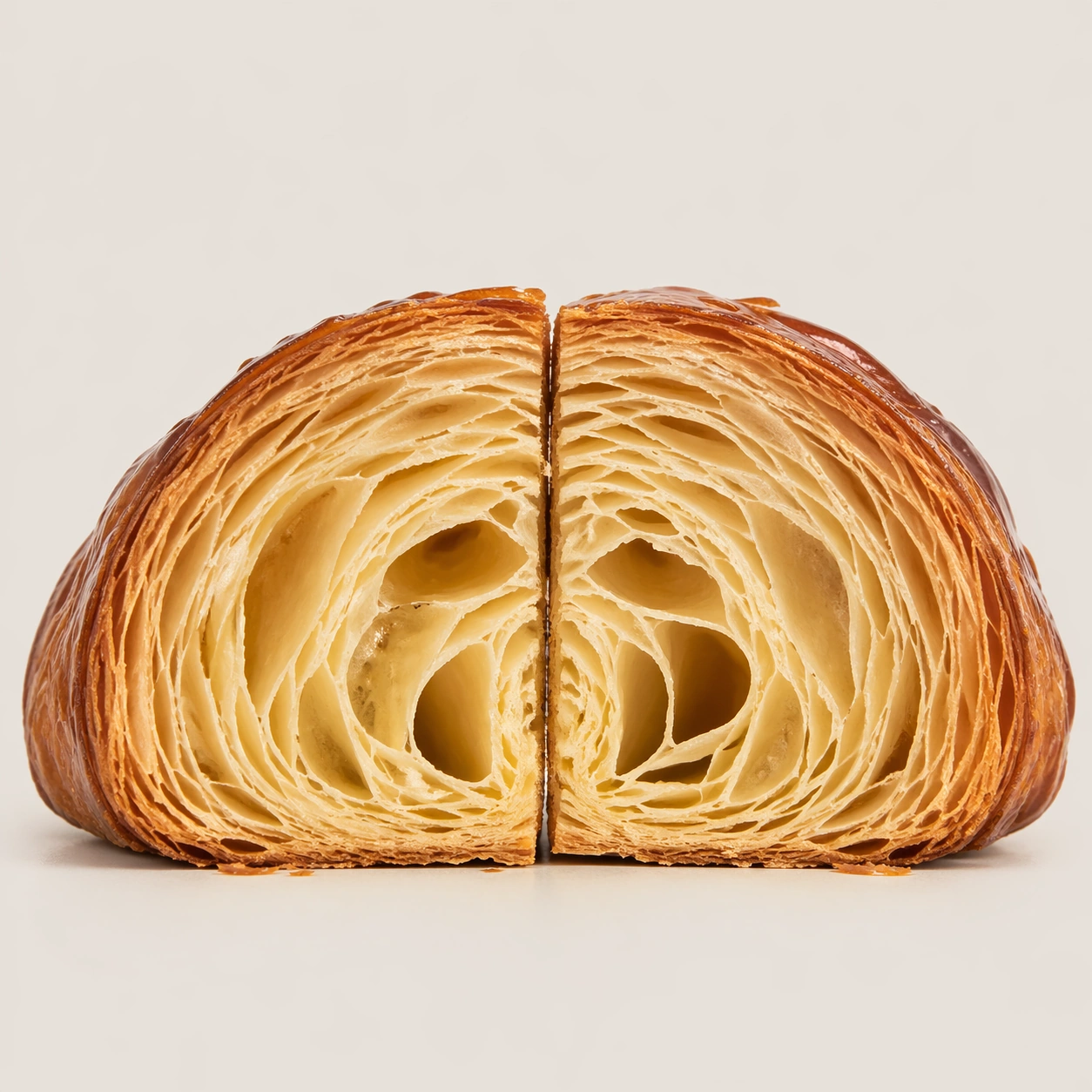
원본 문서
GPT Image 2 · en
Scene:
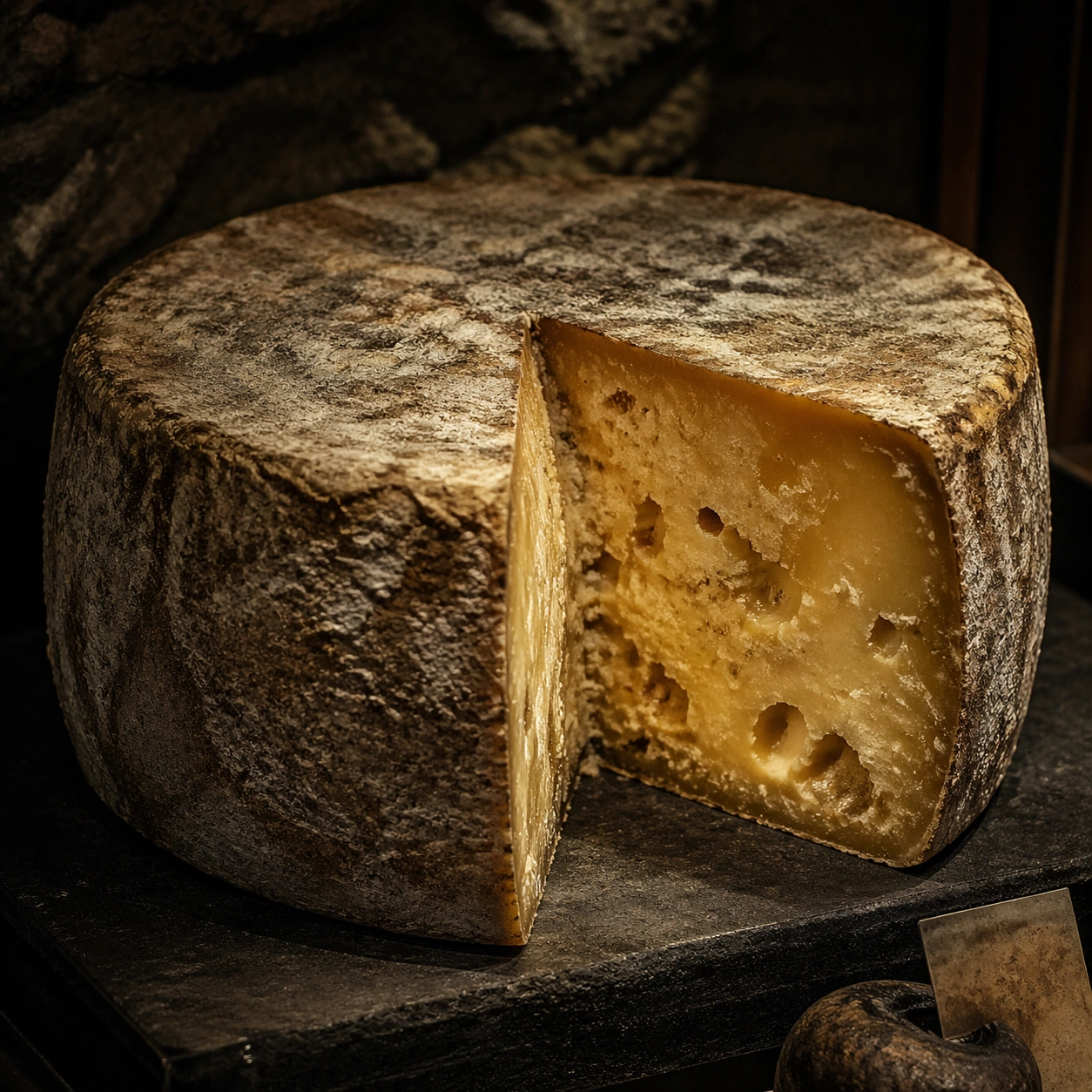
Create a square museum-vitrine style photograph of fermentation vessels treated as natural-history specimens, with calm raking light, restrained reflections, and an atmosphere of patient observation. Glass, ceramic, cloth covers, and aged labels can appear, but any markings must stay unreadable. The mood should be archival, biological, and sculptural at once. Create a square specimen photograph on a dark museum-like pedestal with soft raking light and controlled cave-like atmosphere. The background should imply cool stone darkness without distracting from the cheese.

Subject:
Show a large cheese wheel with one wedge removed so the rind, paste, internal openings, and age patterns become readable. The rind should carry subtle bloom and cave wear, while the interior shows density variation and possible tunnels or crystals. The wheel must feel mature, heavy, and alive with time.

Important details:
Micro texture is essential: skins, bubbles, sediment, microbial mats, crusts, folds, and wet surfaces all need distinct tactile logic. The images should respect the beauty of slow transformation without sanitizing it into generic product photography. Fermentation must look alive, layered, and physically specific. Focus on the contrast between rugged outer rind and complex interior body. Crystals, moisture gradients, and micro cavities should feel naturally formed, not stylized.

Use case:
Fermentation sculpture atlas single study 5/9, documenting a cave-aged cheese wheel as a living specimen.

Constraints:
No readable text, no watermark, no logos, preserve exact 1:1 aspect ratio, no readable dates or species names, no modern supermarket packaging, no laboratory sterility that kills the organic feel, no mold-horror sensationalism, no cartoon colors, no grocery wrapper, no cheese-board lifestyle props, no readable cave labels.
사용 방법
- 매개변수를 포함한 전체 원본 프롬프트를 복사하세요.
- 주제, 문구, 구도를 자신의 요구에 맞게 바꾸세요.
- 호환되는 외부 도구에서 사용하고 이용 조건과 결과를 확인하세요.
시작 전 확인
- 참조 이미지가 필요한지 확인하세요. 호환 표시는 해당 모델로 이 예시를 생성했다는 뜻이 아닙니다.
- 이름, 수치, 이미지 속 문구를 확인하세요. 모델 버전에 따라 결과가 다를 수 있습니다.