
原文
GPT Image 2 · en
Scene:
Create a square pastry documentation image on a seamless pale gray or warm ivory studio background with soft catalog lighting and almost no cast-shadow drama. The camera should feel orthographic or gently frontal so cross-sections remain easy to compare. Everything must read like a pastry atlas: clean, measured, and highly legible, with crumbs controlled and edges crisp. Create a square specimen photograph on warm ivory with soft side light that catches both the ridged dark exterior and the pale open crumb inside. The frame should feel austere and archival.

Subject:
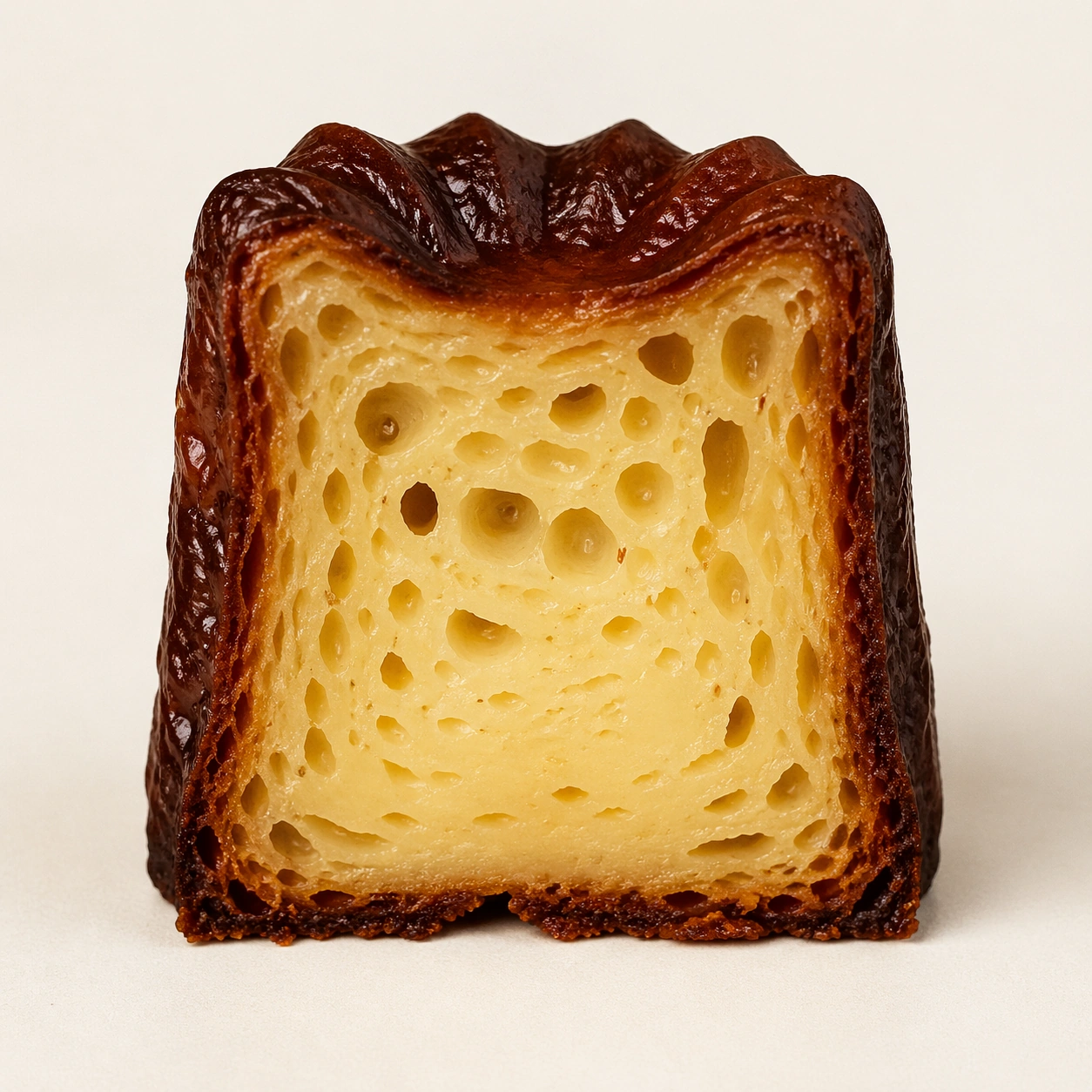
Show one canele cut perfectly in half from top to base, with the interior facing forward and the exterior retaining its dark caramelized ridges. The crumb should show irregular alveoli and a moist custard-like core, while the shell remains thin, glossy, and deeply browned. The pastry must feel honest and tactile, not idealized into plastic perfection.

Important details:
Treat every cut face as the hero: laminated layers, cream density, air pockets, fruit cavities, glaze thickness, and crumb structure all need to be countable and believable. The studio language should stay consistent and understated so structural detail does the work. No element should feel collapsed, smeared, or over-stylized. The key contrast is between lacquered shell and tender interior: make both equally believable. Tiny pores, subtle moisture, and crisp outer ridges should all remain visible without making the dessert look wet or underbaked.

Use case:
Pastry cross-section atlas single study 9/9, capturing canele crust and crumb as one structural contrast.

Constraints:
No readable text, no watermark, no logos, preserve exact 1:1 aspect ratio, no bakery counter background, no casual napkins, no readable labels, no powdered sugar mess, no rustic knife marks, no syrup puddles, no cafe props, no over-dark burnt shell.
使い方
- パラメータを含む元のプロンプト全体をコピーします。
- 被写体、文字、構図を自分の要件に置き換えます。
- 対応する外部ツールで使用し、利用条件と結果を確認します。
開始前の確認
- 参考画像の要否を確認してください。互換モデルの表示は、そのモデルでの生成実績を意味しません。
- 名前、数値、画像内の文字を確認します。モデルの版で結果は変わります。