
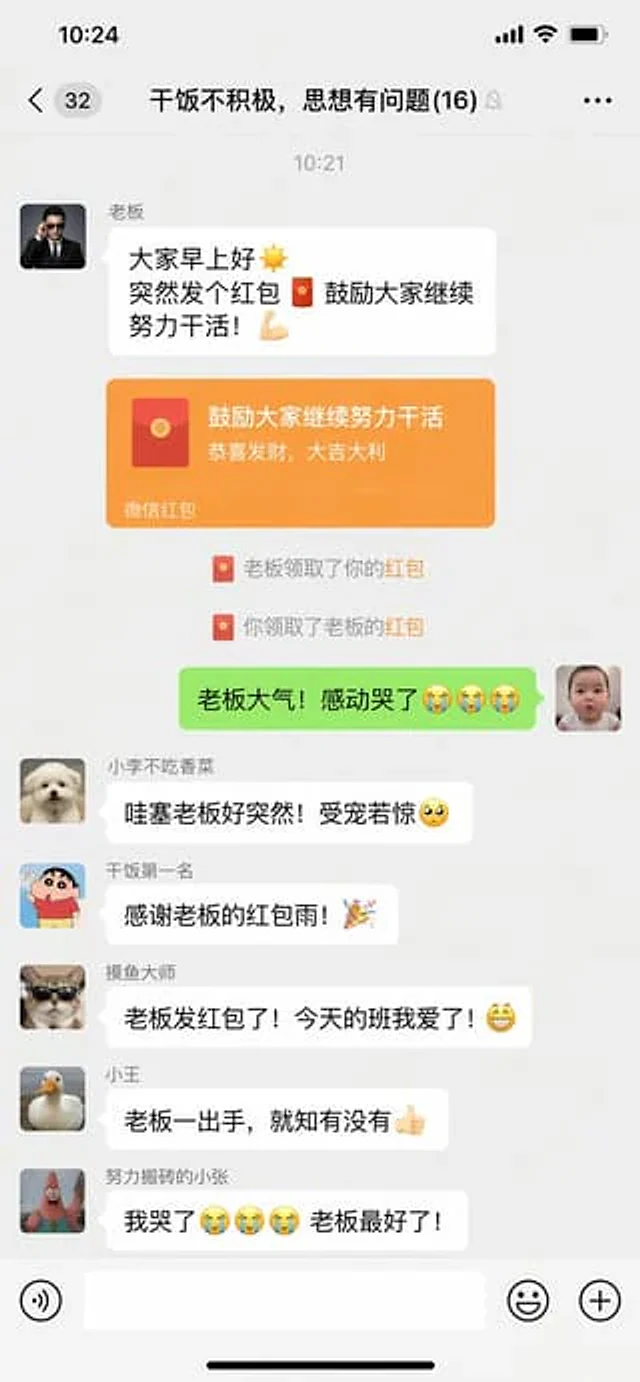
原文
GPT Image 2 · zh
微信聊天截图,{argument name="场景" default="群聊里老板突然发红包的搞笑对话界面"}使い方
- パラメータを含む元のプロンプト全体をコピーします。
- 被写体、文字、構図を自分の要件に置き換えます。
- 対応する外部ツールで使用し、利用条件と結果を確認します。
開始前の確認
- 参考画像の要否を確認してください。互換モデルの表示は、そのモデルでの生成実績を意味しません。
- 名前、数値、画像内の文字を確認します。モデルの版で結果は変わります。
GPT Image 2 · zh
微信聊天截图,{argument name="场景" default="群聊里老板突然发红包的搞笑对话界面"}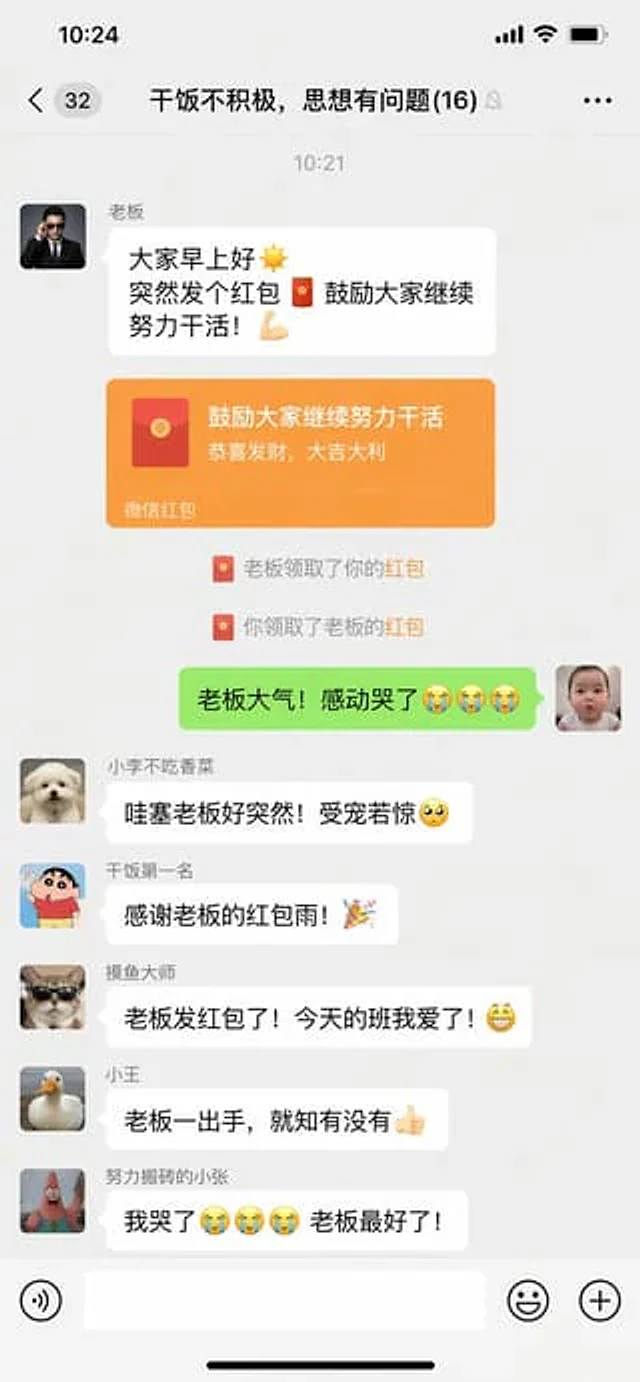
WeChat chat screenshots{argument name="scene" default="An interesting chat interface: the boss suddenly sends a red envelope in the group chat."} .
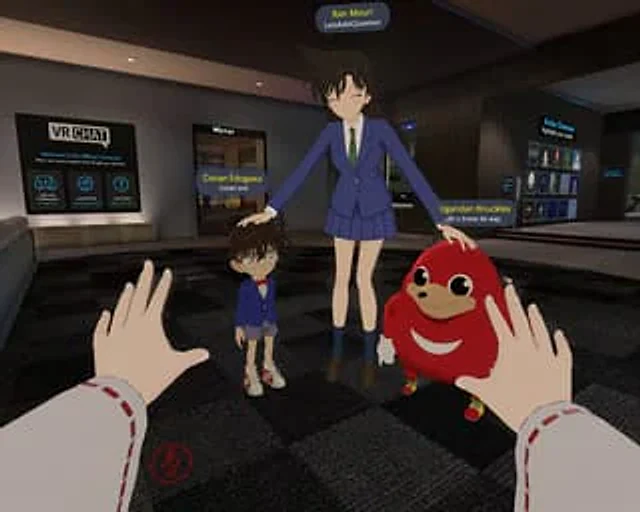
A location{argument name="game environment" default="VRChat Lobby"} The first-person POV screenshot shows a dark checkered floor, a "VR CHAT" welcome sign on the left, a "Mirror" porch, and an "Avatar Showcase" on the right. In the foreground, the observer's hands are visible, we

A realistic mobile screenshot model of a Chinese short video live-streaming e-commerce interface in dark mode, with a charcoal black background. In the upper right corner of the canvas, a rounded dark chat bubble containing Chinese text is placed.{argument name="request text" def
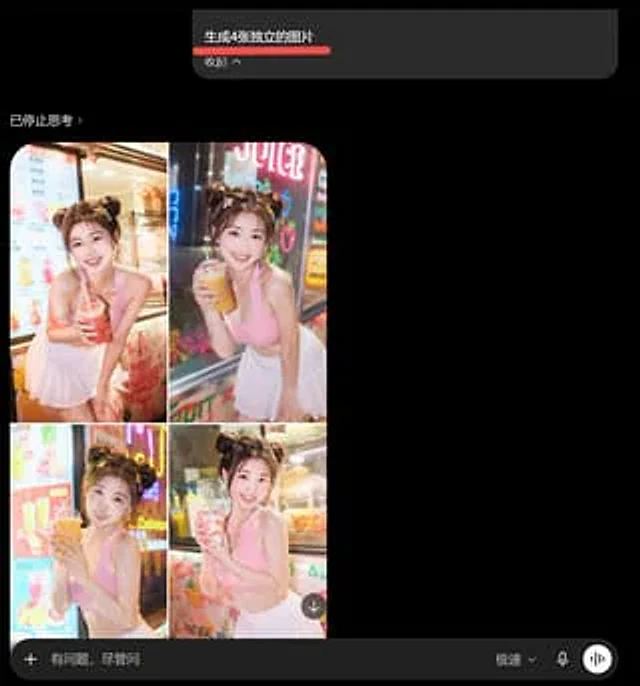
Goal: Create a dark-mode mobile chat screenshot showing an AI image generator response that incorrectly combines four requested images into one 2x2 collage. Canvas: Square screenshot, approximately 768×768 px, black background, cropped like a smartphone app interface in dark mod
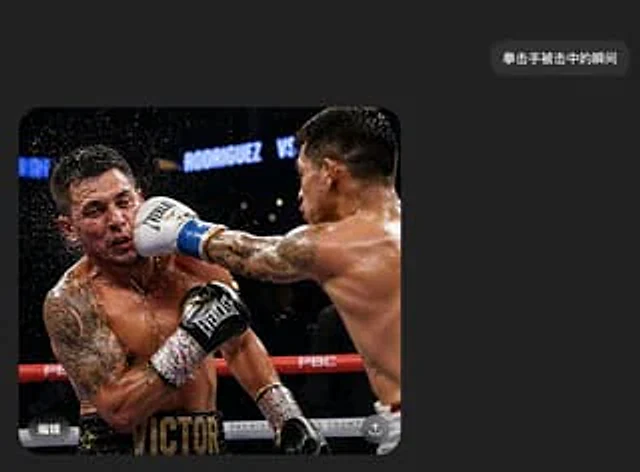
A realistic screenshot of a Chinese dark mode chat interface on a mobile phone. The style is minimalist and modern, featuring a charcoal black background with ample white space. Near the upper right corner is a rounded, dark gray message bubble containing white Chinese characters
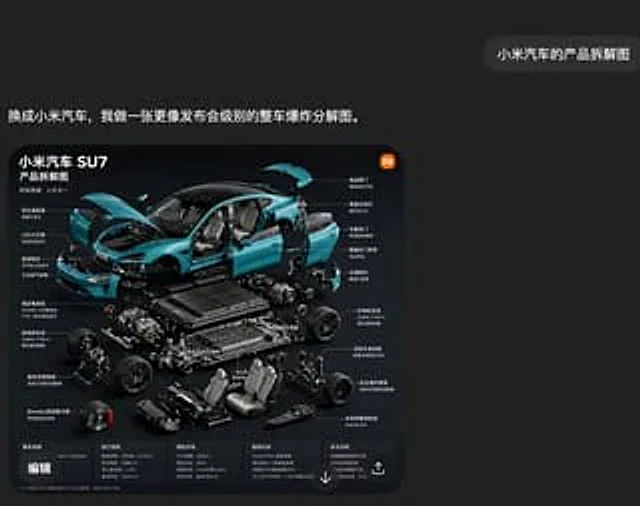
A screenshot of a stylish Chinese social media interface in a deep charcoal black, featuring a minimalist yet sophisticated design. A large, rounded rectangular image card is placed in the lower left center, while a small, rounded chat bubble appears in the upper right corner. Th