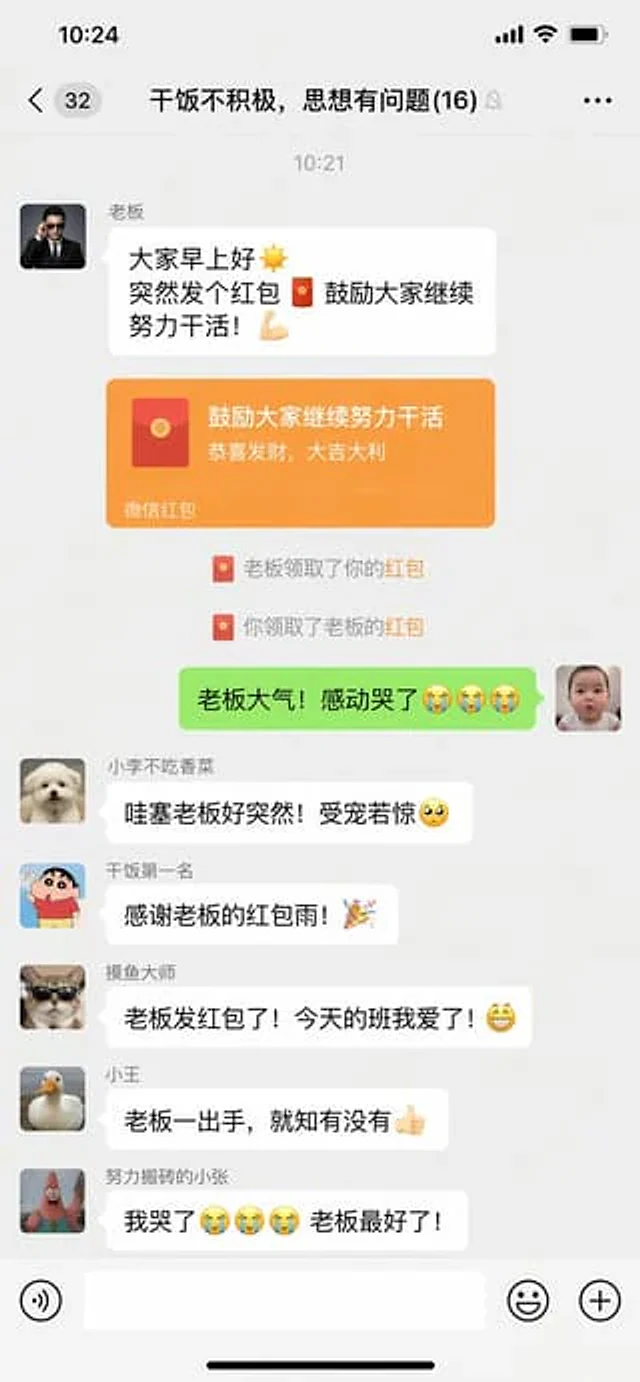
Funny Chat App Screenshot Prompt

Funny Chat App Screenshot Prompt

원본 문서

GPT Image 2 · zh

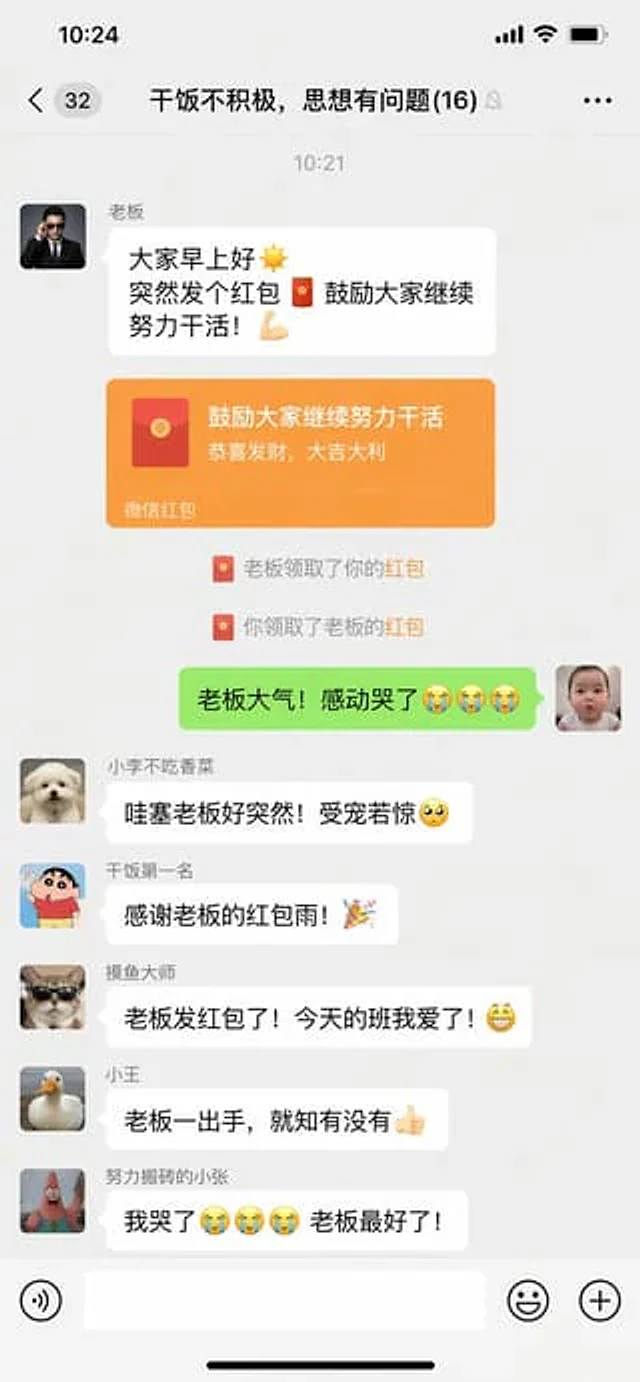
微信聊天截图,{argument name="场景" default="群聊里老板突然发红包的搞笑对话界面"}

사용 방법

  1. 매개변수를 포함한 전체 원본 프롬프트를 복사하세요.
  2. 주제, 문구, 구도를 자신의 요구에 맞게 바꾸세요.
  3. 호환되는 외부 도구에서 사용하고 이용 조건과 결과를 확인하세요.

시작 전 확인

  • 참조 이미지가 필요한지 확인하세요. 호환 표시는 해당 모델로 이 예시를 생성했다는 뜻이 아닙니다.
  • 이름, 수치, 이미지 속 문구를 확인하세요. 모델 버전에 따라 결과가 다를 수 있습니다.
비슷한 예시

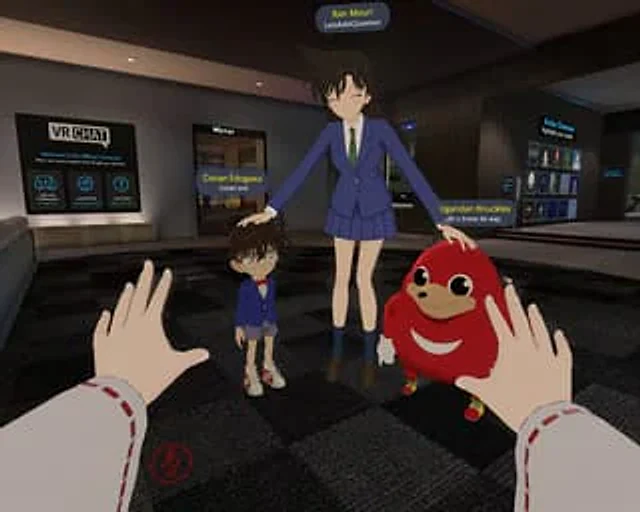
First-Person VRChat Meme Crossover Screenshot
GPT Image 2en

A location{argument name="game environment" default="VRChat Lobby"} The first-person POV screenshot shows a dark checkered floor, a "VR CHAT" welcome sign on the left, a "Mirror" porch, and an "Avatar Showcase" on the right. In the foreground, the observer's hands are visible, we

Fake Douyin Lao Gan Ma Livestream Screenshot
GPT Image 2en

A realistic mobile screenshot model of a Chinese short video live-streaming e-commerce interface in dark mode, with a charcoal black background. In the upper right corner of the canvas, a rounded dark chat bubble containing Chinese text is placed.{argument name="request text" def

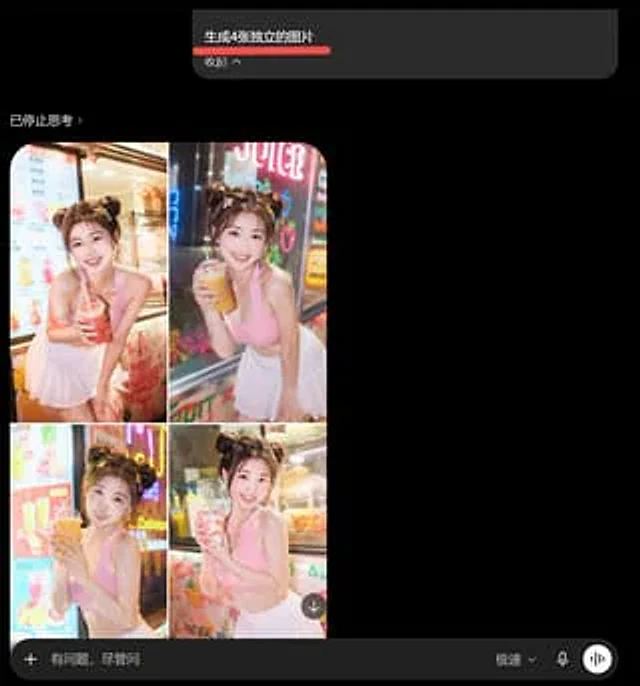
AI Image Generator Collage Failure Screenshot
GPT Image 2en

Goal: Create a dark-mode mobile chat screenshot showing an AI image generator response that incorrectly combines four requested images into one 2x2 collage. Canvas: Square screenshot, approximately 768×768 px, black background, cropped like a smartphone app interface in dark mod

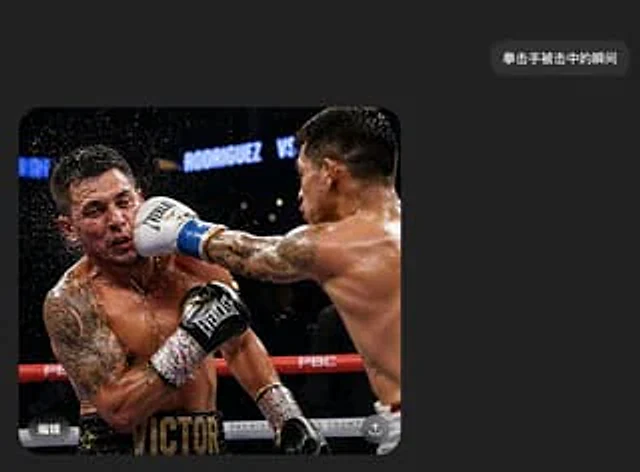
Boxing Impact Chat Screenshot
GPT Image 2en

A realistic screenshot of a Chinese dark mode chat interface on a mobile phone. The style is minimalist and modern, featuring a charcoal black background with ample white space. Near the upper right corner is a rounded, dark gray message bubble containing white Chinese characters

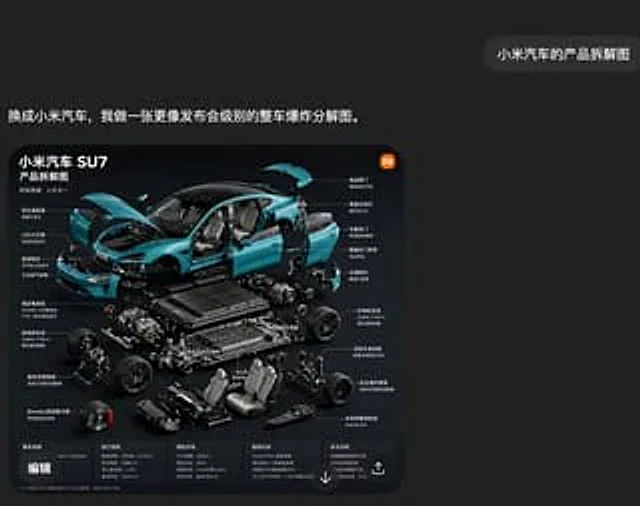
Xiaomi SU7 Exploded View Chat Screenshot
GPT Image 2en

A screenshot of a stylish Chinese social media interface in a deep charcoal black, featuring a minimalist yet sophisticated design. A large, rounded rectangular image card is placed in the lower left center, while a small, rounded chat bubble appears in the upper right corner. Th