
原文
GPT Image 2 · en
Scene:
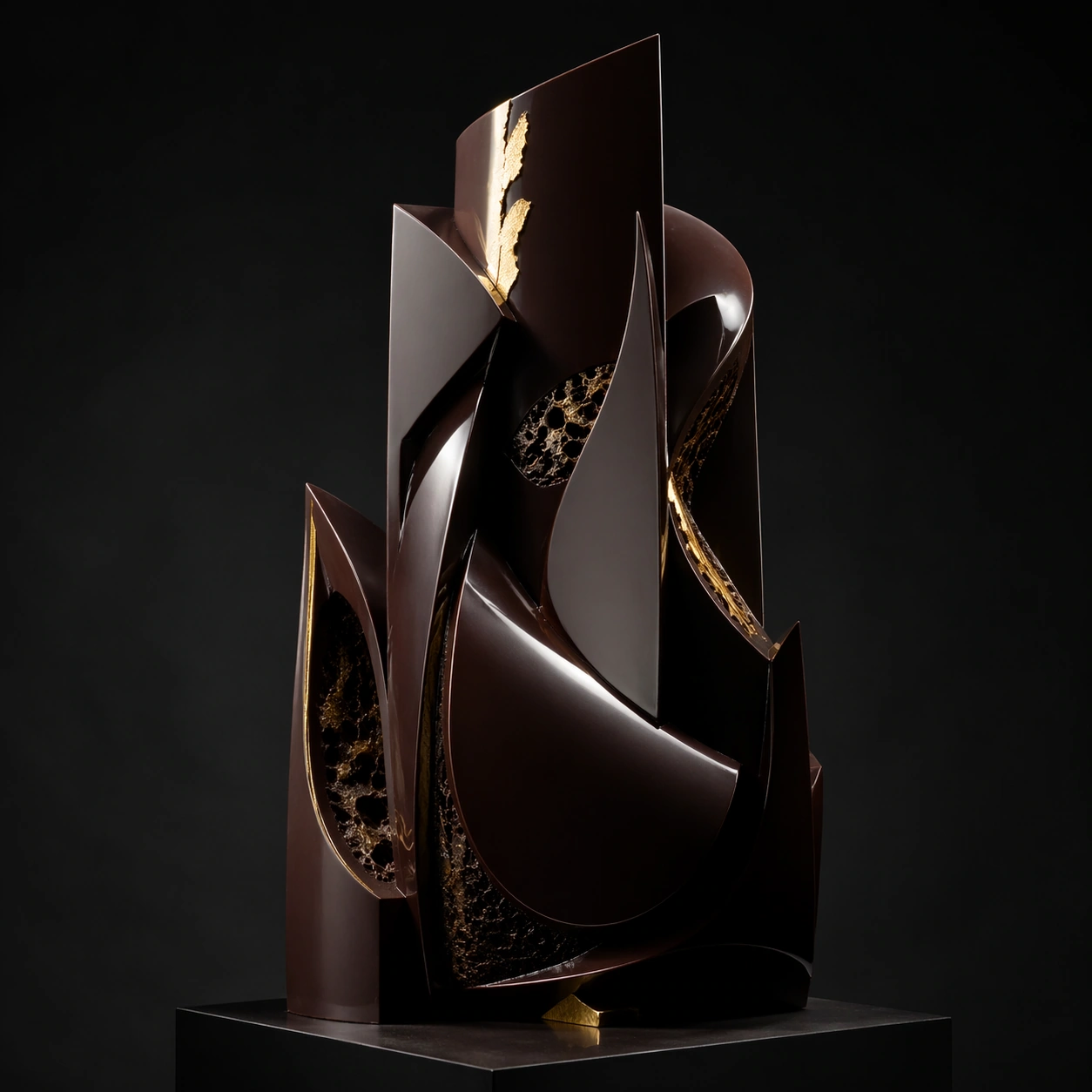
Create a square competition-style pastry studio photograph with one sculptural chocolate showpiece on a dark pedestal against a controlled neutral or black backdrop. Softbox reflections should skim the tempered surfaces with glass-like sharpness, while shadows stay deep and elegant. The object must feel large, balanced, and professionally lit, as if documented after winning a grand pastry prize. Create a square black-studio photograph with one large monolithic chocolate form on a dark pedestal, using crisp softbox reflections and deep surrounding shadow. The mood should be midnight-dark and monumental.

Subject:
Build a dense sculptural mass from layered dark chocolate planes, with a few precise cuts, narrow openings, and restrained gold accents interrupting the volume. The monolith should feel heavy and stable, as if carved from tempered darkness. A few subtle praline-inspired cavity hints may appear within the structure.

Important details:
Tempered chocolate realism is critical: mirror reflections, crisp edges, matte-to-gloss transitions, gold leaf, sugar accents, and structural balance all need to feel plausible. The sculpture can be impossible in composition, but never sloppy in craft. Every support point and reflection line should suggest deliberate pastry engineering. The power of the image comes from weight, reflection, and controlled interruption. Make the mass feel undeniably chocolate while preserving the severe monumentality of the form.

Use case:
Chocolate lacquer sculpture single study 9/9, turning tempered chocolate into a monumental midnight monolith.

Constraints:
No readable text, no watermark, no logos, preserve exact 1:1 aspect ratio, no candy-bar packaging cues, no readable competition banners, no cartoon dessert palette, no smudged fingerprints, no cluttered workshop background, no cake-slice associations, no dessert plate context, no sugary decorations.
使い方
- パラメータを含む元のプロンプト全体をコピーします。
- 被写体、文字、構図を自分の要件に置き換えます。
- 対応する外部ツールで使用し、利用条件と結果を確認します。
開始前の確認
- 参考画像の要否を確認してください。互換モデルの表示は、そのモデルでの生成実績を意味しません。
- 名前、数値、画像内の文字を確認します。モデルの版で結果は変わります。