原文
GPT Image 2 · en
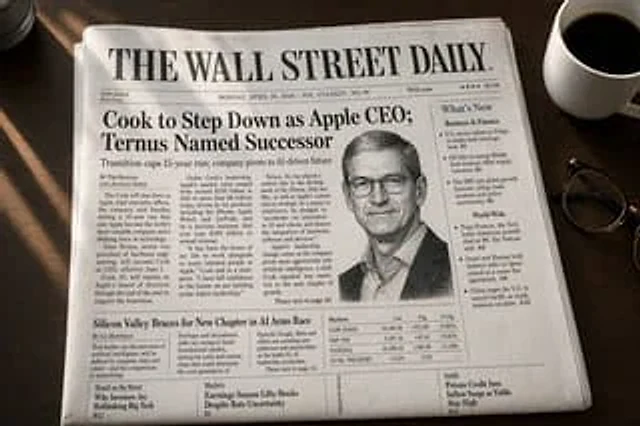
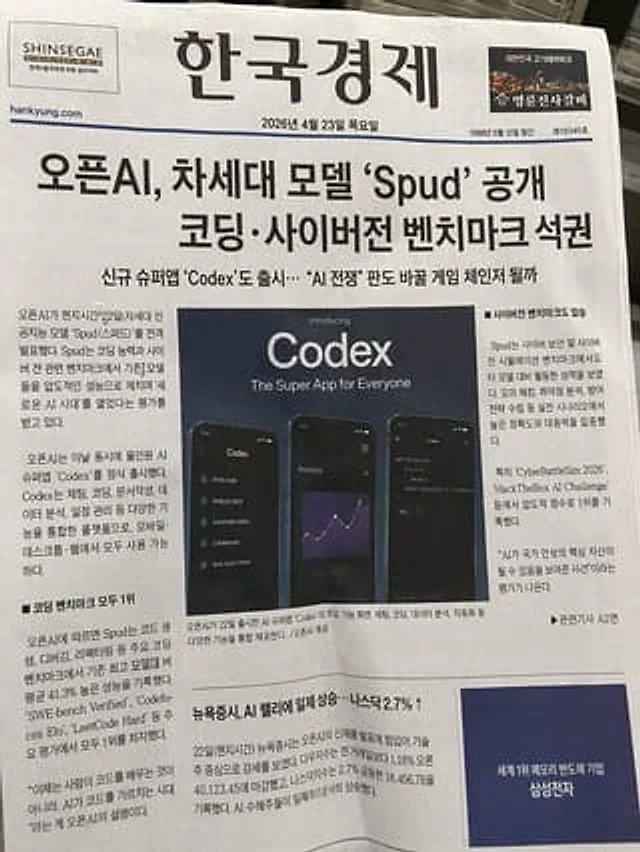
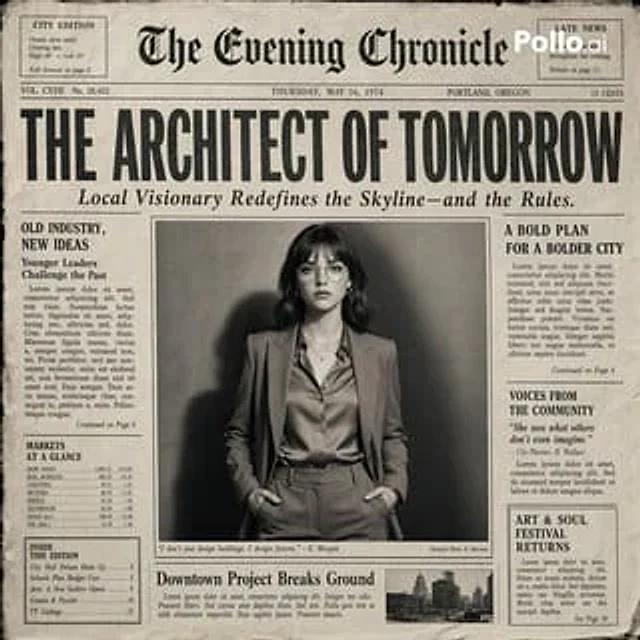
Create the most realistic retro newspaper front page design with the main subject at its center. The layout should resemble an authentic printed newspaper with a cinematic black-and-white aesthetic. The main photograph should be prominently placed in the center with a border, similar to an image in an article headline. The subject in the photograph should remain clear and legible in natural light, with slightly increased contrast to match the eye-catching editorial style. Create a striking and attention-grabbing headline at the top (create a unique headline that matches the mood of the photograph—it can be romantic, mysterious, humorous, or dramatic). Add a smaller subheading below the headline to make it look like authentic newspaper captions. Add realistic newspaper elements: small text columns (in a randomized, pseudo-text style, but with typography like real news); a fictional publication name at the top (e.g., "The Daily Prompts," "AI Times," or similar—get creative based on the image); date, issue number, and location; decorative lines, separators, and retro typography; small supplementary articles or captions related to the main image; optional stamps, doodles, or editorial notes to add personality. Style: Black and white or slightly faded monochrome paper; fine paper texture, graininess, and ink imperfections; subtle shadows and creases mimicking real printed paper; a clean but slightly worn vintage newspaper aesthetic. Atmosphere: Imbues the design with personality, expressiveness, and a sense of narrative, as if the narrative were part of the main article. Aspect Ratio: 4:5 or 1:1; a highly detailed, hyper-realistic blend of editorial photography and print design.使い方
- パラメータを含む元のプロンプト全体をコピーします。
- 被写体、文字、構図を自分の要件に置き換えます。
- 対応する外部ツールで使用し、利用条件と結果を確認します。
開始前の確認
- 参考画像の要否を確認してください。互換モデルの表示は、そのモデルでの生成実績を意味しません。
- 名前、数値、画像内の文字を確認します。モデルの版で結果は変わります。